Most advice on apparel photography is written for standard-size womenswear. Plus-size, menswear and kidswear shoppers ask different questions, and the product page has to answer them.
Plus-size: show fit on a similar body
The main doubt for a plus-size shopper is fit: where the waist sits, how fabric falls over the hips, whether the shoulders pull. A photo on a sample-size model does not answer that, and often turns the shopper away.
- A model who matches your customer. Pick a body type that fits your size range and shoot the whole line on it.
- Full length and three-quarter. These angles show silhouette and length.
- A fabric close-up. Weight and stretch matter more than usual.
- Size guide as a separate image or in the description, not as text over the main photo.
In AISKU you choose a model once and every product is shot on that model. For plus-size this matters most: when every listing shows a different body, shoppers cannot compare items.
Menswear: calmer poses, more detail
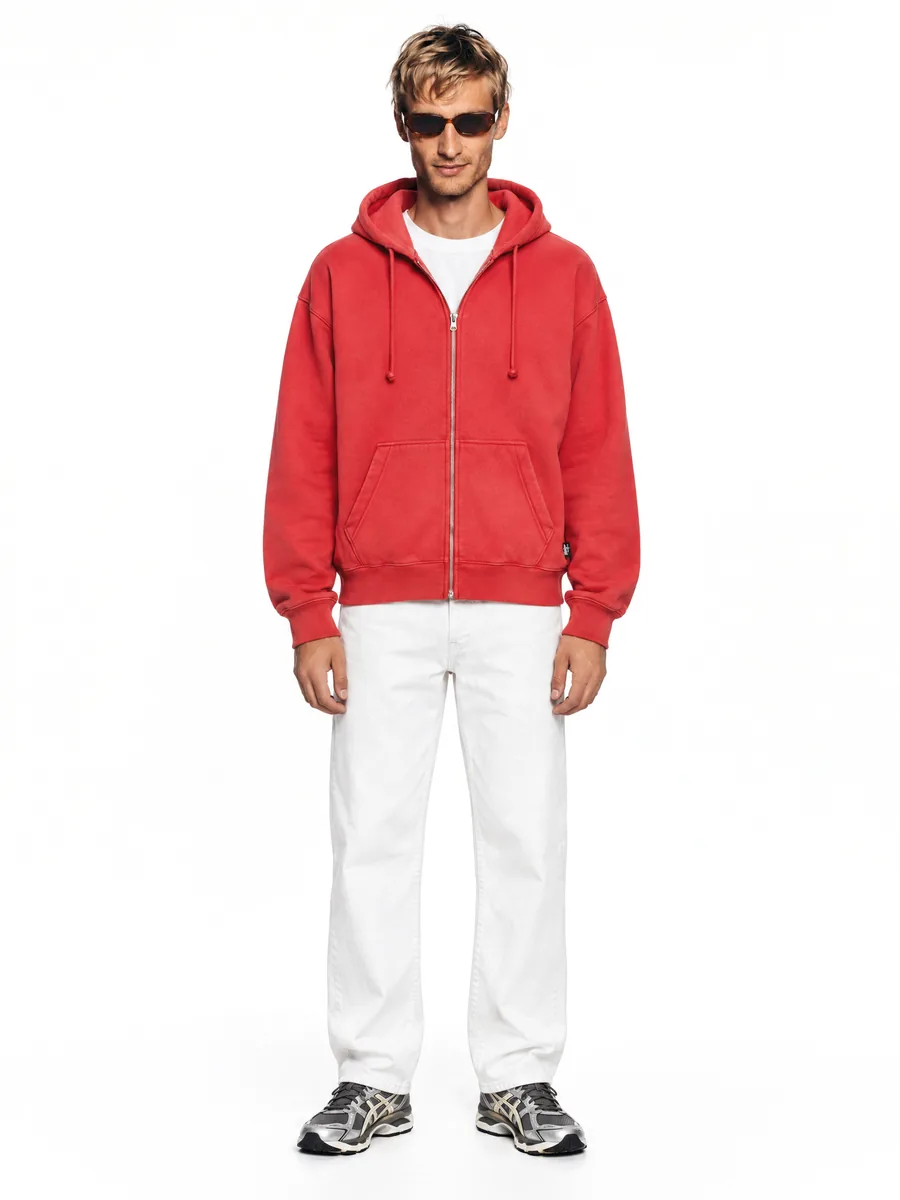
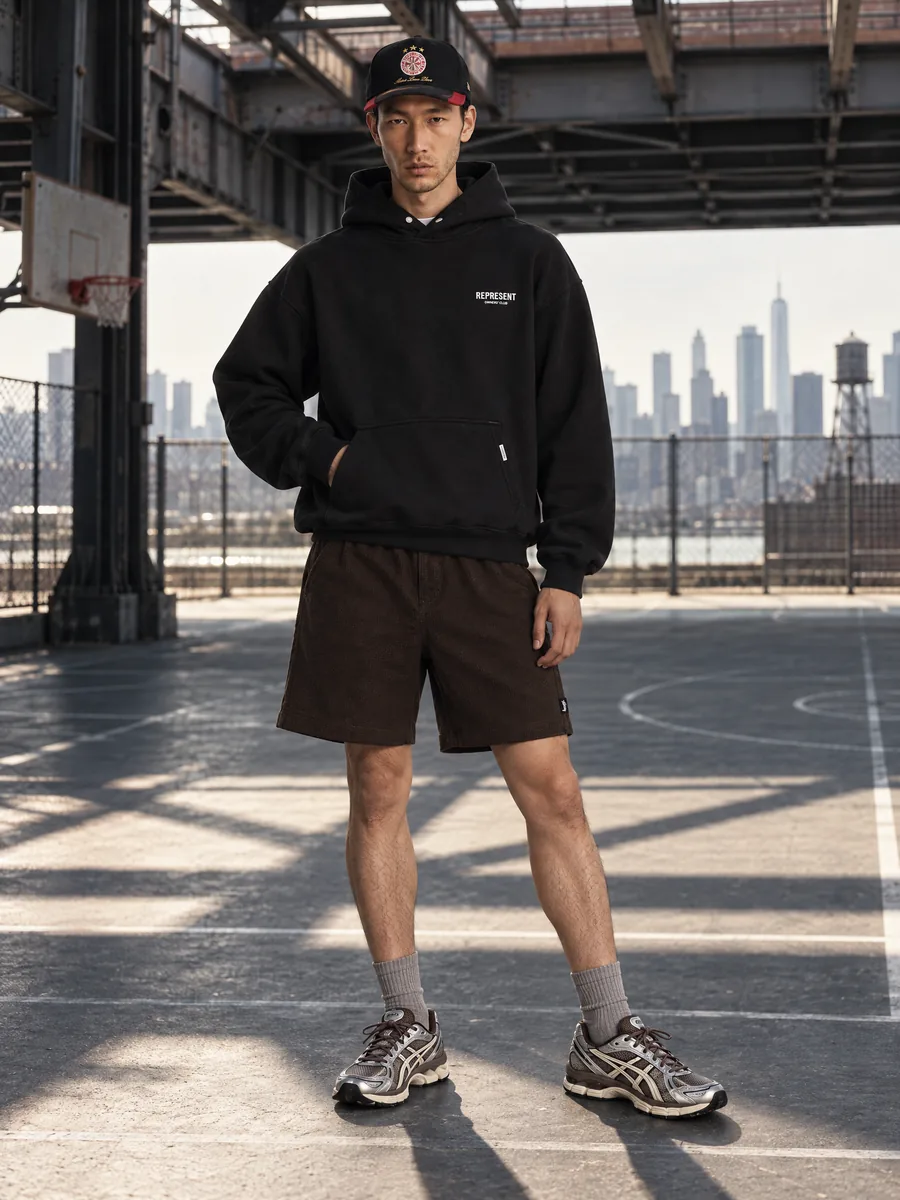
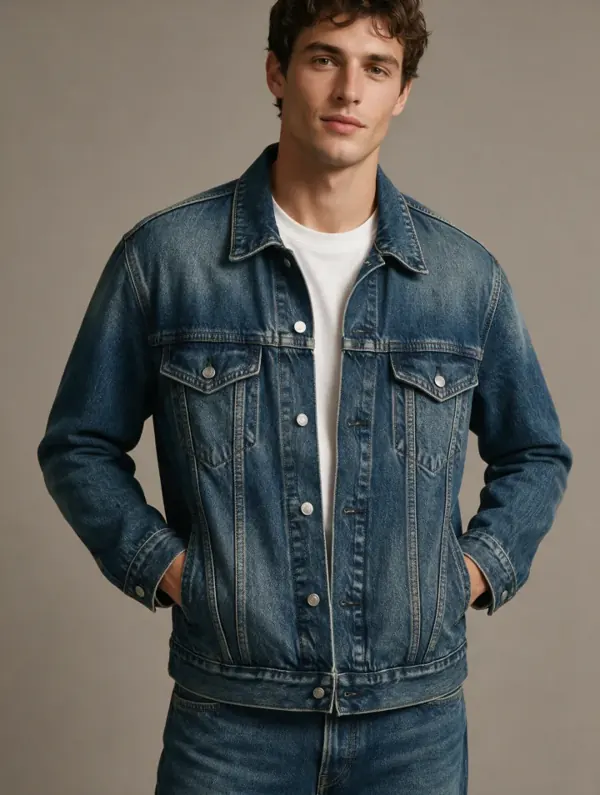
Men tend to shop on practical details: fit, fabric, pockets, hardware. Menswear pages perform better with simple poses and more close-ups.
- Neutral stance front and three-quarter.
- Close-ups of collars, buttons, zippers and stitching.
- A back view for jackets, blazers and trousers.
- One model per line, so the category page looks like a brand catalog.
AISKU keeps color, texture and details of the garment, and every frame passes quality control against your source photo before it reaches you. For menswear, where buyers zoom in on hardware and seams, that check is the point.
Kidswear: no model, done carefully
Kidswear is different. The AISKU model catalog is adults only, so we do not put children’s clothing on child models. What works well on a kidswear page:
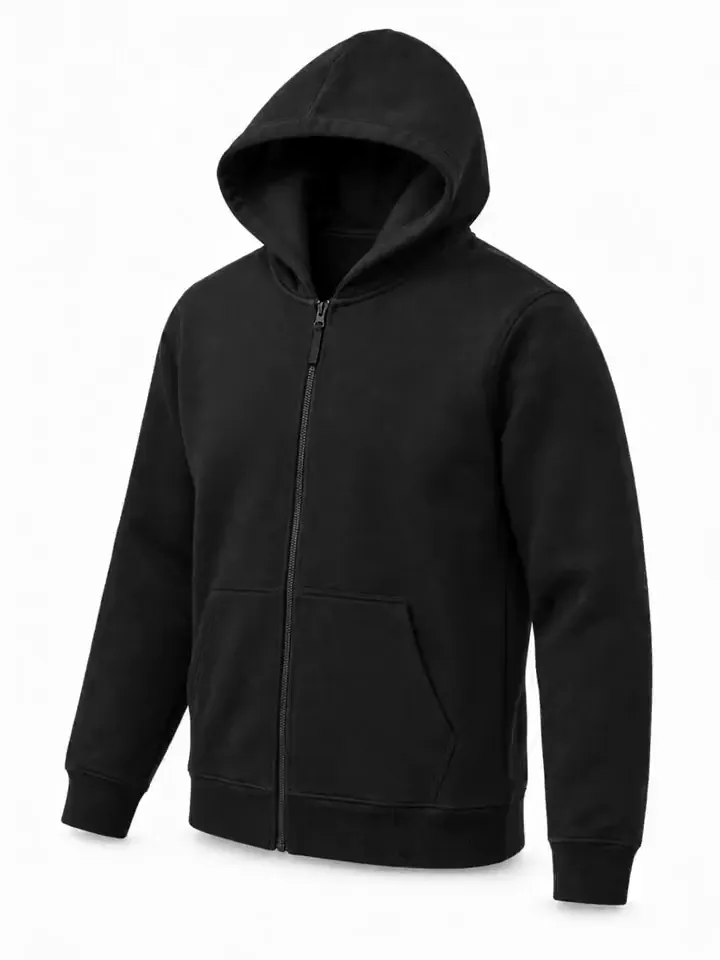
- Flat lay on a plain background: the whole item, straight, no creases.
- Sets laid out together: outfit, hat and mittens in one shot.
- Ghost mannequin for outerwear and dresses, where shape and length matter.
- Close-ups of prints, fasteners, seams and the care label.
Check the image rules for your marketplace category before uploading, especially for the main image.
Common to all three
- One model and one light setup across each line.
- Plain background for the main image, lifestyle scenes for secondary images.
- No prices, badges or text on the photo itself.
- The item in the photo matches the item you ship: color, print and details.
From $0.33 per frame, with every frame checked before delivery, it is practical to give your plus-size and menswear lines their own models instead of showing everything on one sample-size body.
What it looks like in the studio

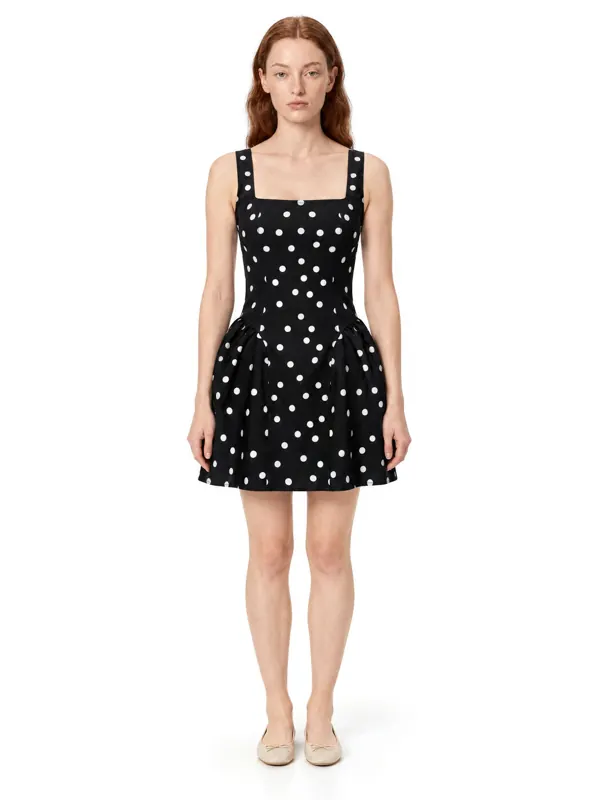
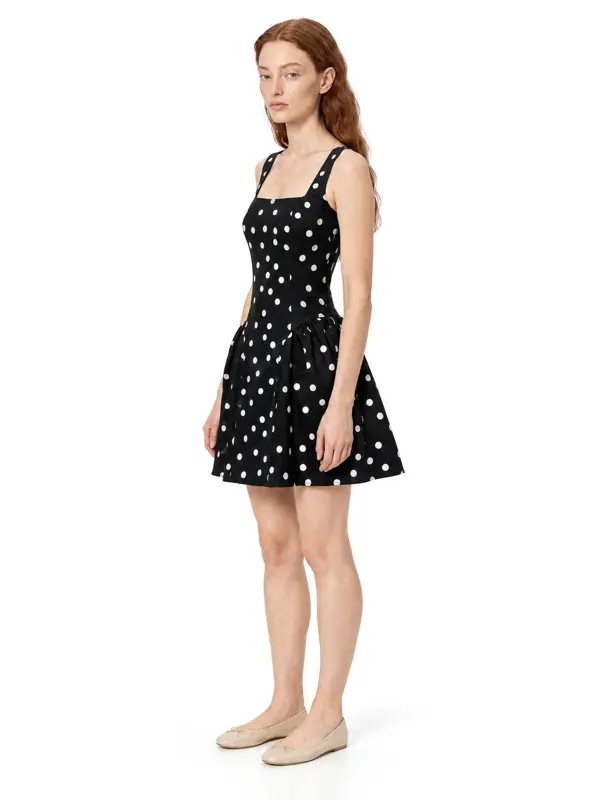
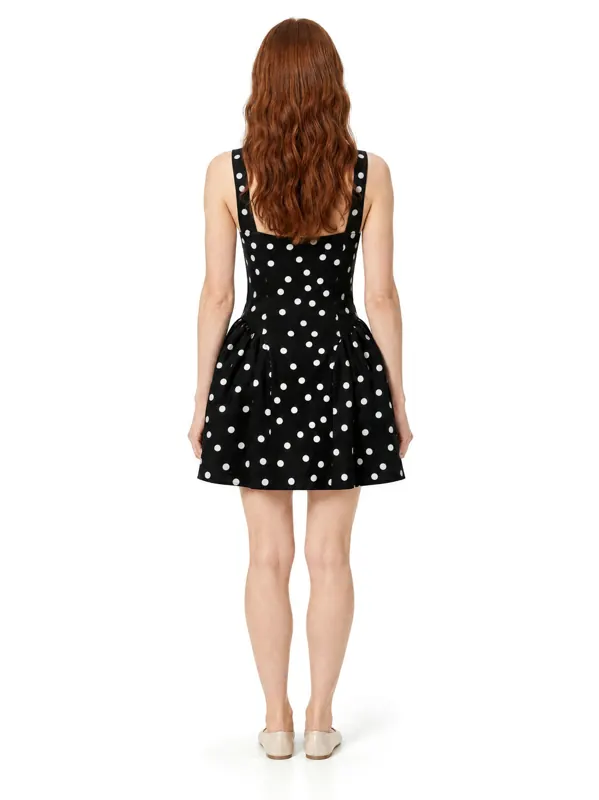
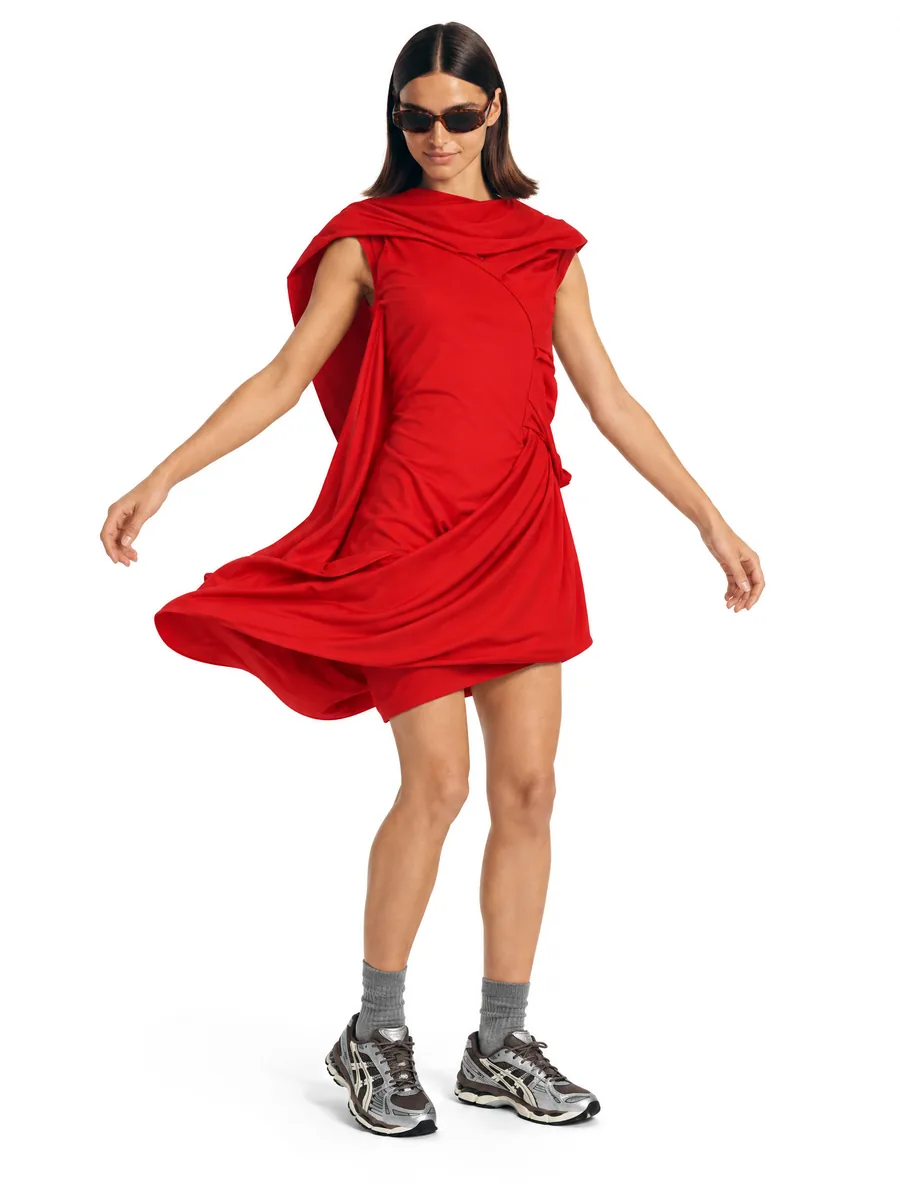
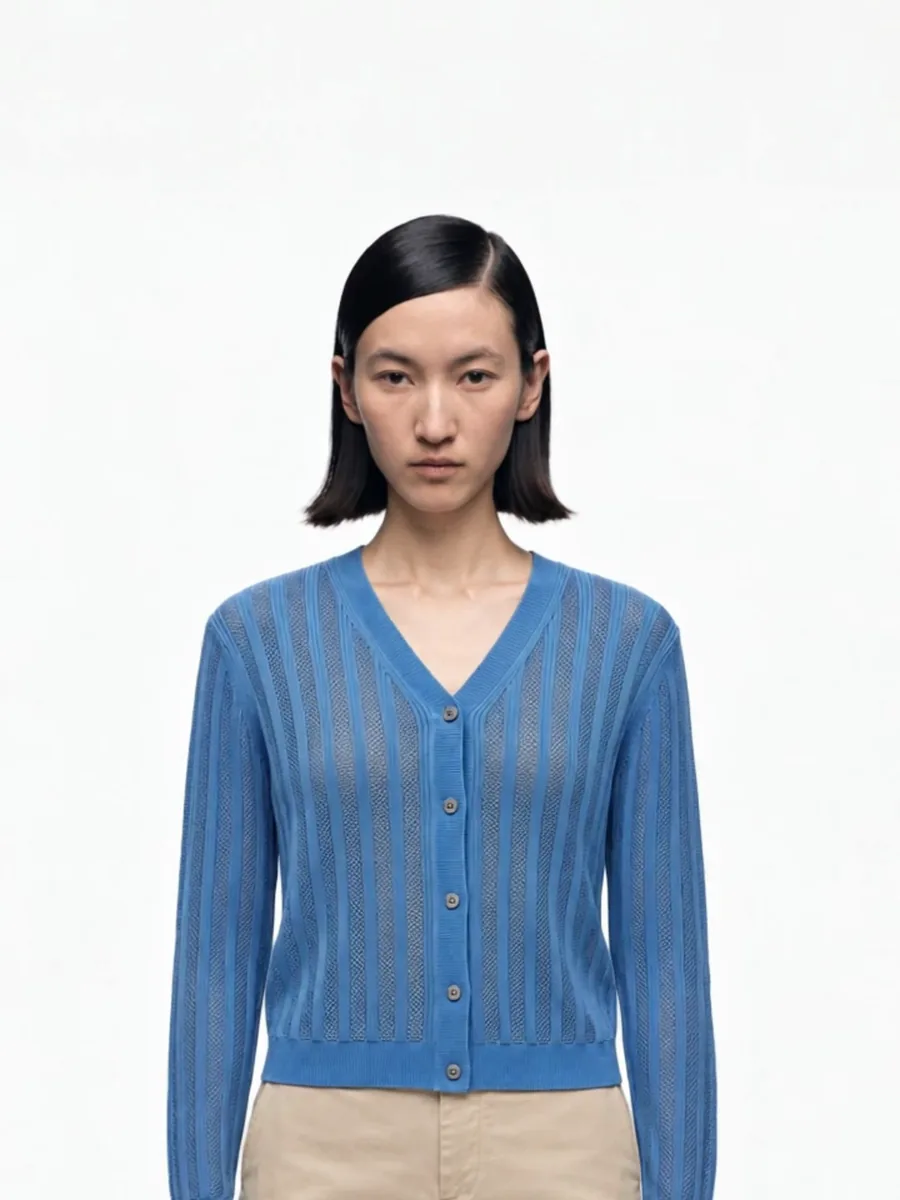
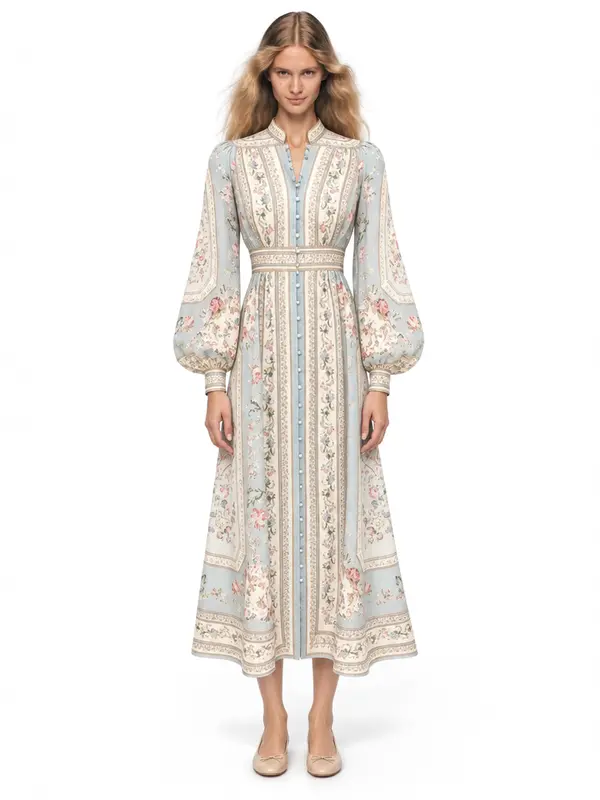
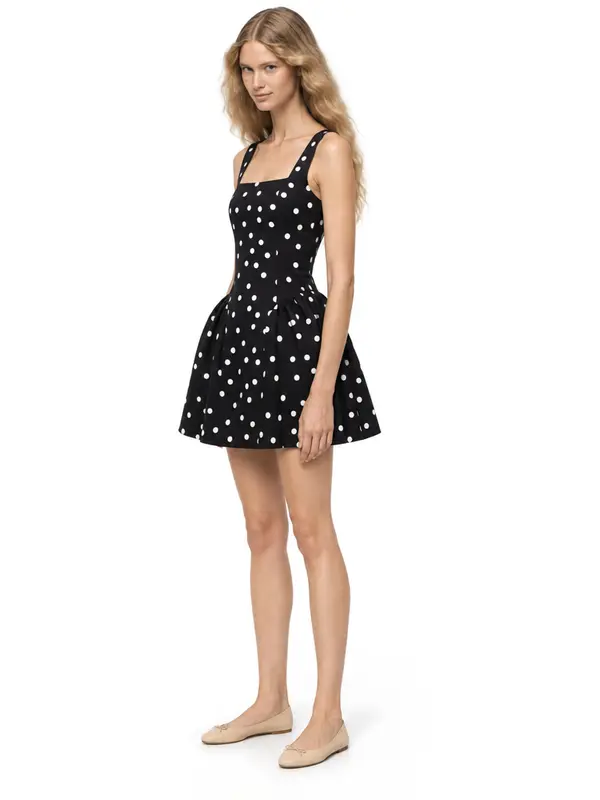
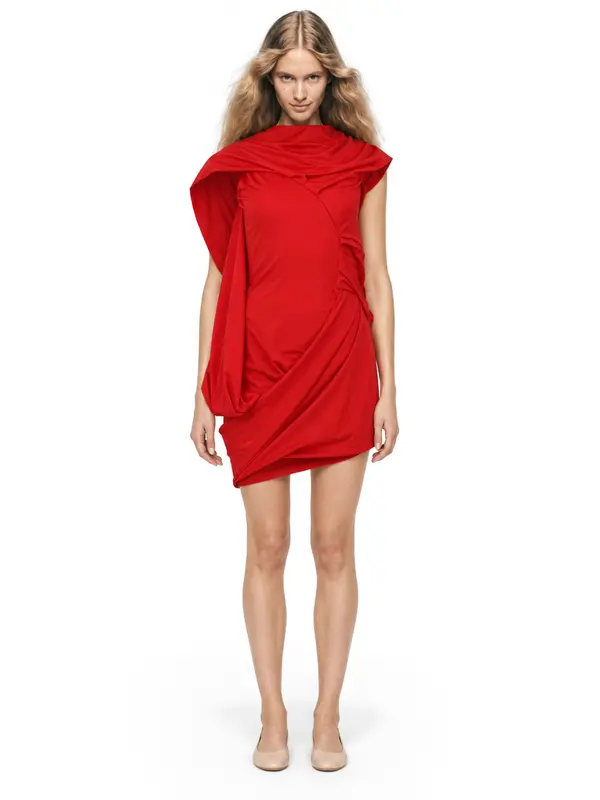
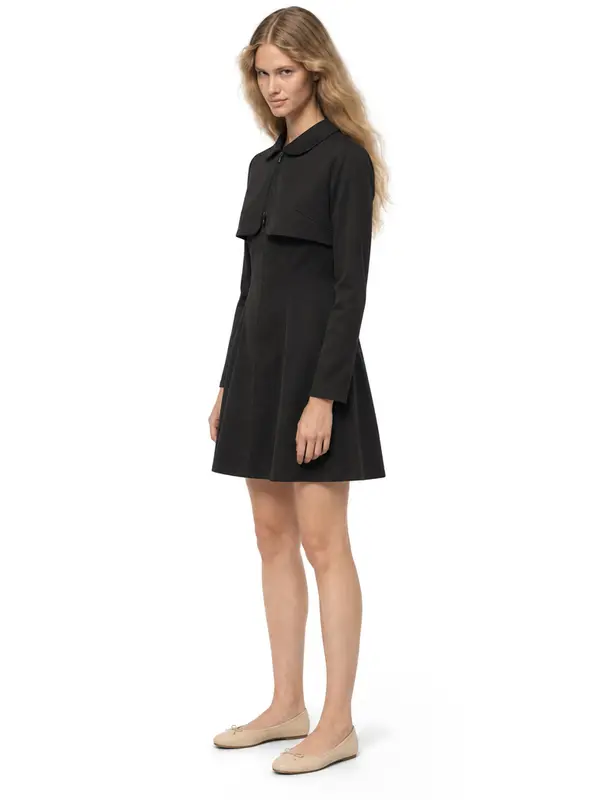
Example shots: white wall, made in AISKU
Questions
Can AI make plus-size model photos?
Yes. In AISKU you choose a model whose body type matches your size range and shoot the whole line on that model, so shoppers see fit on a body like theirs.
Does AISKU have male models?
Yes. The model catalog includes men and women across a range of ages, and you can keep one male model for your entire menswear line.
Can I put kidswear on a child model with AI?
No. The AISKU model catalog is adults only. For kidswear, use flat lay, ghost mannequin and close-up detail shots.