For eBay sellers
eBay listing photos for clothing, made with AI
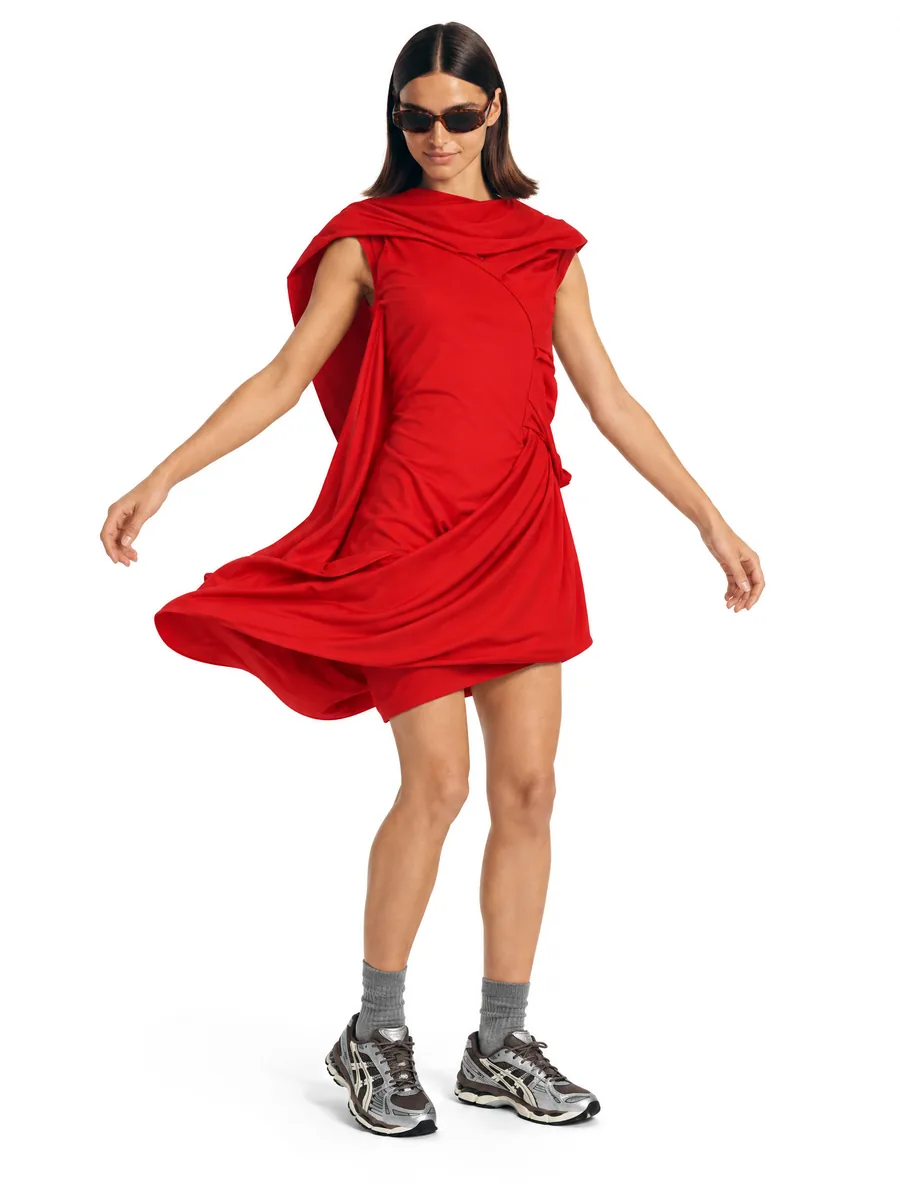
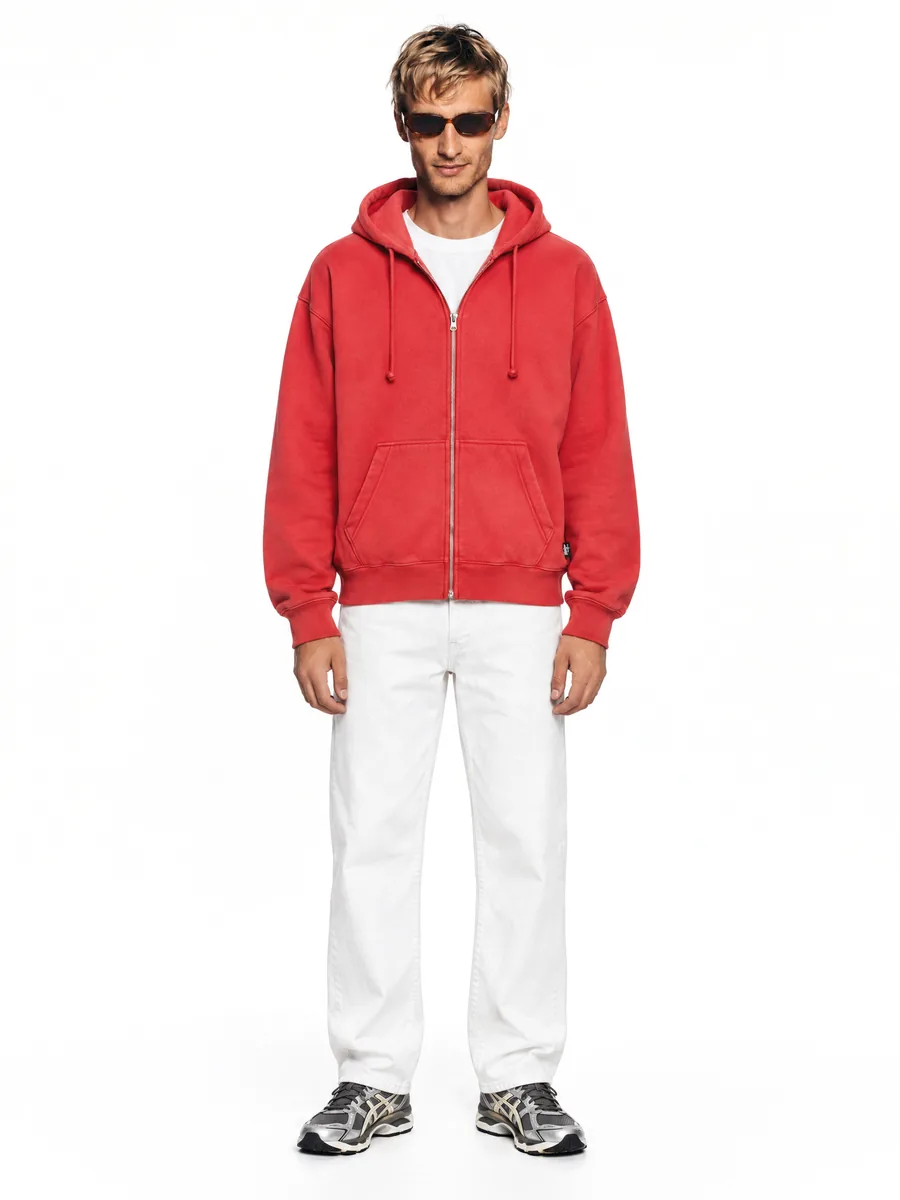
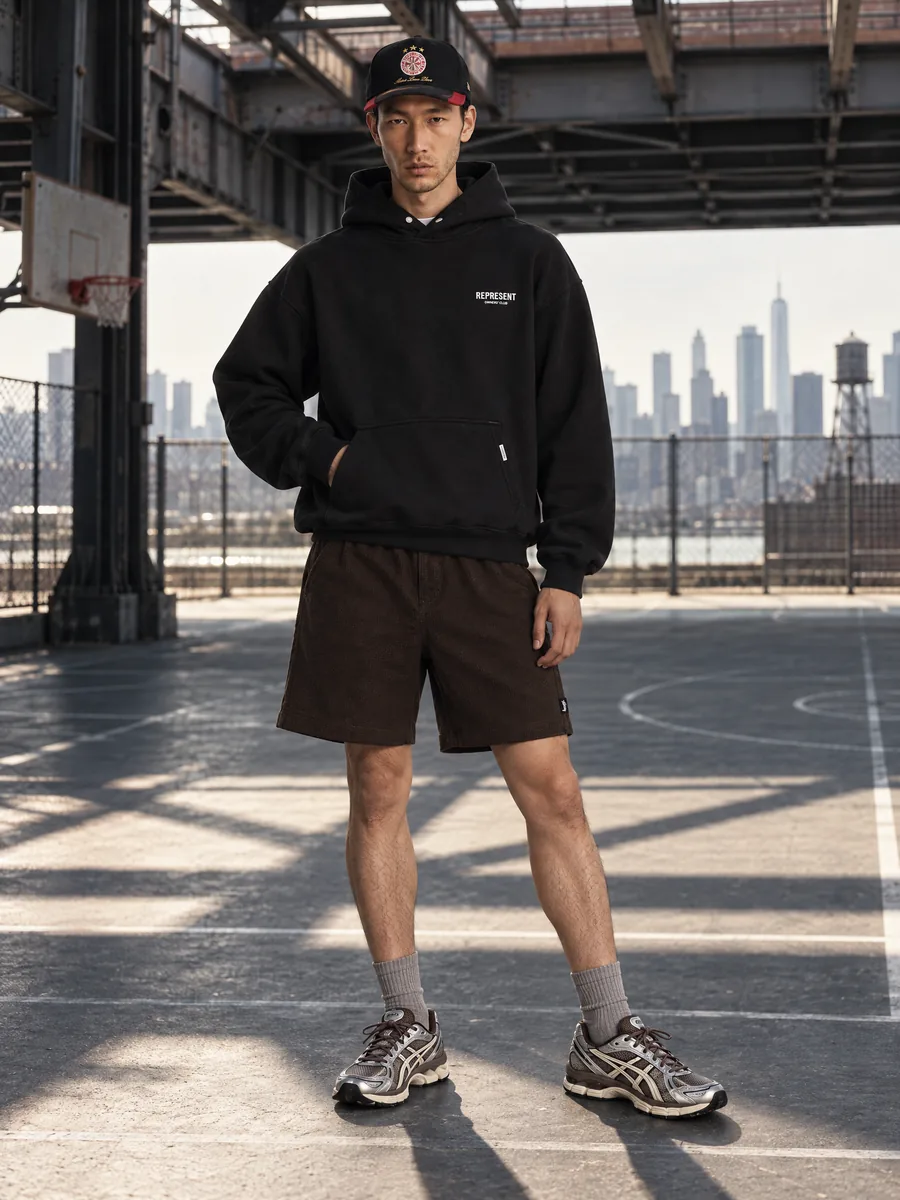
Listings with clear on-model photos show fit and drape at a glance. Make them from one photo of the item.
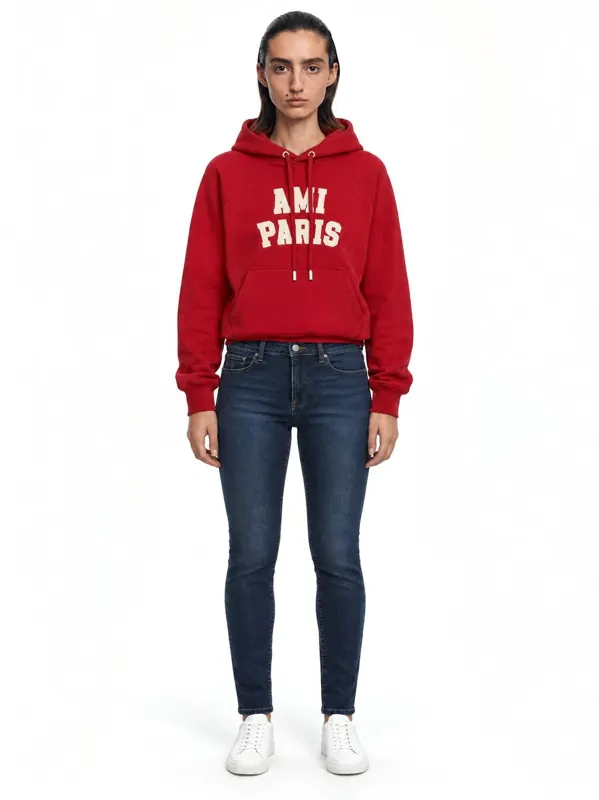
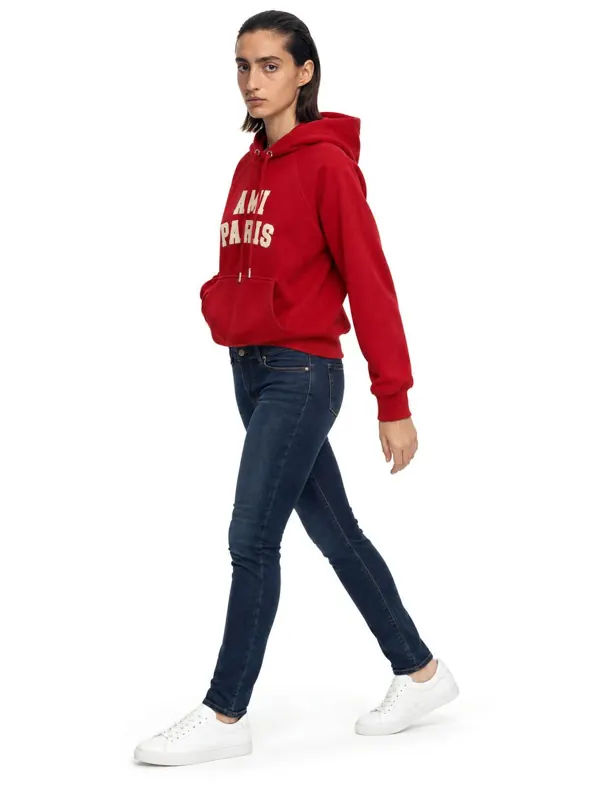
- 1:1garment kept: color, texture, details
- ~1 minper frame, 2K or 4K
- 10 000frames a day per account
- 100%of frames checked by quality control
Key facts
- eBay requires at least 500 px on the longest side and recommends 1600 px for zoom.
- An eBay listing can have up to 24 photos.
- eBay does not allow borders, text or watermarks, and photos must show the actual item.
- AISKU frames are 2K and 4K and keep color, texture and details as on your photo.
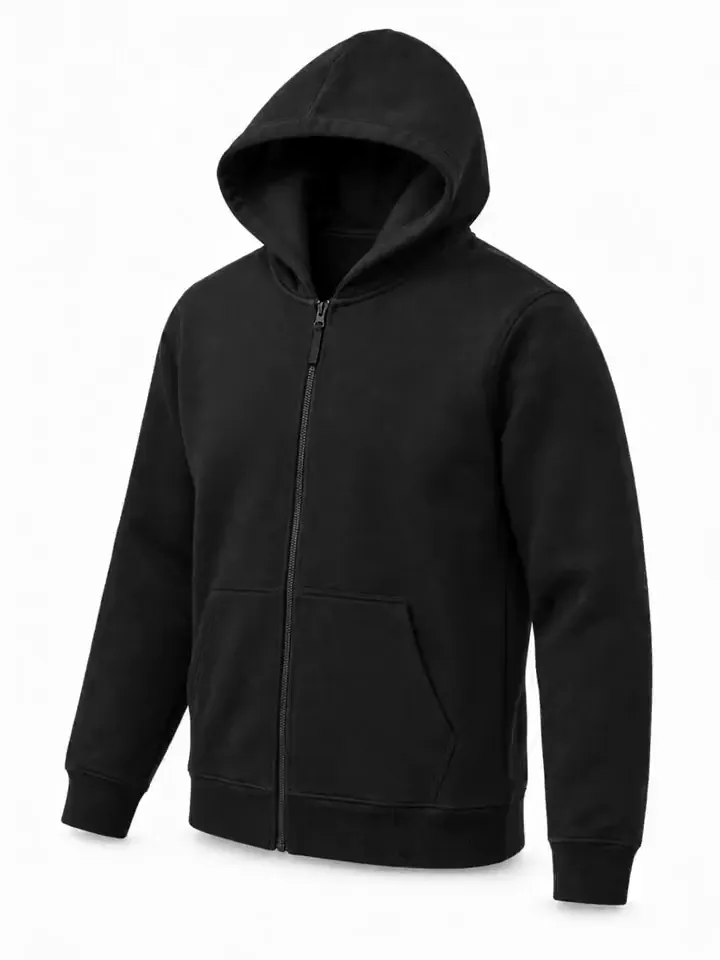
- For pre-owned items, keep your original photo in the listing next to the on-model frames.
What are eBay's photo requirements?
AISKU frames are 2K and 4K, so zoom works on every one. Check eBay's current photo policy for your category before listing.
- At least 500 px on the longest side; 1600 px recommended for zoom
- No borders, text or watermarks
- Photos must show the actual item for sale
- Up to 24 photos per listing
Listing-ready, zoom included
Frames come out in 2K and 4K, comfortably above eBay's zoom size. Use the on-model frames for the first slots and keep your own photo of the actual item in the listing as well: it shows the buyer exactly what ships.
- Minimum
- 500 px on the long side
- For zoom
- 1600 px and up
- Photos
- Up to 24 per listing
- Keep
- Your original photo of the item
Will the item look exactly as it is?
eBay buyers want to see the exact item. AISKU keeps color, texture and details 1:1 with your photo, and quality control rejects frames that change the garment. Keep your original photo in the listing too, especially for pre-owned items.
Fit and drape, not guesswork
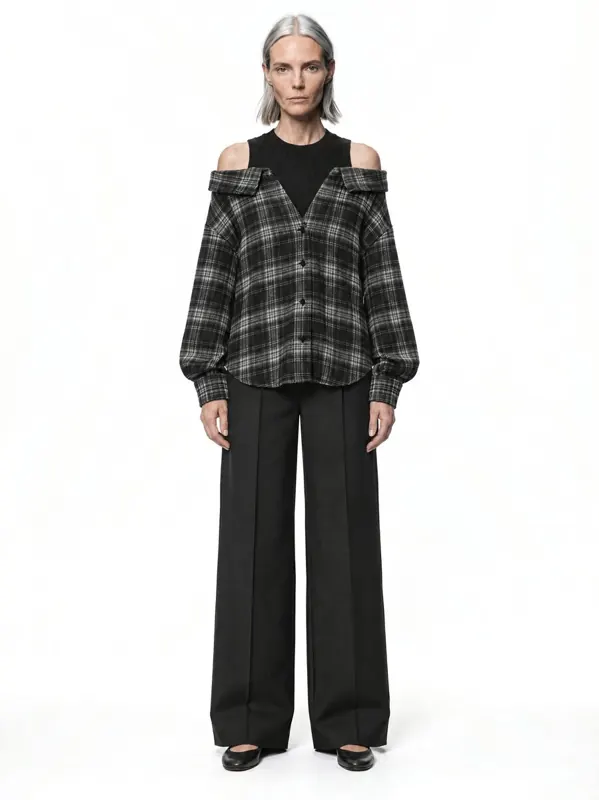
Front, three-quarter and back on one model show how the garment sits on a body, which a flat photo cannot. Anatomy and proportions are checked on every frame, so the fit you see is not a distorted body. For pre-owned items, keep a photo of the actual piece next to the model frames.
 Front
Front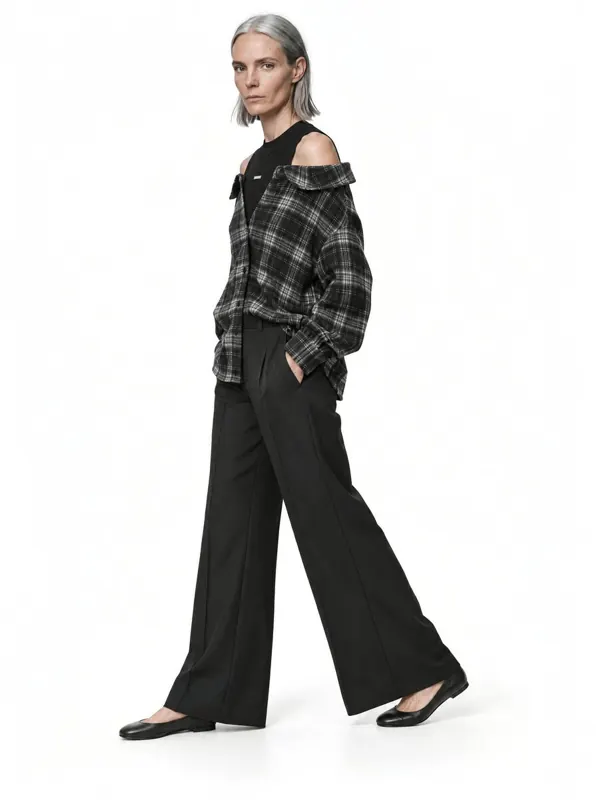 Three-quarter
Capabilities
Everything you need to sell a product
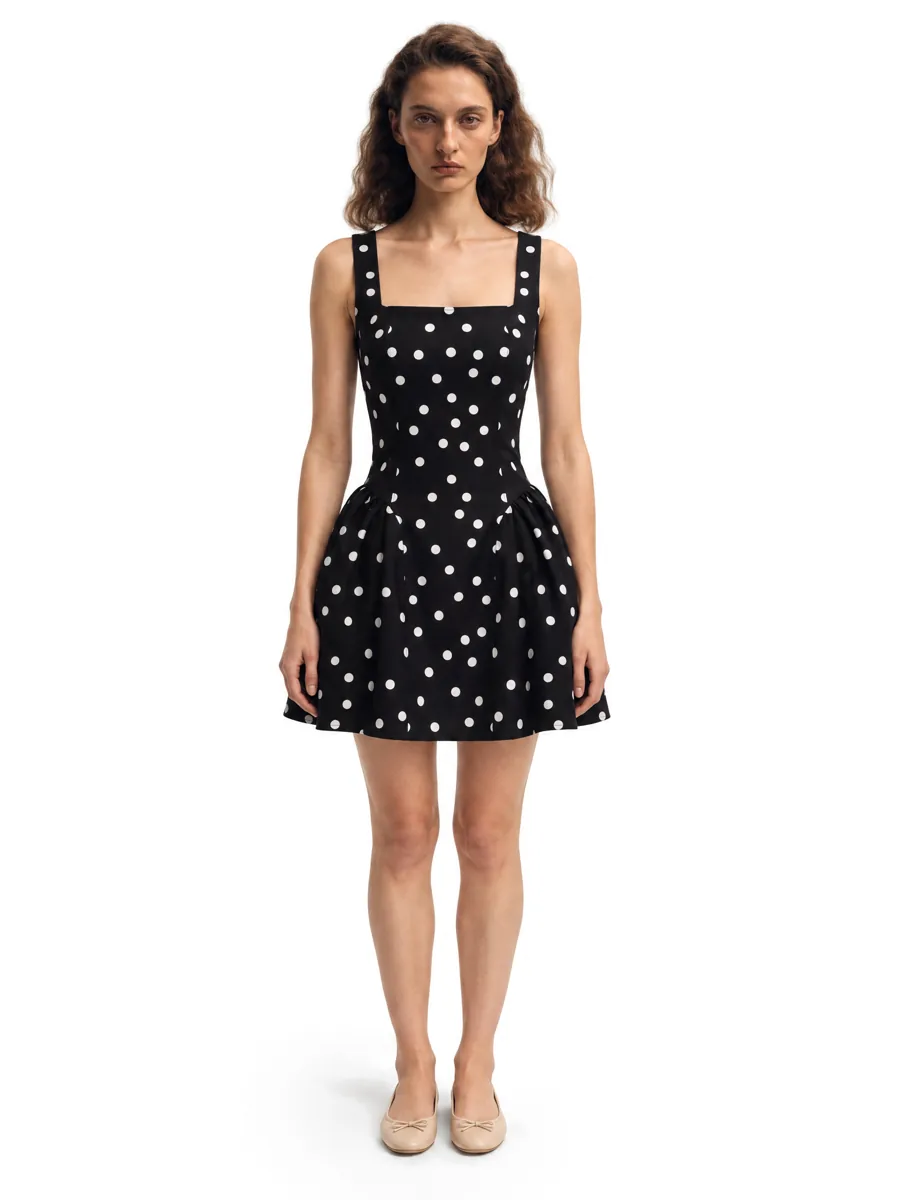 01On-model photosA full on-model set from one garment photo.Learn more →
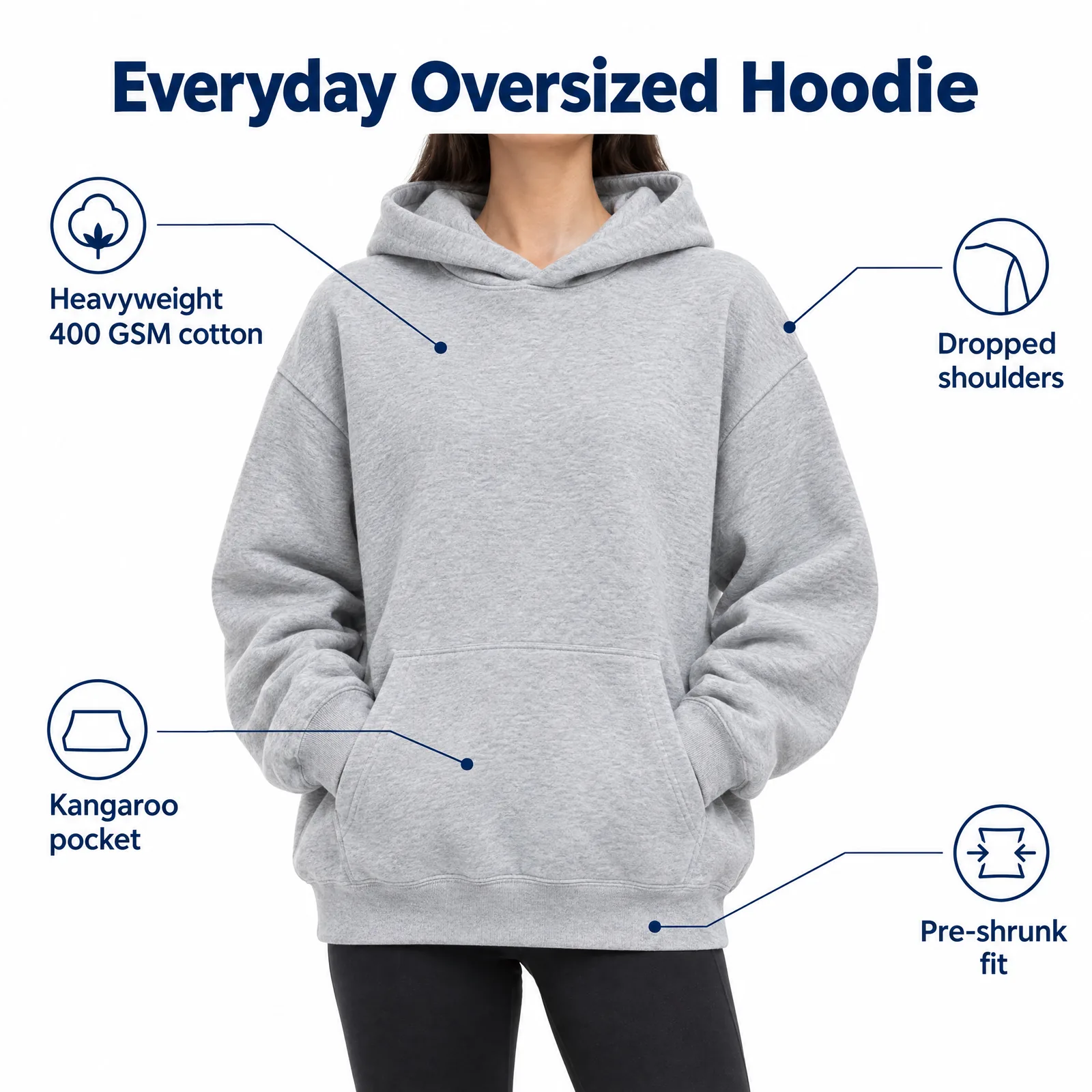 02Listing images with infographicsFeature, size and comparison images for Amazon.Learn more →
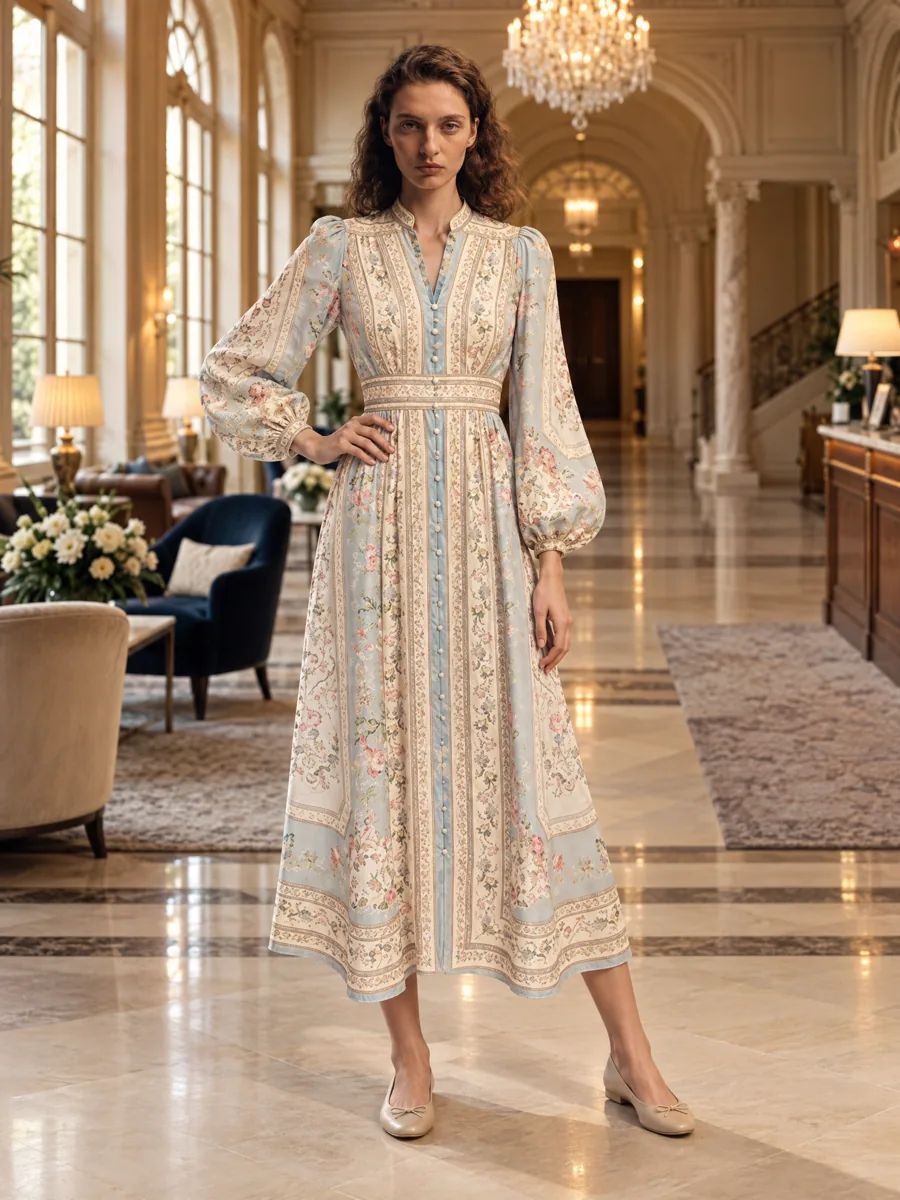 03Locations and lookbooksOne model, one outfit, any set.Learn more →
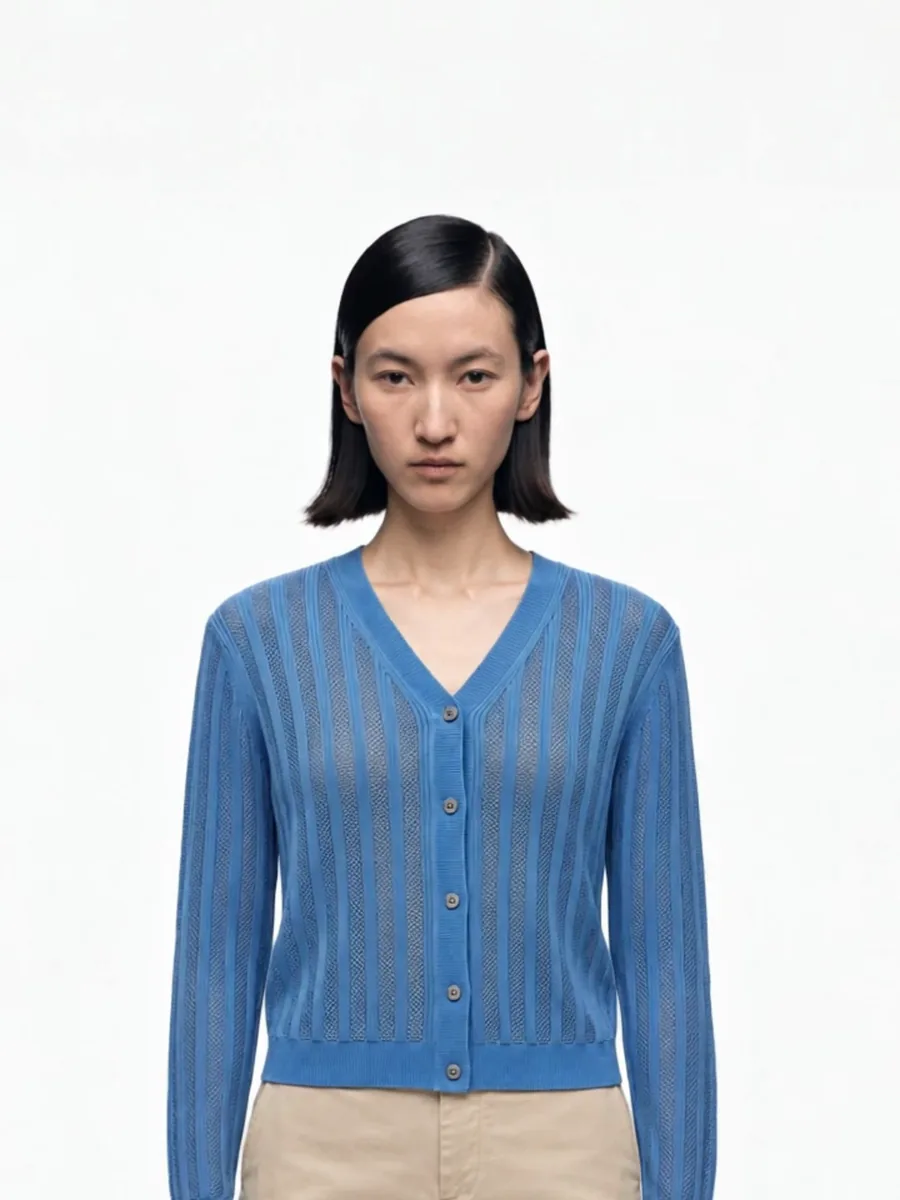 04Video from a photoShort clips for listings and ads.
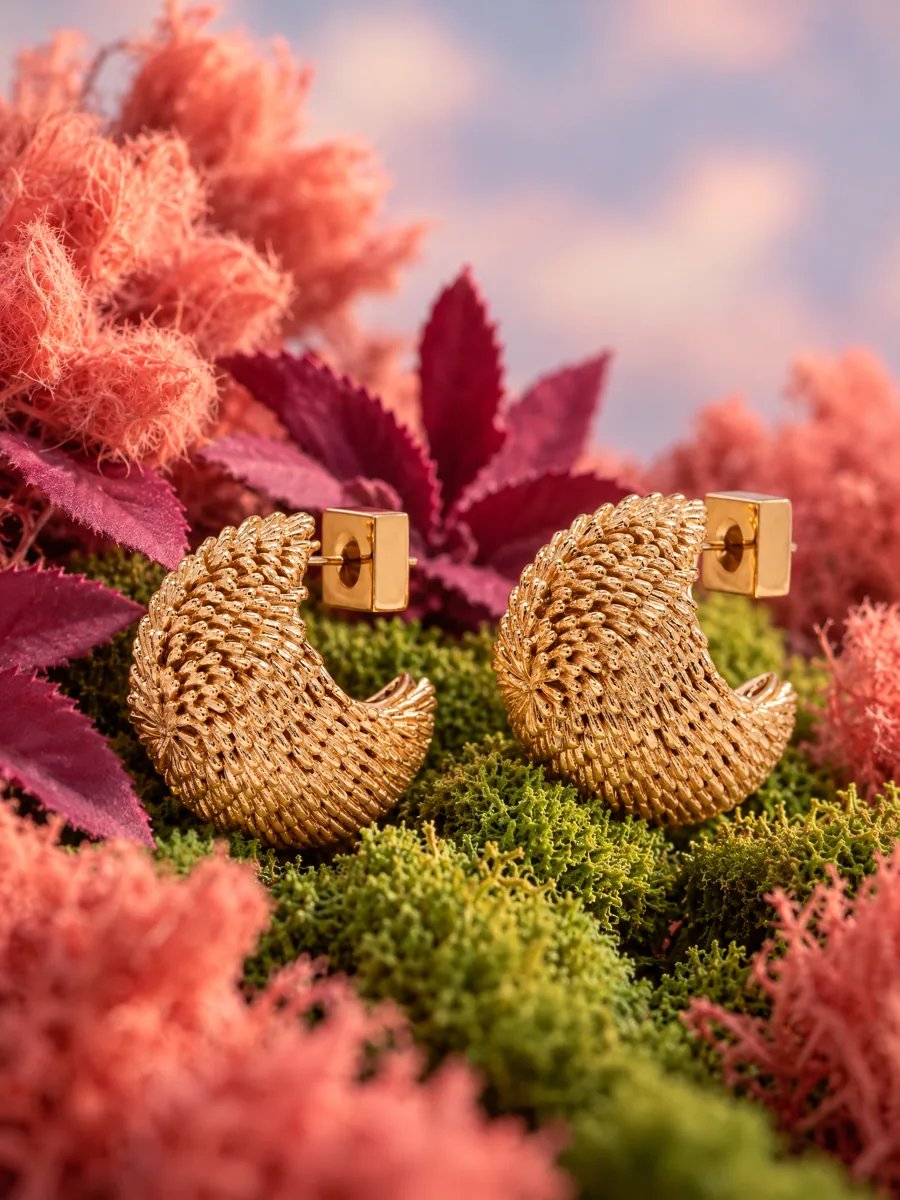 05Product stillsStyled scenes for beauty, jewelry, food and home.Learn more →
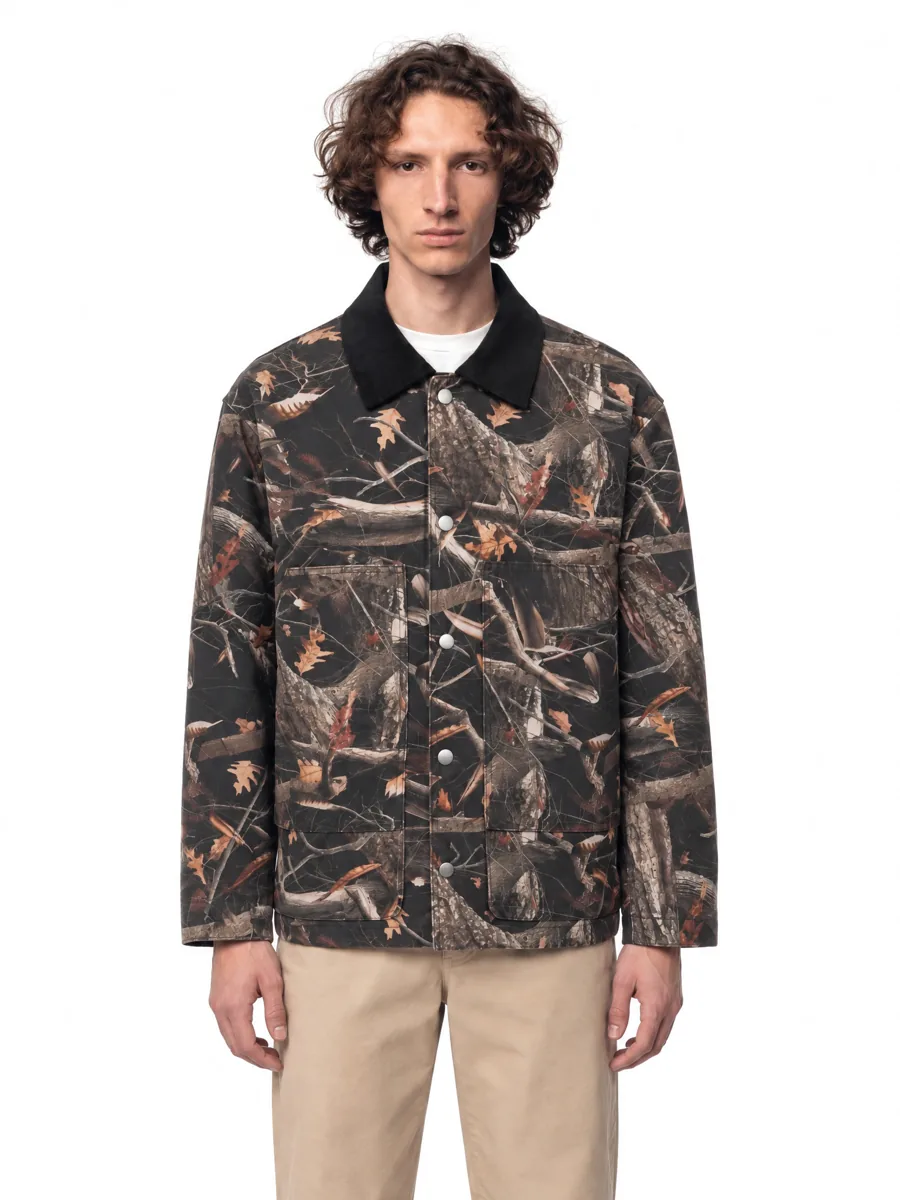 06Angles and detailsFront, three-quarter, back and close-up.Learn more →
How it works

- 01Upload a product photoFlat lay, hanger, mannequin or a phone shot. One clear photo per item is enough.
- 02Pick a model and a sceneStudio, street or interior. Keep the same model for the whole catalog.
- 03Get checked framesQuality control compares every frame with your photo before you see it, so it is right the first time.
Questions
What is the best photo size for eBay?
At least 500 px on the longest side; 1600 px or more is recommended so buyers can zoom.
Can I use AI model photos on eBay?
Photos must accurately represent the item. Use AI on-model frames to show fit and add your original photo of the actual item.