Guide
Amazon image requirements for apparel: a checklist
A short, practical summary of what Amazon expects from clothing images, and how to produce a compliant set without a photoshoot.
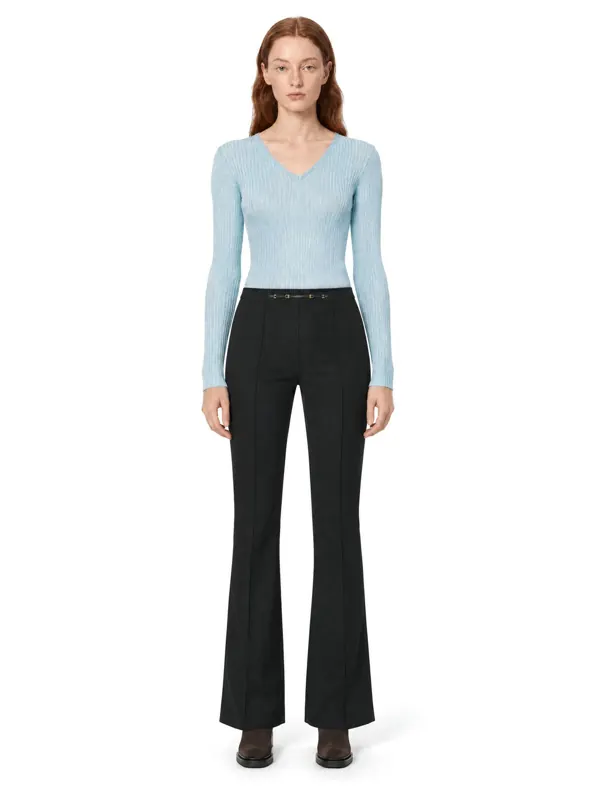
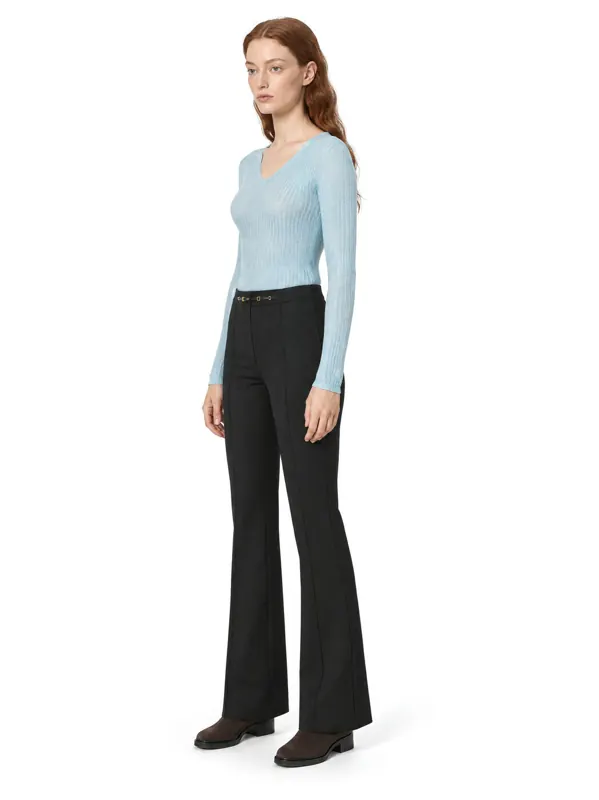
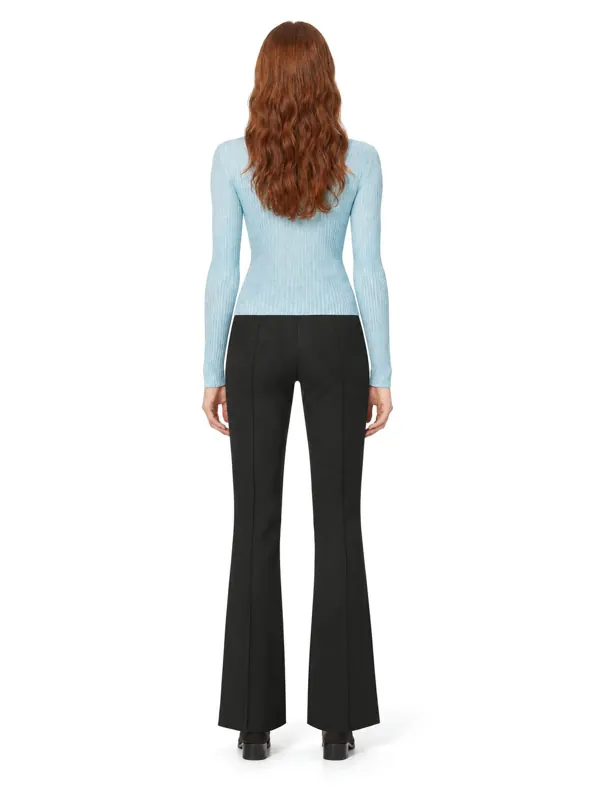
- 1:1garment kept: color, texture, details
- ~1 minper frame, 2K or 4K
- 10 000frames a day per account
- 100%of frames checked by quality control
Key facts
- Amazon's main image needs a pure white background (RGB 255, 255, 255).
- The product should fill about 85% of the main image.
- Images need at least 1000 px on the longest side to enable zoom; 1600–2000 px and more is recommended.
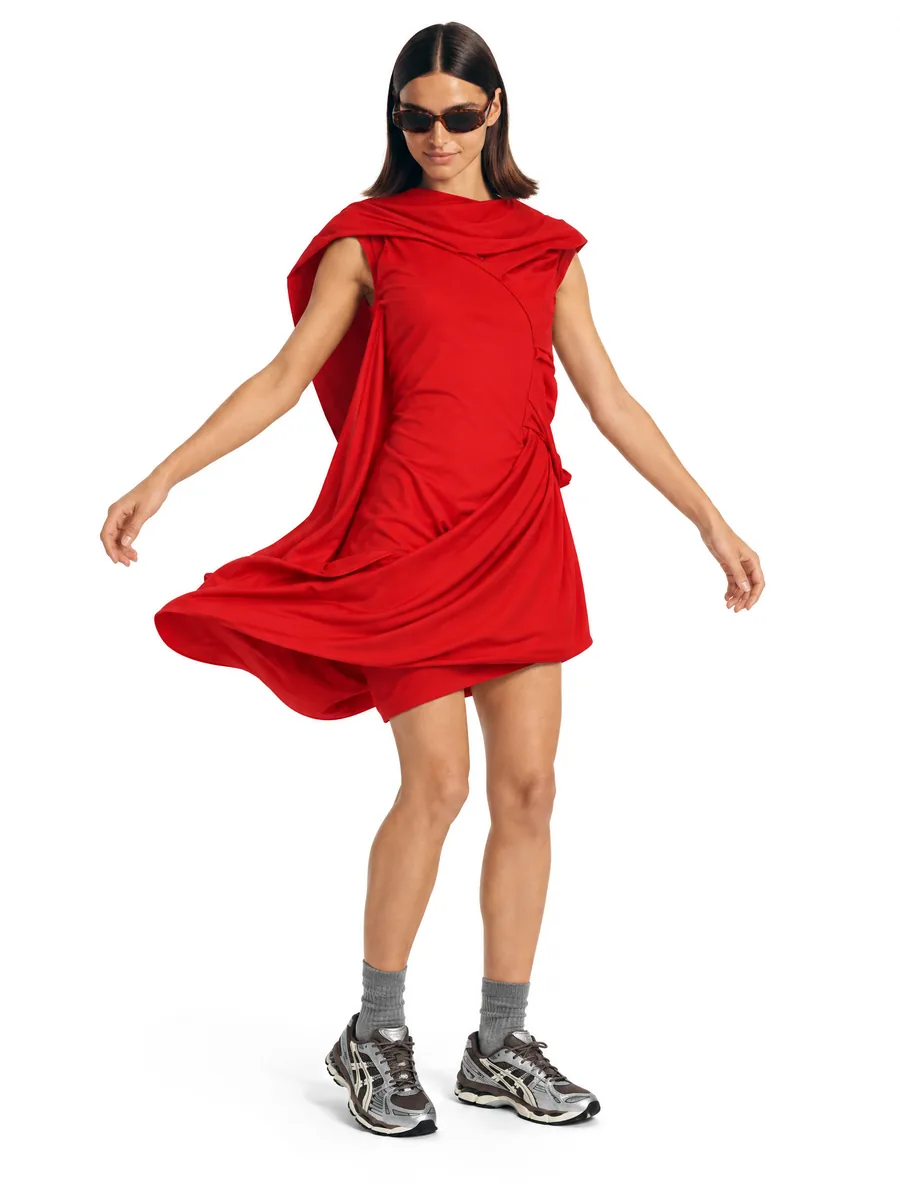
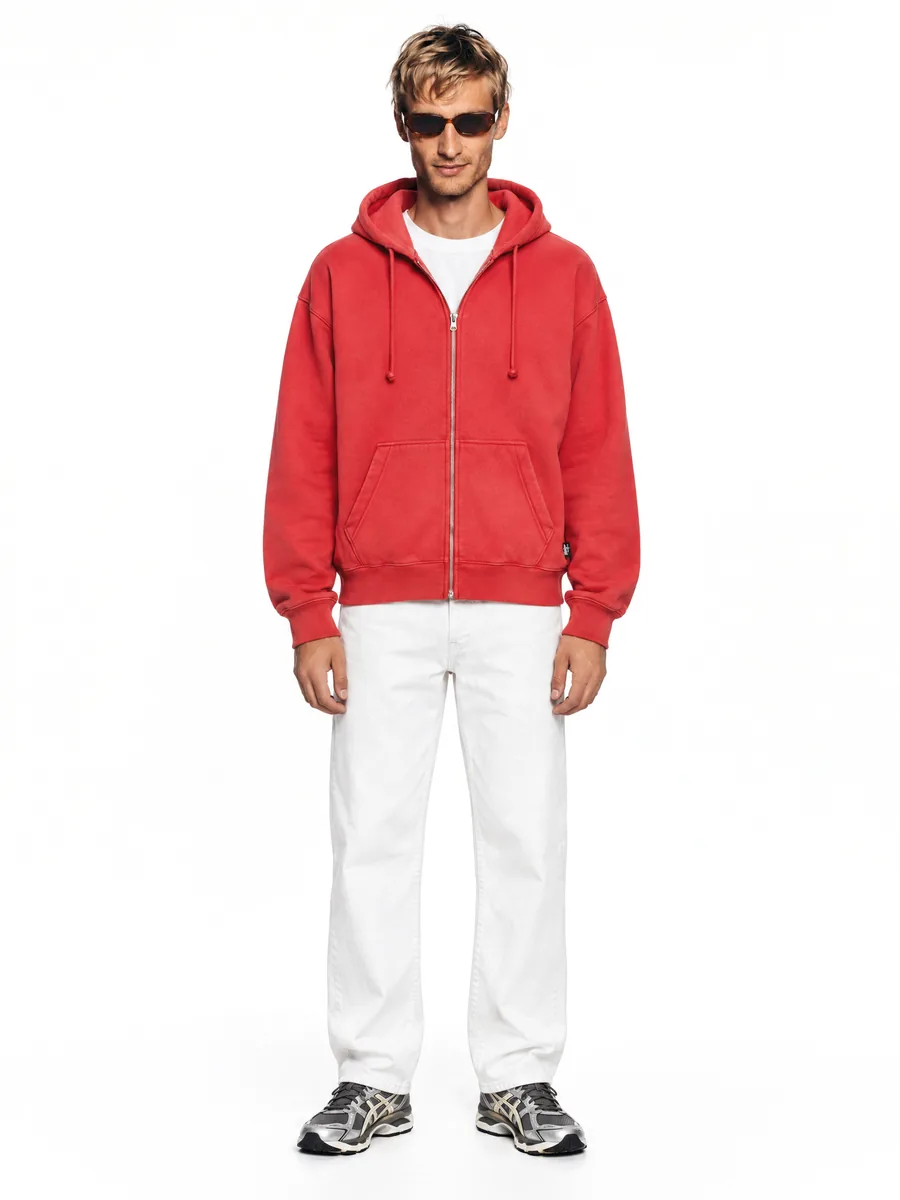
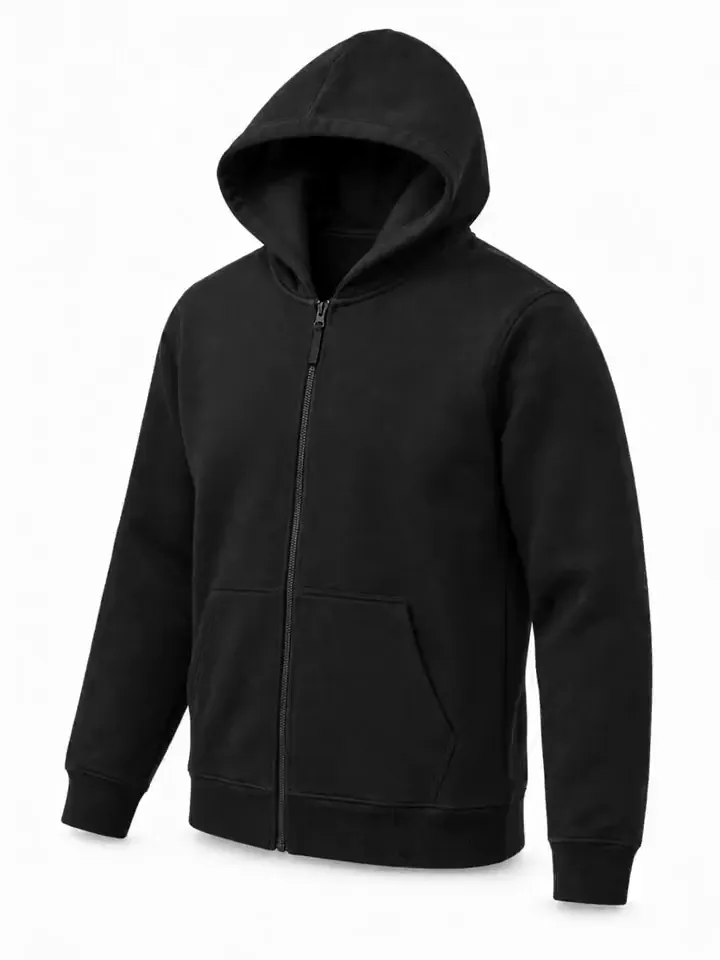
- Adult clothing is usually shown on a standing model in the main image; kids' clothing is usually shown flat.
- Text, logos, badges, borders, watermarks and props are not allowed in the main image.
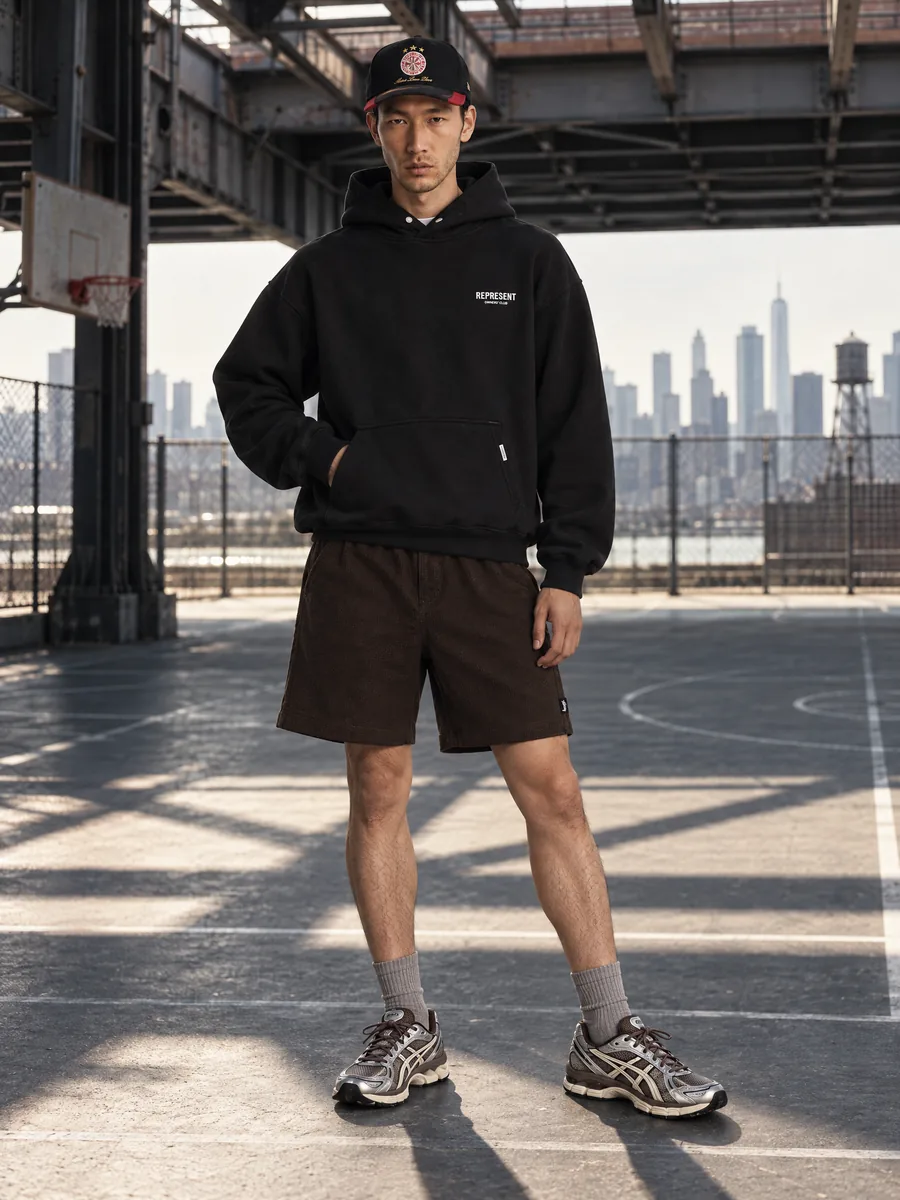
- Up to eight secondary images can show back, details, fit and lifestyle scenes on any background.
What are the rules for the Amazon main image?
The main image needs a pure white background, the product filling about 85% of the frame and no text or props. It is the one shown in search results, so its rules are the strictest.
- Pure white background (RGB 255, 255, 255)
- Product fills about 85% of the frame
- Adult clothing shown on a standing model; kids' clothing usually flat
- No text, logos, badges, borders or watermarks
- Only the item for sale, no extra props
- Photograph or photoreal image of the actual product
The main image at a glance
Square works everywhere on the detail page and in search. The main image needs a pure white background, the product filling most of the frame and nothing added on top. Frames come out at 2K or 4K, above the size needed for zoom. Rules differ by category, so check the current style guide before uploading.
- Background
- RGB 255, 255, 255
- Product fill
- About 85% of the frame
- Zoom
- 1000 px or more on the long side
- Not allowed
- Text, badges, borders, props
What size and format should Amazon images be?
AISKU exports frames in 2K and 4K, which covers zoom with margin.
- At least 1000 px on the longest side to enable zoom; 1600–2000 px and more recommended
- JPEG, PNG, TIFF or GIF (not animated); JPEG is the most common
- sRGB color, sharp focus, realistic color
What can secondary images show?
Up to eight more images can show the back, details, fit and lifestyle scenes. Backgrounds can be non-white here, and this is where on-model lifestyle shots work best.
What should I check before uploading?
Rules differ by category and are updated. Treat this page as a checklist and confirm the details in your category style guide in Seller Central.
Capabilities
Everything you need to sell a product
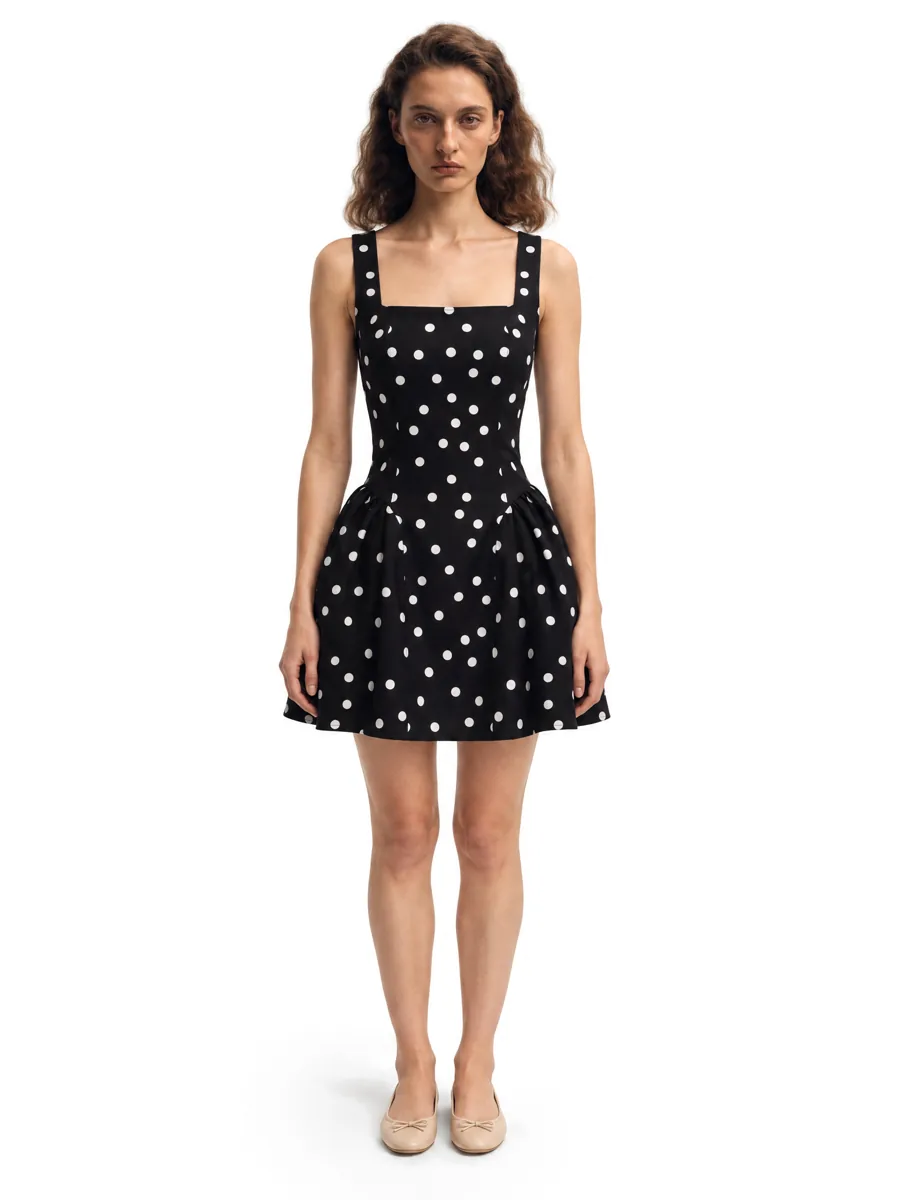 01On-model photosA full on-model set from one garment photo.Learn more →
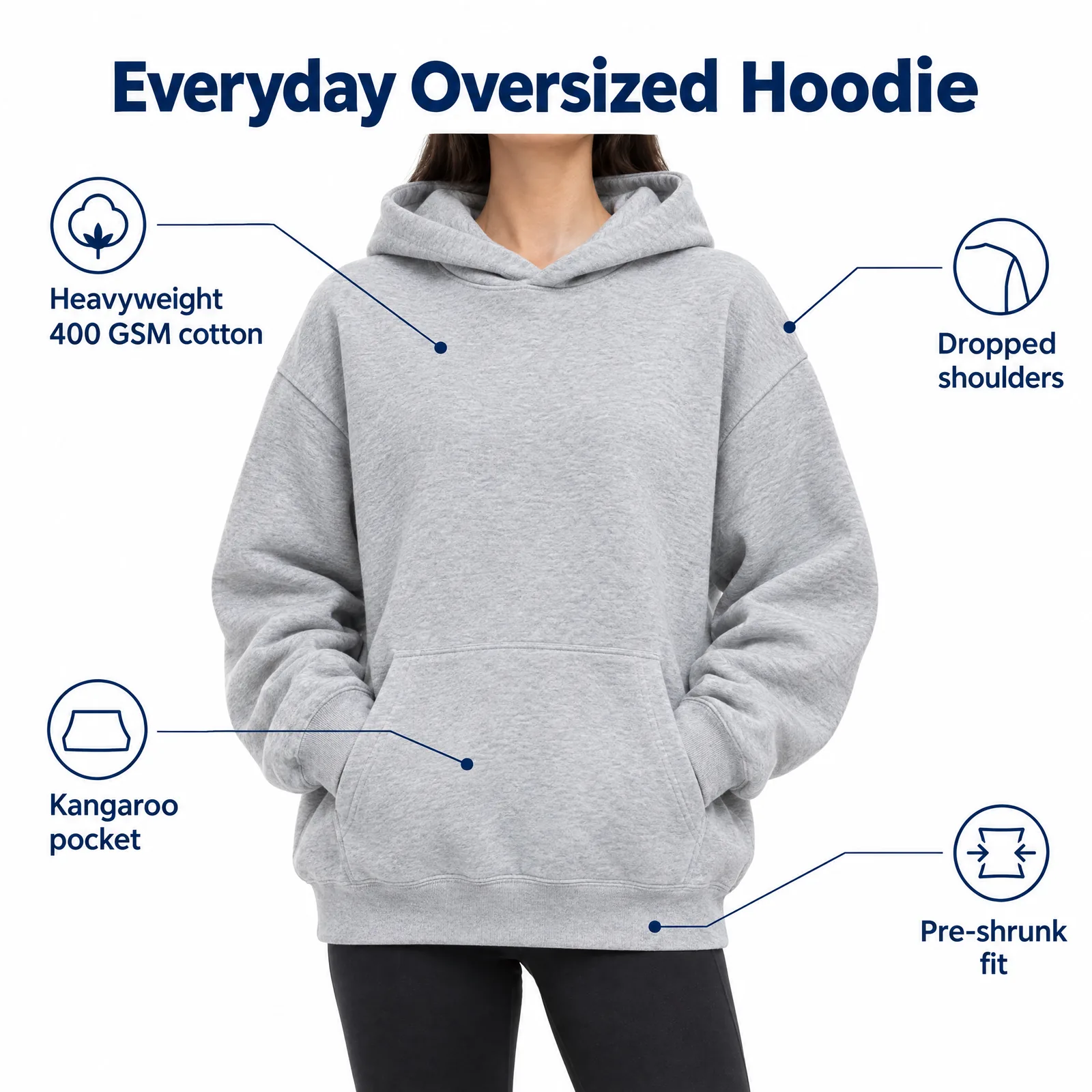 02Listing images with infographicsFeature, size and comparison images for Amazon.Learn more →
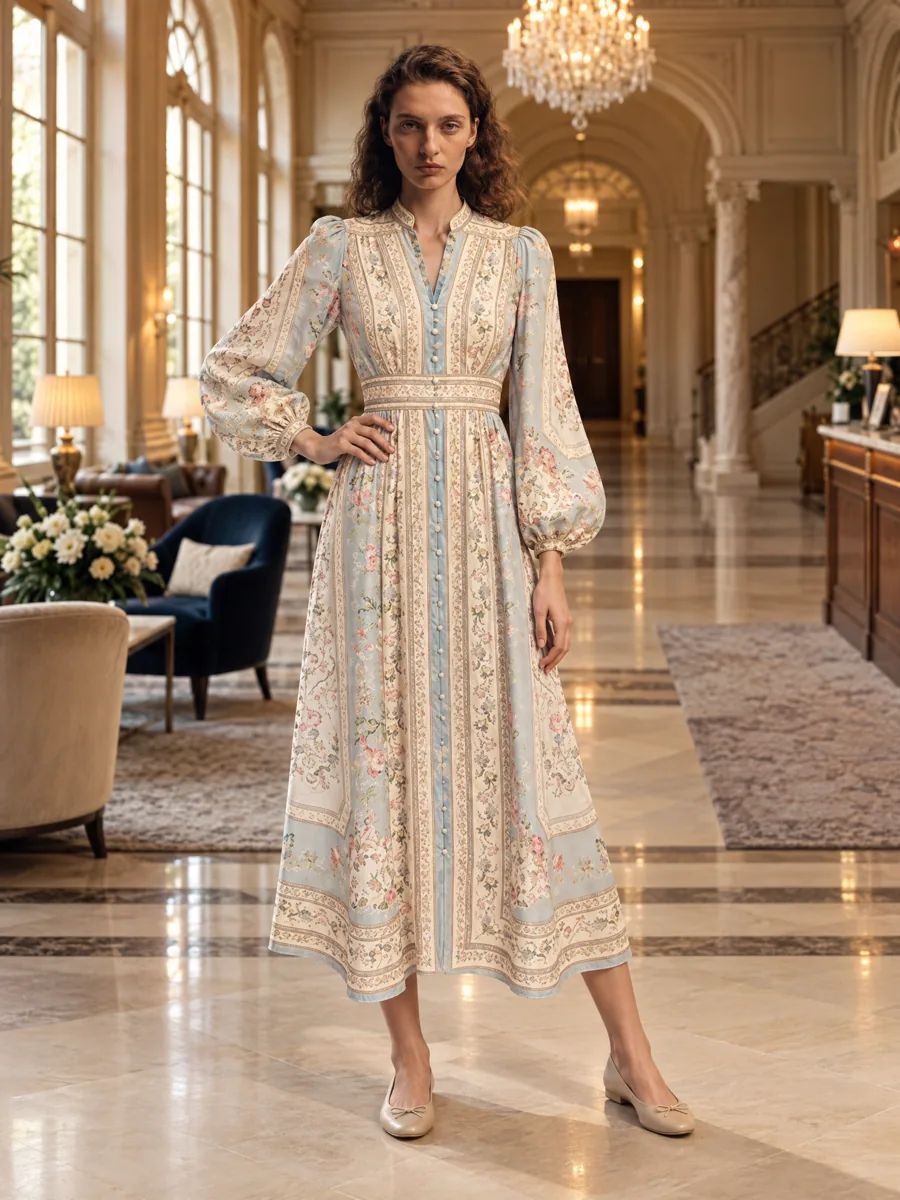 03Locations and lookbooksOne model, one outfit, any set.Learn more →
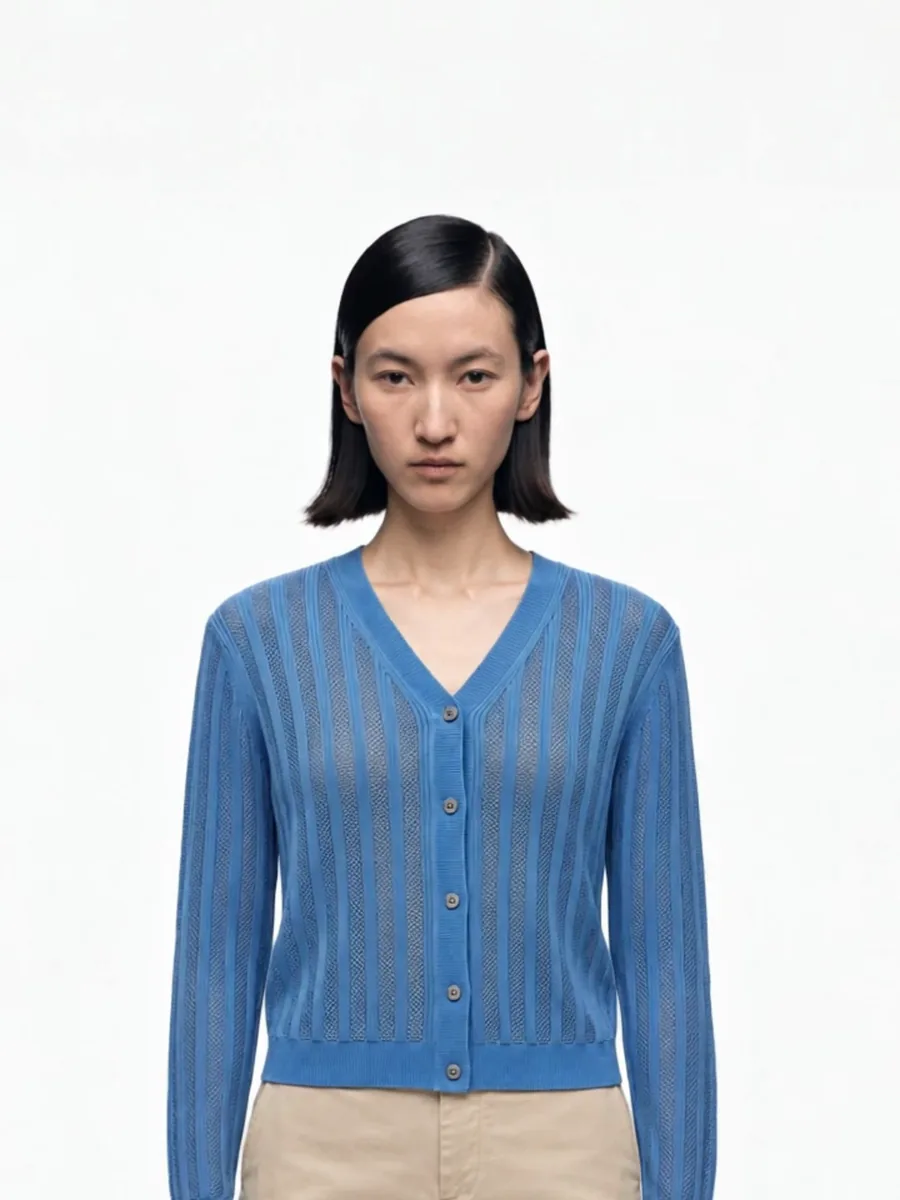 04Video from a photoShort clips for listings and ads.
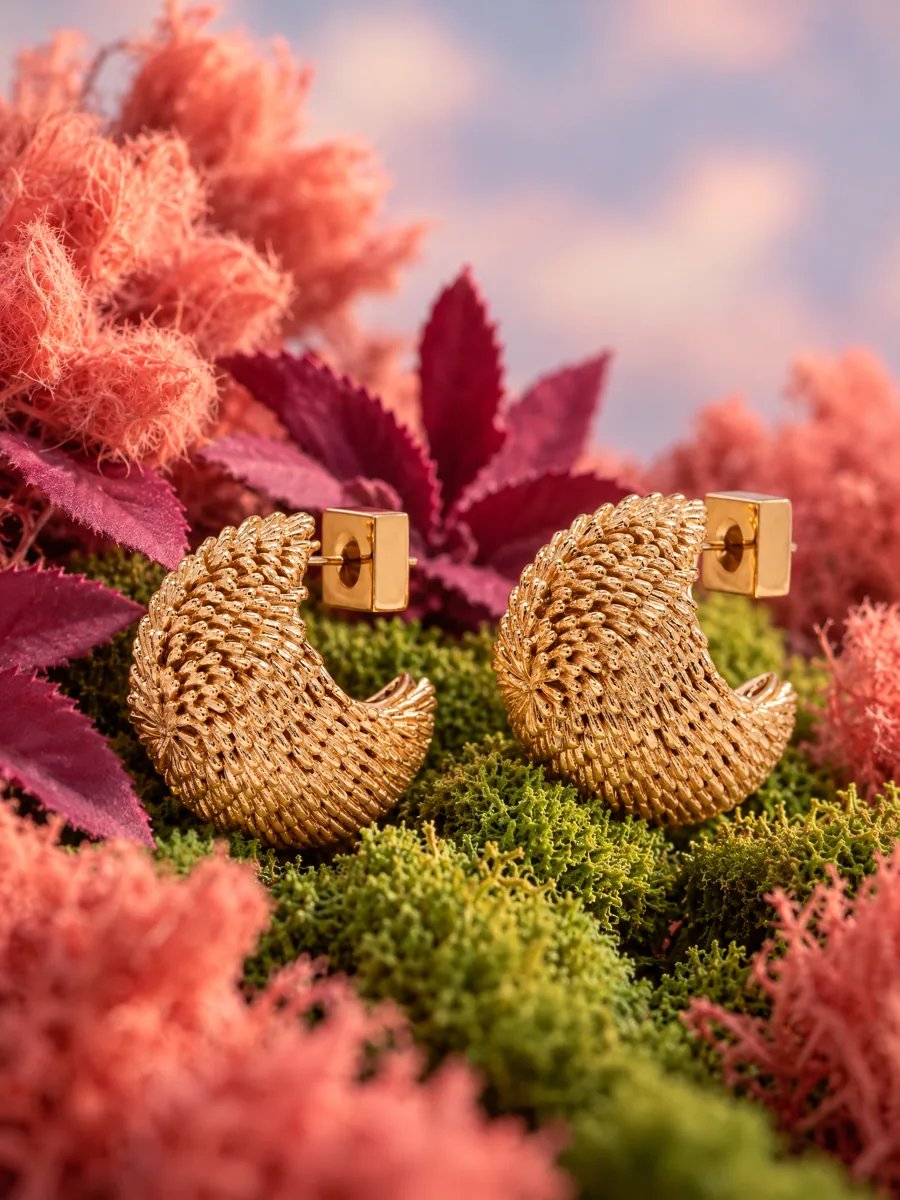 05Product stillsStyled scenes for beauty, jewelry, food and home.Learn more →
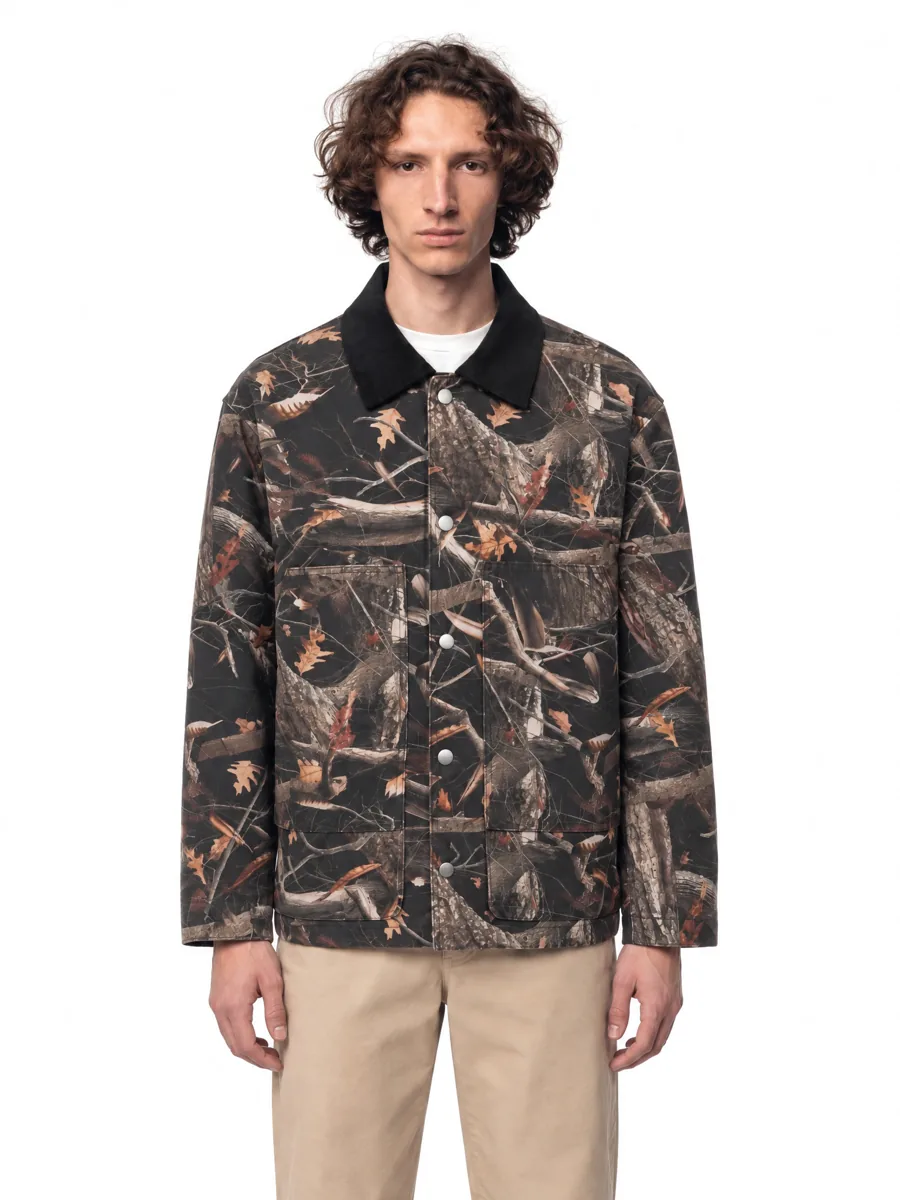 06Angles and detailsFront, three-quarter, back and close-up.Learn more →
How it works

- 01Upload a product photoFlat lay, hanger, mannequin or a phone shot. One clear photo per item is enough.
- 02Pick a model and a sceneStudio, street or interior. Keep the same model for the whole catalog.
- 03Get checked framesQuality control compares every frame with your photo before you see it, so it is right the first time.
Questions
What is the Amazon image size requirement?
At least 1000 px on the longest side for zoom. Most sellers upload 2000 px or larger.
Does Amazon allow mannequins for clothing?
For most adult apparel the main image should show the item on a model or laid flat, not on a visible mannequin. Ghost mannequin edits are commonly used. Check your category rules.
How many images can an Amazon listing have?
Up to nine images are displayed on the detail page in most categories, plus video.