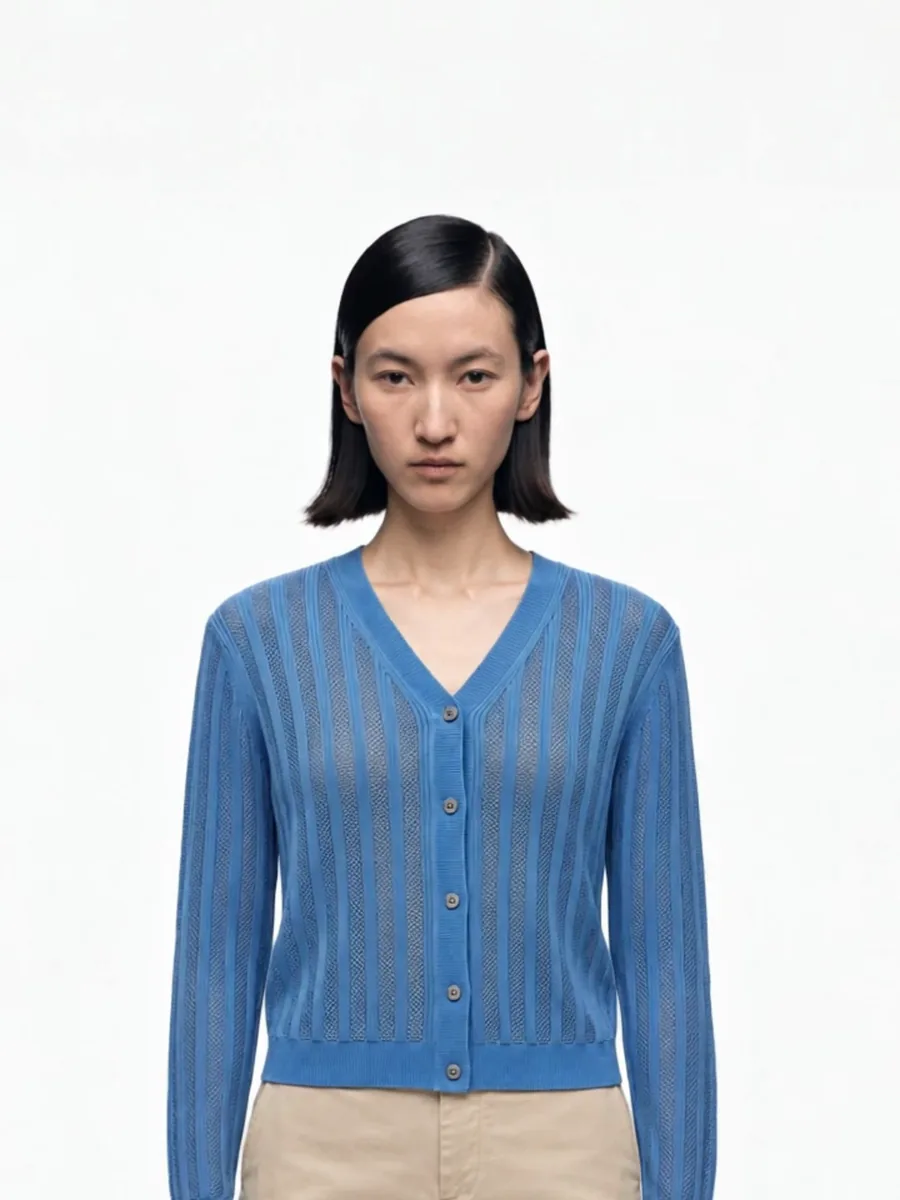
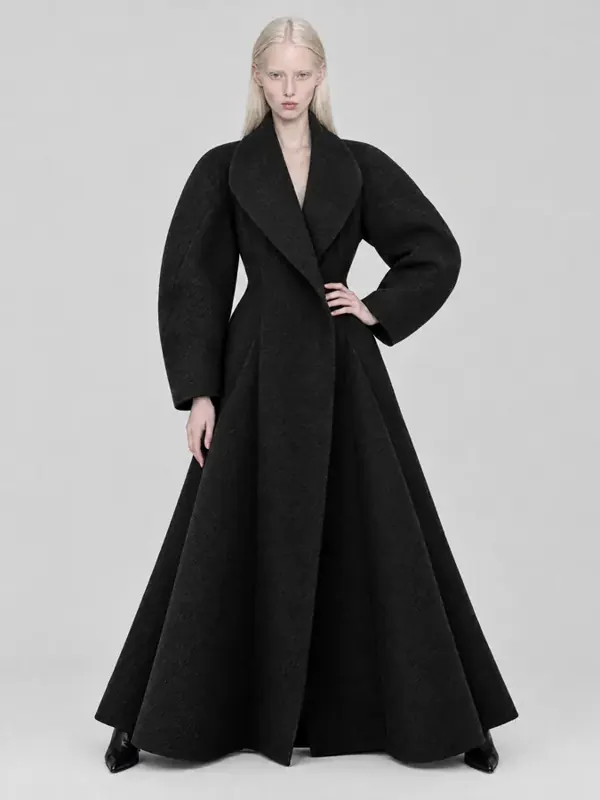
Every apparel product page answers the same three questions for a shopper: what does it look like, how does it fit, and what is it made of. The three classic formats answer them differently.
Flat lay
The garment lies on a flat surface and is shot from above. It is the cheapest format: a table, daylight and a phone are enough.
Good for: showing the whole item, prints, color, kids’ clothing, accessories and sets.
Weak at: fit. A shirt on a table tells nothing about how it sits on shoulders or how long it is on a body. Shoppers have to guess, and guessing leads to returns.
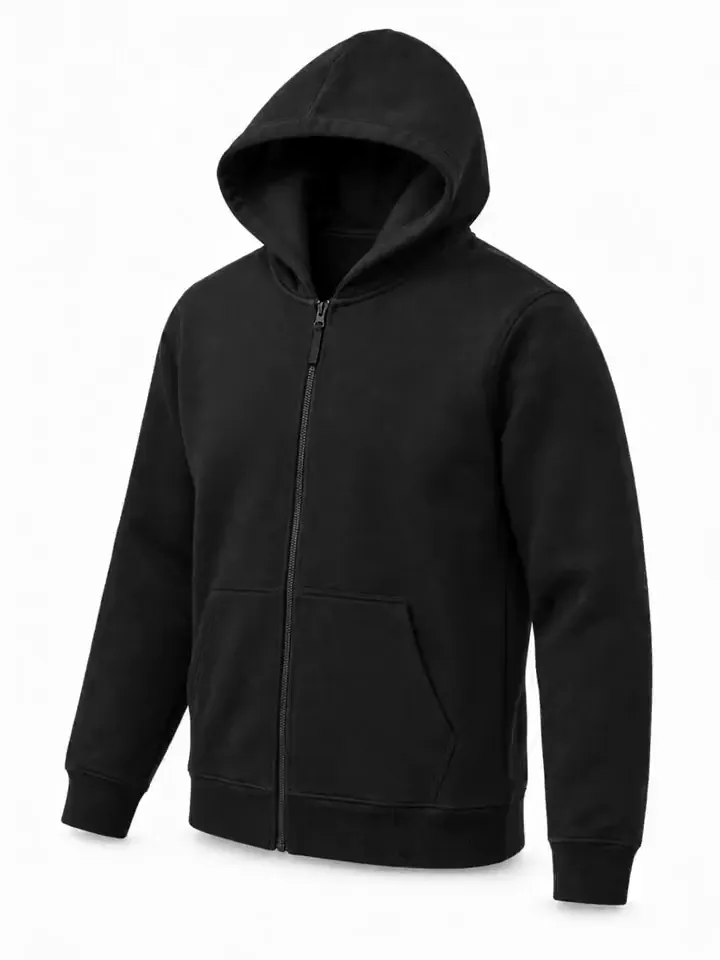
Ghost mannequin
The garment is shot on a mannequin, then the mannequin is removed in retouching so the item keeps its 3D shape. Done by hand, it takes two shots per item (outside and inside the neck) and careful editing.
Good for: clean, consistent catalog grids, structure of jackets and tailoring, marketplaces that ask for a plain background.
Weak at: life. There is no person, so there is no sense of scale, movement or styling.
On-model
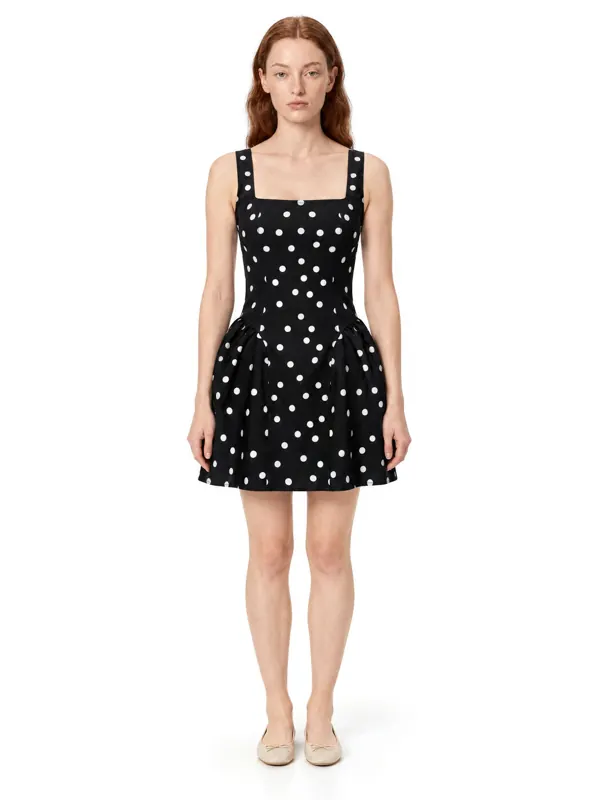
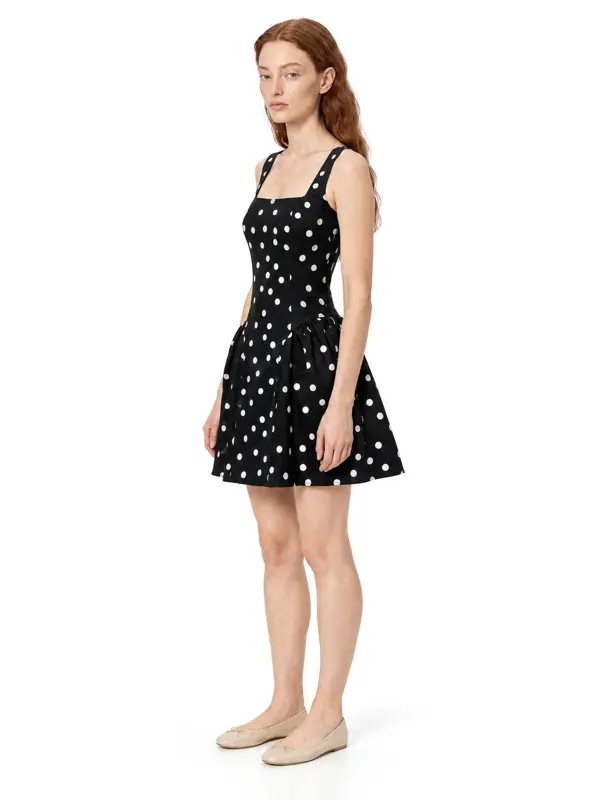
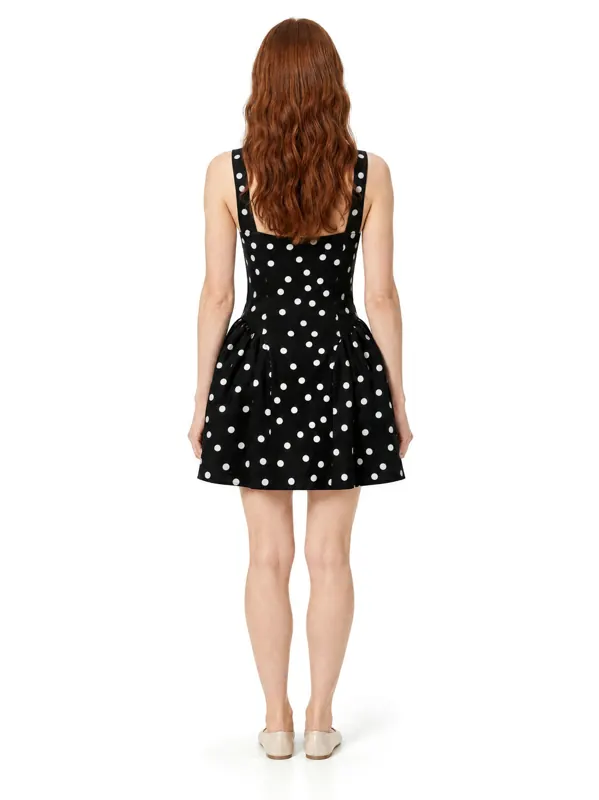
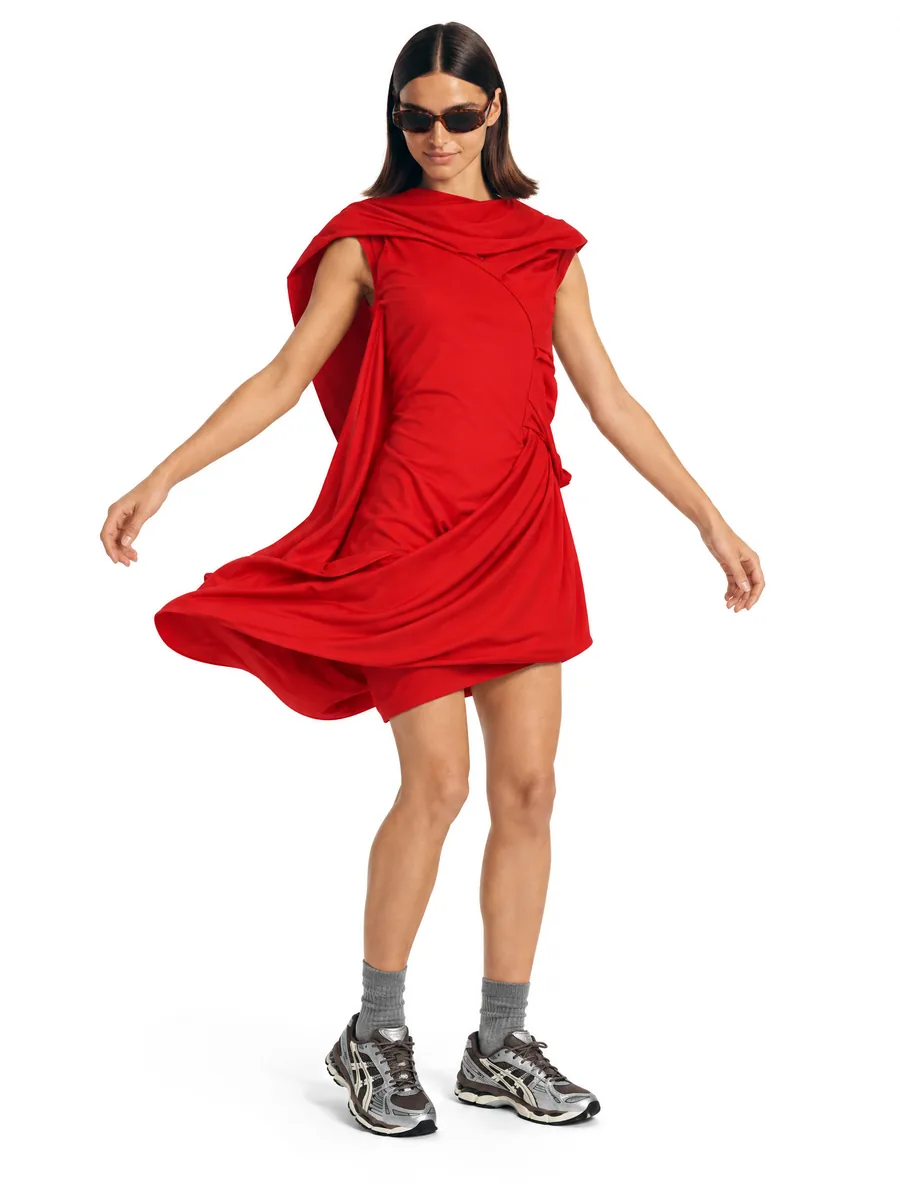
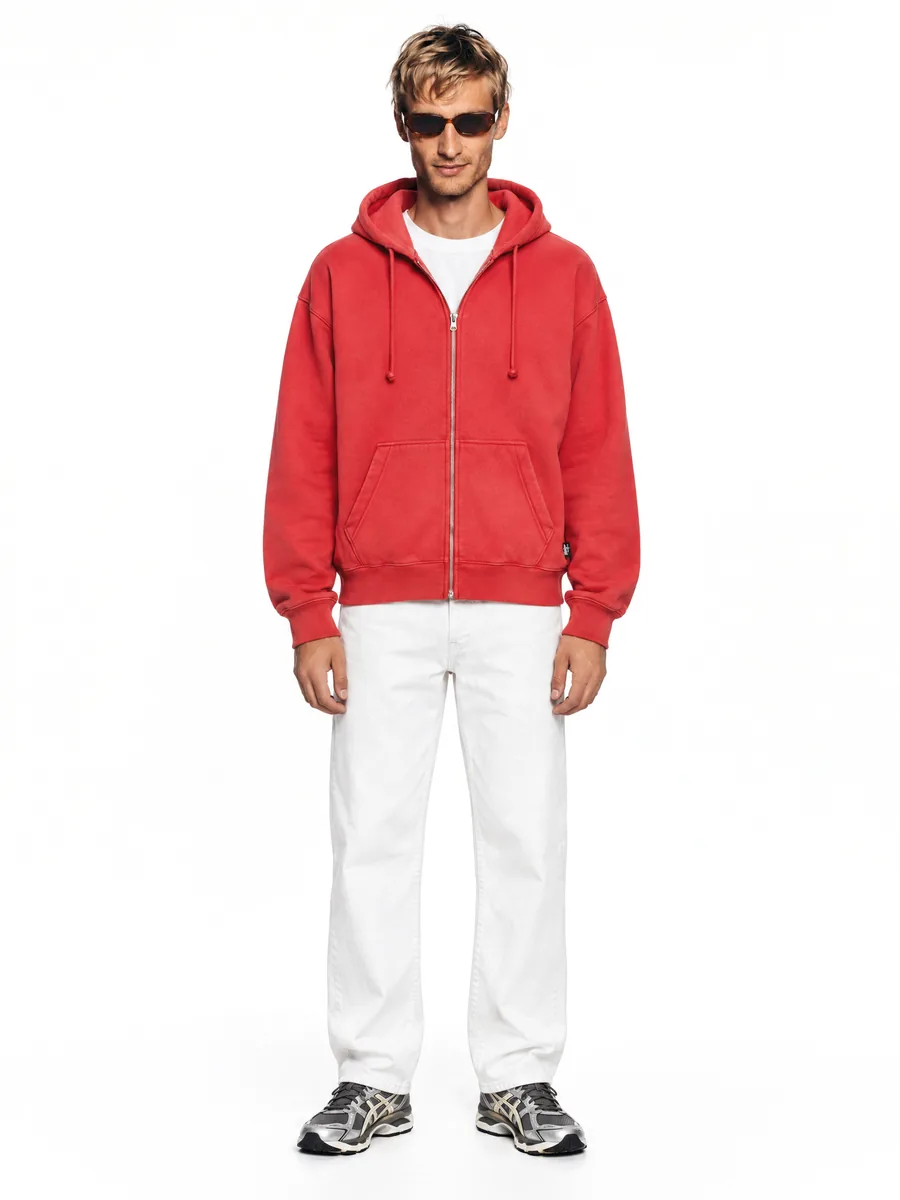
The garment is worn by a model. This is the format shoppers trust most for adult clothing: it shows fit, length, drape and how the item moves.
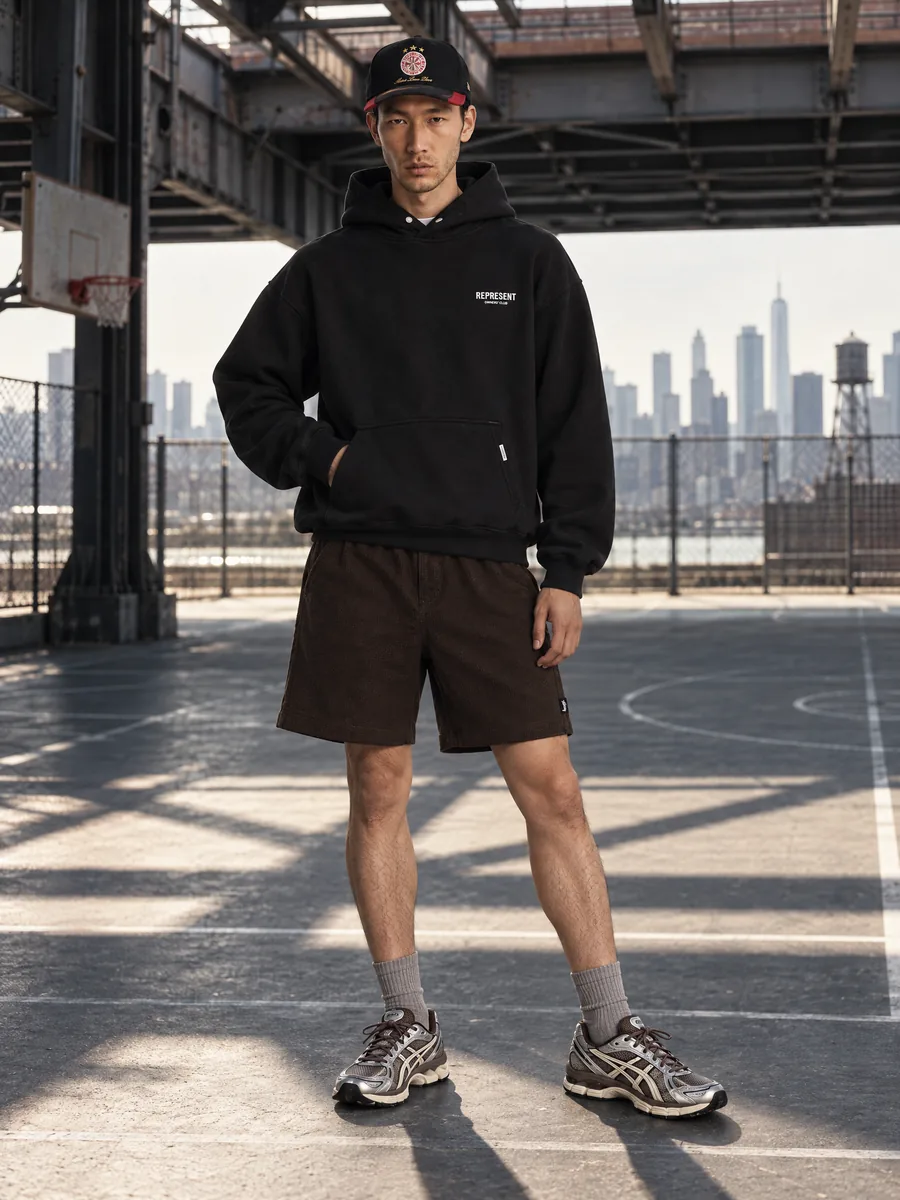
Good for: the first image of the gallery, lifestyle shots, lookbooks and ads.
Weak at: cost and speed. A studio day with a model, photographer, stylist and retoucher typically comes to $30–100 per final image, and a full catalog takes weeks to schedule.
How the three compare
| Format | Cost per image | Shows fit | Best slot |
|---|---|---|---|
| Flat lay | lowest | no | detail, kids, sets |
| Ghost mannequin | medium | partly | catalog grid, packshot |
| On-model (studio) | $30–100 | yes | main image, lifestyle |
| On-model (AI) | from $0.33 | yes | main image, lifestyle, lookbook |
The practical answer: use all three, shoot once
The best-performing galleries mix formats: an on-model main image, a back view, a close-up of the fabric and one clean packshot. The problem has always been that each format is a separate production.
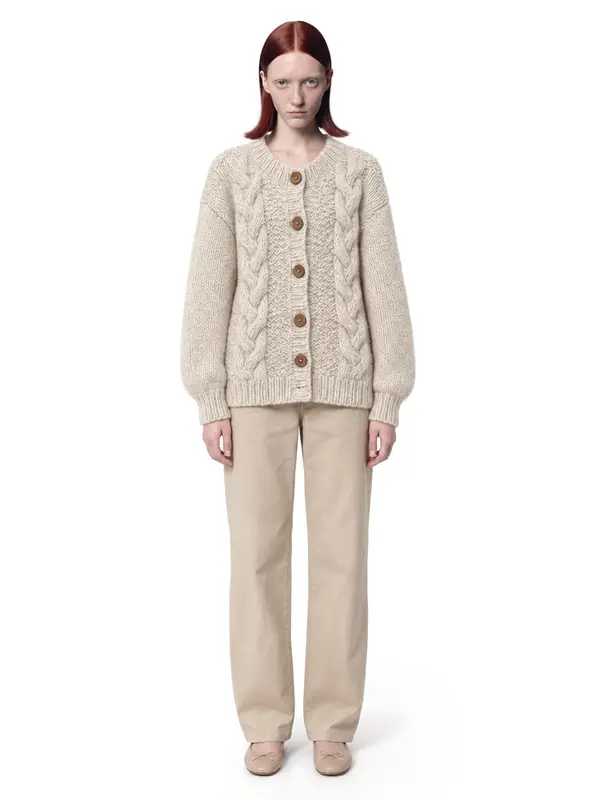
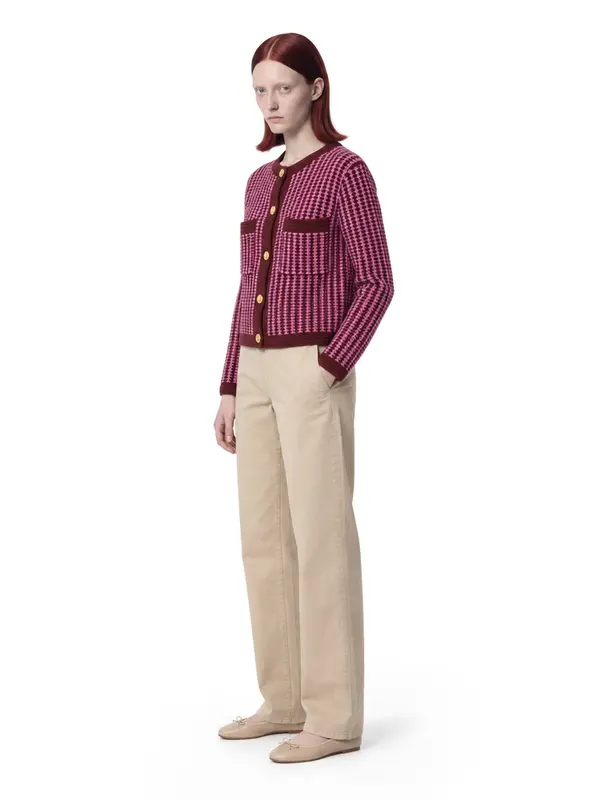
With an AI photoshoot the order flips. You shoot the item once as a flat lay or on a hanger, and generate the on-model set from that photo: front, three-quarter, back and waist-up on the same model. The flat lay itself stays in the gallery as the detail shot.
The rule that matters: the garment in the generated photo must be the garment you ship. Check prints, logos, buttons and color against the original before publishing.
That is why every AISKU frame passes quality control before it reaches you: the item, the model, the anatomy and the background have to match your photo. You get frames that are ready the first time.
A simple gallery template
- On-model, front, plain background
- On-model, back
- On-model, three-quarter or walking
- Close-up of fabric or hardware
- Flat lay or ghost mannequin packshot
- Lifestyle scene for mood
Keep the same model and light across the whole collection and your category pages will look like one professional shoot.
What it looks like in the studio

Example shots: white wall, made in AISKU
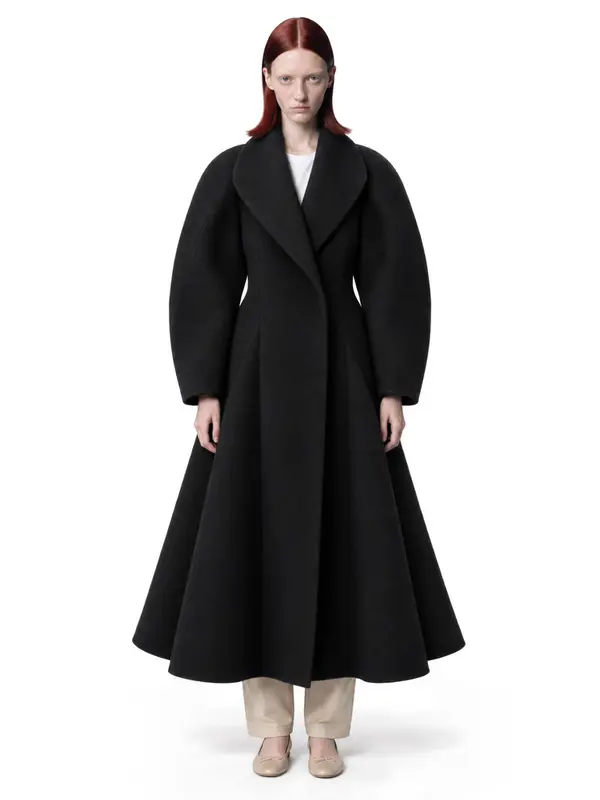
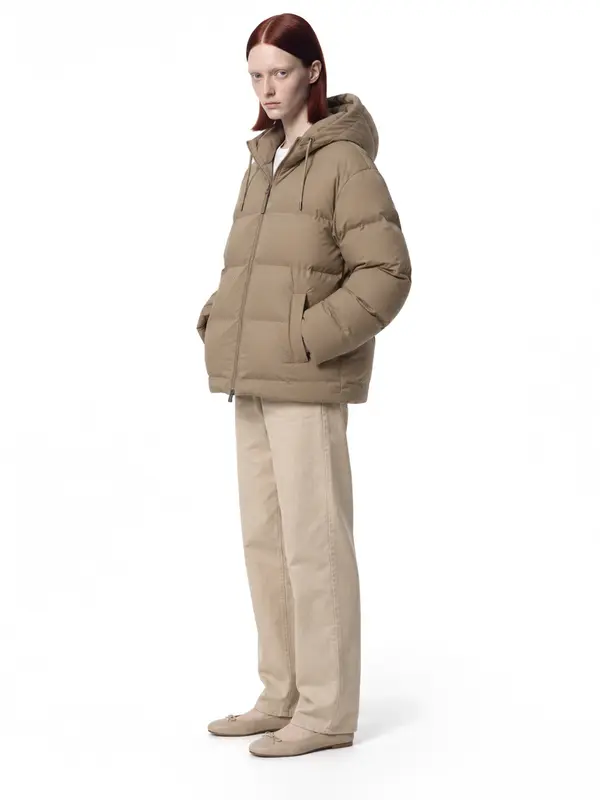
Questions
Which apparel photo converts best?
For most adult clothing, on-model photos show fit and drape and are what shoppers expect as the first image. Flat lay and ghost mannequin work well as secondary images for detail and shape.
Is ghost mannequin allowed on Amazon?
Visible mannequins are not allowed on the main image for most adult apparel. Edited ghost mannequin shots are widely used; check the style guide for your category.
Can I get on-model photos without a model?
Yes. An AI photoshoot puts the garment from a flat lay or hanger photo onto a photorealistic model and keeps the fabric, color and details.