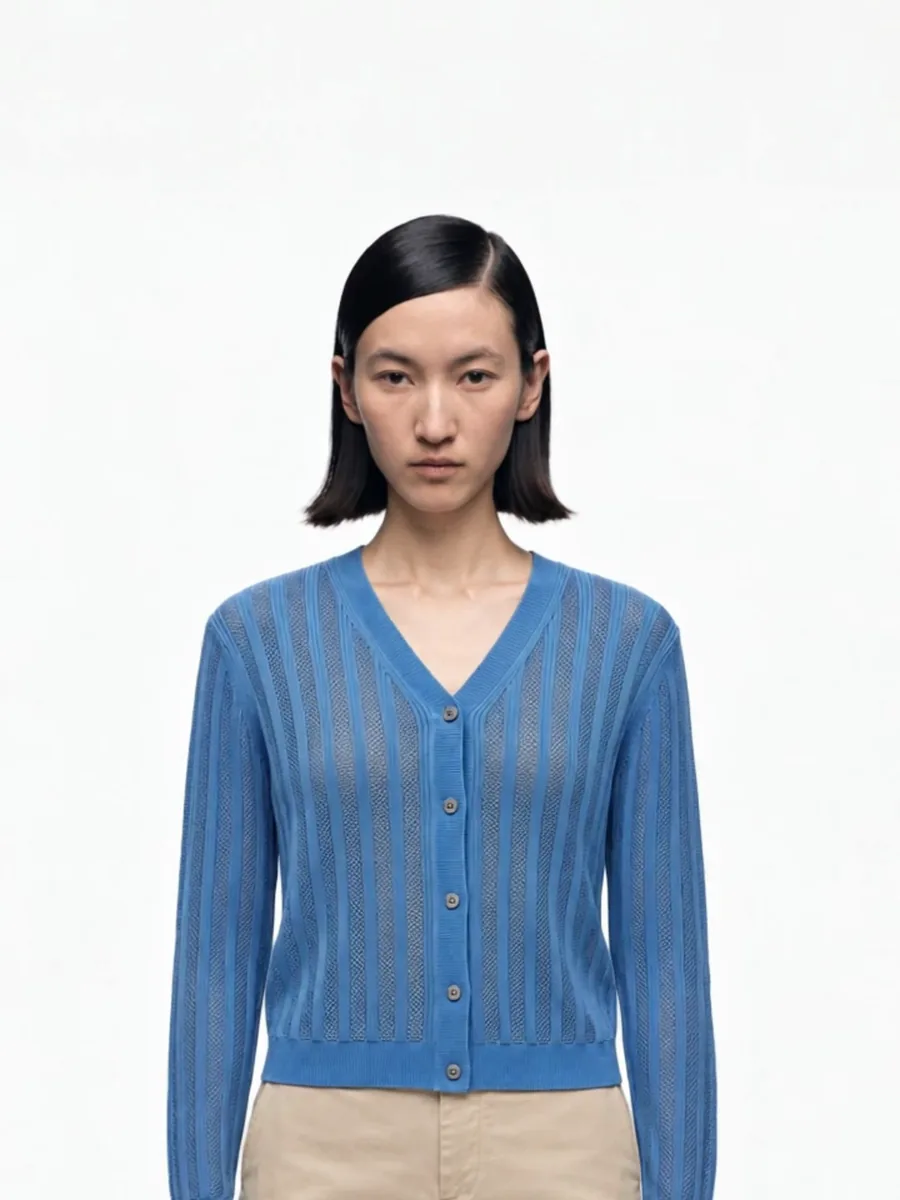
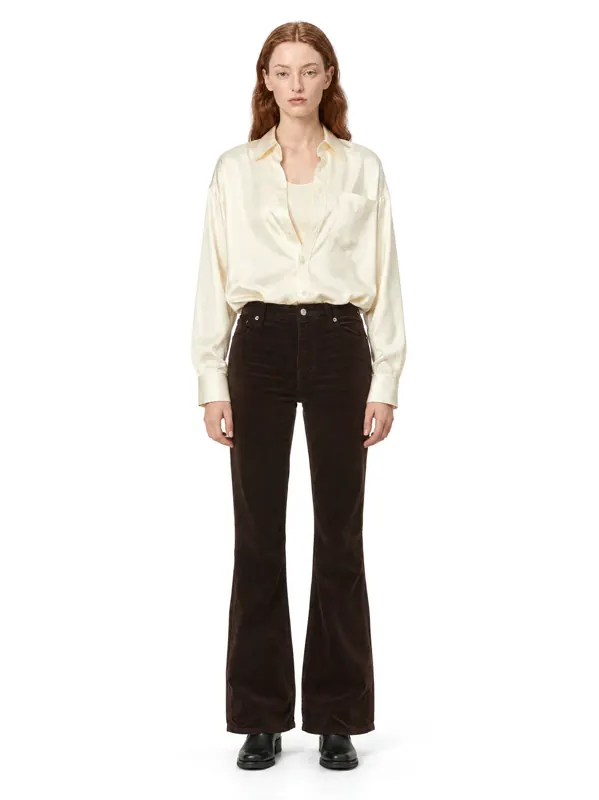
If you sell clothing on your own Shopify store and on eBay, you do not need two photo shoots. You need one image set that meets the stricter of the two sets of rules. Here is what each platform expects, in plain numbers.
Shopify image sizes
Shopify does not force a single size, but your theme decides how images look on collection and product pages.
- Recommended: square images around 2048 × 2048 px.
- Zoom: images above 800 px support zoom on the product page.
- Upper limit: Shopify’s help center lists 5000 × 5000 px and 20 MB per image as the maximum.
- Formats: JPEG and PNG are the safe default; WebP is also accepted.
The rule that matters more than the exact pixel count: use one aspect ratio for the whole store. A collection grid where some images are square and others are portrait looks broken. Many fashion themes are built around a 3:4 portrait crop, so check your theme settings first and then stick to that ratio everywhere.
eBay photo sizes
eBay’s photo policy is about clarity and honesty more than layout.
- Minimum: 500 px on the longest side.
- Recommended: 1600 px or more on the longest side, so the zoom works.
- Photos per listing: up to 24.
- Not allowed: borders, added text, watermarks and artwork that hides the item.
- The actual item: photos must accurately represent what the buyer receives. For pre-owned items, include photos of the item itself.
Thumbnails in search are small, so keep the item centered and large in the frame, with a little space around it.
Side by side
| Shopify | eBay | |
|---|---|---|
| Recommended size | 2048 × 2048 px, square | 1600 px+ on the longest side |
| Minimum for zoom | 800 px+ | 1600 px recommended |
| Photos per product | depends on theme | up to 24 |
| Text and watermarks | your choice, avoid on main image | not allowed |
| Consistency | one ratio for the whole store | clean, accurate item photos |
Platform rules change. Check the current Shopify help center and eBay photo policy for your category before a large upload.
One image set for both
- Shoot high resolution. A 2K or 4K frame is above every minimum here and leaves room to crop.
- Keep the item centered with margin. Then a square crop for Shopify and the full frame for eBay both work without cutting off shoes or hair.
- Plain, light background for the first image. It reads well in a Shopify grid and in eBay search results.
- No text on the photo. Put sizes and materials in the description, not on the image.
- Same model and light across the catalog. On Shopify it makes collection pages look like one shoot; on eBay it makes your listings recognizable.
A gallery that works on both
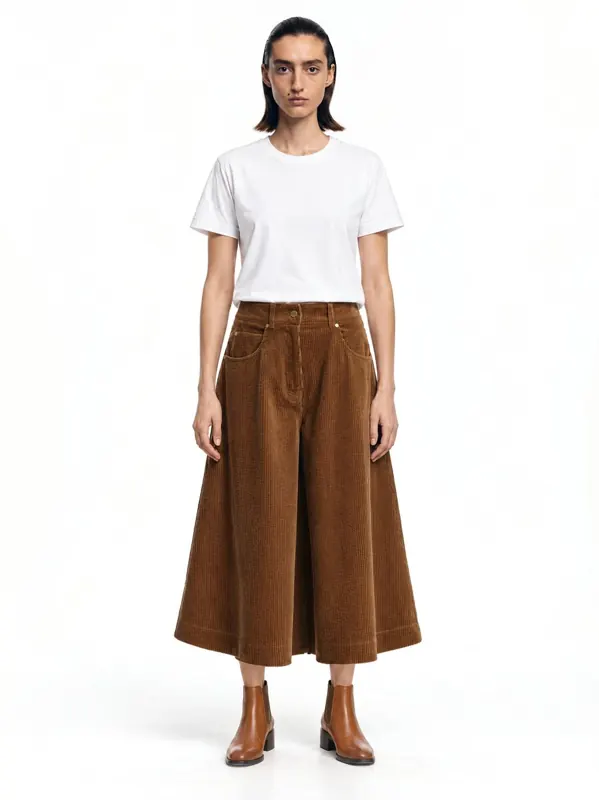
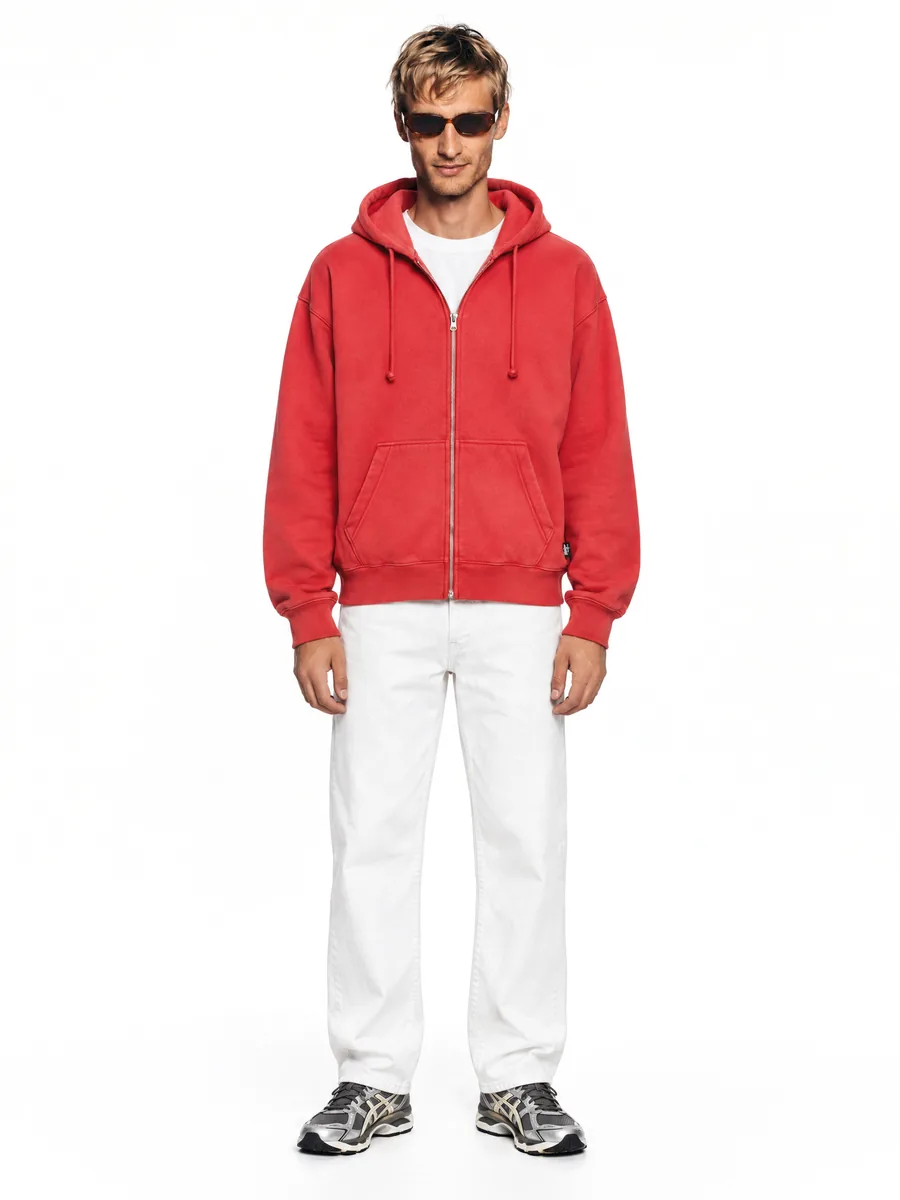
- On-model, front, plain background
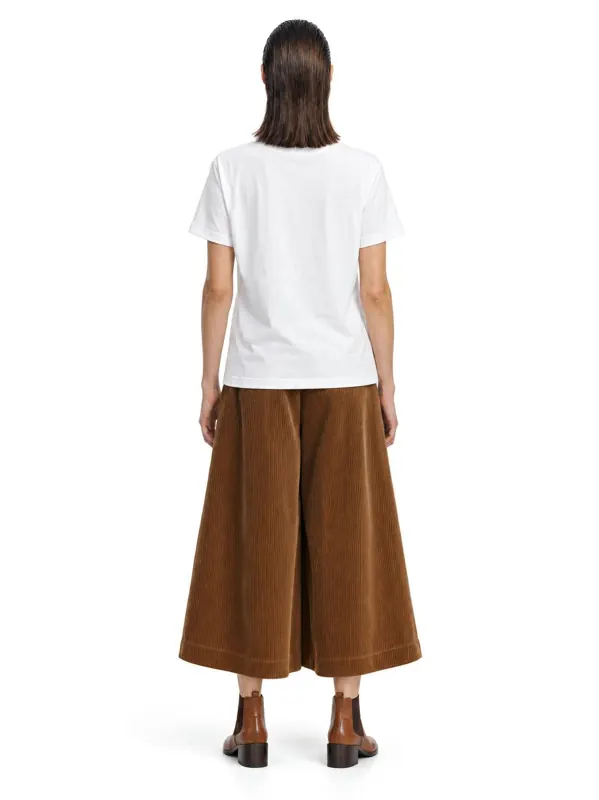
- On-model, back
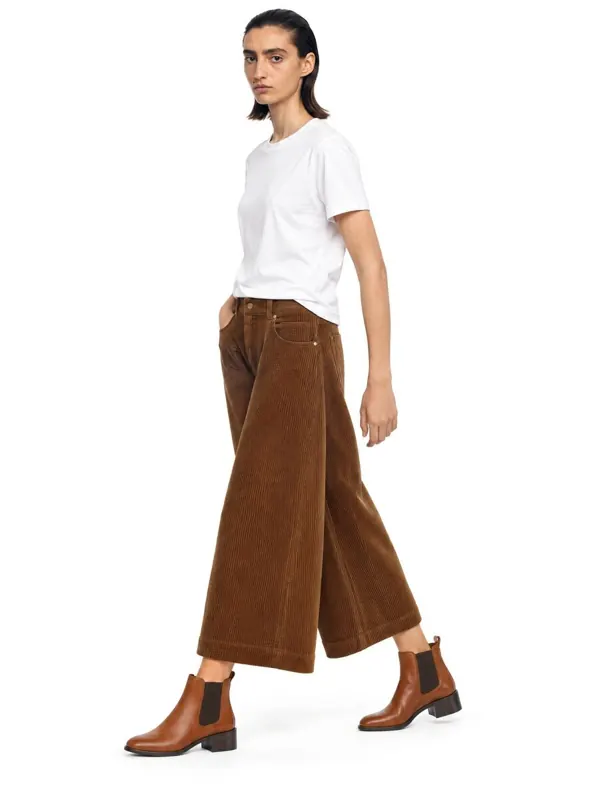
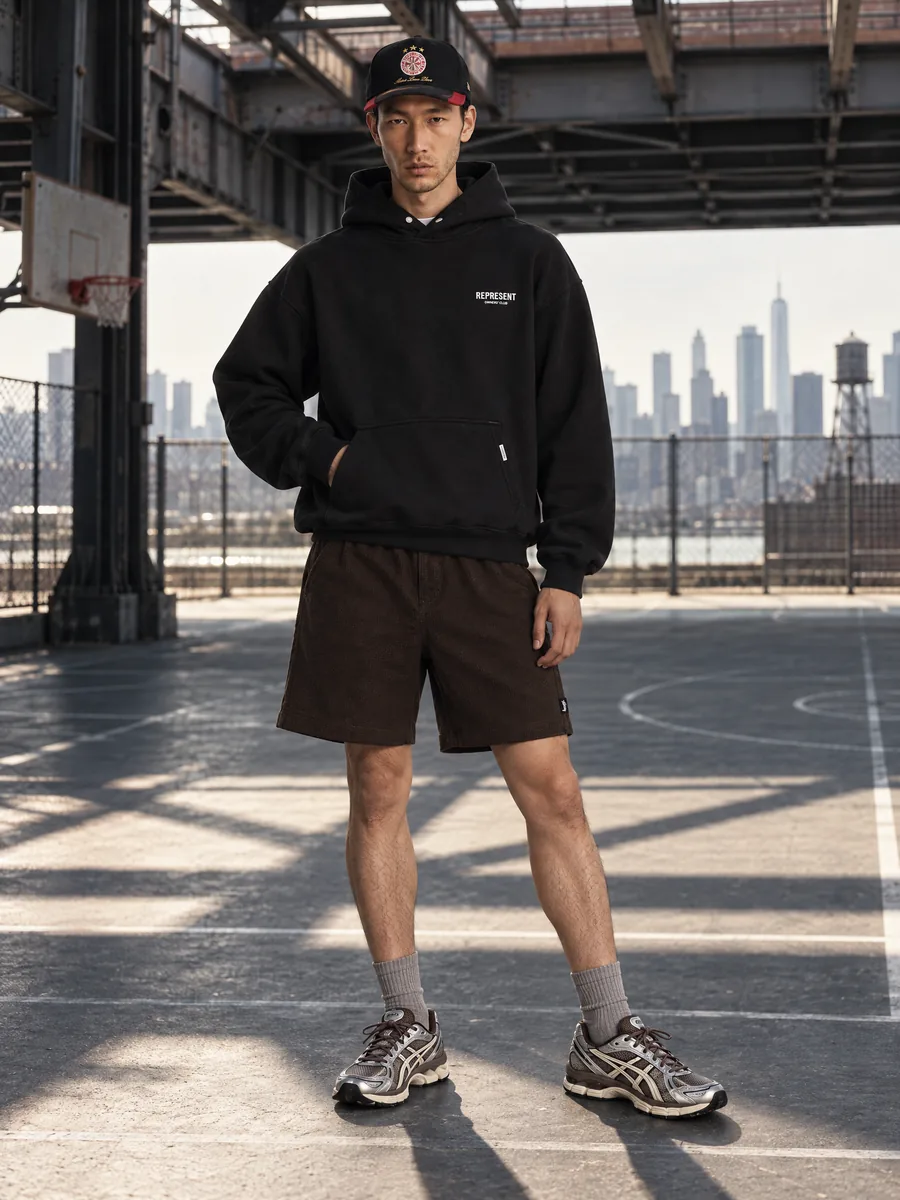
- Three-quarter or walking shot
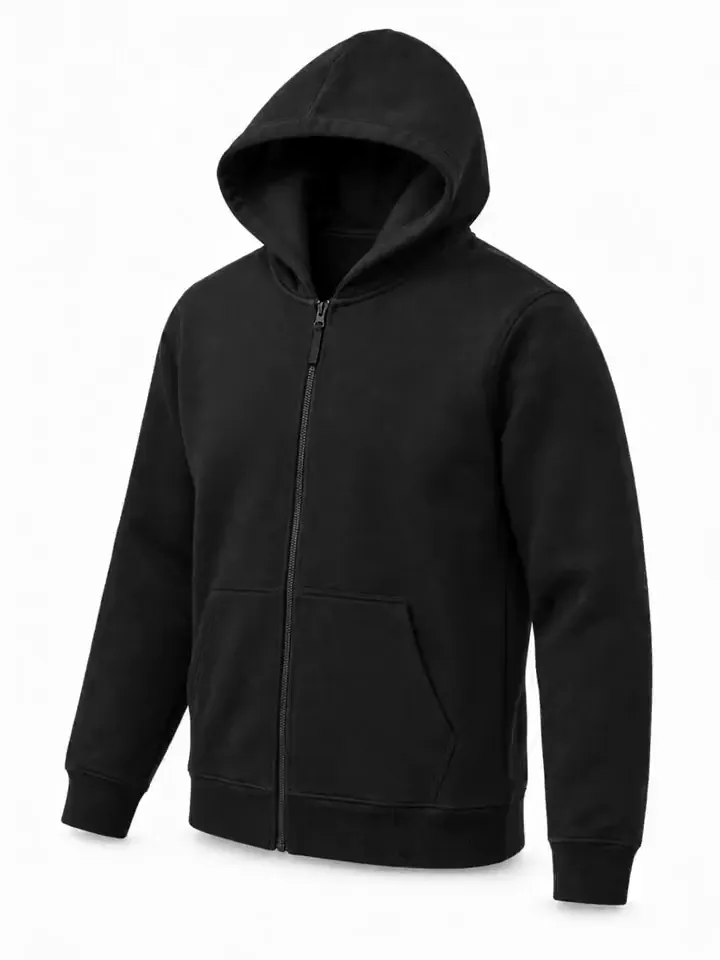
- Close-up of fabric, print or hardware
- Your original photo of the item, especially on eBay
Where AI fits
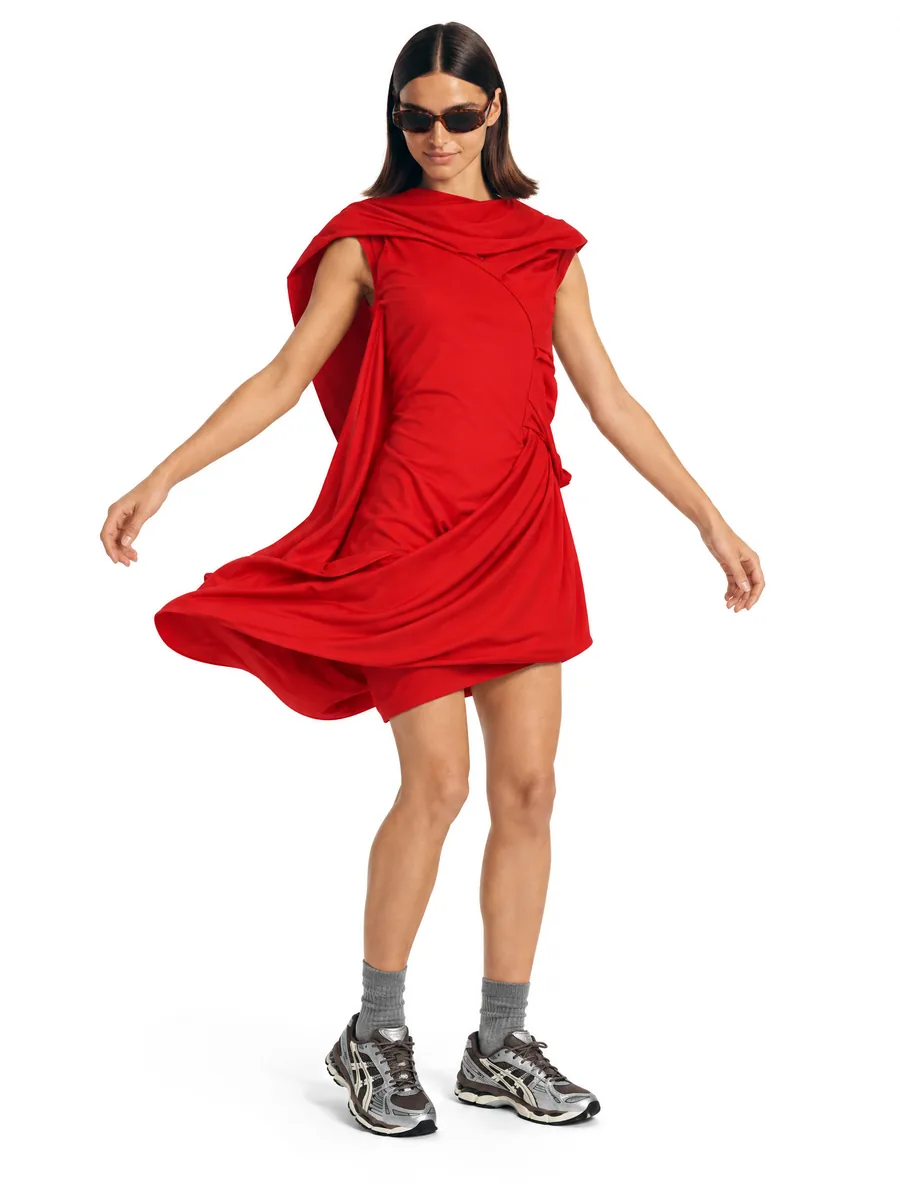
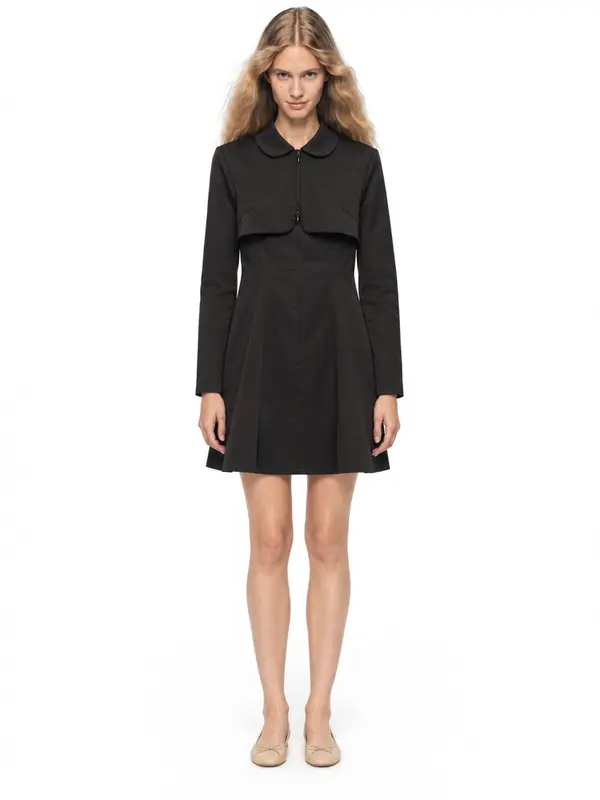
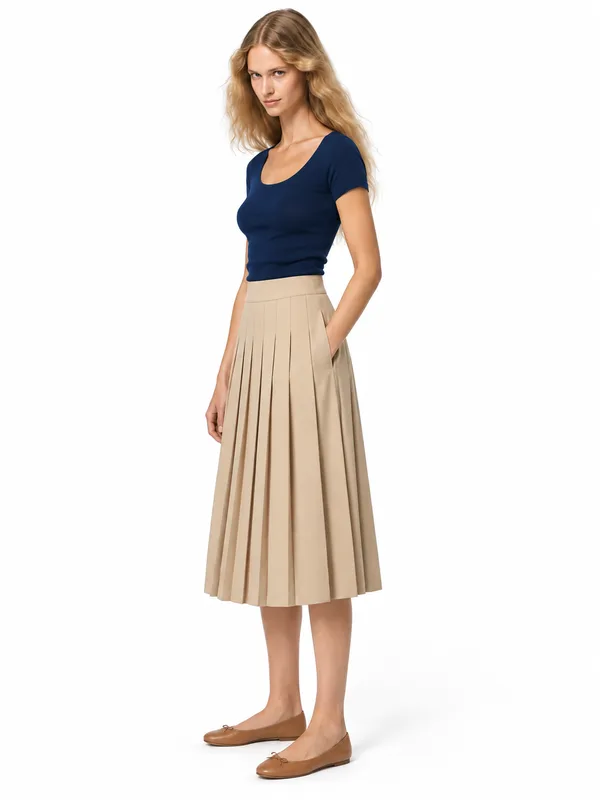
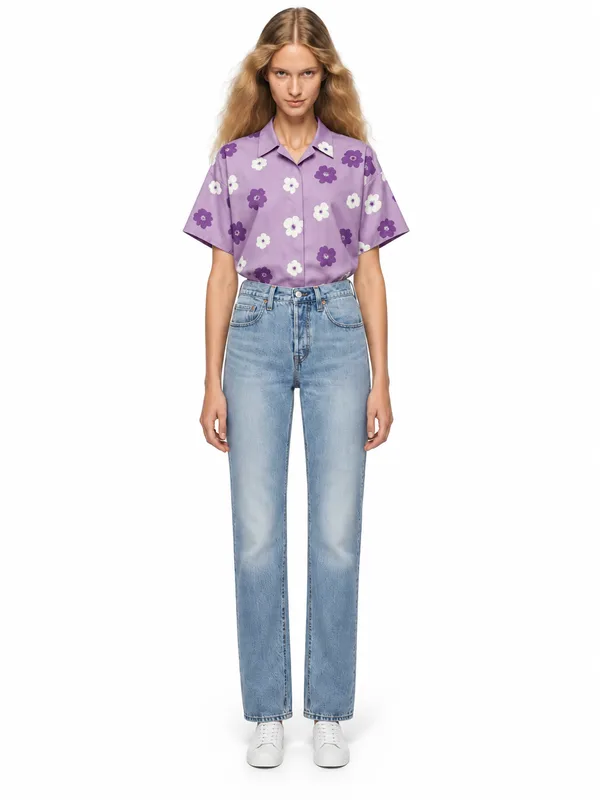
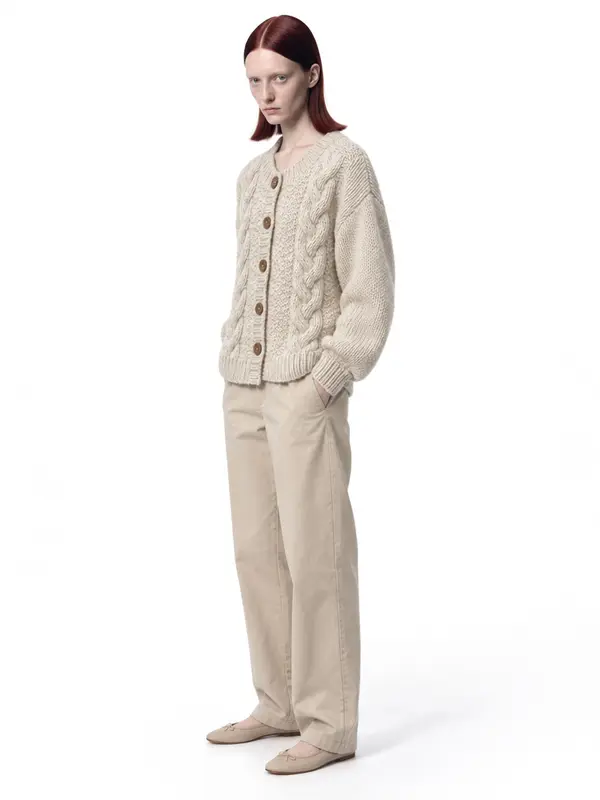
AISKU generates on-model frames in 2K and 4K from one photo of the item: front, three-quarter, back and waist-up on the same model. Every frame passes quality control before it reaches you, so the frames you get match your photo in color, print and details. Frames start at $0.33, and you can crop them square for Shopify or keep the full frame for eBay.
What it looks like in the studio

Example shots: white wall, made in AISKU
Questions
What is the best image size for Shopify products?
Square 2048 × 2048 px is the common recommendation. Images above 800 px support zoom. Keep every product image in the same aspect ratio so collection grids line up.
What is the best photo size for eBay?
At least 500 px on the longest side, and 1600 px or more so buyers can zoom. Photos must show the actual item, without borders, text or watermarks.
Can I use the same photos on Shopify and eBay?
Yes. A high-resolution on-model photo on a clean background works on both. Export a square version for Shopify grids and keep the full-resolution file for eBay zoom.