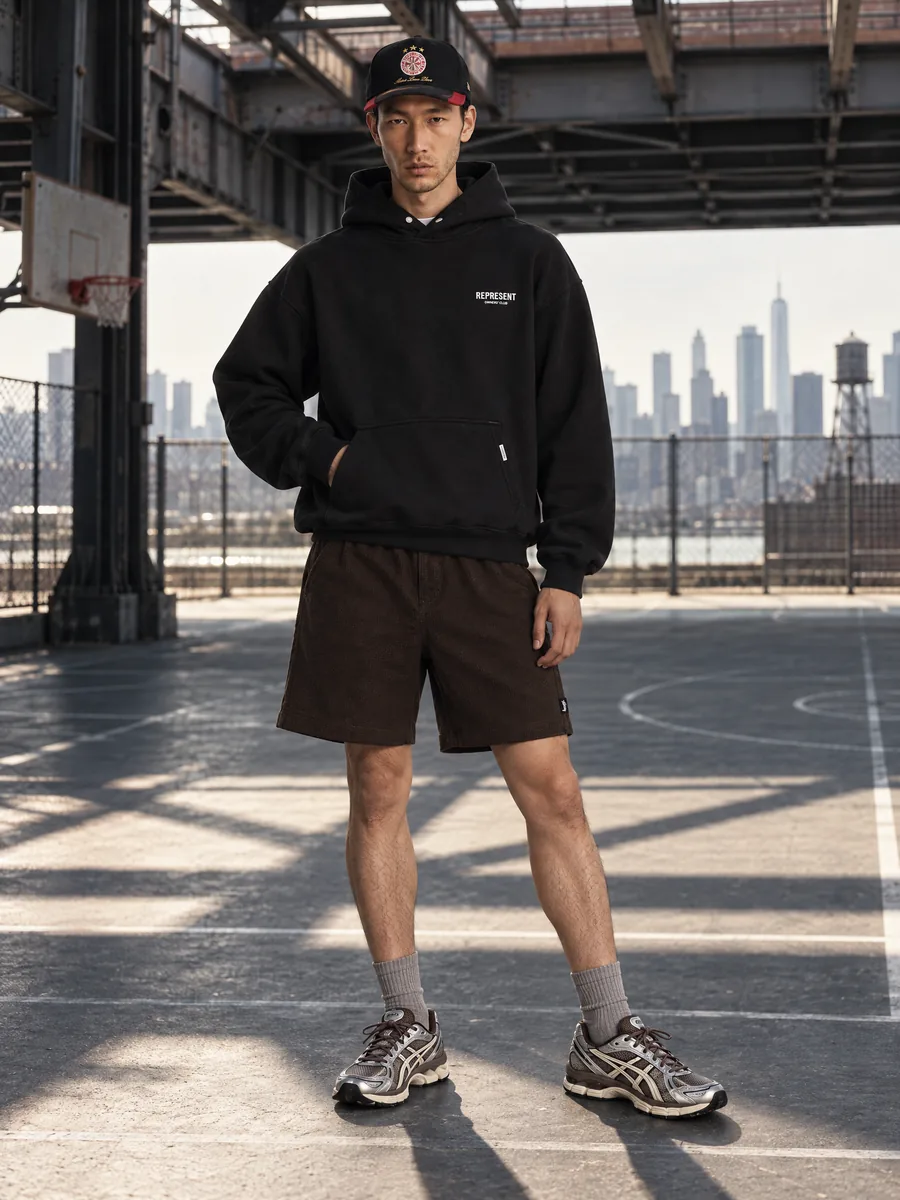
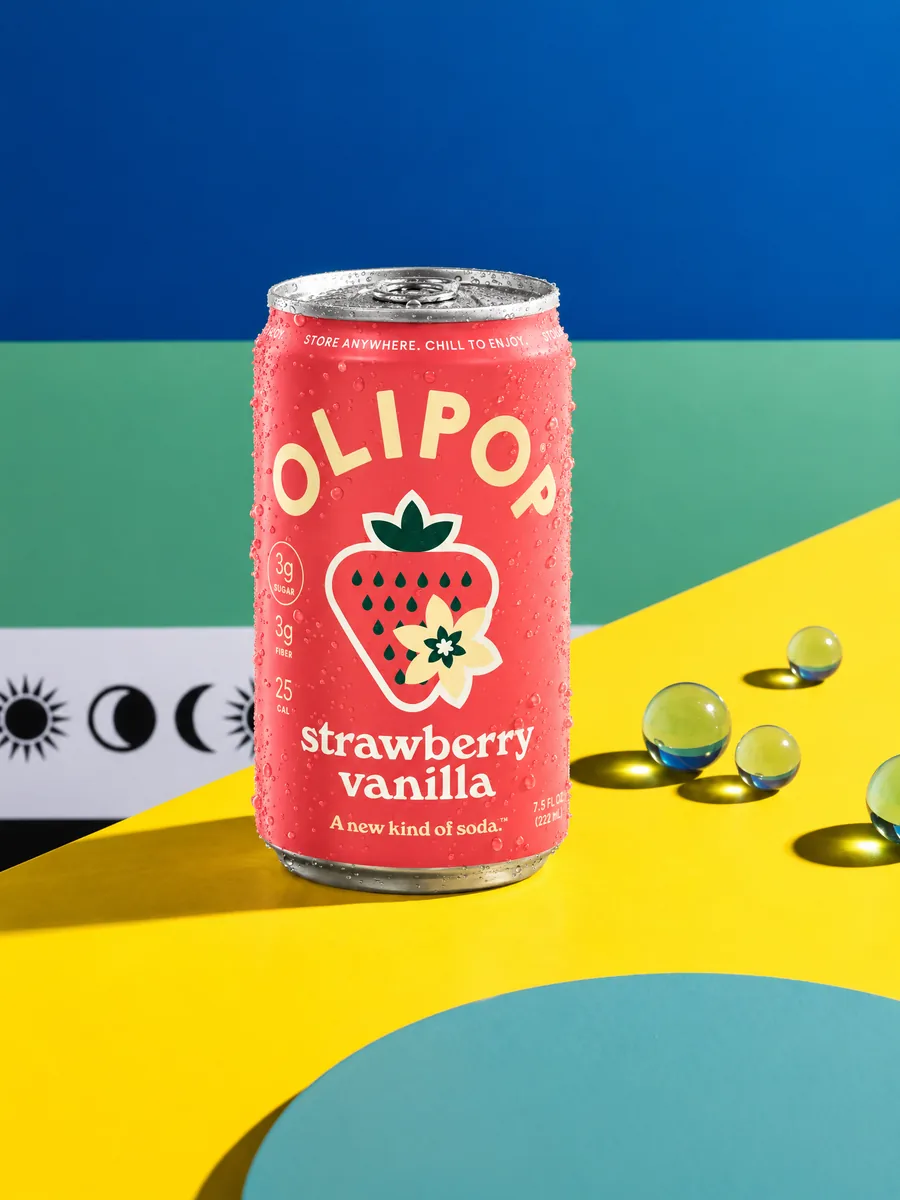
AI fashion models
AI fashion models for your clothing photos
Upload one photo of a garment and get a full on-model set: front, three-quarter, back, waist-up and details, on a model that fits your audience.
- 1:1garment kept: color, texture, details
- ~1 minper frame, 2K or 4K
- 10 000frames a day per account
- 100%of frames checked by quality control
Key facts
- AISKU turns one garment photo into on-model frames: front, three-quarter, back, waist-up and details.
- One chosen model is kept across every product and angle of a catalog.
- Every frame passes quality control against the product photo; you get frames that are already checked.
- An account can generate up to 10,000 frames a day.
- A 2K frame costs from from $0.72 on the top plan, and every frame is checked before you see it.
- You own the generated images and can use them commercially on marketplaces, in stores and in ads.
Will the AI keep my garment exactly as it is?
Yes. AISKU keeps color, weave, knit, prints, logos, seams and hardware as on your product photo, where generic image generators redraw clothes.
Every frame is compared with the source by automated quality control. You get the frame right the first time: color, pockets and prints match your photo.
- Prints, checks and logos stay readable
- Knit, leather, suede and sequins keep their texture
- Hands, fit and proportions are checked on every frame
One photo in, a full product page set out
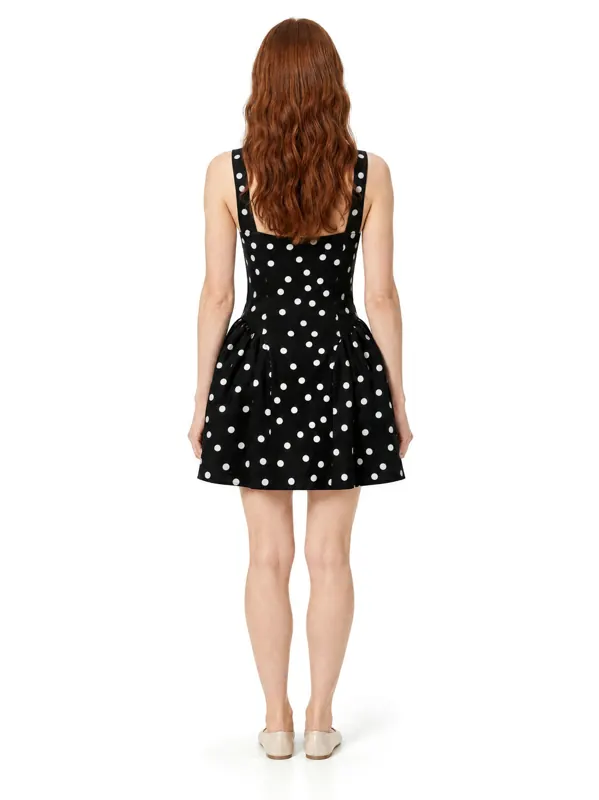
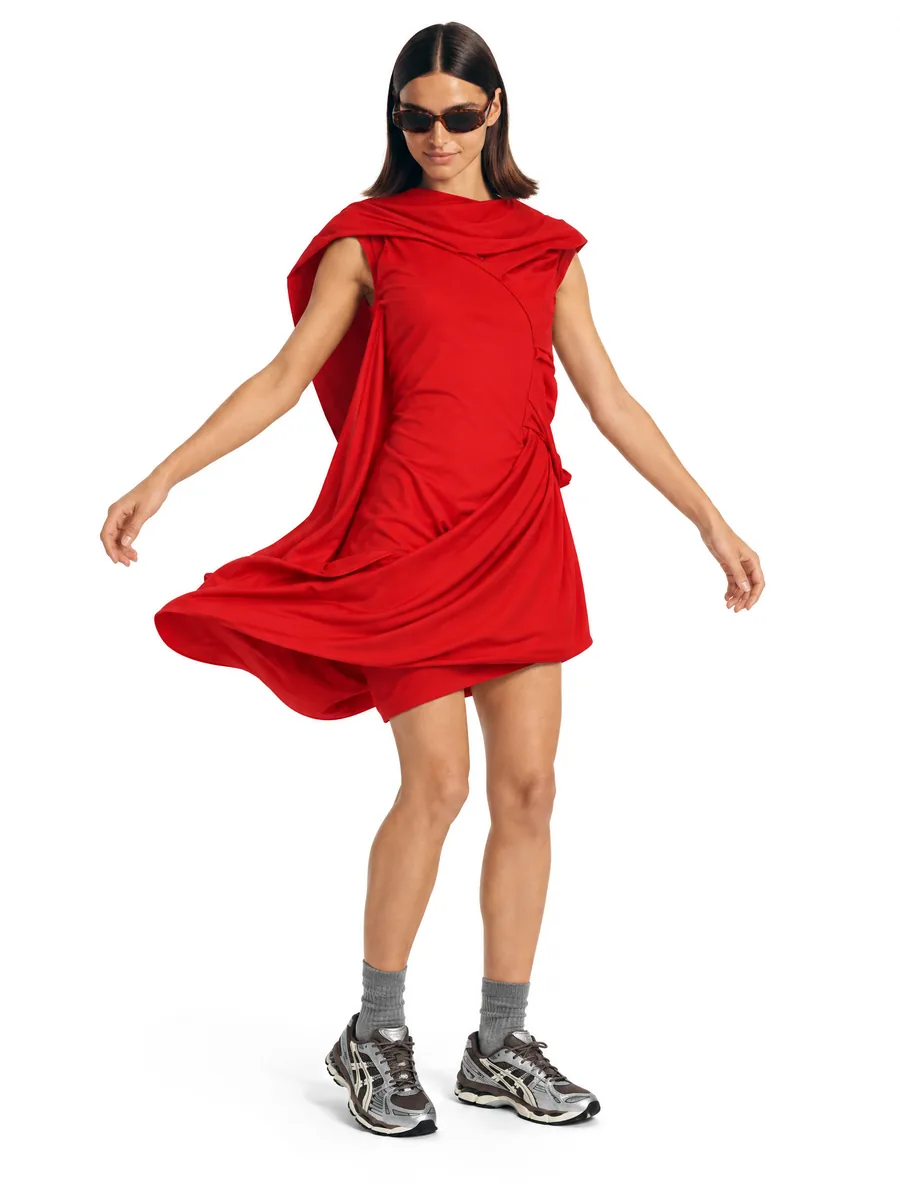
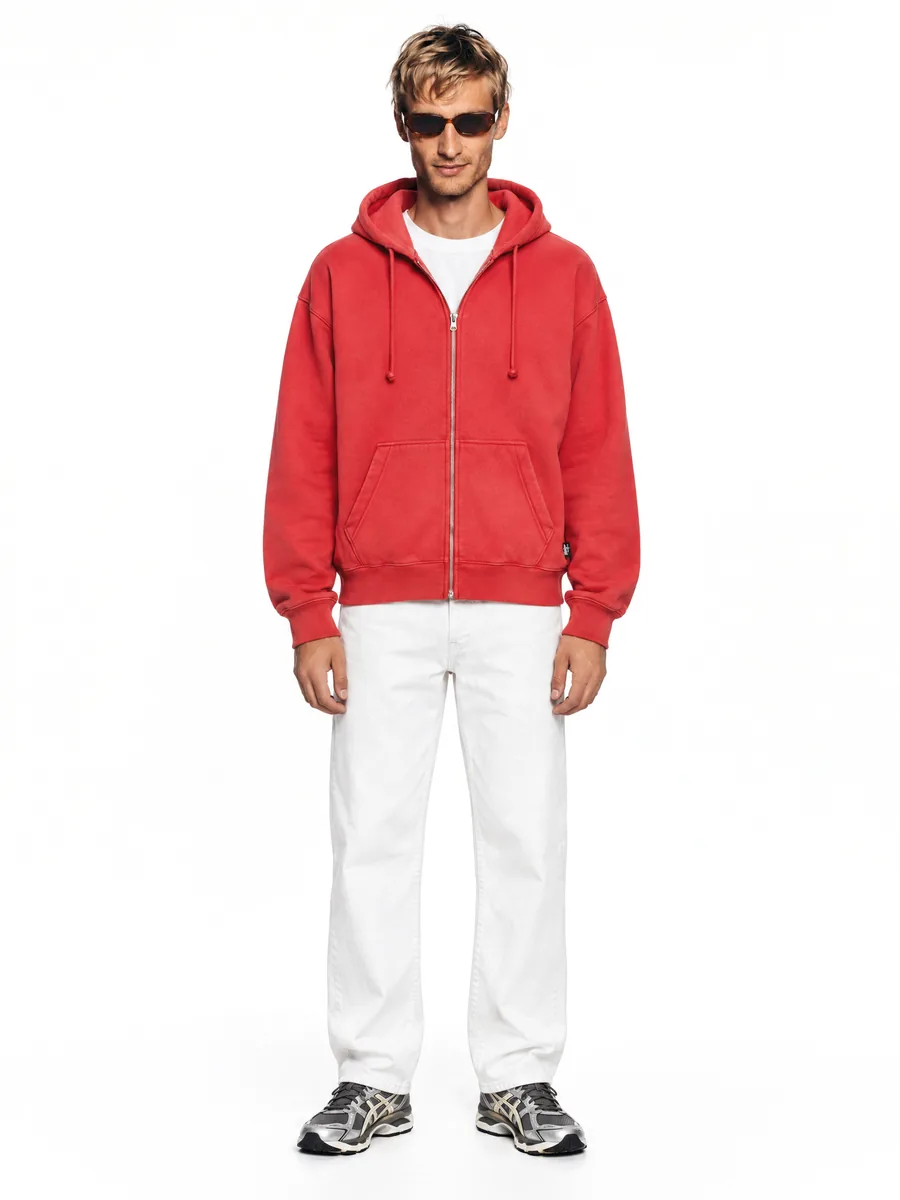
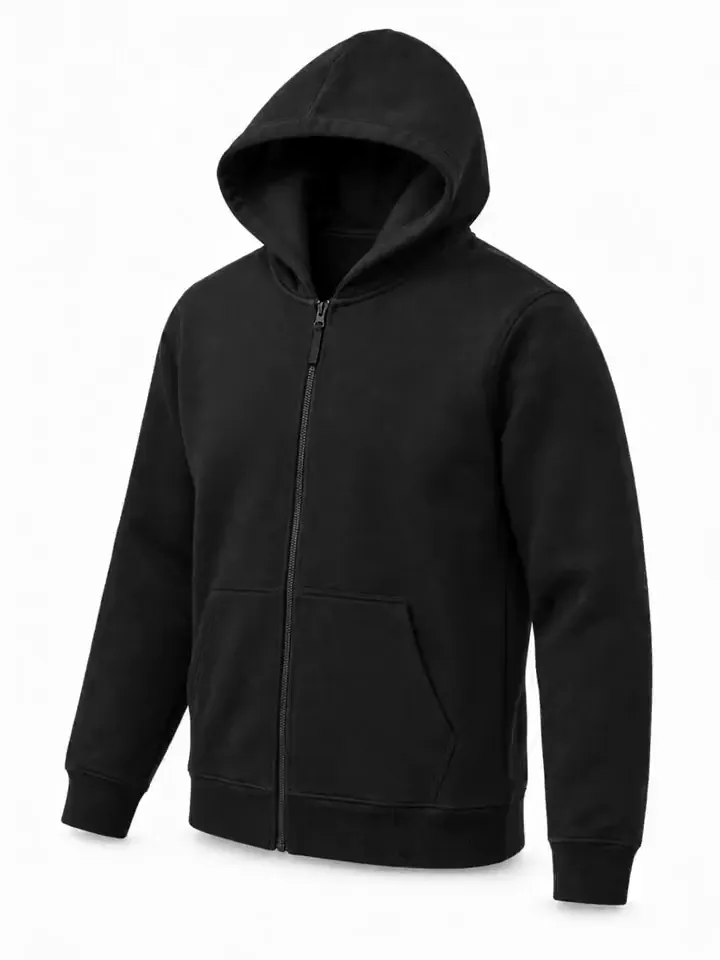
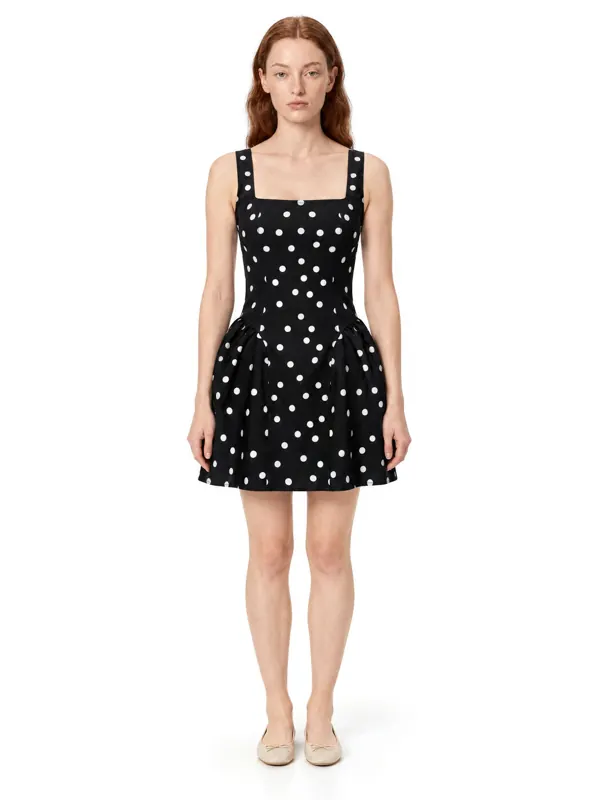
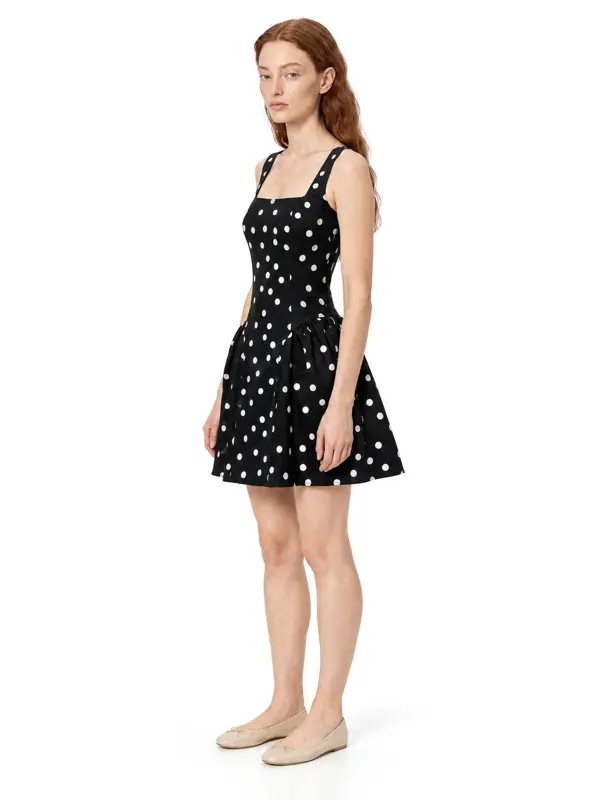
Front, three-quarter and back on the same model, in the same light. The first tile is the source photo; the rest were generated from it without reshooting the item. Every view is checked for the requested camera angle, and a back view passes only if the face is not visible. Add a photo of the back of the garment for an exact back; without it the back is reconstructed and marked as AI-made in the studio.
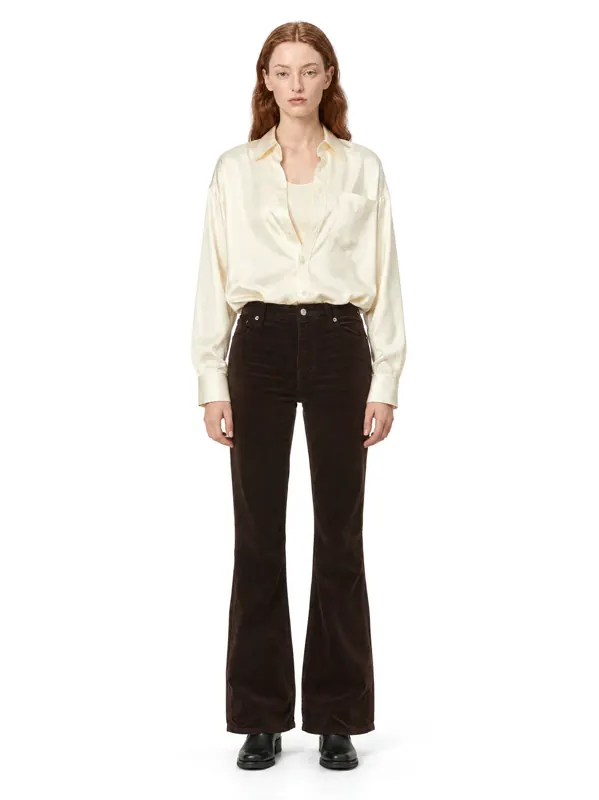 Front
Front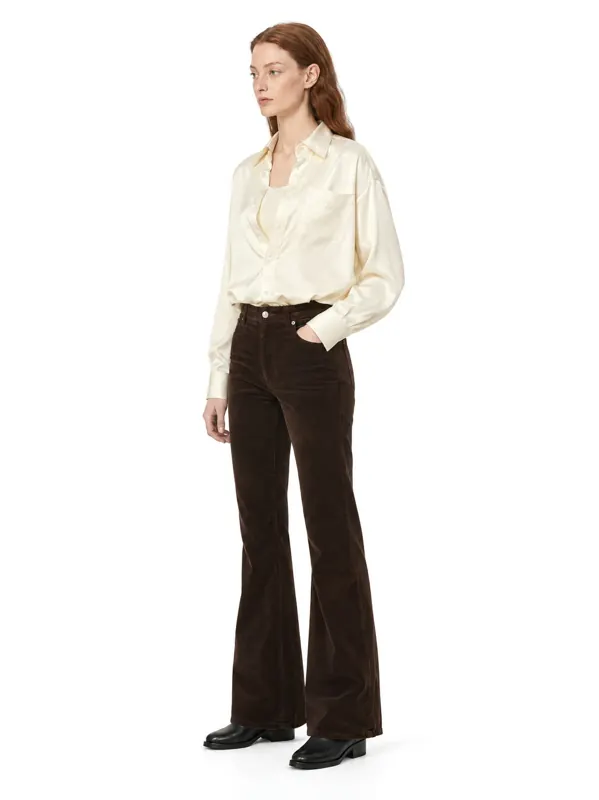 Three-quarter
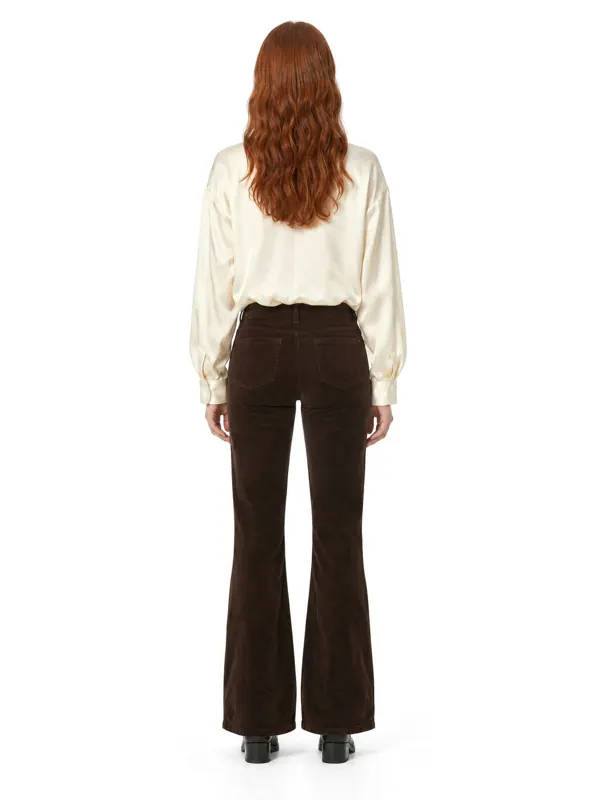 Back
Back
Can I keep one model across the whole collection?
Yes. Pick a model once and shoot every product and every angle on the same face and body. Your category pages look like one professional shoot, not a collage.
Choose age, body type, skin tone and styling to match your customers. Menswear, womenswear, plus size and accessories are supported.
Cast the model your customers trust
Age, skin tone, body type and styling. The chosen model stays fixed for the whole batch, and every frame gets a separate face check against that model, so a different person does not slip into the series. Left on Auto, menswear goes on a male model and womenswear on a female one.
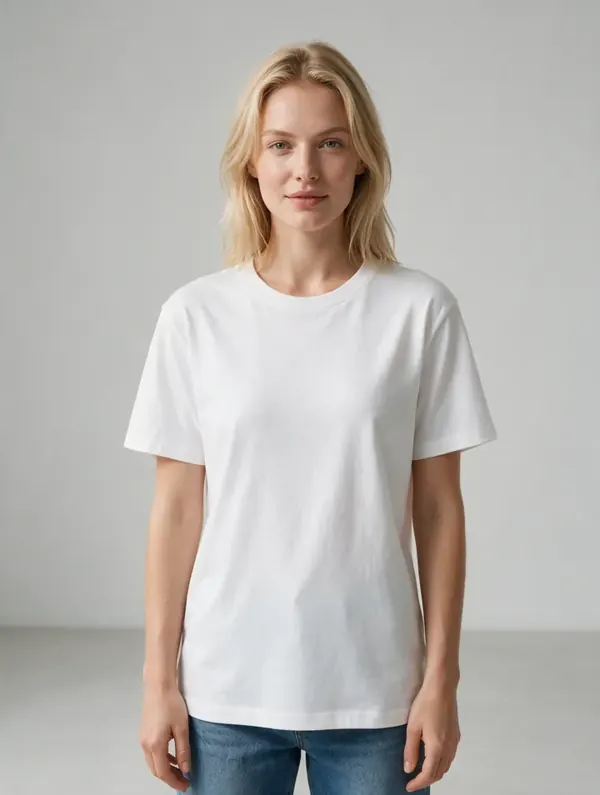
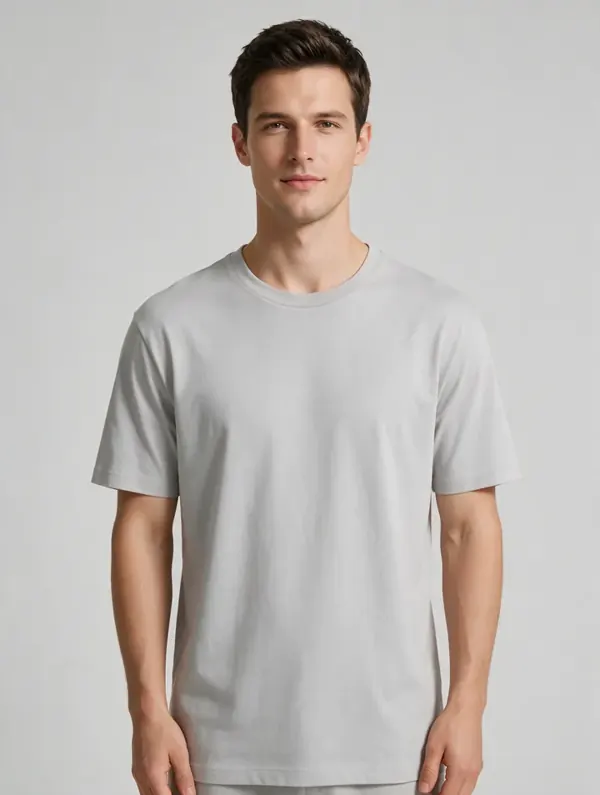
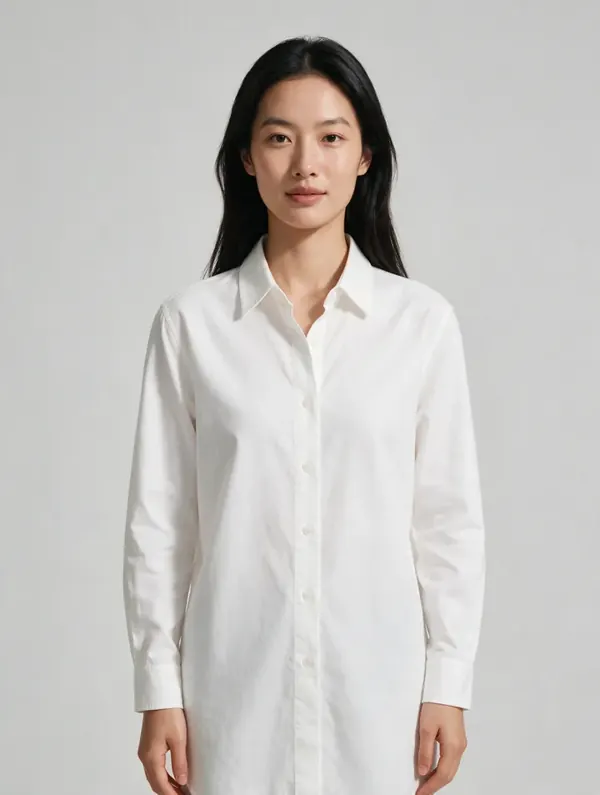
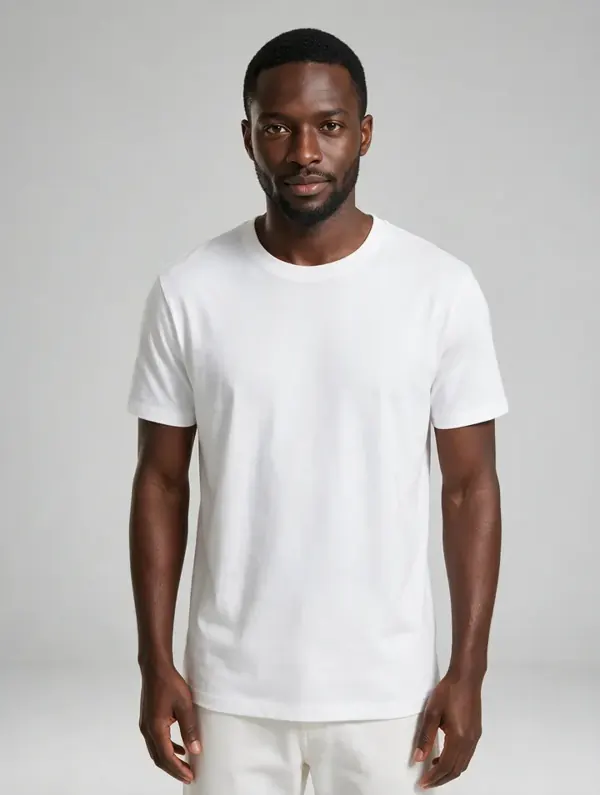
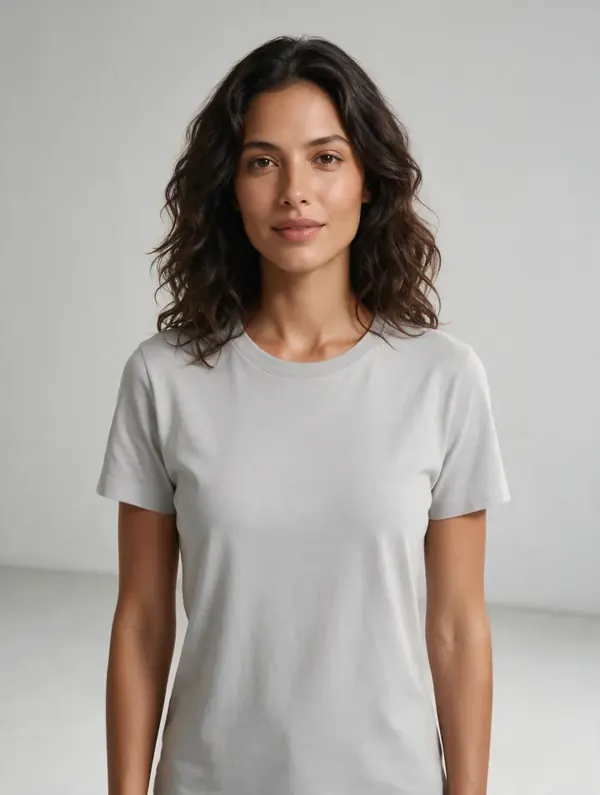
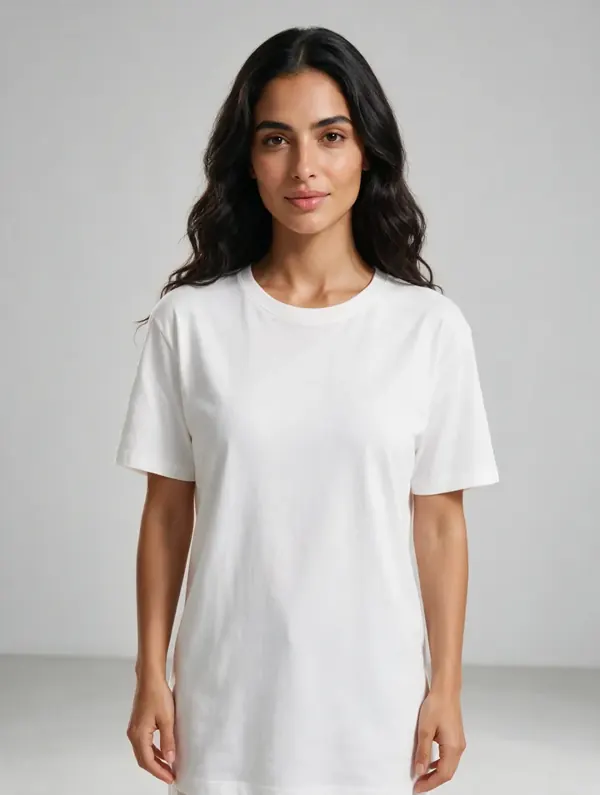
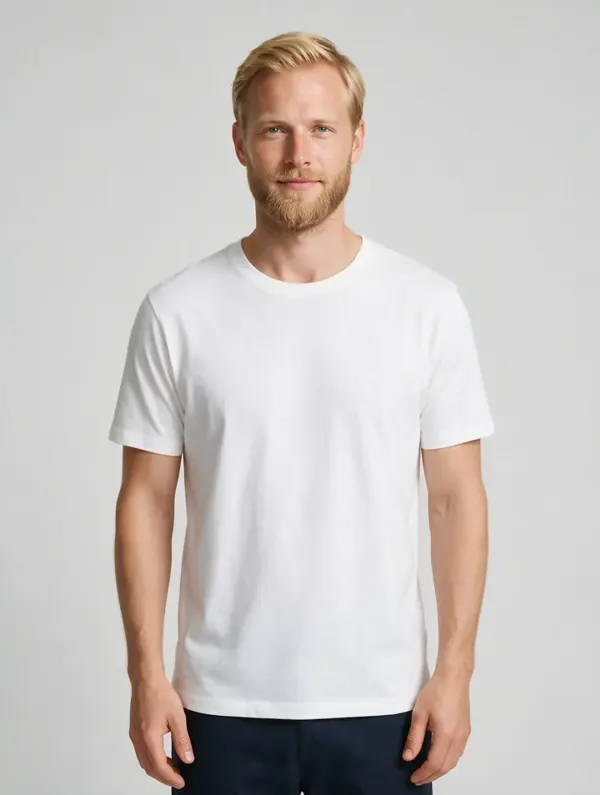
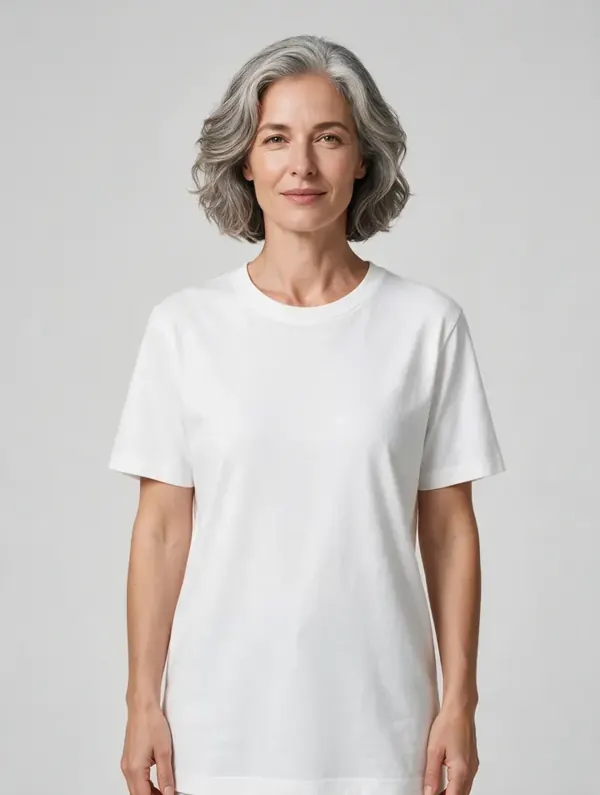
Catalog models · men and women · 18 to 65
How many photos can I make a day?
Up to 10,000 frames a day per account. A new season, a full catalog refresh or daily drops are shot in hours, not weeks of booking studios, models and retouchers.
A monthly plan with credits, top-ups in any amount and no seat fees. Full commercial rights to every image.
Same look, any scene
The same model and the same outfit moved between sets: studio, old town, gallery, rooftop, seaside, hotel lobby and night city. The garment stays the one from the product photo in every scene. Use the studio frame for the main image and the locations for lifestyle slots.
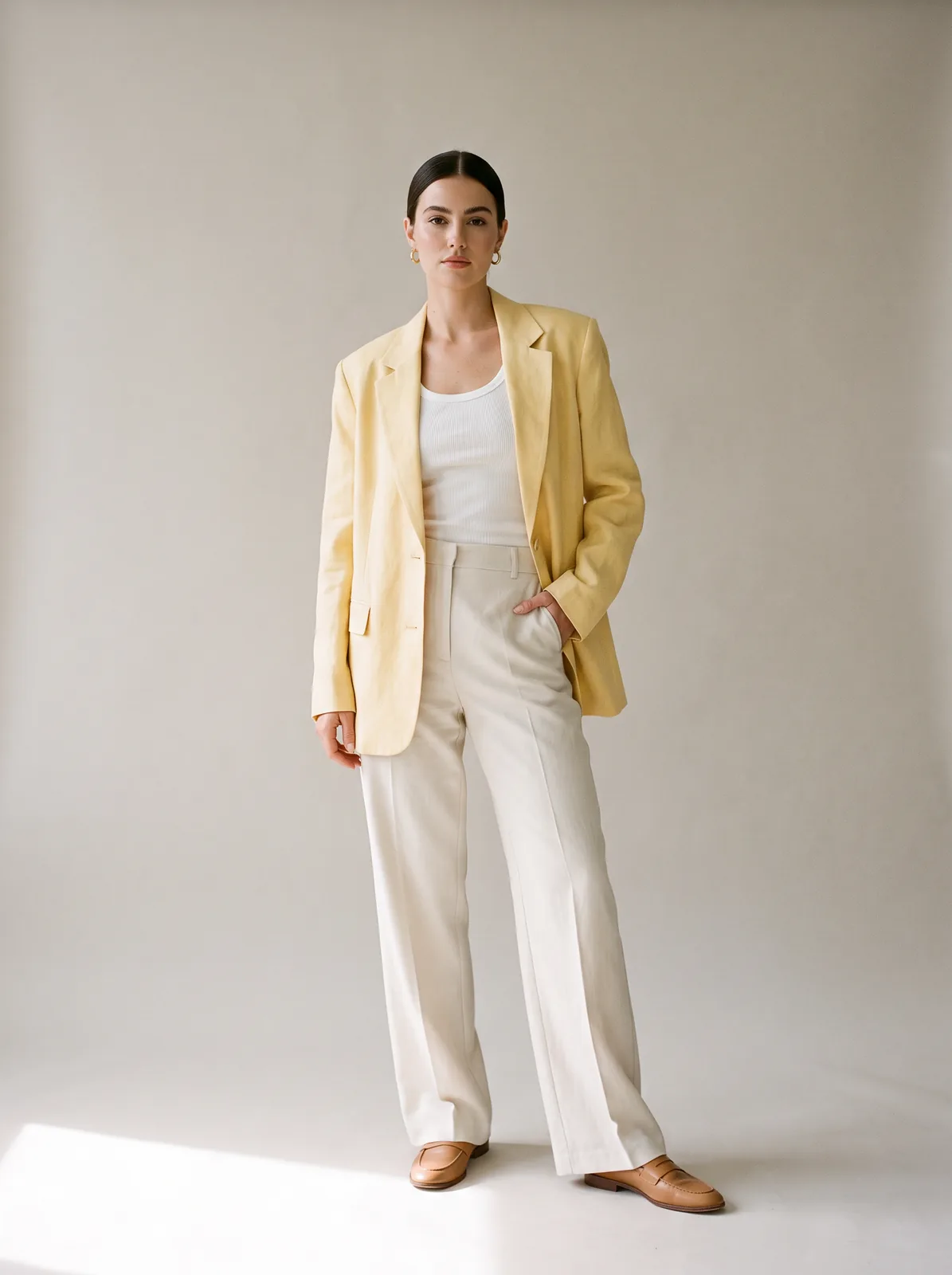 Studio
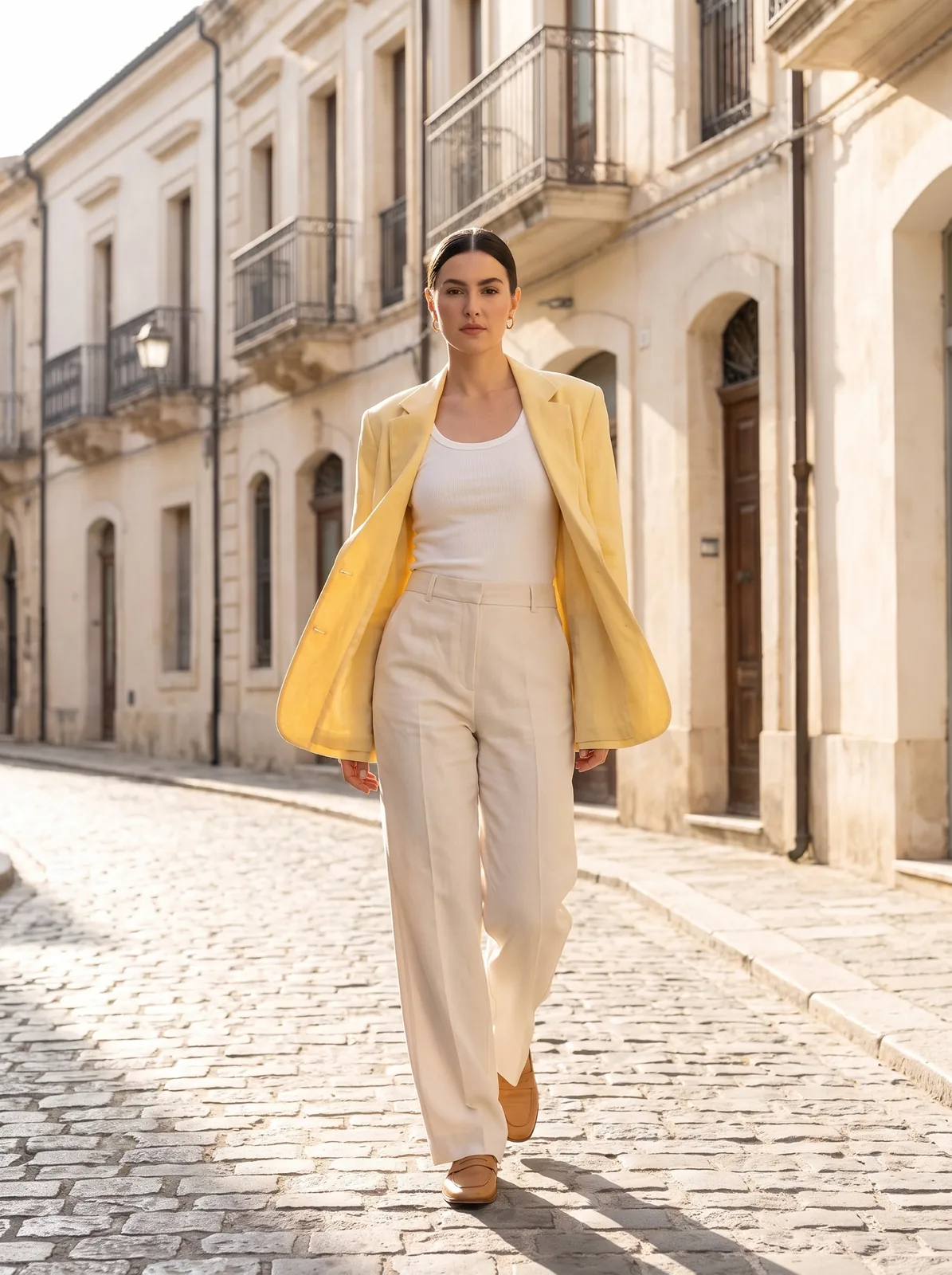 Old town
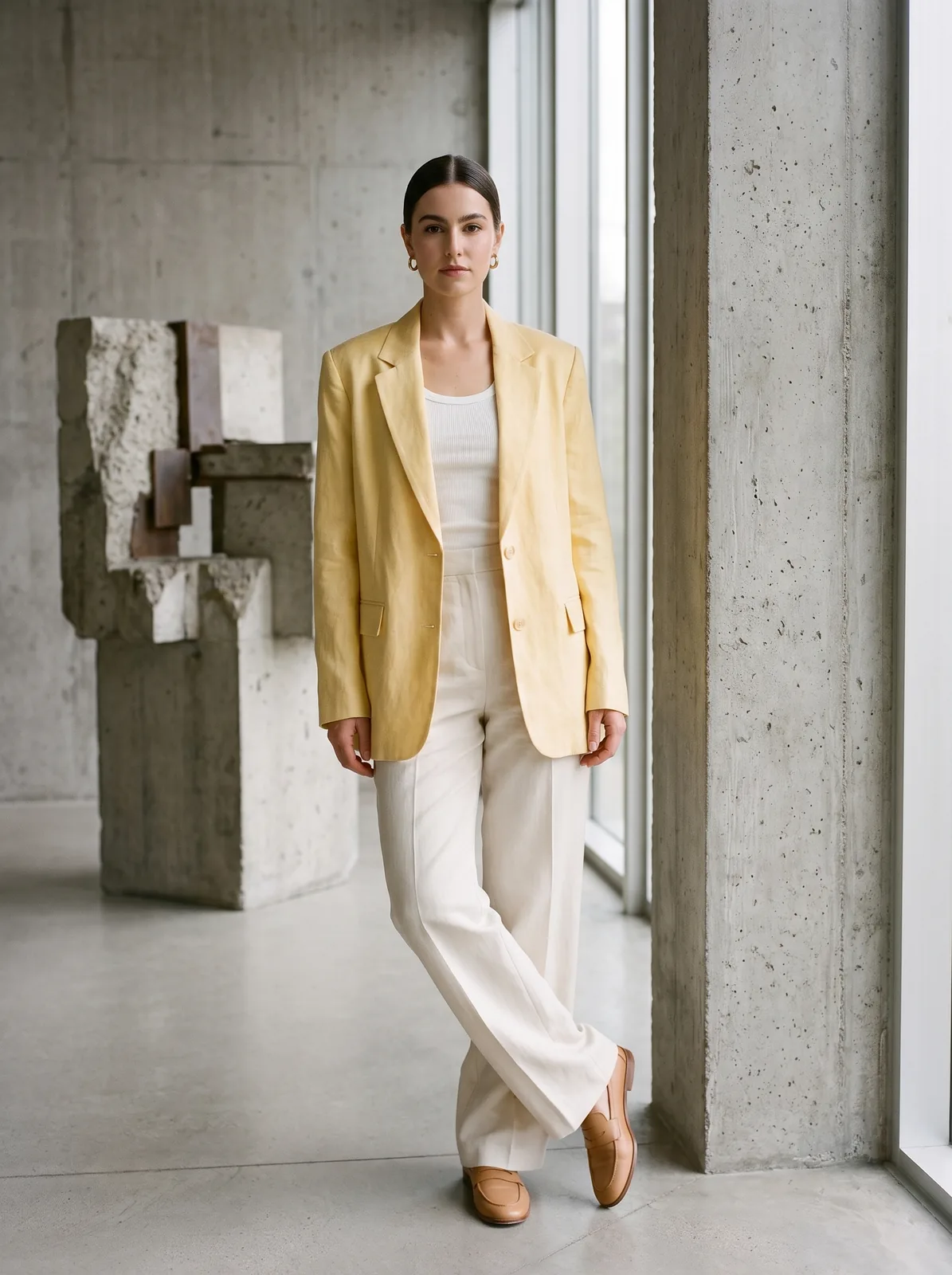 Gallery
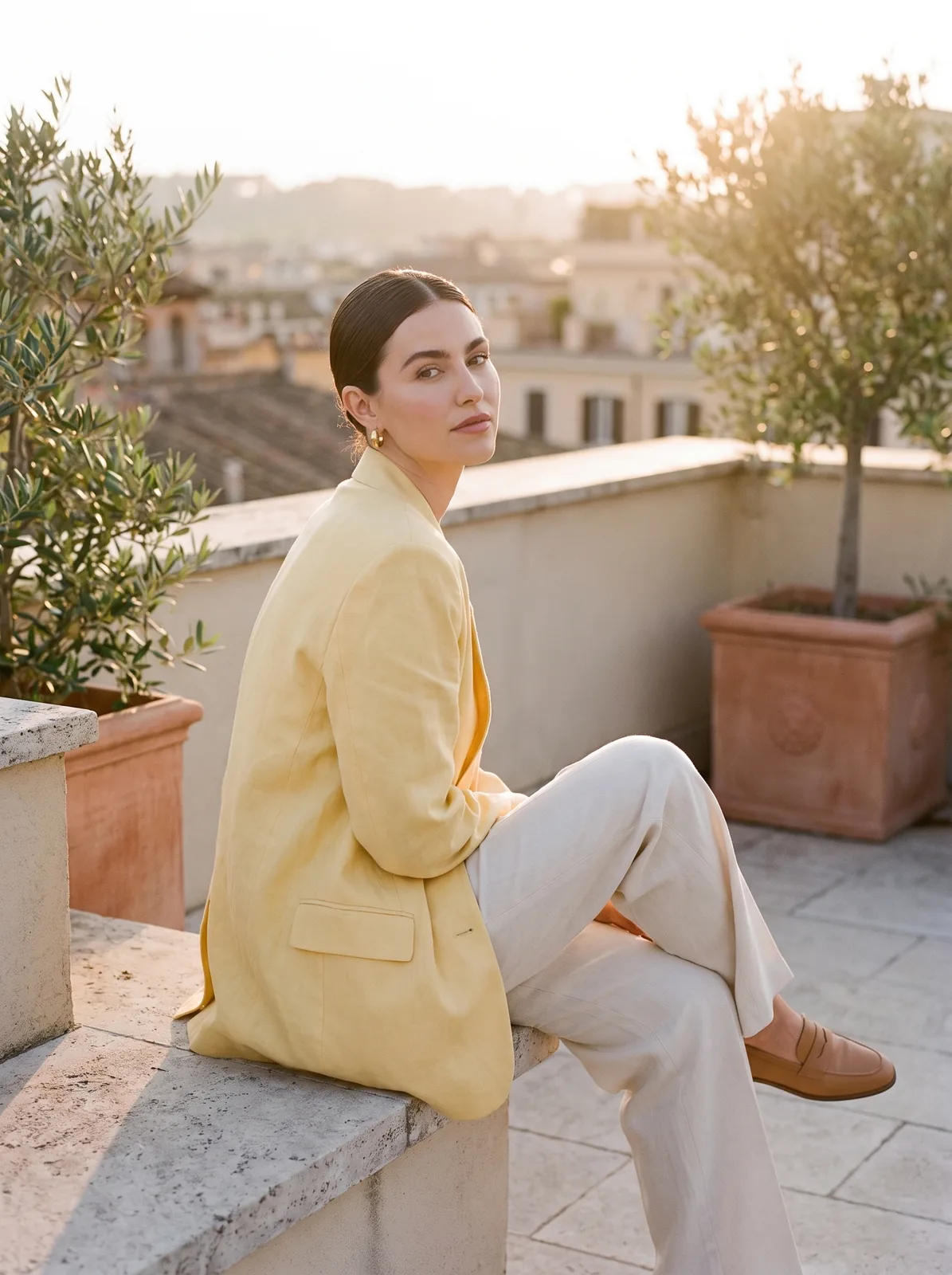 Rooftop
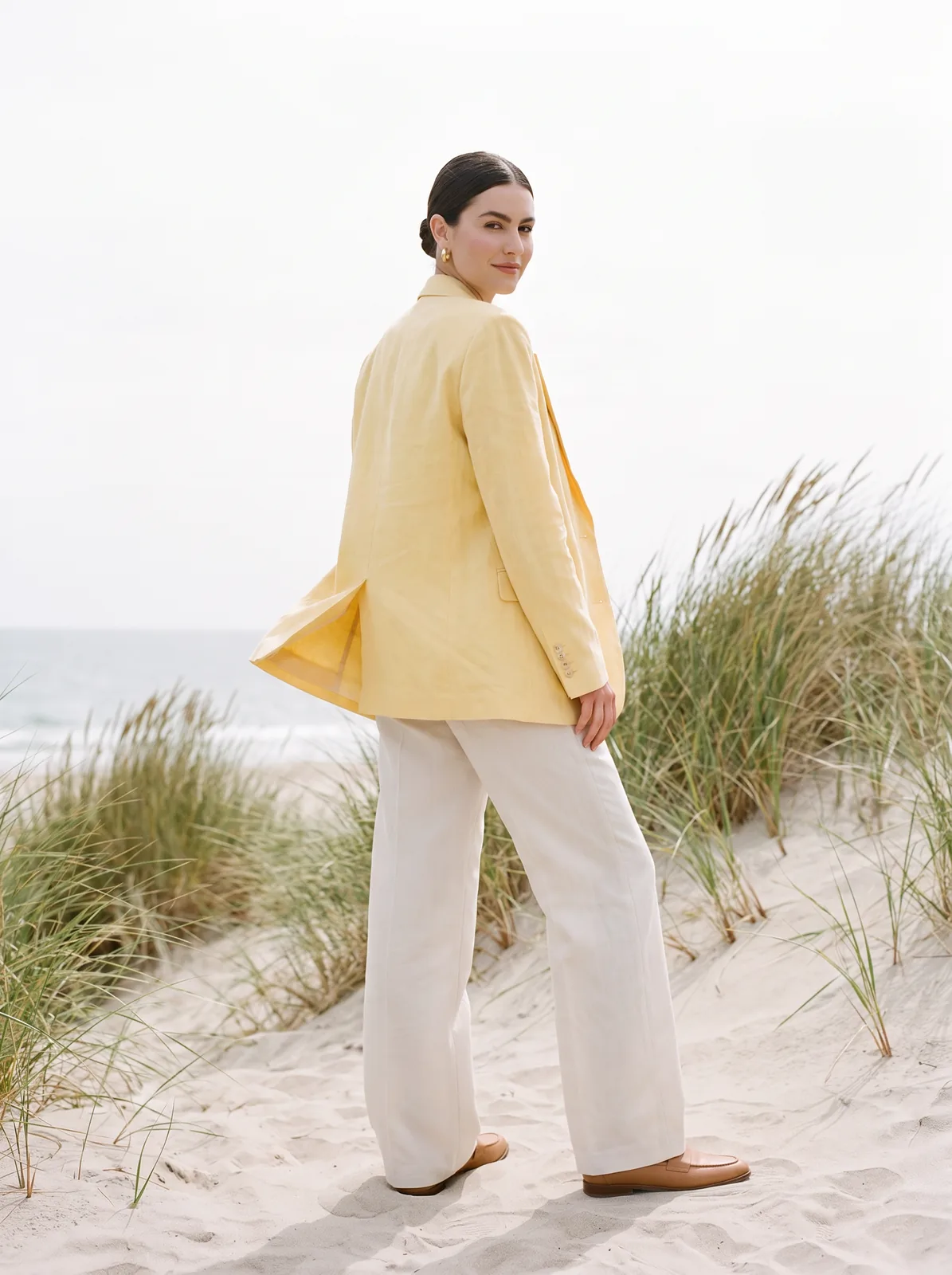 Seaside
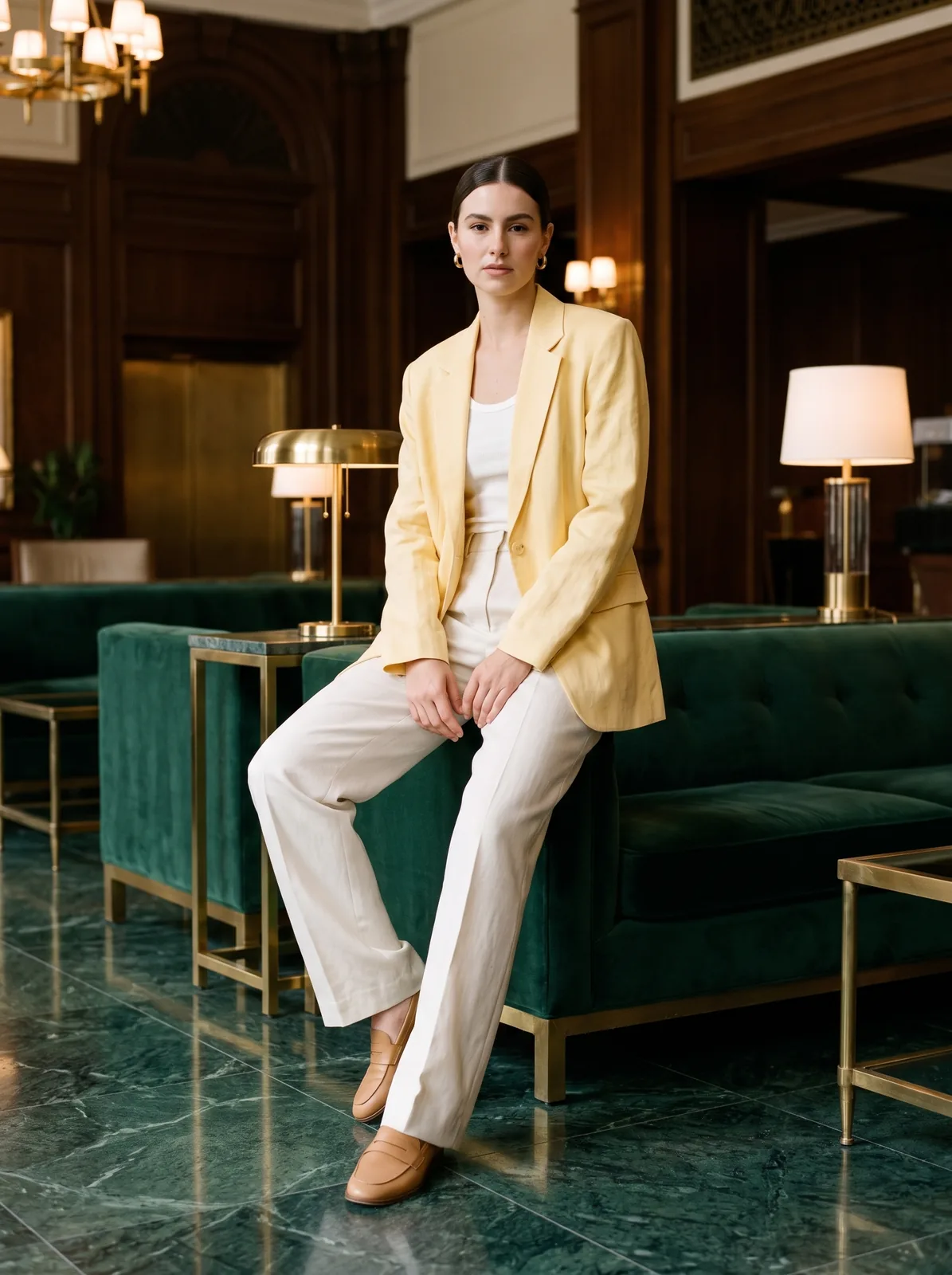 Hotel lobby
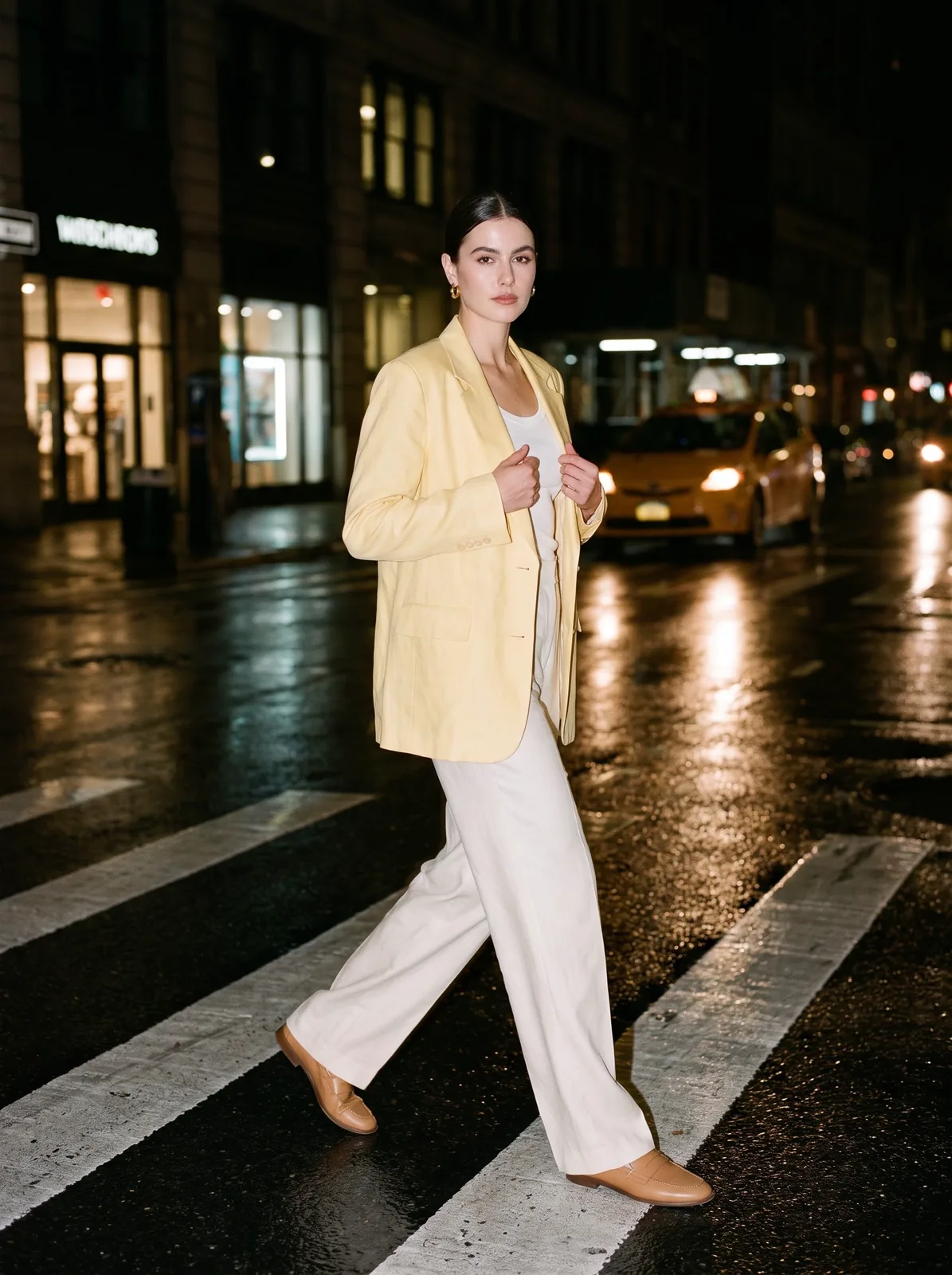 Night city
Capabilities
Everything you need to sell a product
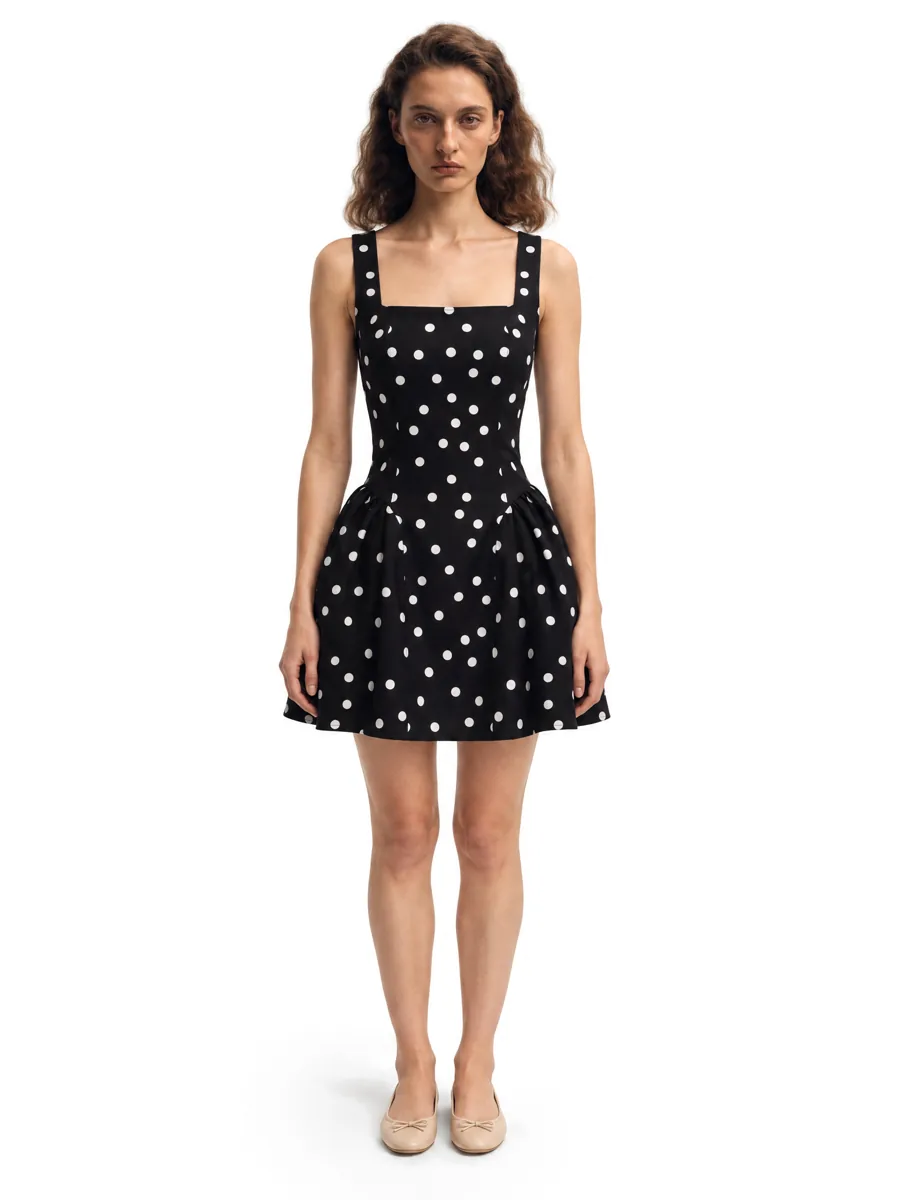 01On-model photosA full on-model set from one garment photo.
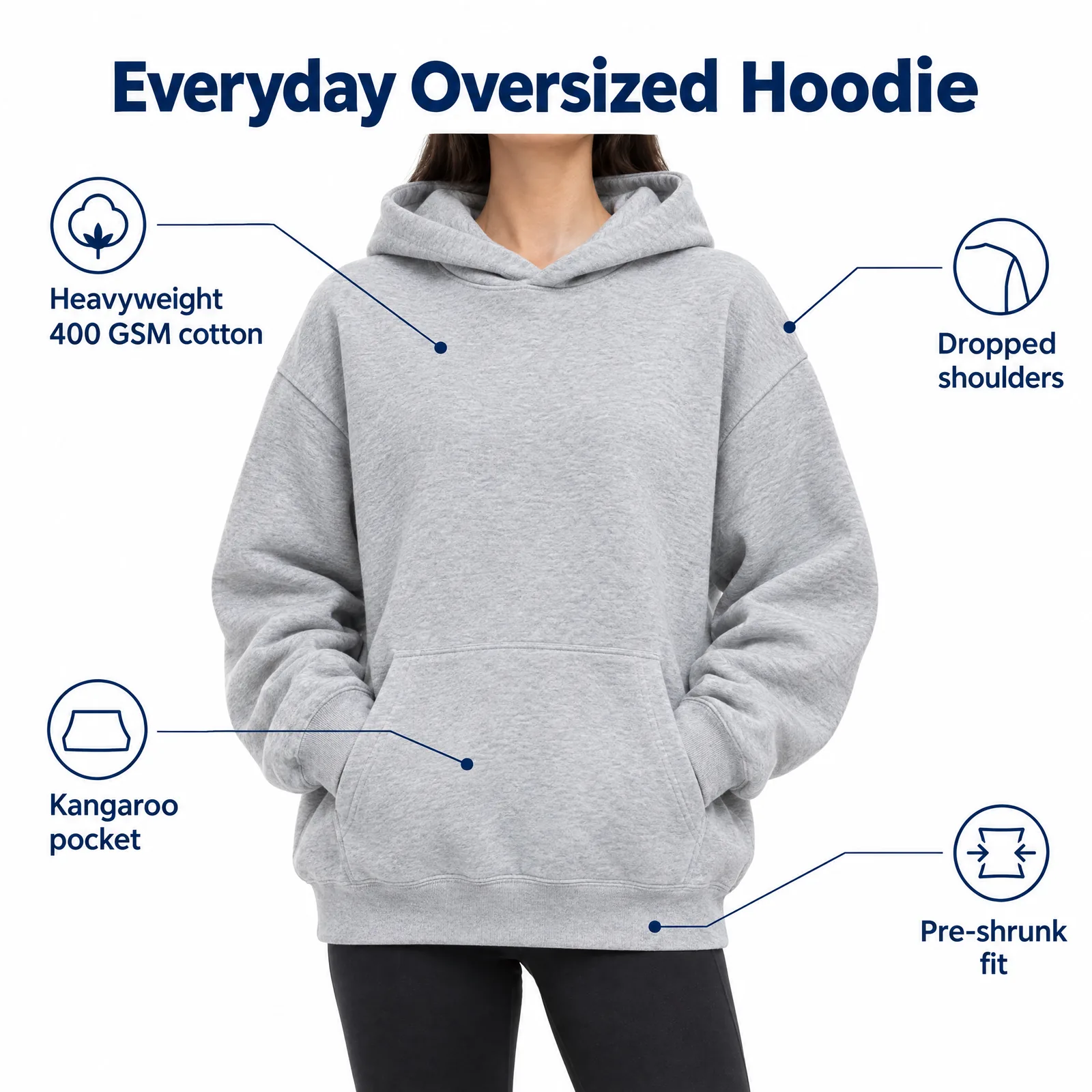 02Listing images with infographicsFeature, size and comparison images for Amazon.Learn more →
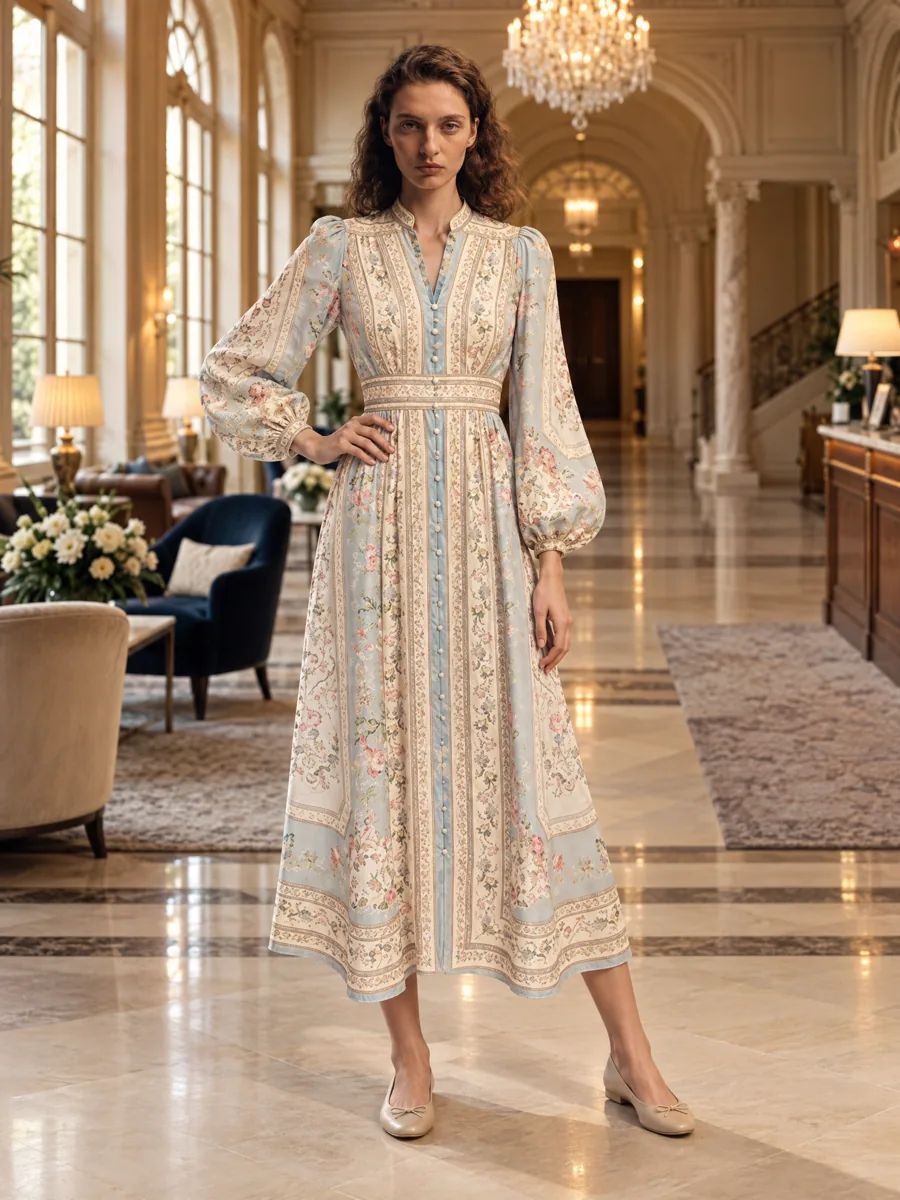 03Locations and lookbooksOne model, one outfit, any set.Learn more →
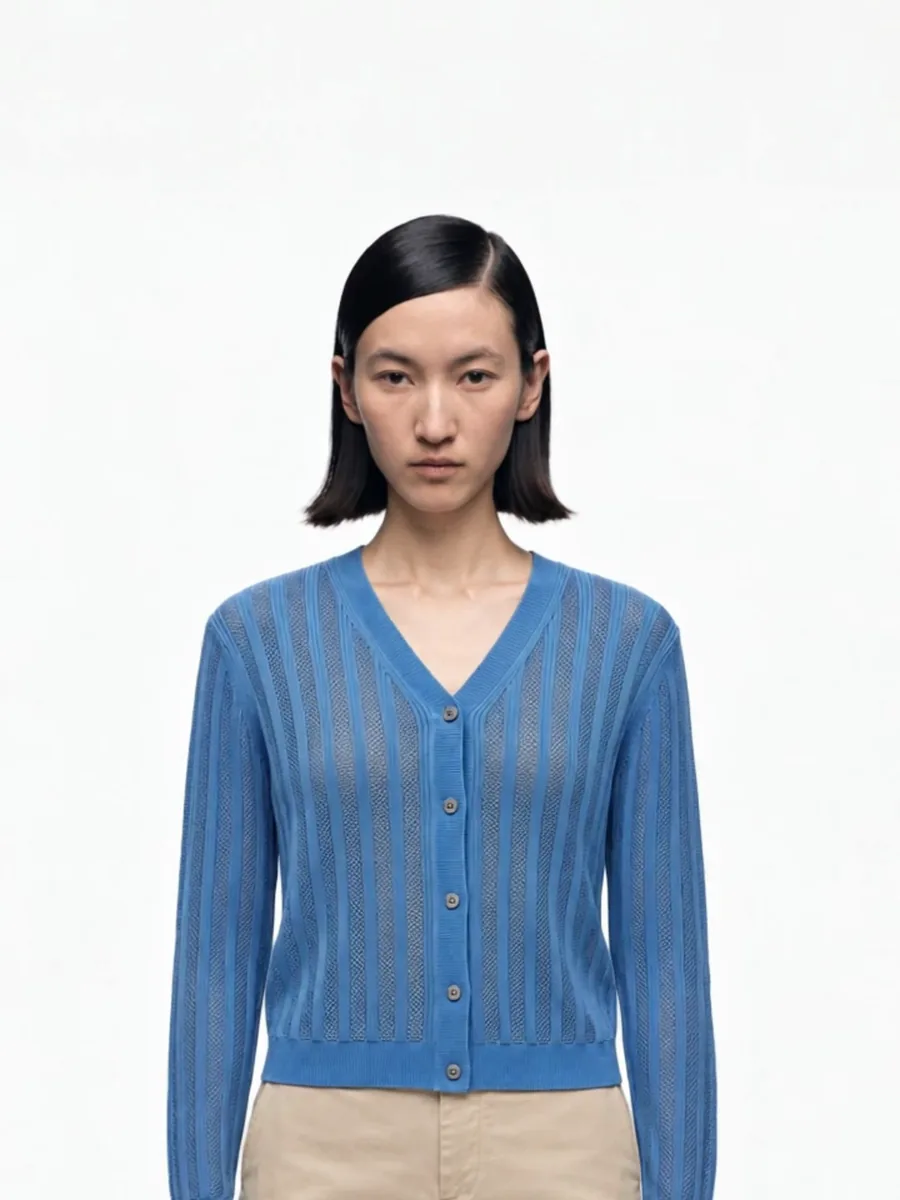 04Video from a photoShort clips for listings and ads.
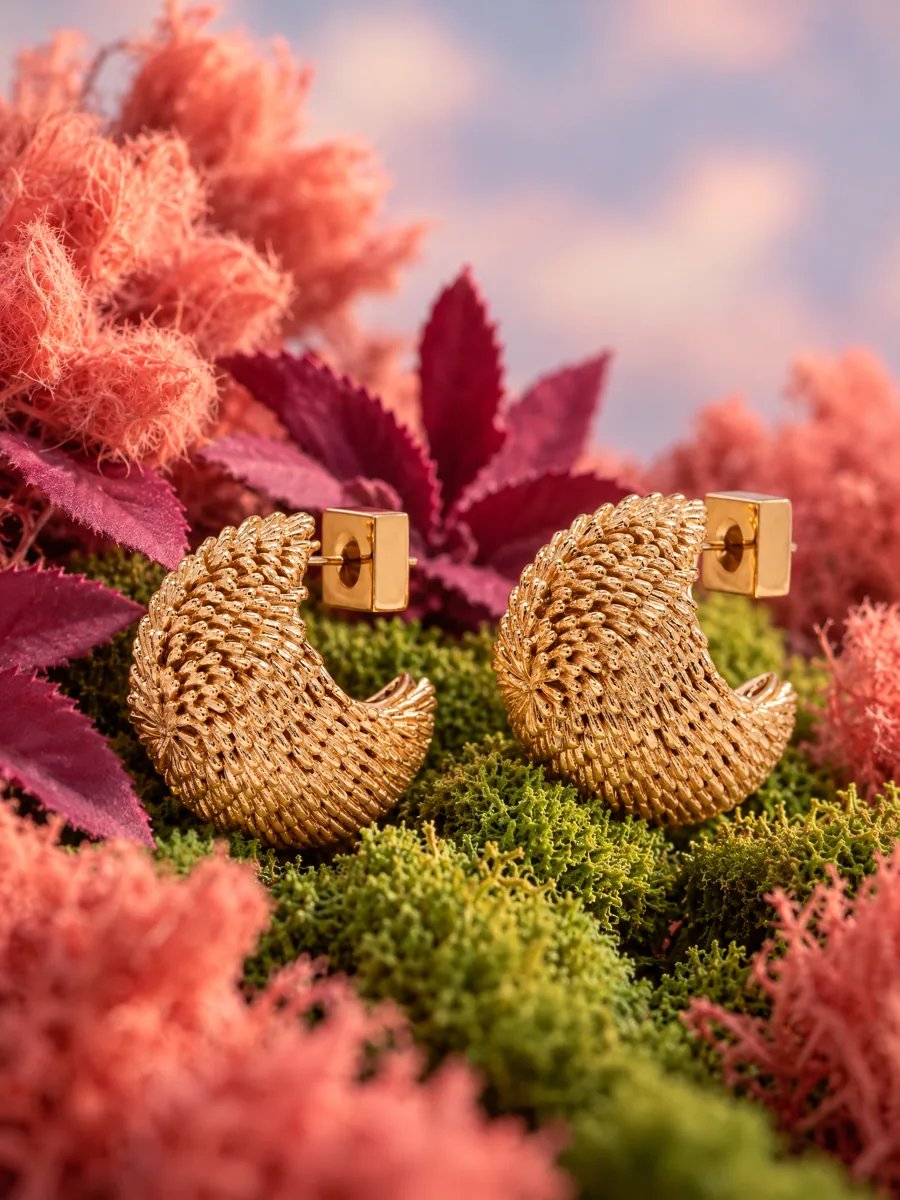 05Product stillsStyled scenes for beauty, jewelry, food and home.Learn more →
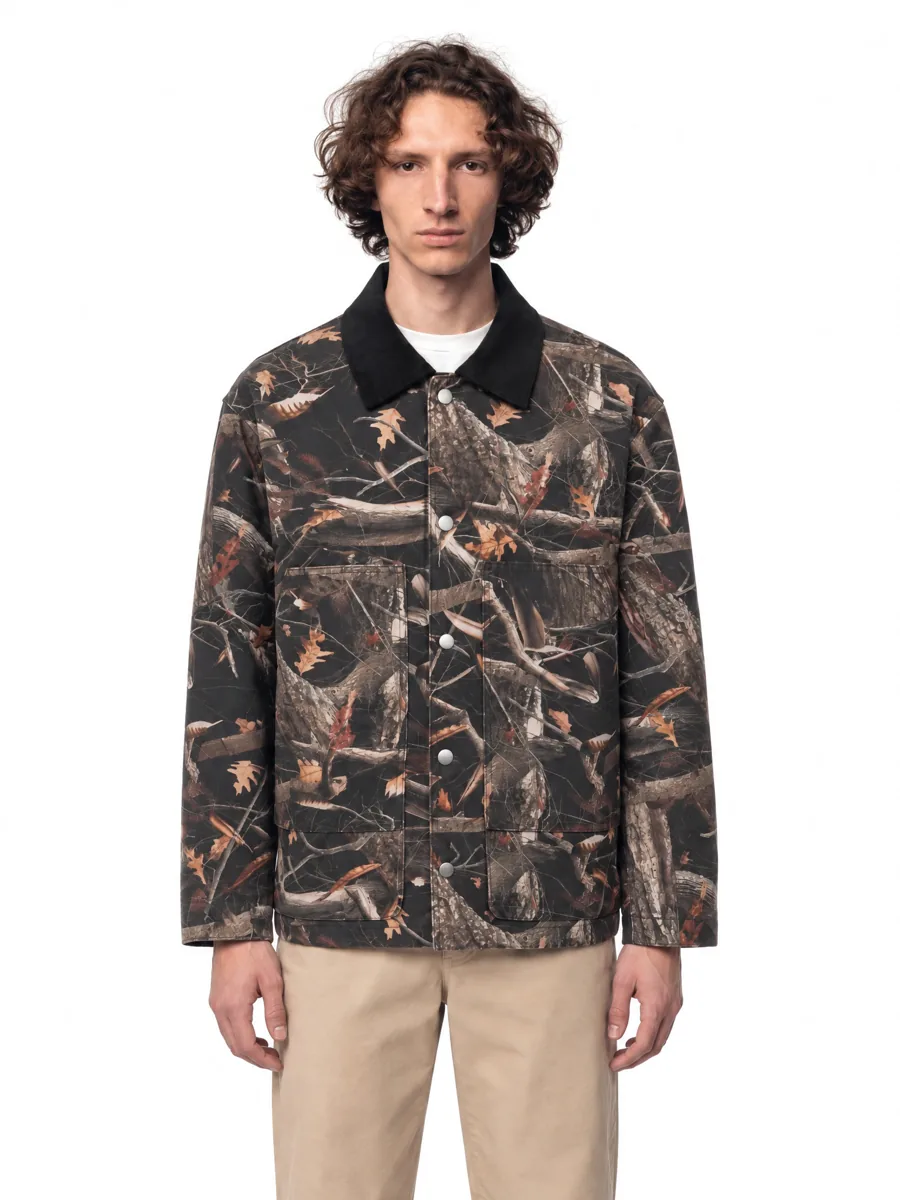 06Angles and detailsFront, three-quarter, back and close-up.Learn more →
How it works

- 01Upload a product photoFlat lay, hanger, mannequin or a phone shot. One clear photo per item is enough.
- 02Pick a model and a sceneStudio, street or interior. Keep the same model for the whole catalog.
- 03Get checked framesQuality control compares every frame with your photo before you see it, so it is right the first time.
Questions
How do I put my clothes on an AI model?
Upload a clear photo of the item (flat lay, hanger, mannequin or phone shot), pick a model and a scene, and AISKU generates the on-model frames. It takes about a minute per frame.
Are AI fashion models free to use commercially?
Yes. You own the generated images and can use them on marketplaces, in your store and in ads.
Can I keep the same model in every photo?
Yes. Choose a model once and every product and angle in the series is generated on the same model.
What if a frame comes out wrong?
Quality control checks each frame before you see it, so the frames you get already match your product. You can still mark any frame for a reshoot and say what to change.