Ghost mannequin
AI ghost mannequin photos without retouching
Get the clean hollow-man look that product pages and marketplaces love, generated from a simple hanger or mannequin photo.
- 1:1garment kept: color, texture, details
- ~1 minper frame, 2K or 4K
- 10 000frames a day per account
- 100%of frames checked by quality control
Key facts
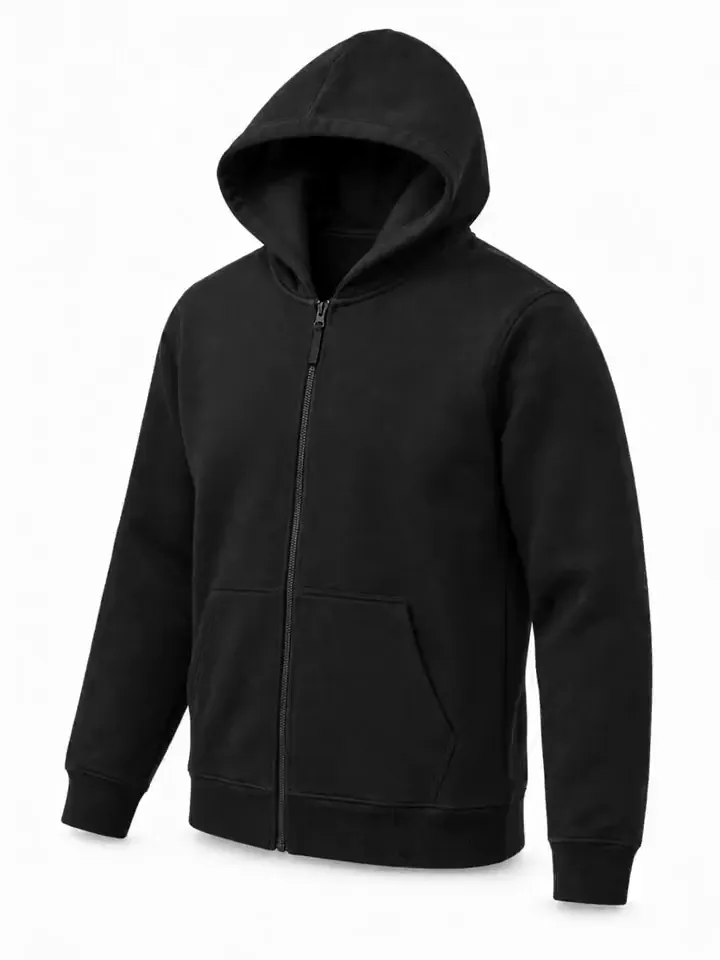
- A ghost mannequin photo shows a garment's 3D shape with no mannequin or model visible.
- AISKU makes a ghost mannequin image from one hanger or mannequin photo instead of two shots and manual retouching.
- Ghost mannequin frames pass quality control too.
- The same upload can also produce on-model frames for the main gallery.
What is a ghost mannequin photo?
A ghost mannequin (invisible mannequin) photo shows a garment with its 3D shape, as if worn, but with no mannequin or model visible. Traditionally it takes two shots and careful retouching per item. AISKU does it from one photo.
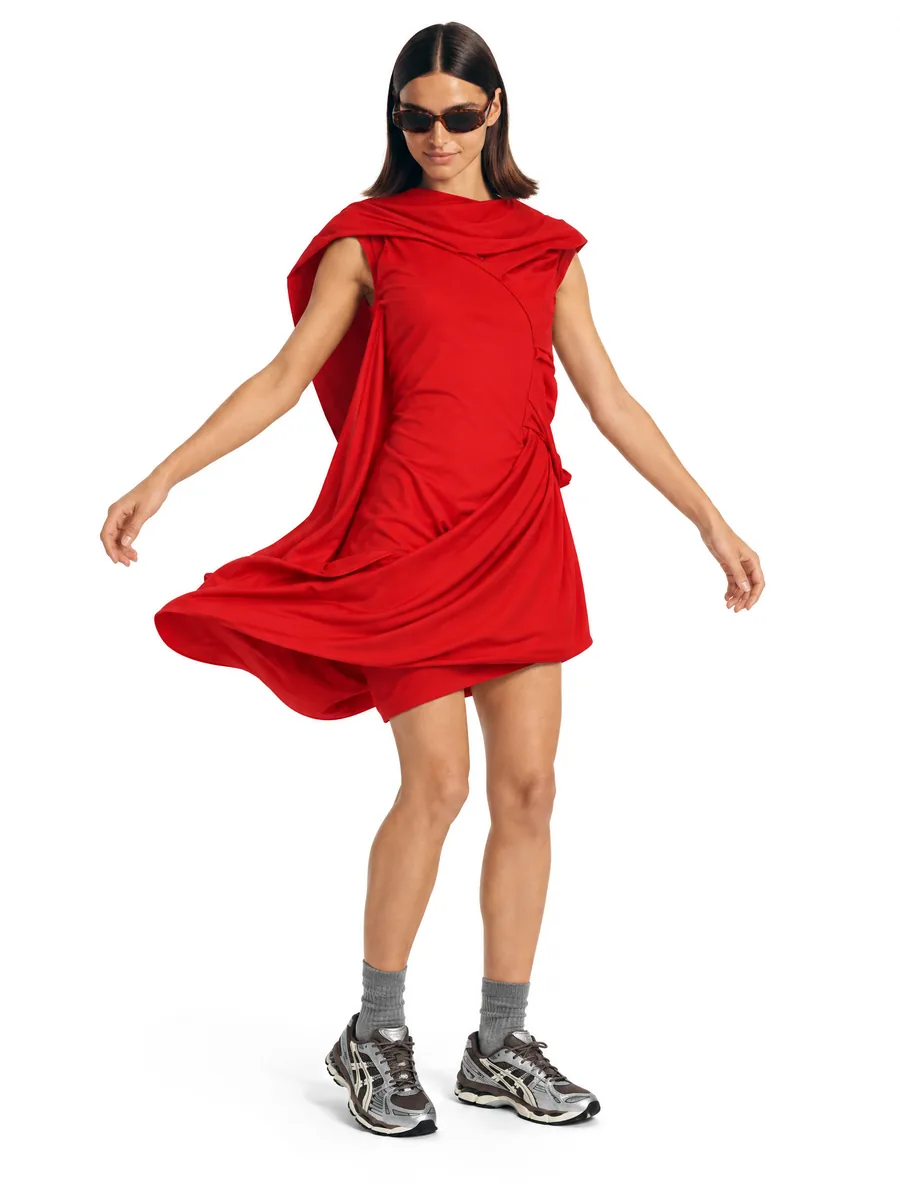
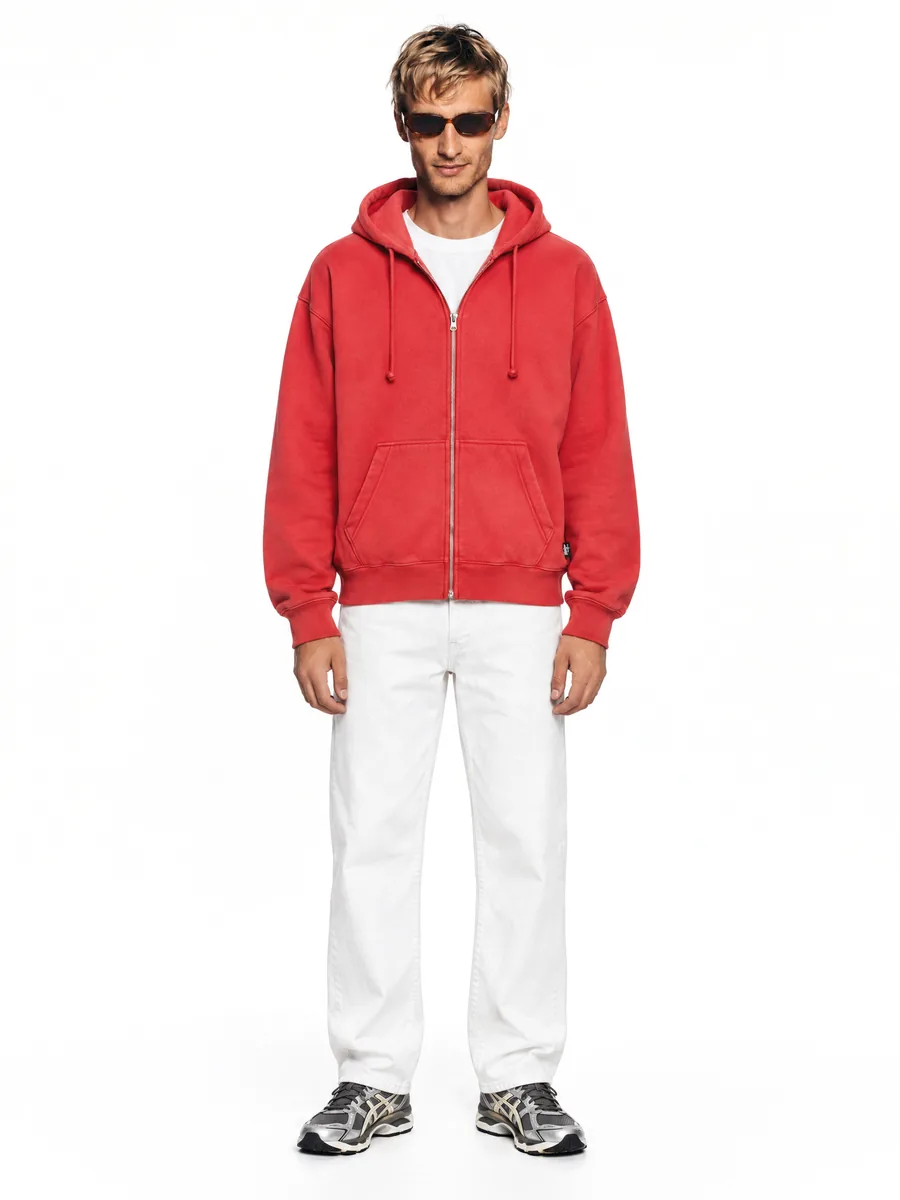
On a model, from every side
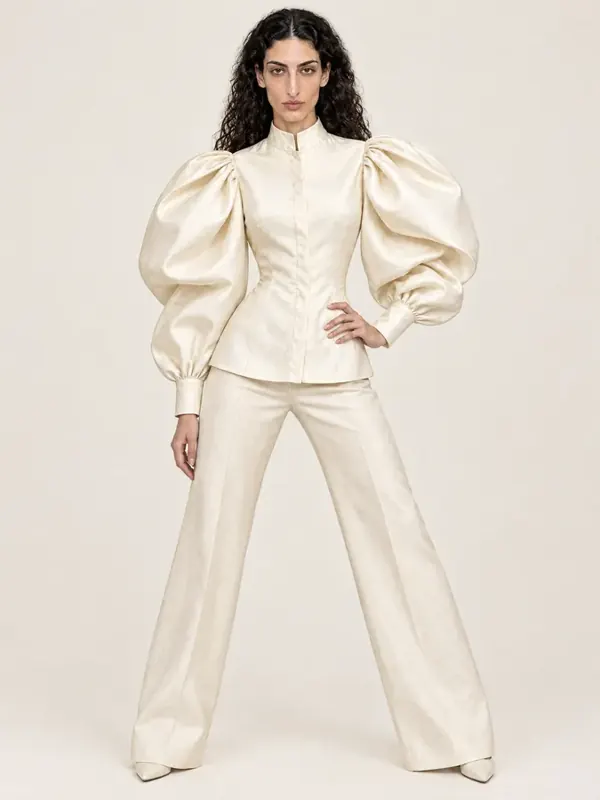
A top on a form, and the frame on a model made from it. The same upload can also give a ghost mannequin frame: the item in its shape with no body or form visible. Mannequin frames are checked too. A mannequin frame costs 3 credits and is always 2K.
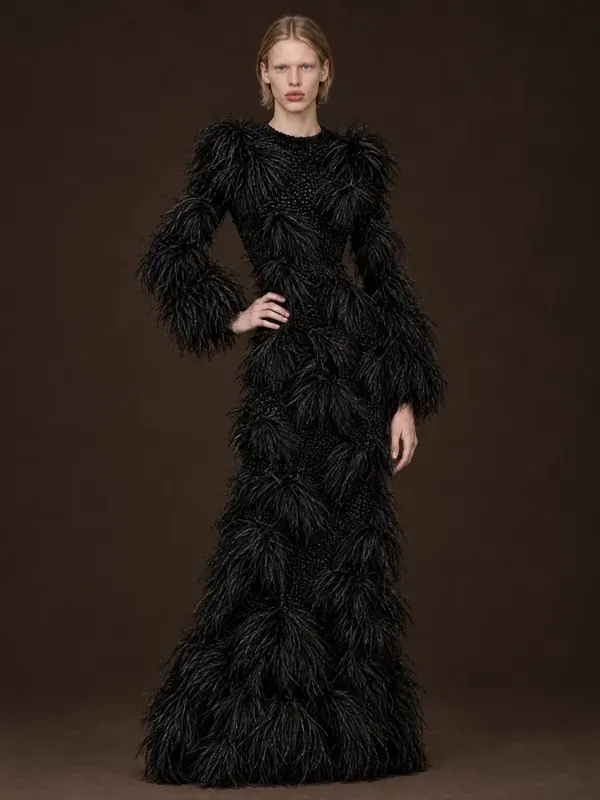 Front
Front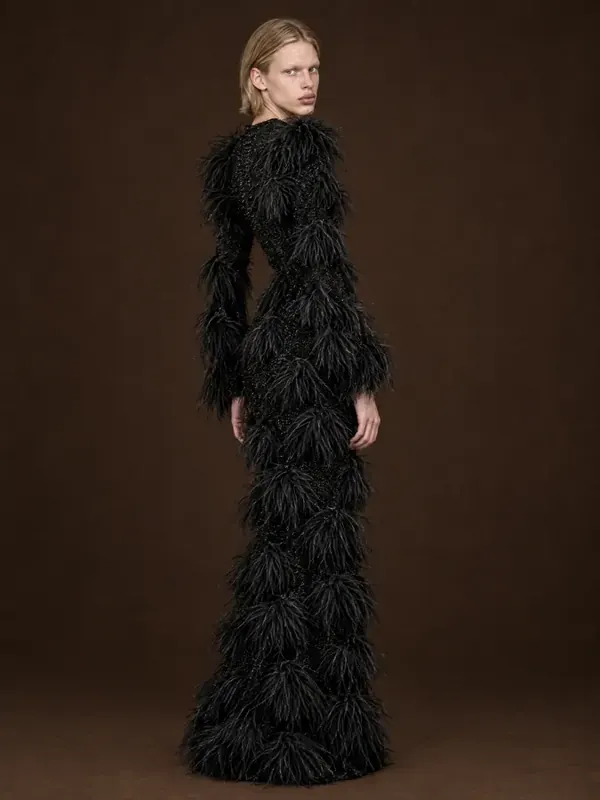 Three-quarter
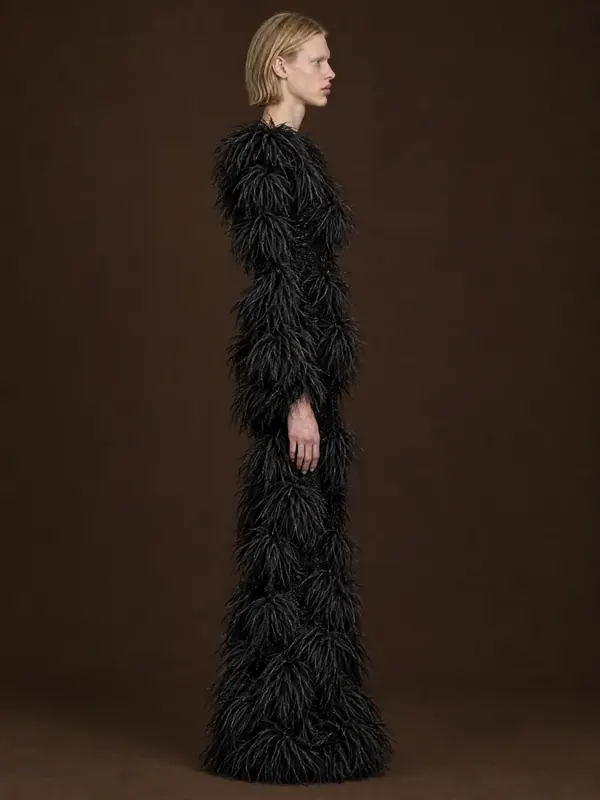 Profile
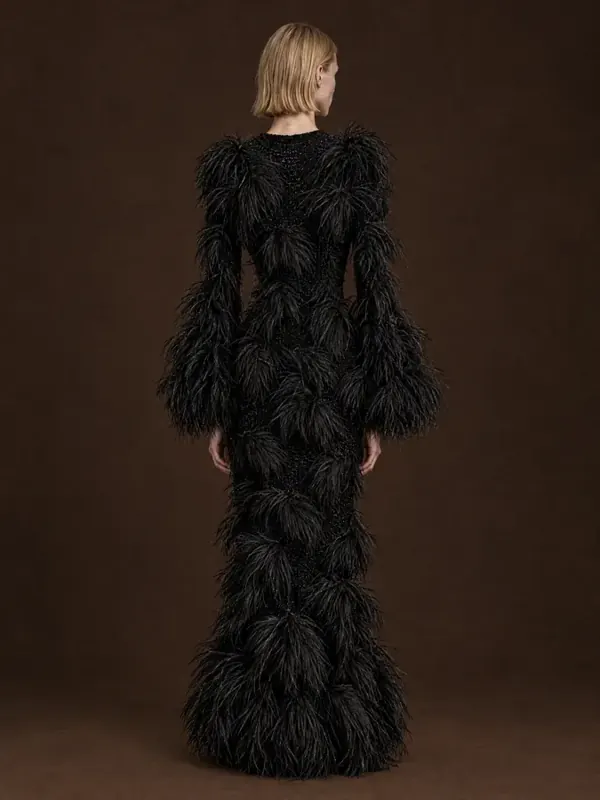 Back
Back
Can the same garment go from ghost mannequin to a model?
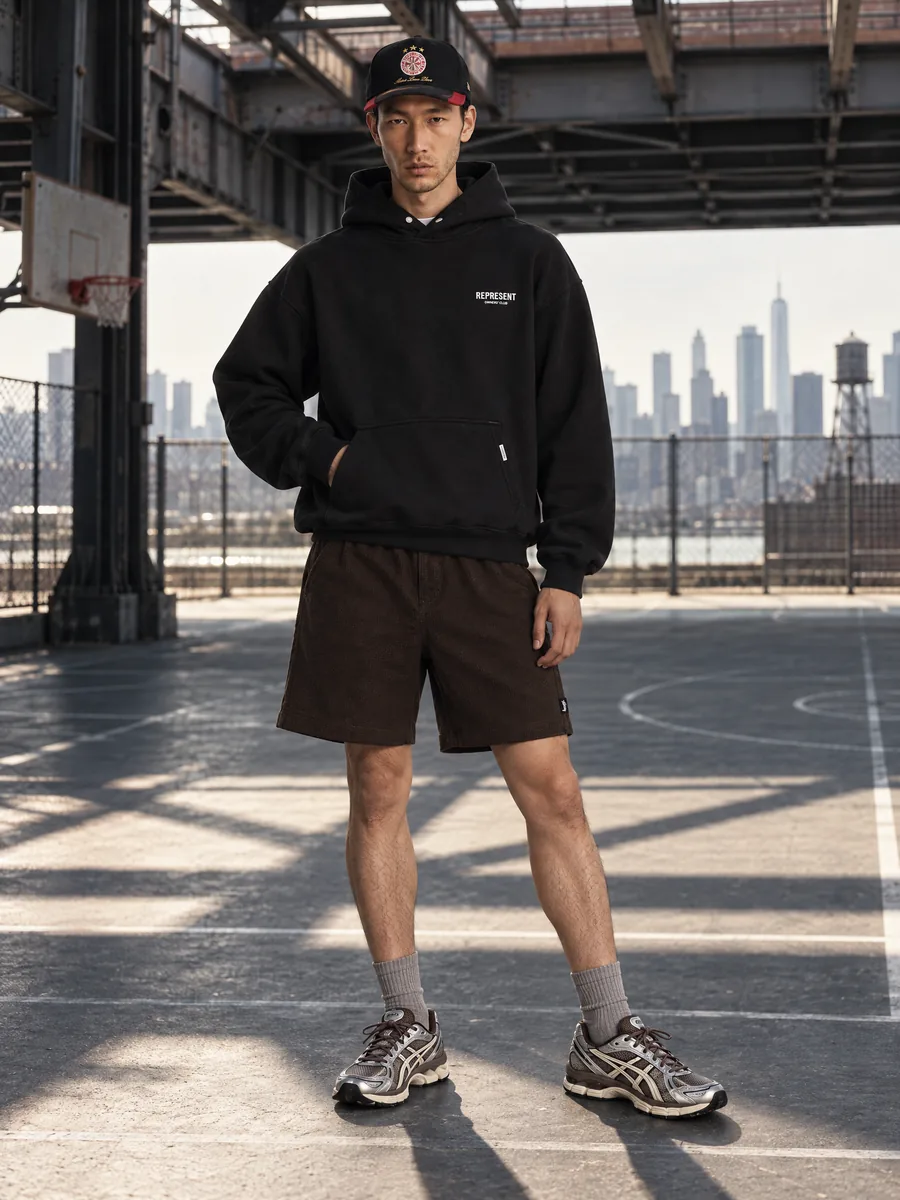
Yes. Use the ghost mannequin shot as the clean packshot, then put the same garment on a model for the main gallery. Both come from one upload.
Every angle from one upload
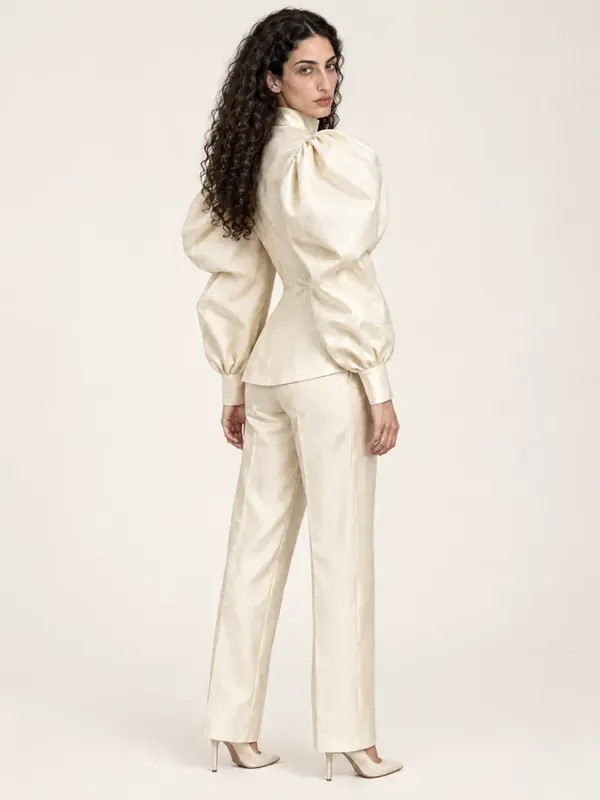
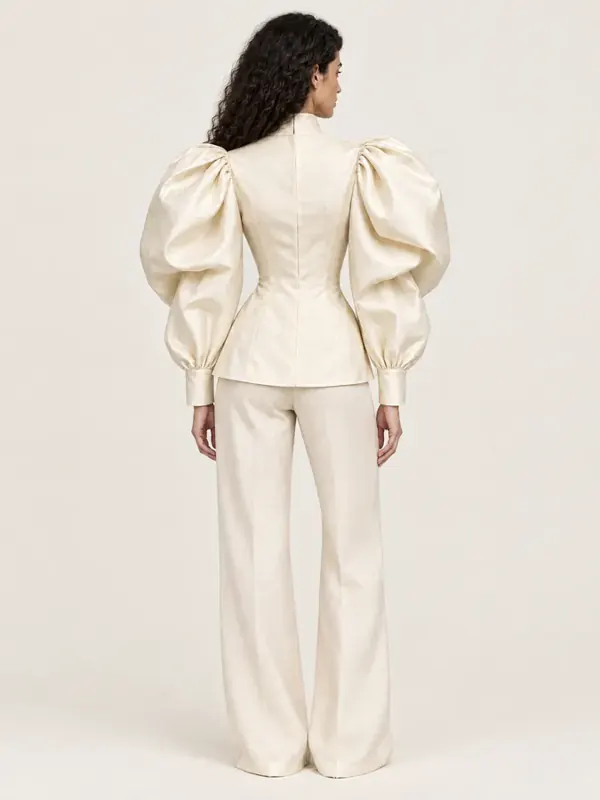
Front, three-quarter and back on one model from one upload. For an exact back view, add a photo of the back of the item; without it the back is reconstructed and marked as AI-made in the studio. Each view is checked for the requested angle.
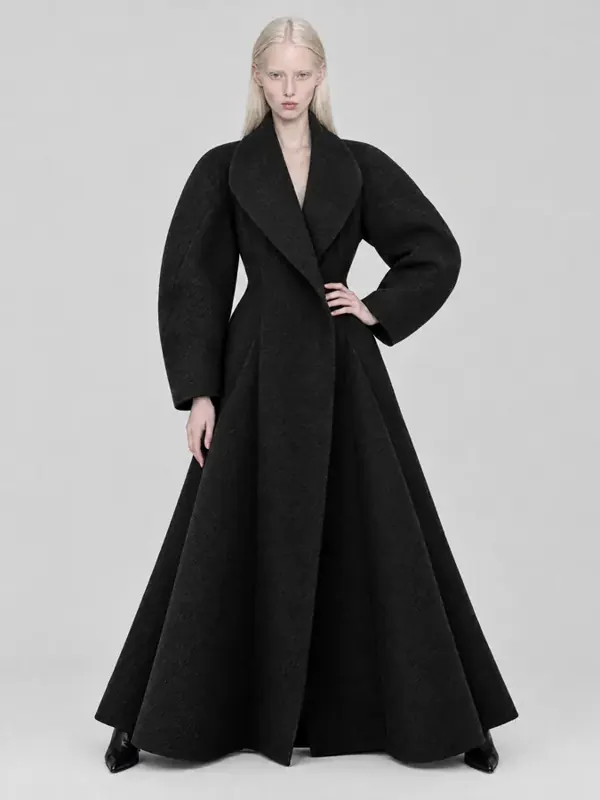 Front
Front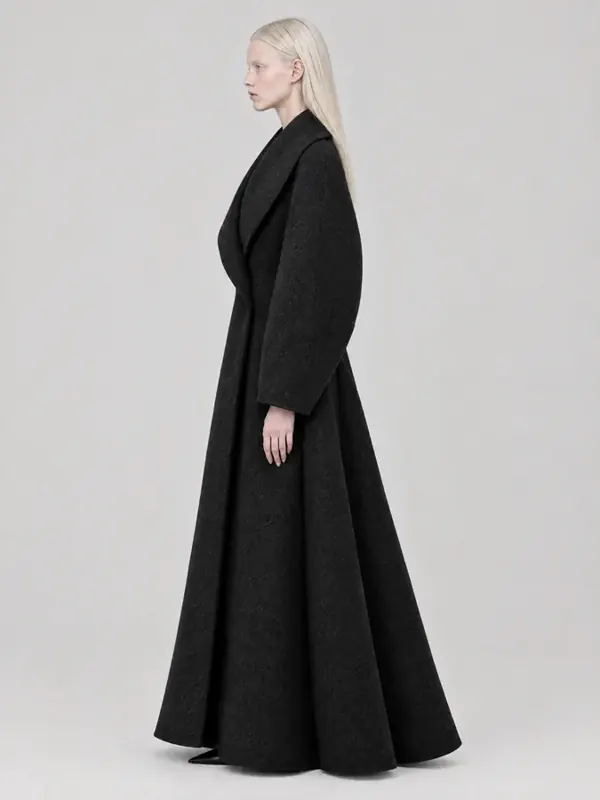 Profile
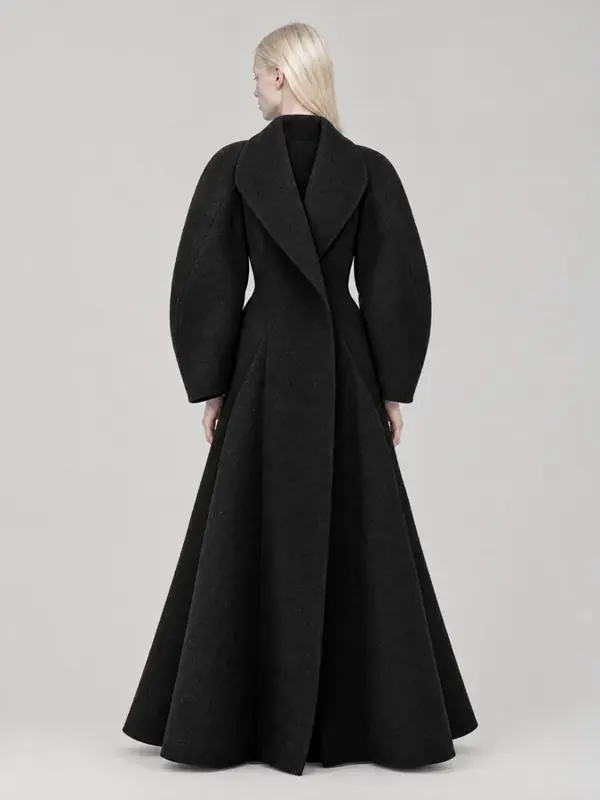 Back
Back
Capabilities
Everything you need to sell a product
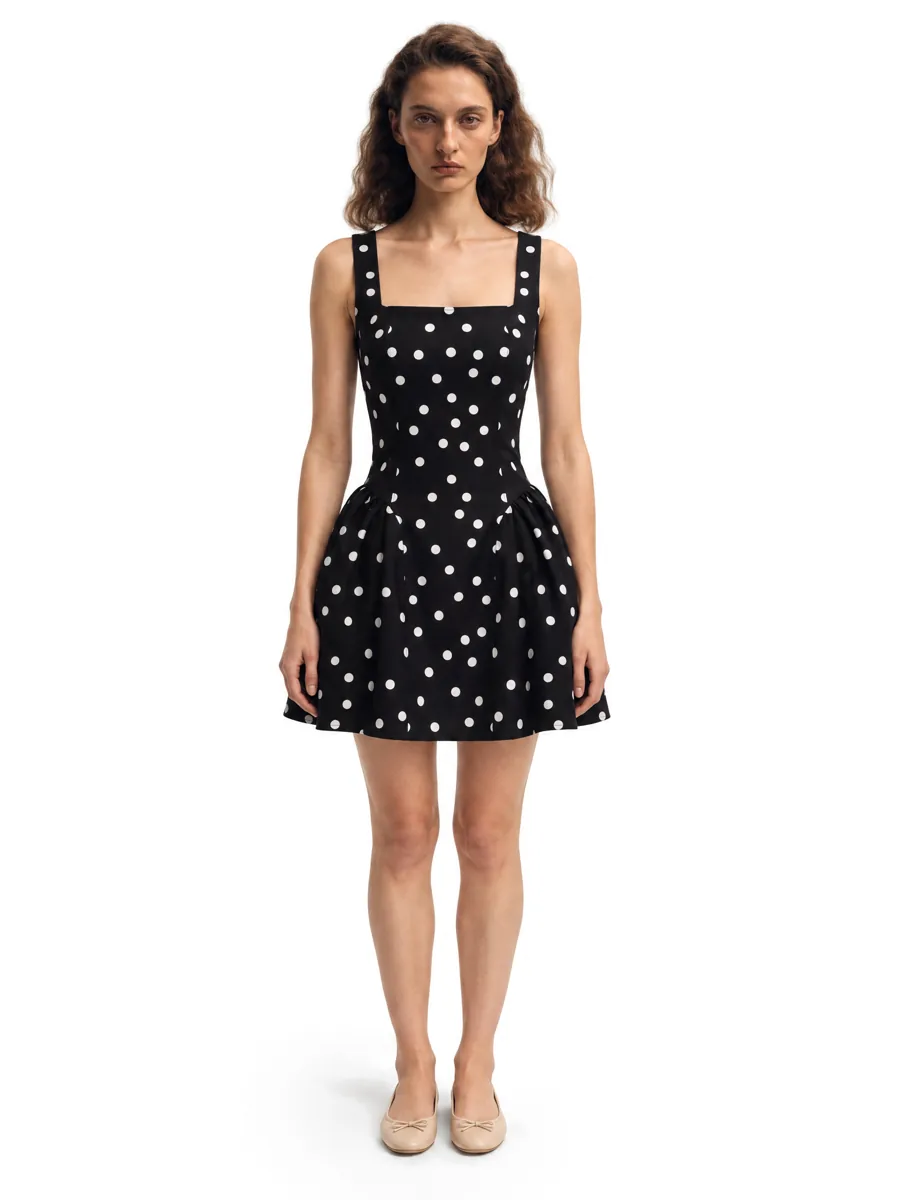 01On-model photosA full on-model set from one garment photo.Learn more →
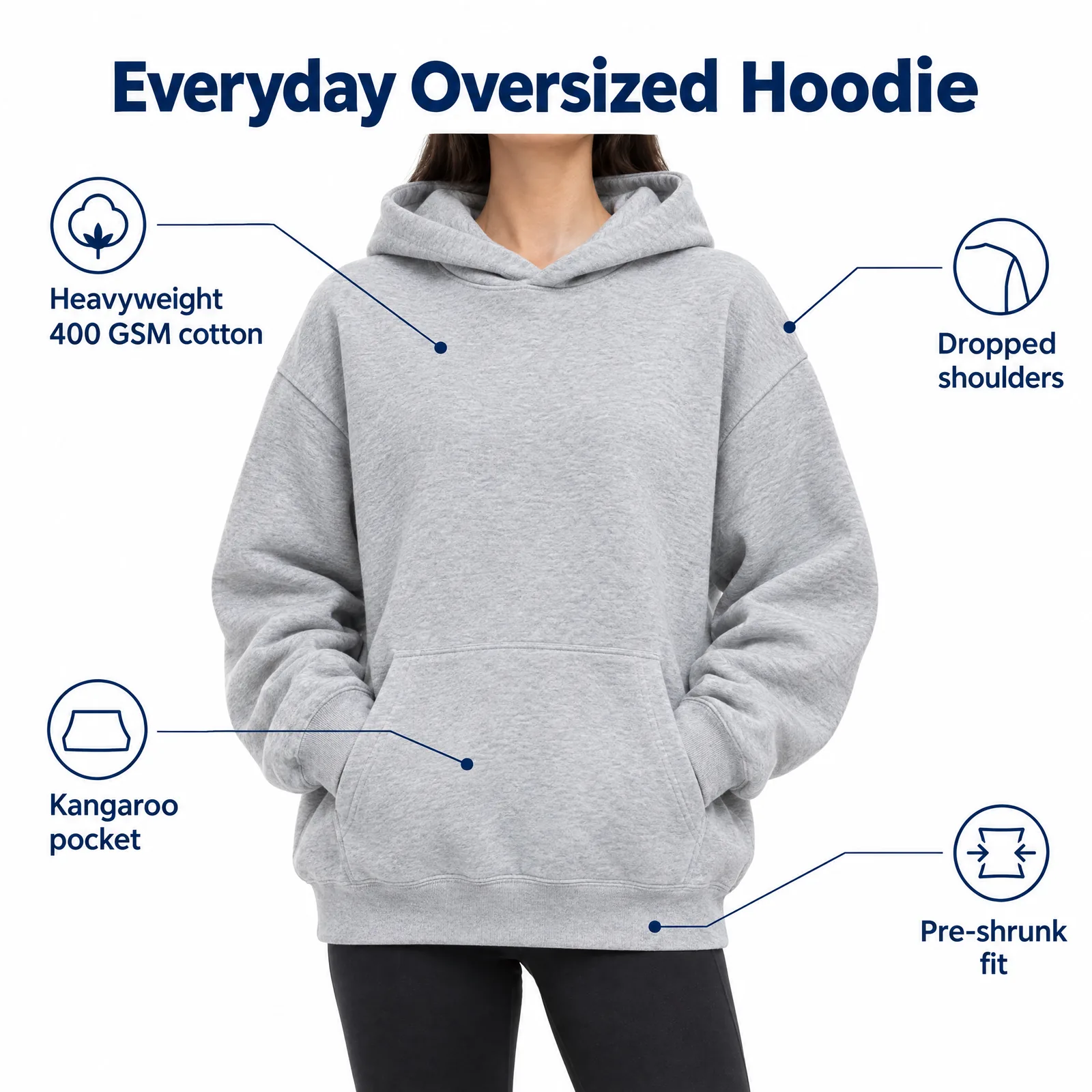 02Listing images with infographicsFeature, size and comparison images for Amazon.Learn more →
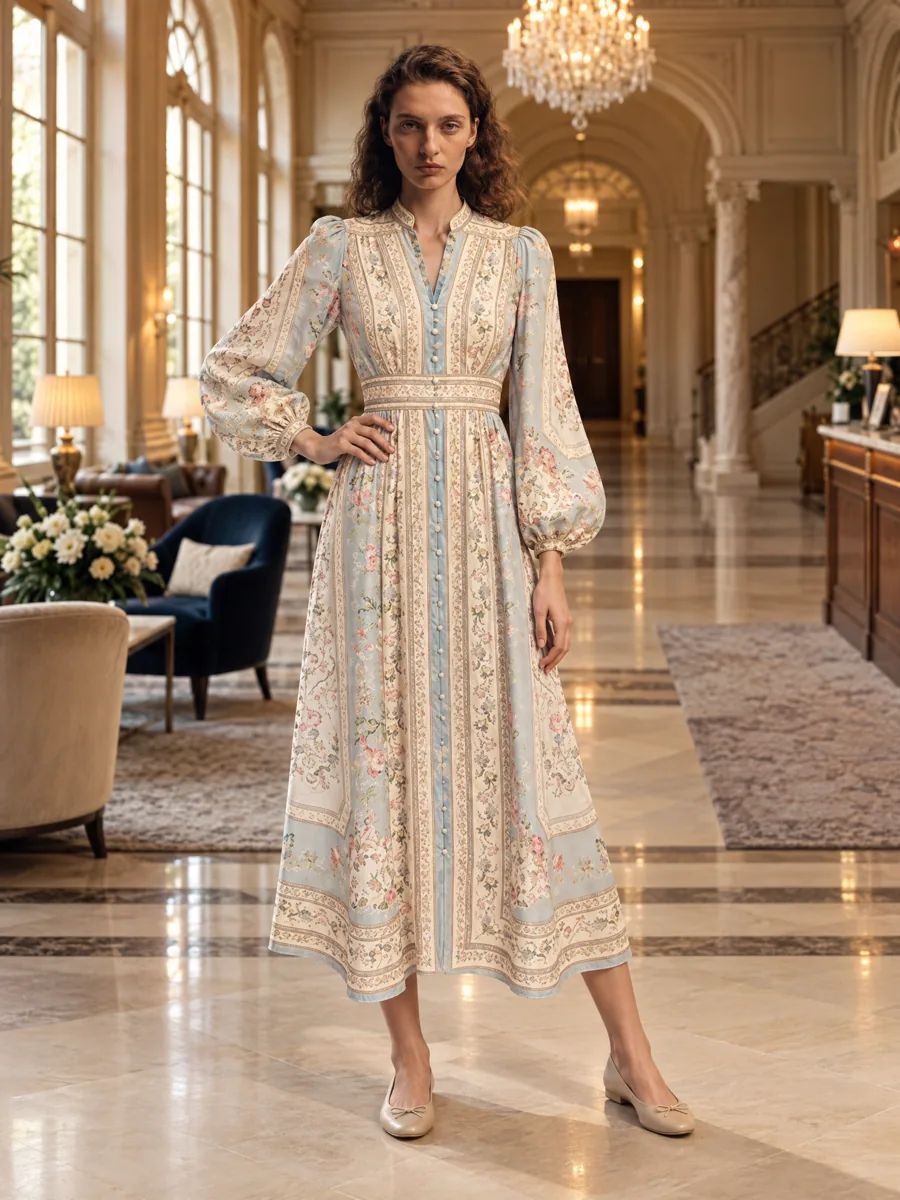 03Locations and lookbooksOne model, one outfit, any set.Learn more →
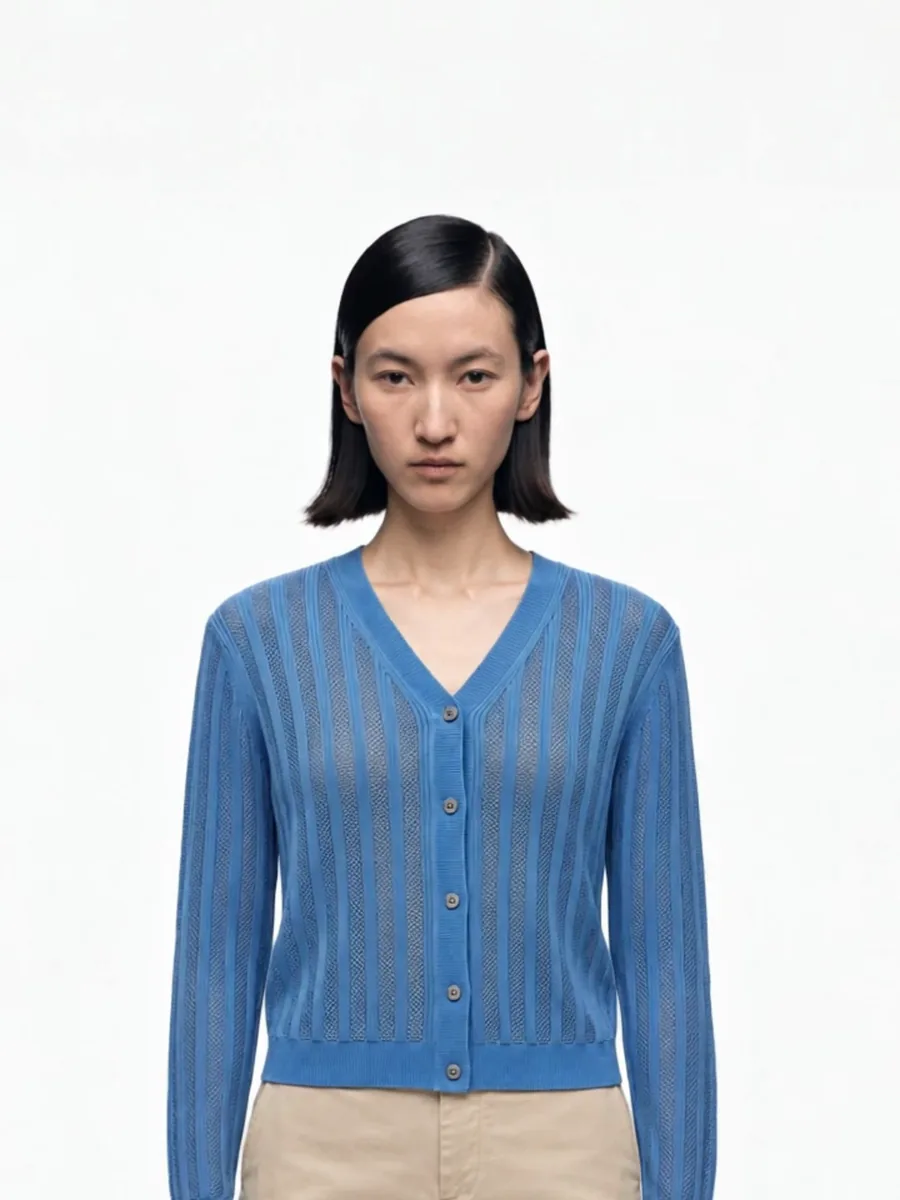 04Video from a photoShort clips for listings and ads.
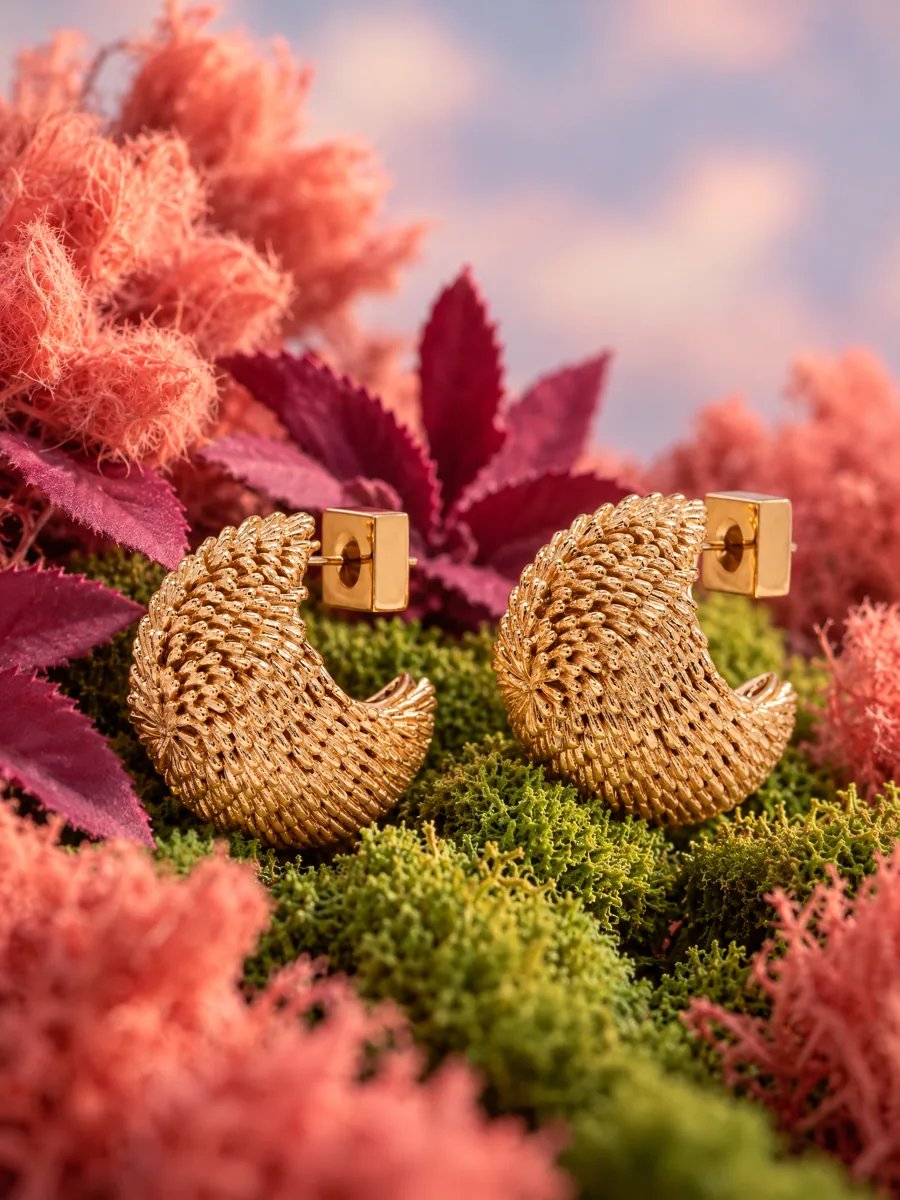 05Product stillsStyled scenes for beauty, jewelry, food and home.Learn more →
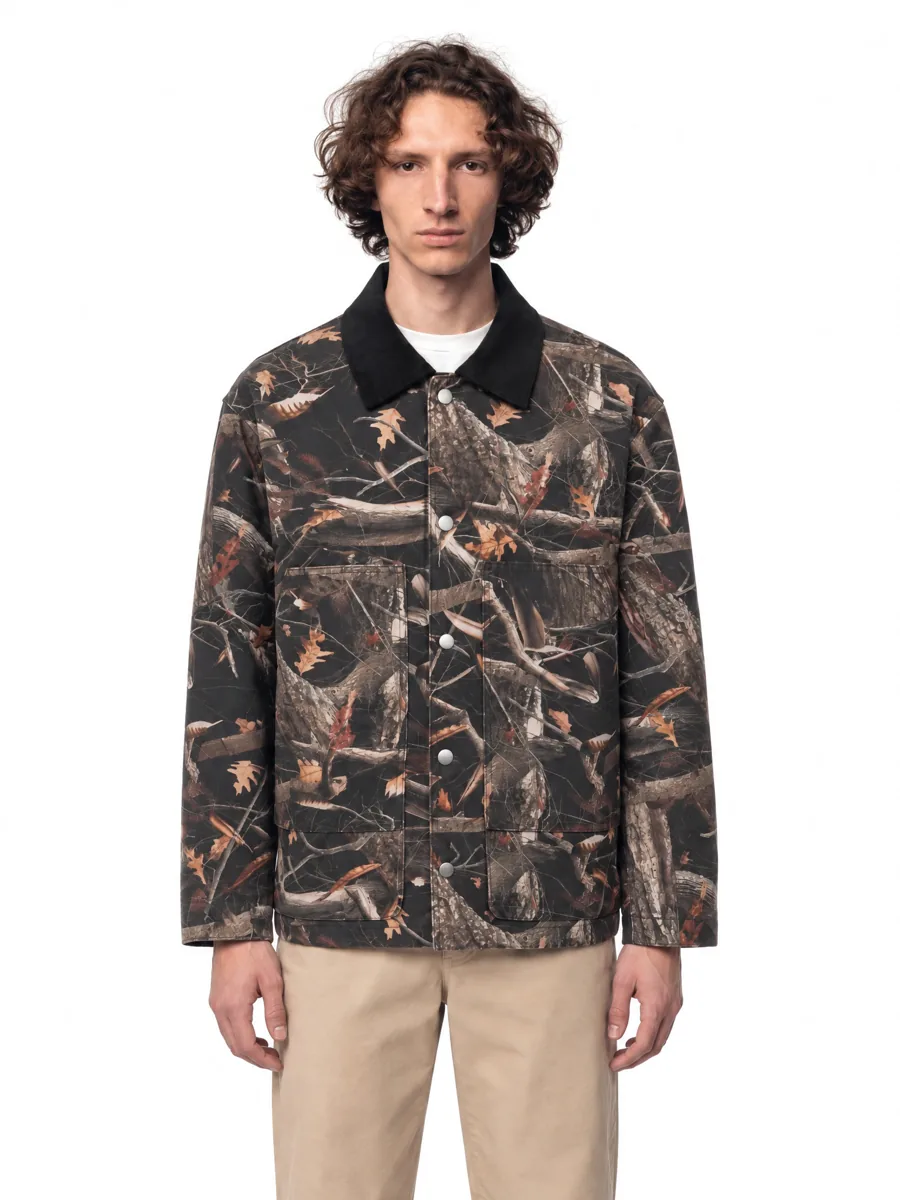 06Angles and detailsFront, three-quarter, back and close-up.Learn more →
How it works

- 01Upload a product photoFlat lay, hanger, mannequin or a phone shot. One clear photo per item is enough.
- 02Pick a model and a sceneStudio, street or interior. Keep the same model for the whole catalog.
- 03Get checked framesQuality control compares every frame with your photo before you see it, so it is right the first time.
Questions
What photo do I need for a ghost mannequin image?
A photo of the item on a hanger, a dress form or laid flat, in even light and with the whole garment visible.
Is the ghost mannequin result accepted by marketplaces?
Clean ghost mannequin shots on white are widely used on marketplaces. Check your category rules for the main image.
Can I get both ghost mannequin and on-model photos?
Yes. Generate both from the same product photo.