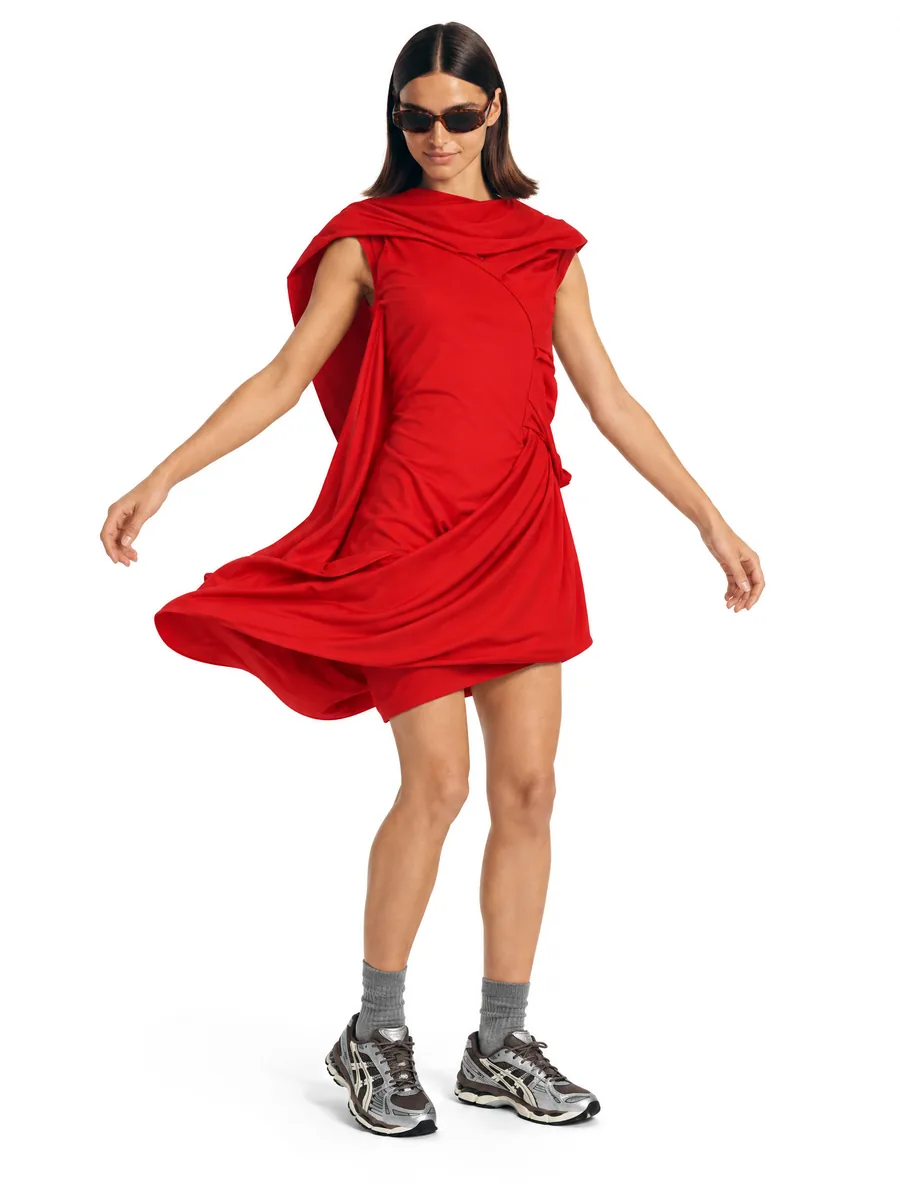
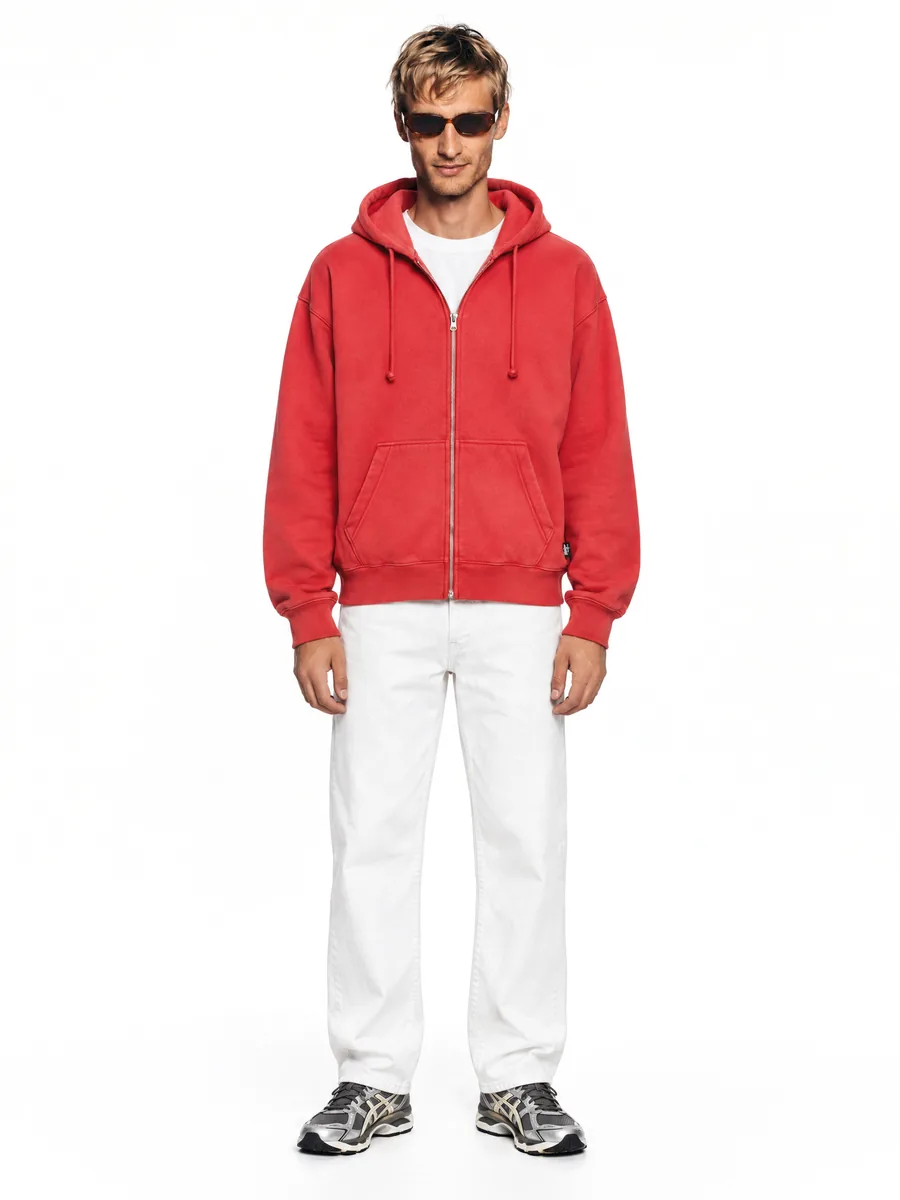
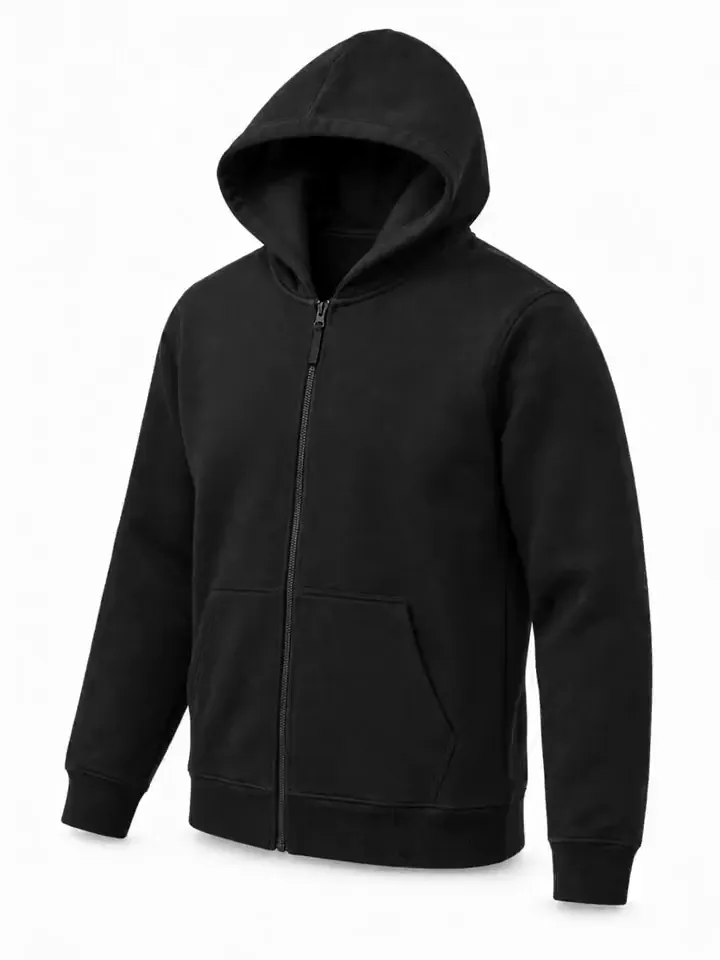
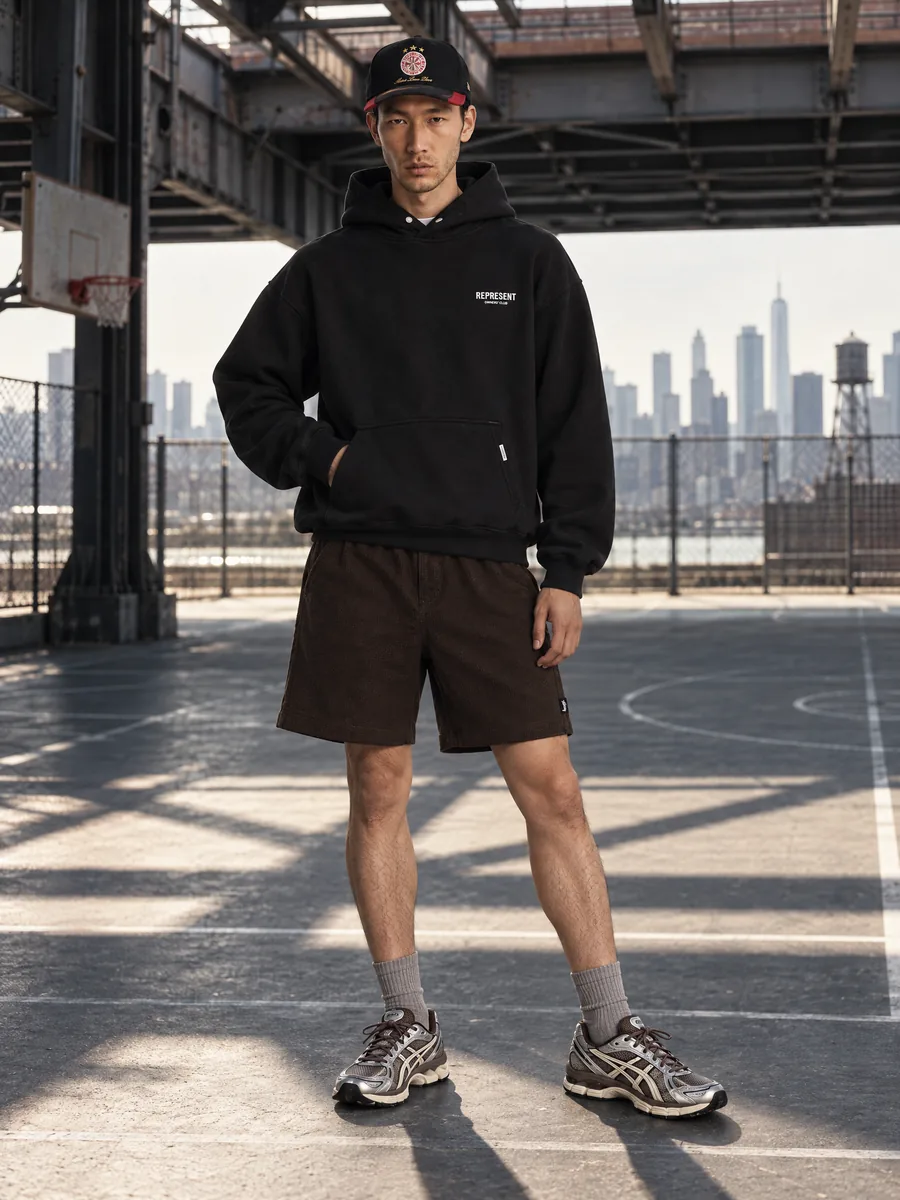
Flat lay to on-model
From flat lay to on-model photos with AI
No samples to ship, no studio to book. Lay the item flat, take one photo and get a full set of on-model shots for your product page.
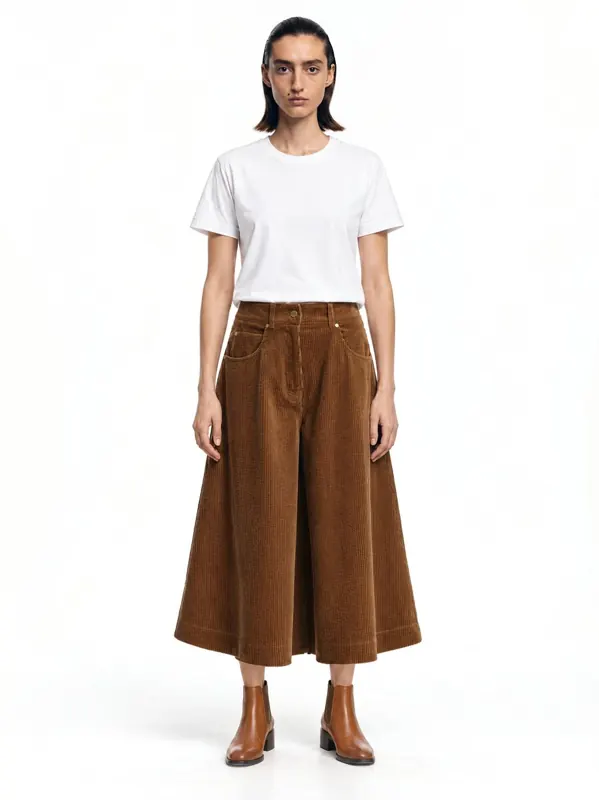
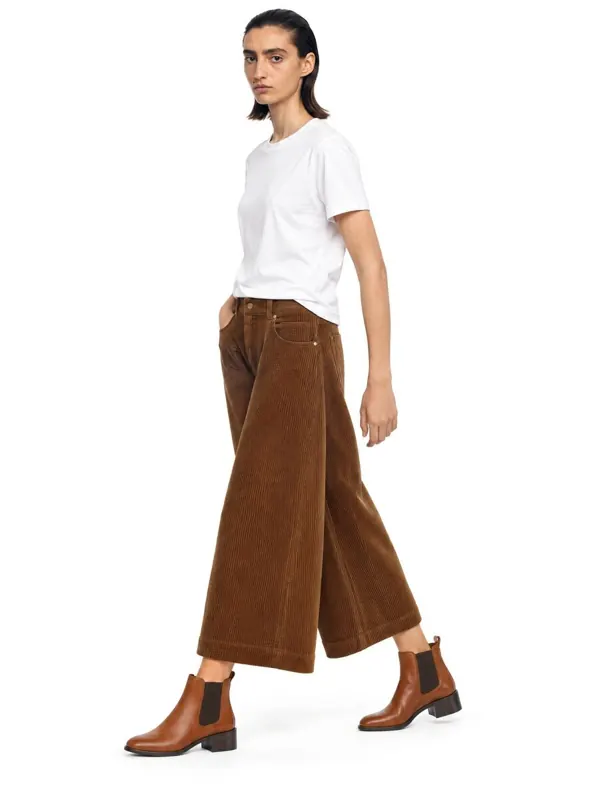
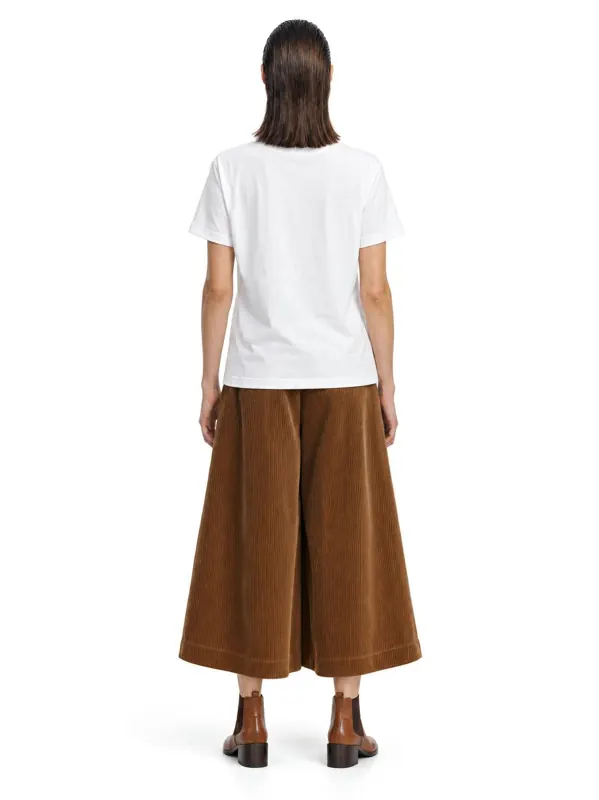
- 1:1garment kept: color, texture, details
- ~1 minper frame, 2K or 4K
- 10 000frames a day per account
- 100%of frames checked by quality control
Key facts
- AISKU accepts flat lays, hanger shots, ghost mannequin or dress form photos, phone photos and supplier photos.
- One front photo is enough for front, three-quarter and waist-up frames; a back view needs a photo of the back.
- A frame takes about a minute; a five-angle set for one item is usually ready in about five minutes.
- Quality control compares each frame with the source photo and reject frames that change color, print, logos or hardware.
- Catalogs can be uploaded in bulk or imported from a spreadsheet, up to 10,000 frames a day per account.
Which product photos can I start from?
Any clear photo of the item works: a flat lay, a hanger or mannequin shot, a phone photo or a supplier photo. The cleaner the photo, the more exact the result.
- Flat lay on a table or floor
- Hanger or rack shot
- Ghost mannequin or dress form
- Phone photo in daylight
- Supplier or factory photo
Fringe, weave and drape survive
Hard fabrics are where generic generators fail. Here the tweed and fringe stay as shot. Every frame is checked against your photo, including texture and trims. Shoot such fabrics in even daylight so the weave is readable on the source.
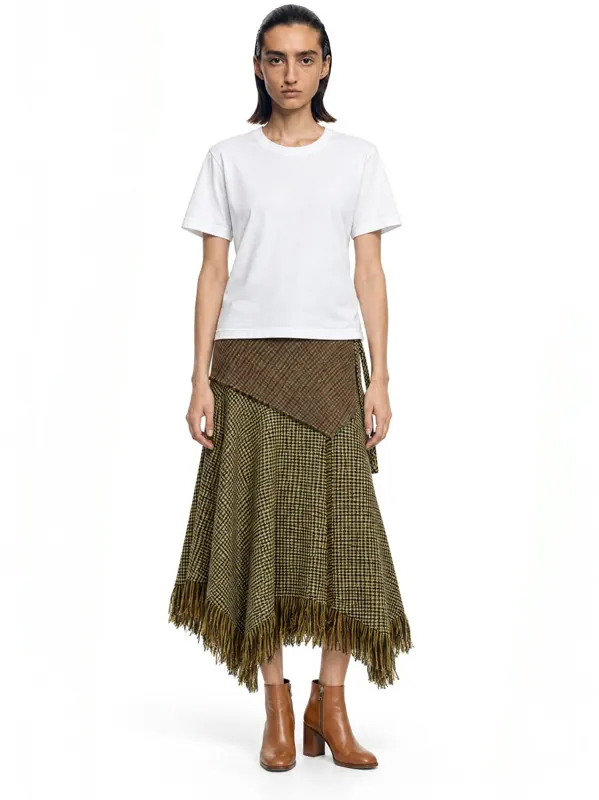 Front
Front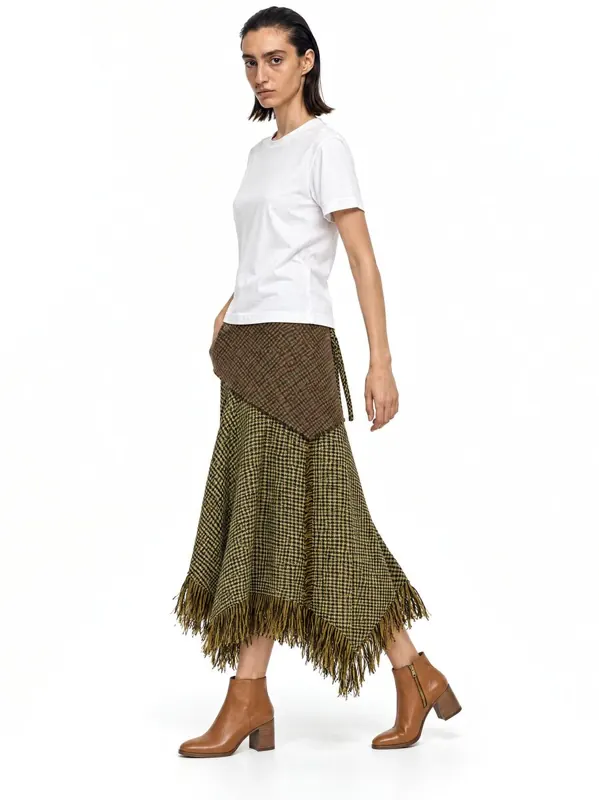 Three-quarter
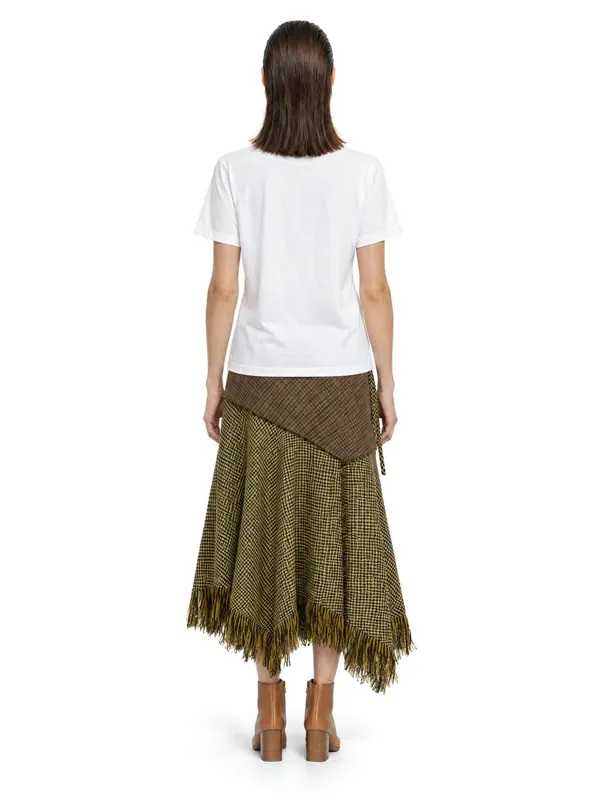 Back
Back
How should I photograph the item for the best result?
Shoot the whole item, front side up, in even daylight without harsh shadows. Smooth out folds and keep the background plain. For prints and logos, add a close-up so the details are kept sharp.
One photo per item is enough for front, three-quarter and waist-up frames. For a back view, add a photo of the back.
Checks stay aligned
A check pattern shows every distortion: bent lines, a shifted pocket, a mismatched placket. The checks stay aligned with the seams on the front and three-quarter views. This item has no photo of the back, so the series stops at the views the source supports.
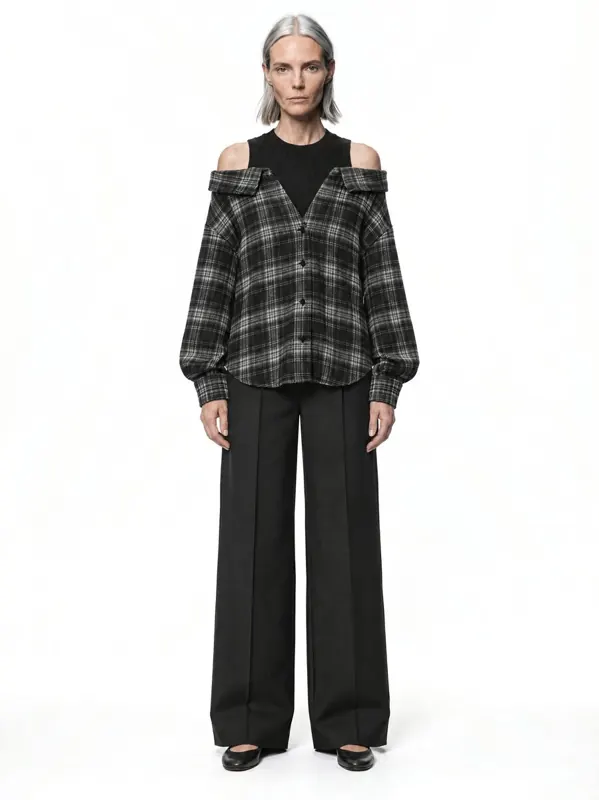 Front
Front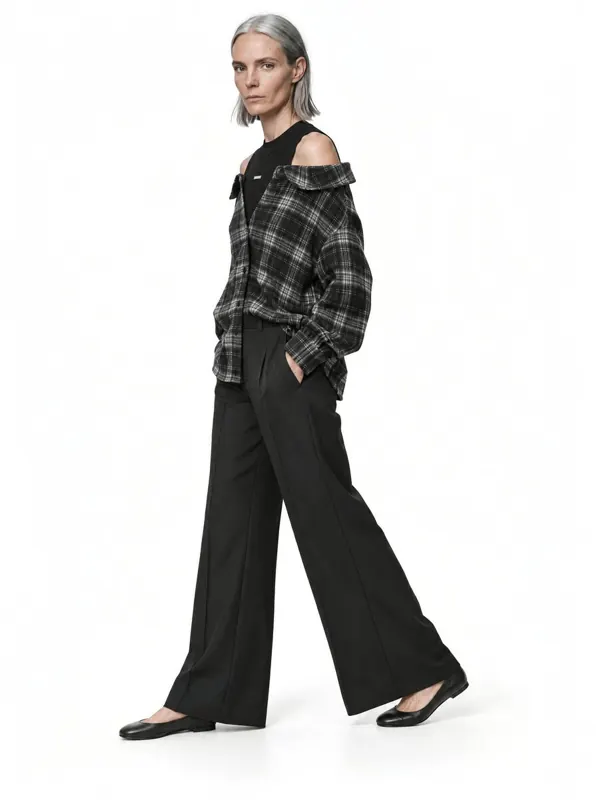 Three-quarter
What stays exactly the same as on my photo?
Color, fabric texture, print placement, logos, buttons, zips and stitching. Quality control compares every result with your flat lay and reject frames that change the garment.
Capabilities
Everything you need to sell a product
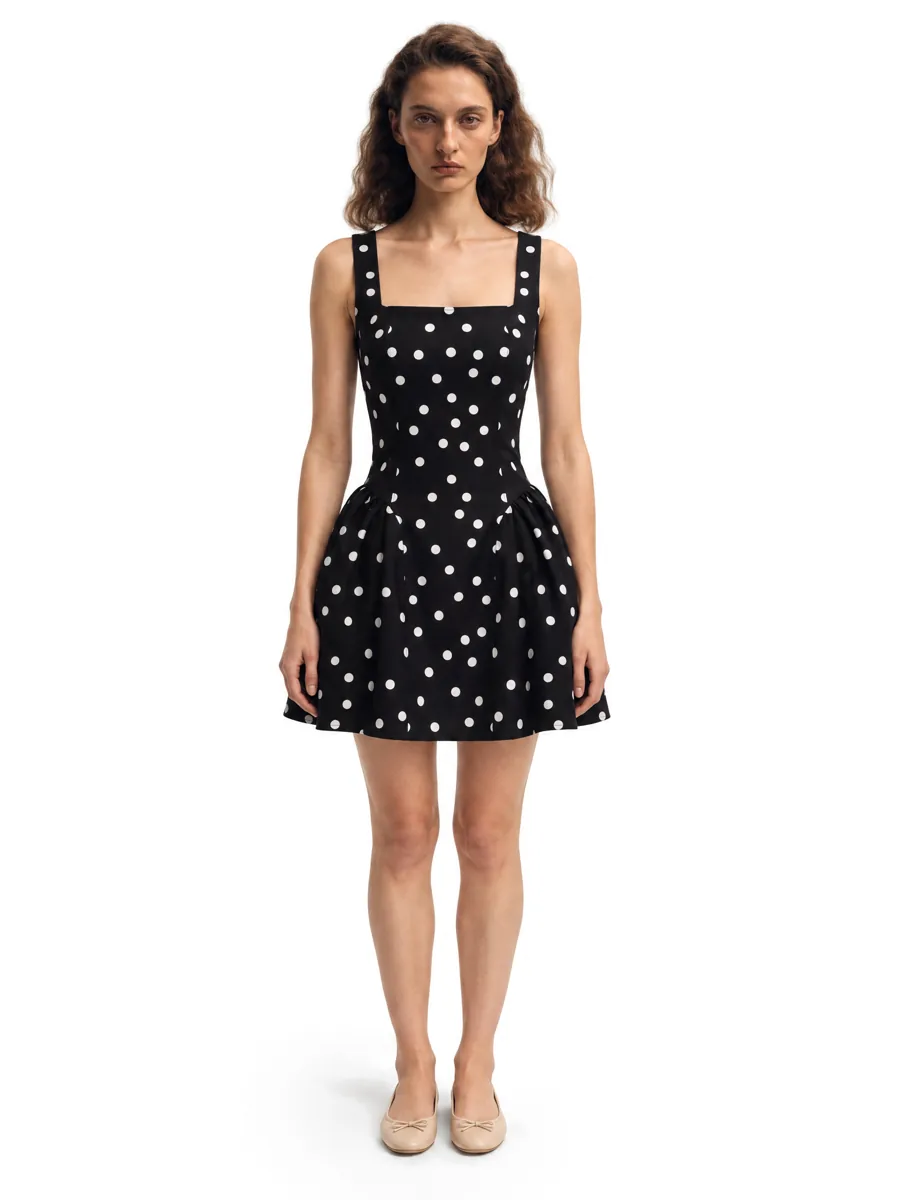 01On-model photosA full on-model set from one garment photo.Learn more →
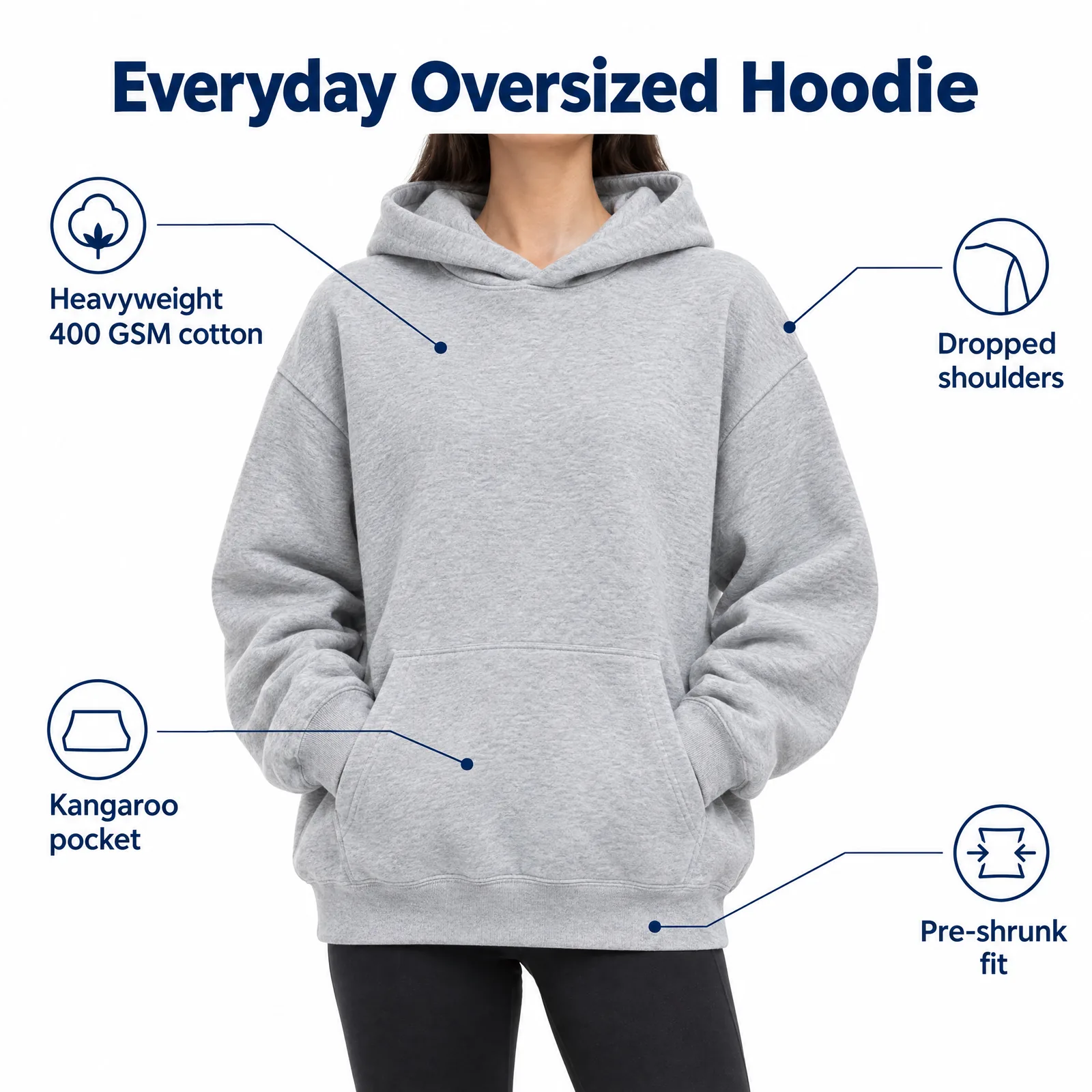 02Listing images with infographicsFeature, size and comparison images for Amazon.Learn more →
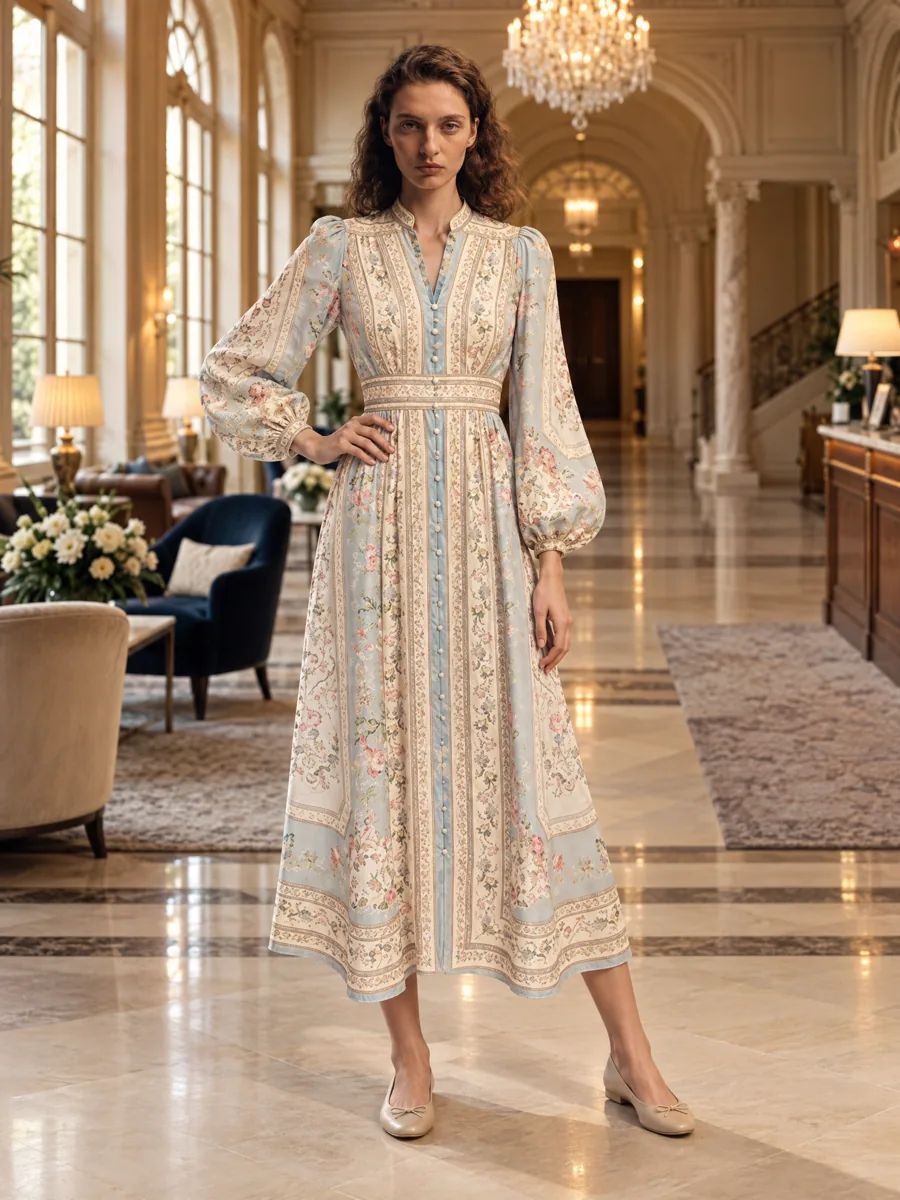 03Locations and lookbooksOne model, one outfit, any set.Learn more →
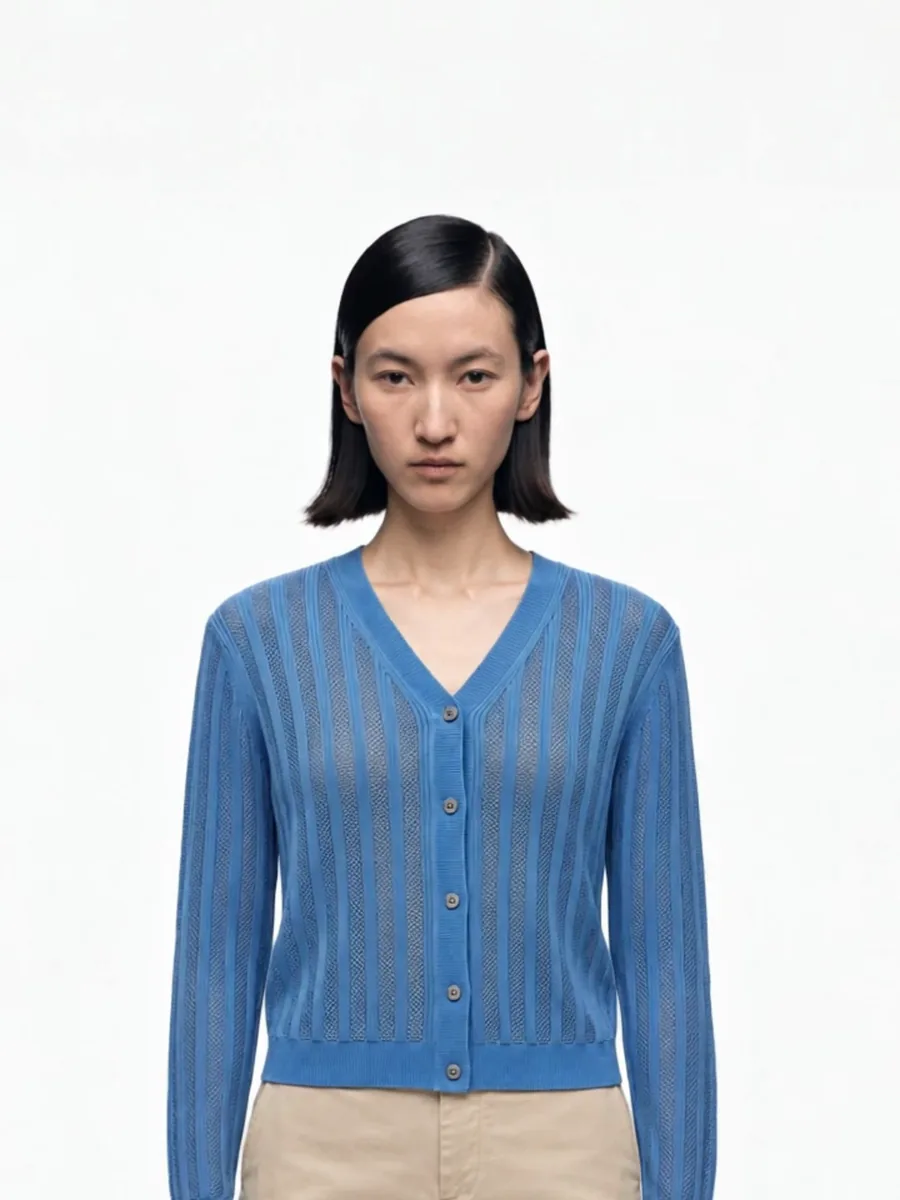 04Video from a photoShort clips for listings and ads.
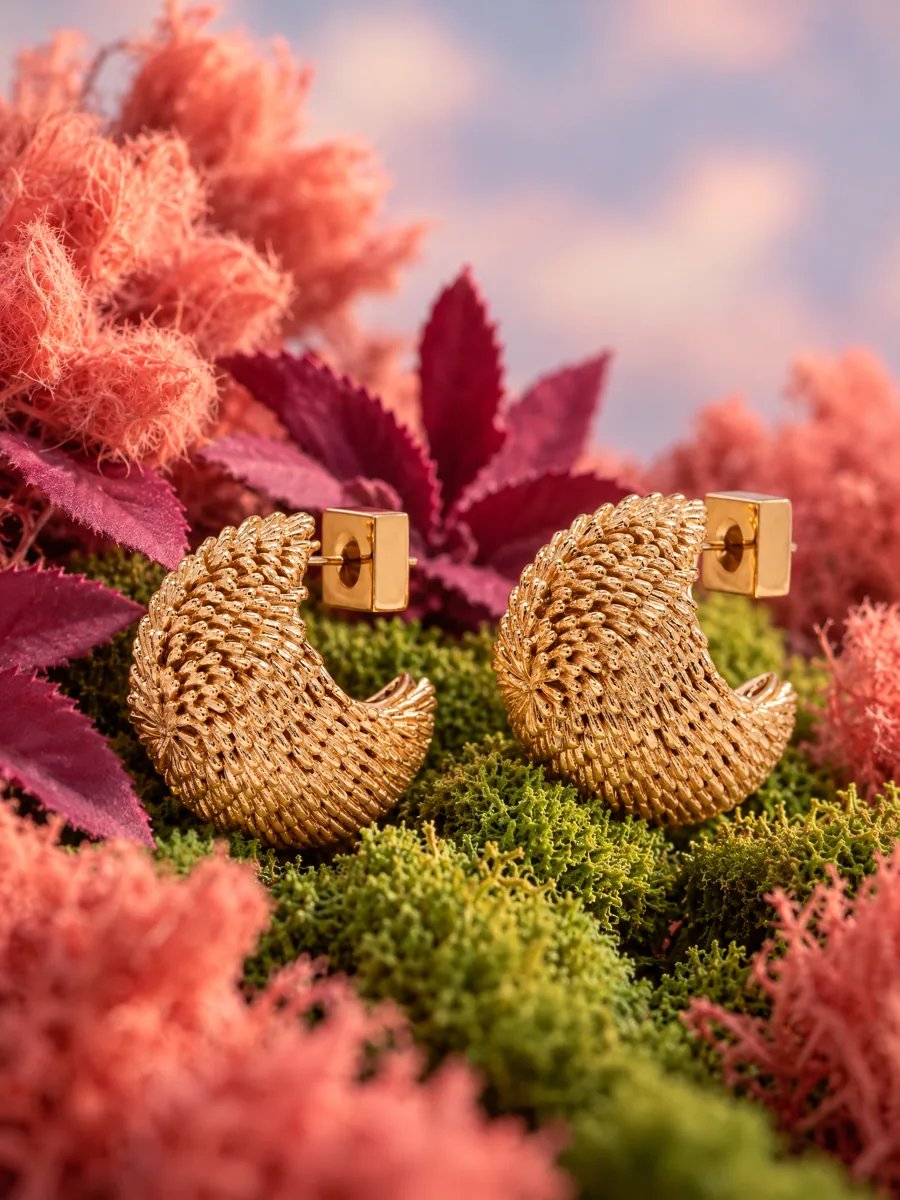 05Product stillsStyled scenes for beauty, jewelry, food and home.Learn more →
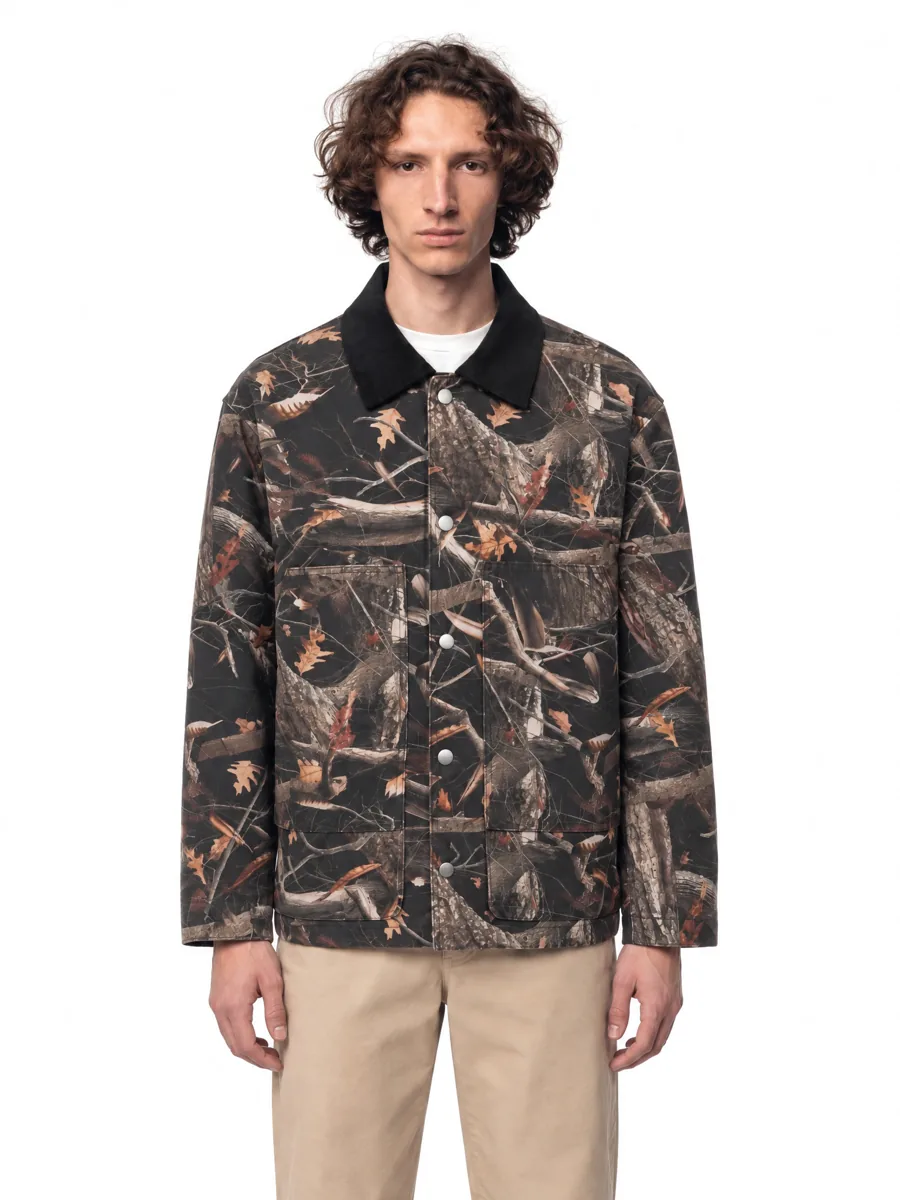 06Angles and detailsFront, three-quarter, back and close-up.
How it works

- 01Upload a product photoFlat lay, hanger, mannequin or a phone shot. One clear photo per item is enough.
- 02Pick a model and a sceneStudio, street or interior. Keep the same model for the whole catalog.
- 03Get checked framesQuality control compares every frame with your photo before you see it, so it is right the first time.
Questions
Can AI turn a flat lay into a model photo?
Yes. Upload the flat lay, choose a model and a scene, and you get photorealistic on-model frames with the garment kept as it is.
Do I need a ghost mannequin photo?
No. A simple flat lay or hanger photo works. Ghost mannequin shots work too.
How long does it take?
About a minute per frame. A full five-angle set for one item is usually ready in about five minutes.
Can I process a whole catalog?
Yes. Upload items in bulk or import them from a spreadsheet; an account can generate up to 10,000 frames a day.