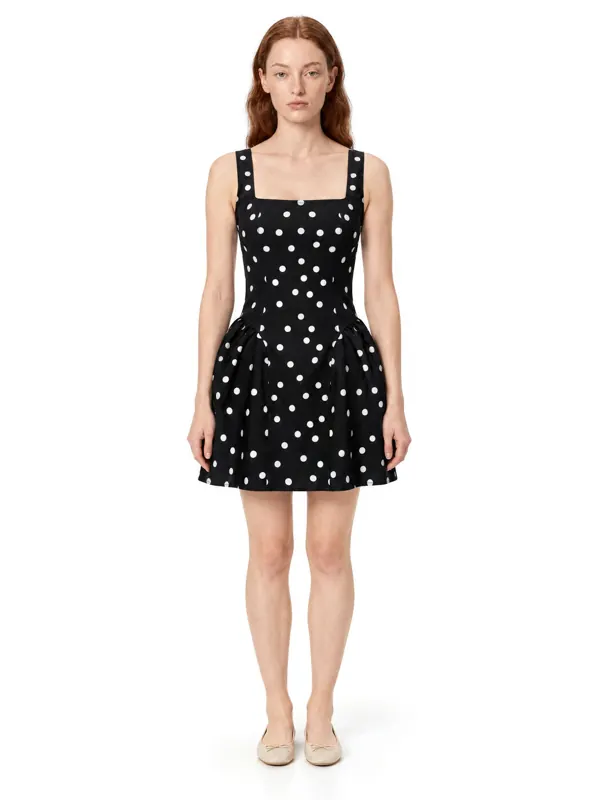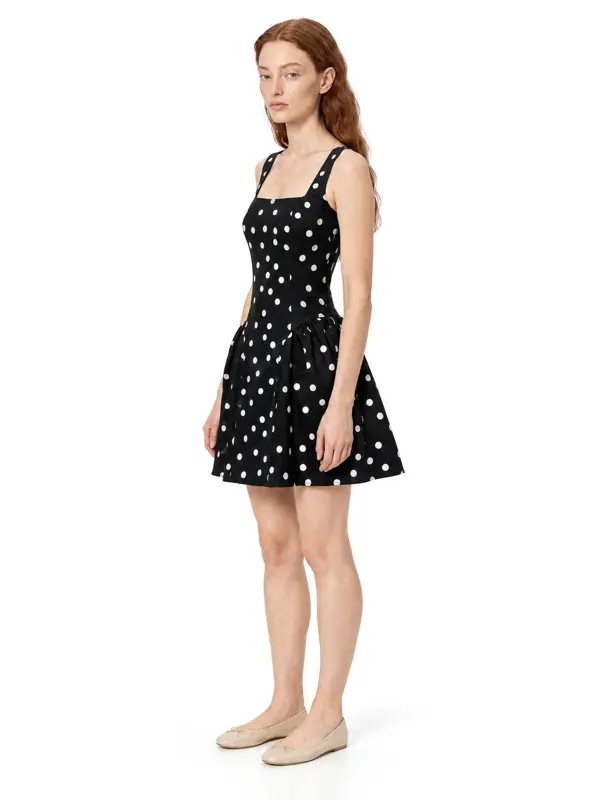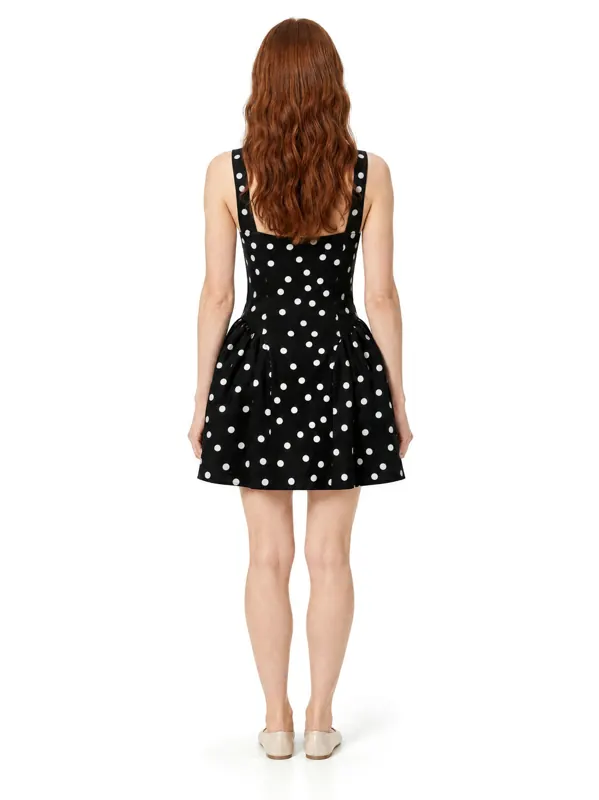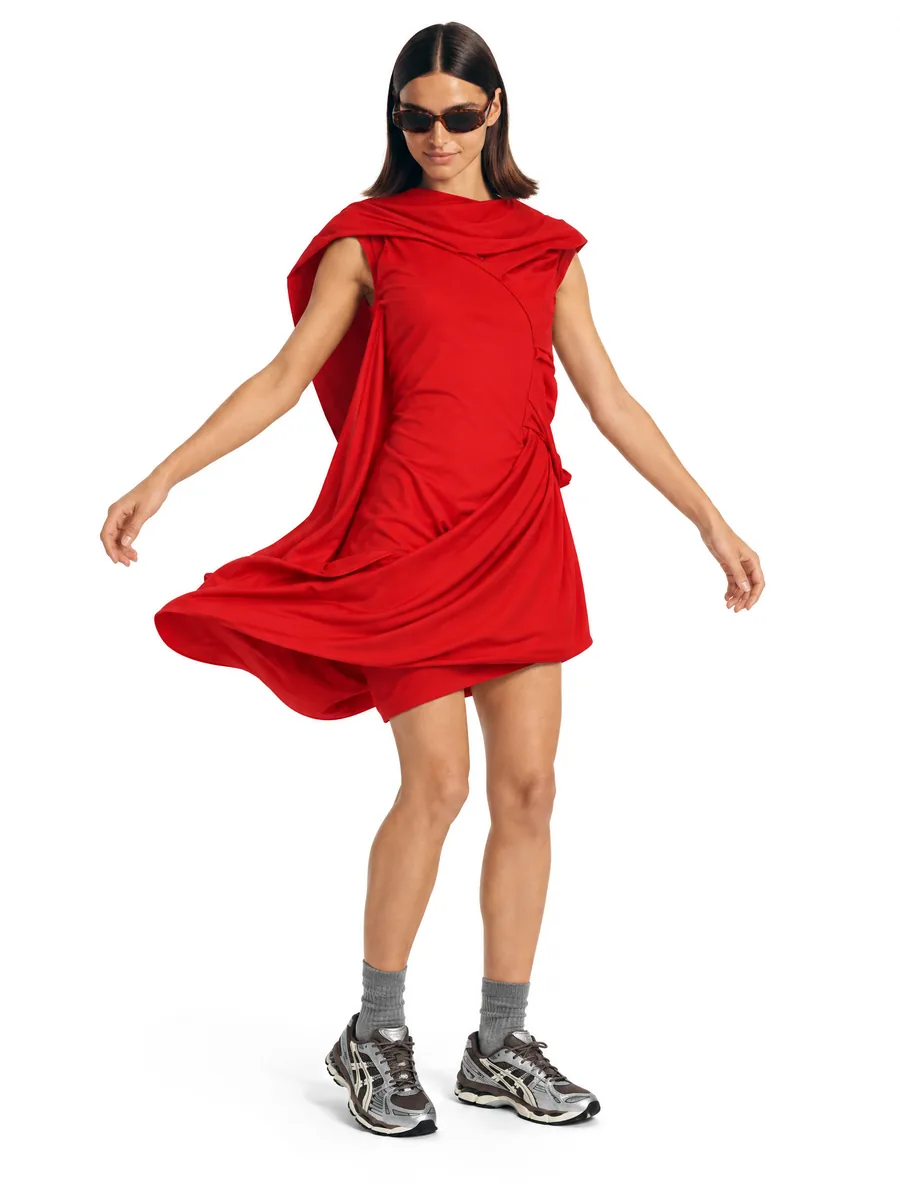
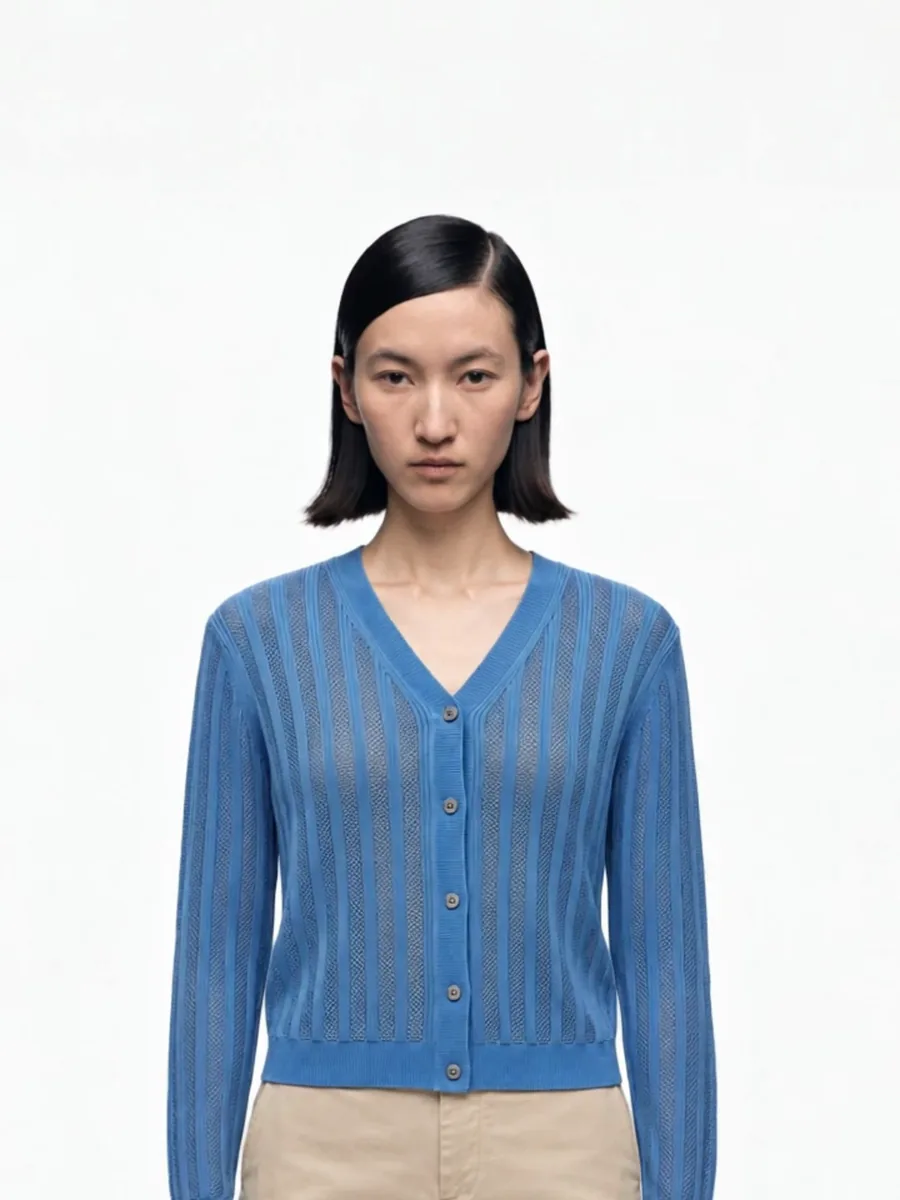
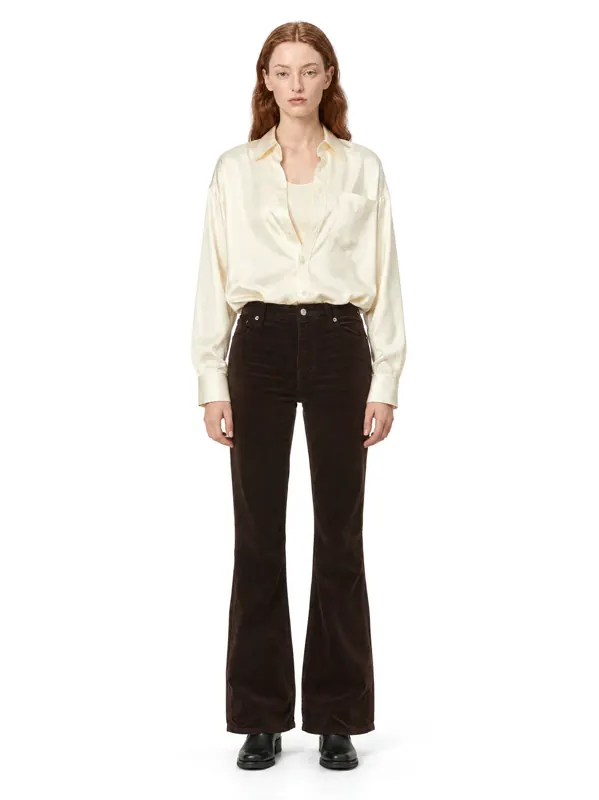
An AI photoshoot can only keep what it can see. The source photo is the single biggest factor in how exact the result is, and a good one takes ten minutes to set up.
Light: daylight from the side
Shoot near a window during the day, with the light coming from one side. Avoid direct sun, which creates hard shadows, and avoid mixing daylight with warm room lamps, which shifts colors.
If the photo looks too blue or too yellow, fix white balance before uploading. Color accuracy starts here.
Background: plain and contrasting
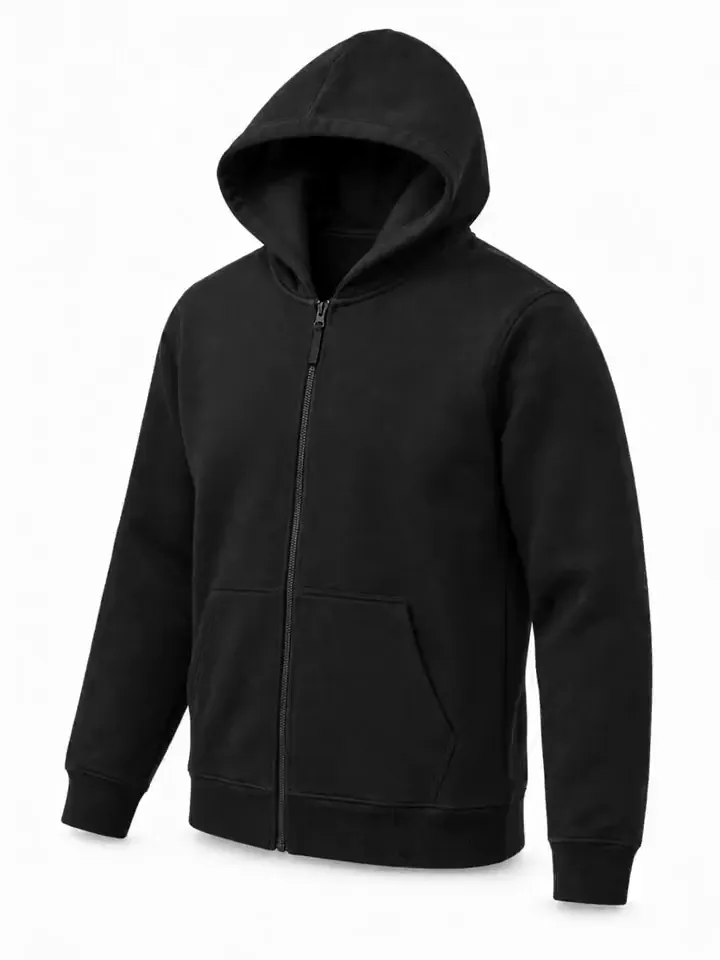
Use a plain surface that contrasts with the item: a white sheet for dark clothing, a grey or beige board for white clothing. Patterned floors and bedspreads confuse the outline of the garment.
Framing: the whole item, square to the camera
- Hold the phone parallel to the item, directly above a flat lay.
- Fit the whole garment in the frame with a small margin.
- Do not use wide-angle mode; it distorts proportions.
- Shoot the front first. Add the back as a second photo if you need a back view.
Prepare the garment
Iron or steam it. Close zips and buttons the way it should be worn. Straighten sleeves and the hem. Remove tags that would not be visible when worn.
Add close-ups for details
Prints, small logos, embroidery and hardware come out sharper when there is a close-up next to the main photo. One extra shot of the detail is usually enough.
Mistakes that cost regenerations
- Folded or bunched items. The model will wear the folds.
- Item partly out of frame. Missing parts get invented.
- Heavy filters. The result will match the filter, not the product.
- Several items in one photo. Upload each item separately unless it is a set.
What happens after upload
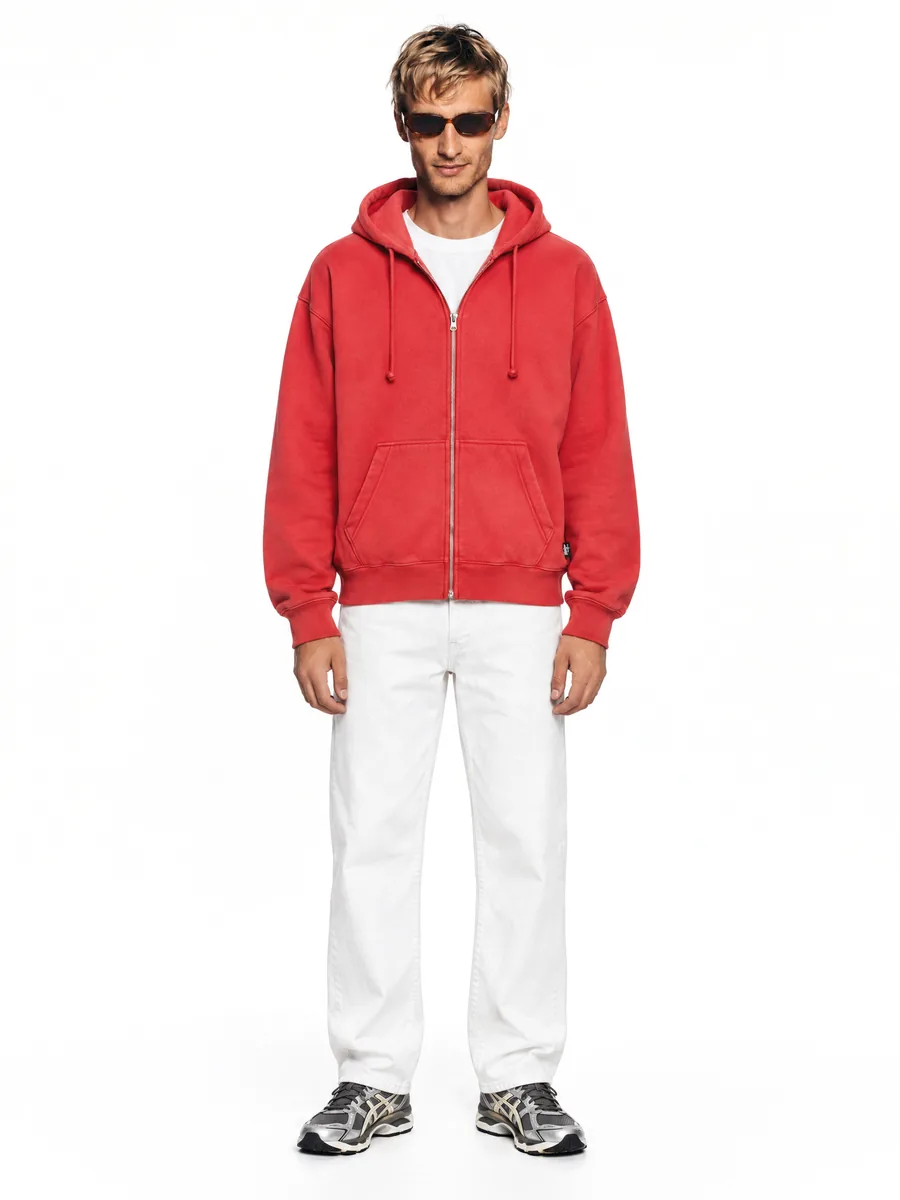
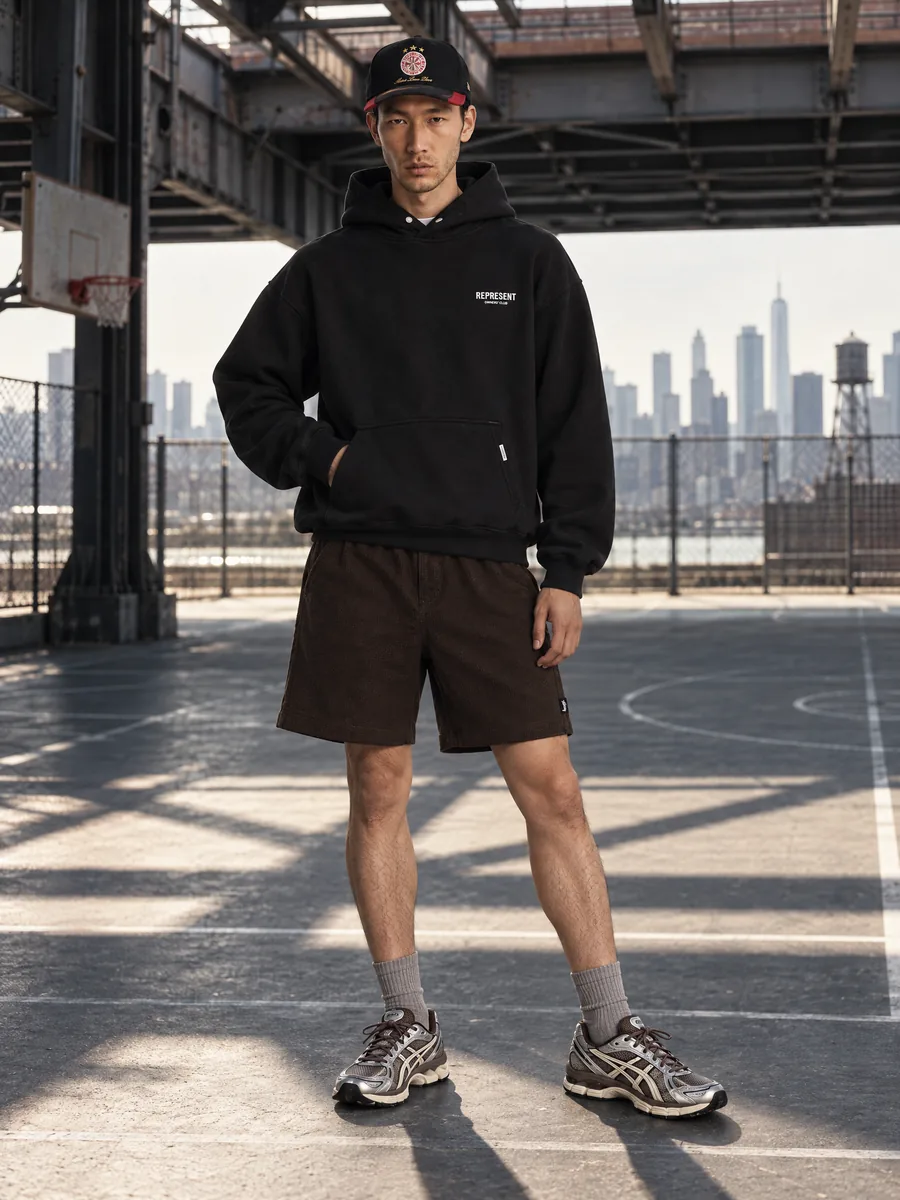
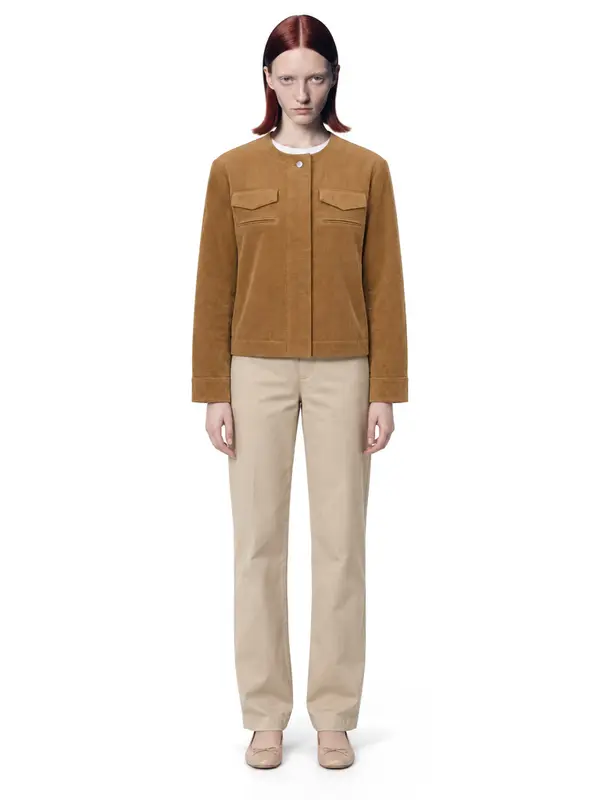
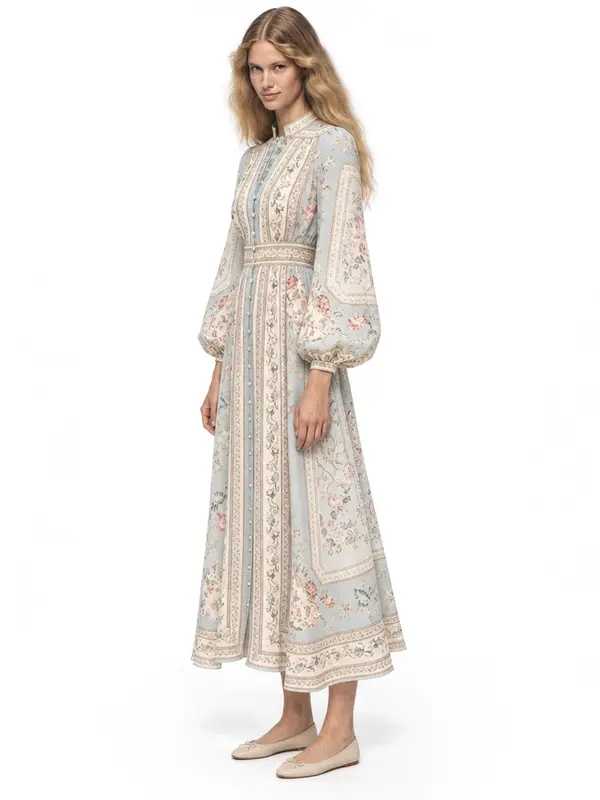
AISKU puts the garment on the model you choose, in the scene you choose. Every frame passes quality control before it reaches you: color, print, construction, the model and the background have to match your photo. The frames you see are ready to publish the first time.
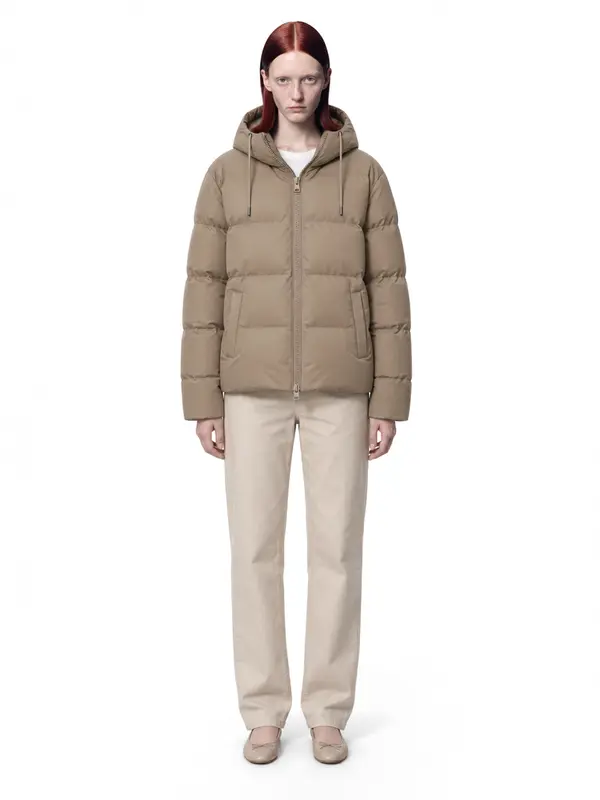
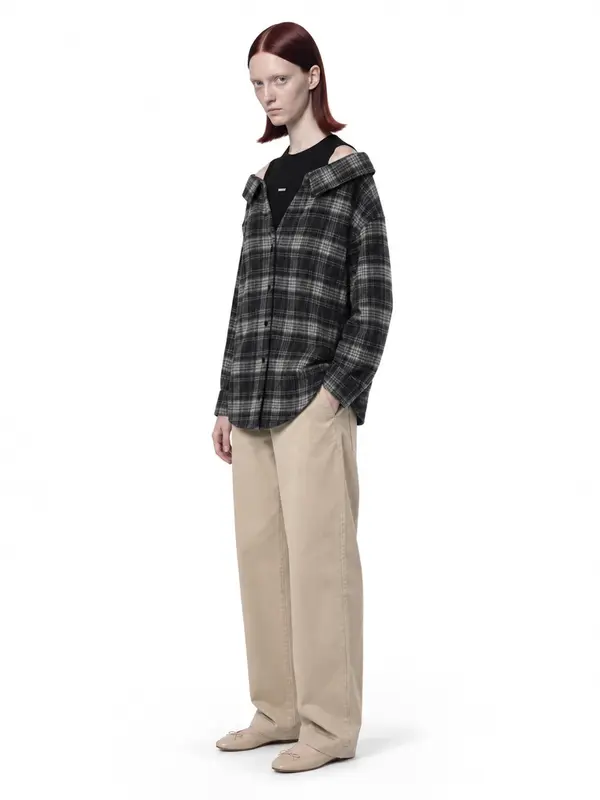
What it looks like in the studio

Example shots: white wall, made in AISKU
Questions
What resolution should the source photo be?
Any modern phone camera is enough. Shoot at full resolution and do not crop tightly; leave a little space around the item.
Should I iron the garment?
Yes. Creases in the source photo can be read as part of the fabric and reproduced on the model.
Do I need a back photo?
Only if you want a back view. One front photo is enough for front, three-quarter and waist-up frames.