Lookbooks and campaigns
AI lookbook generator
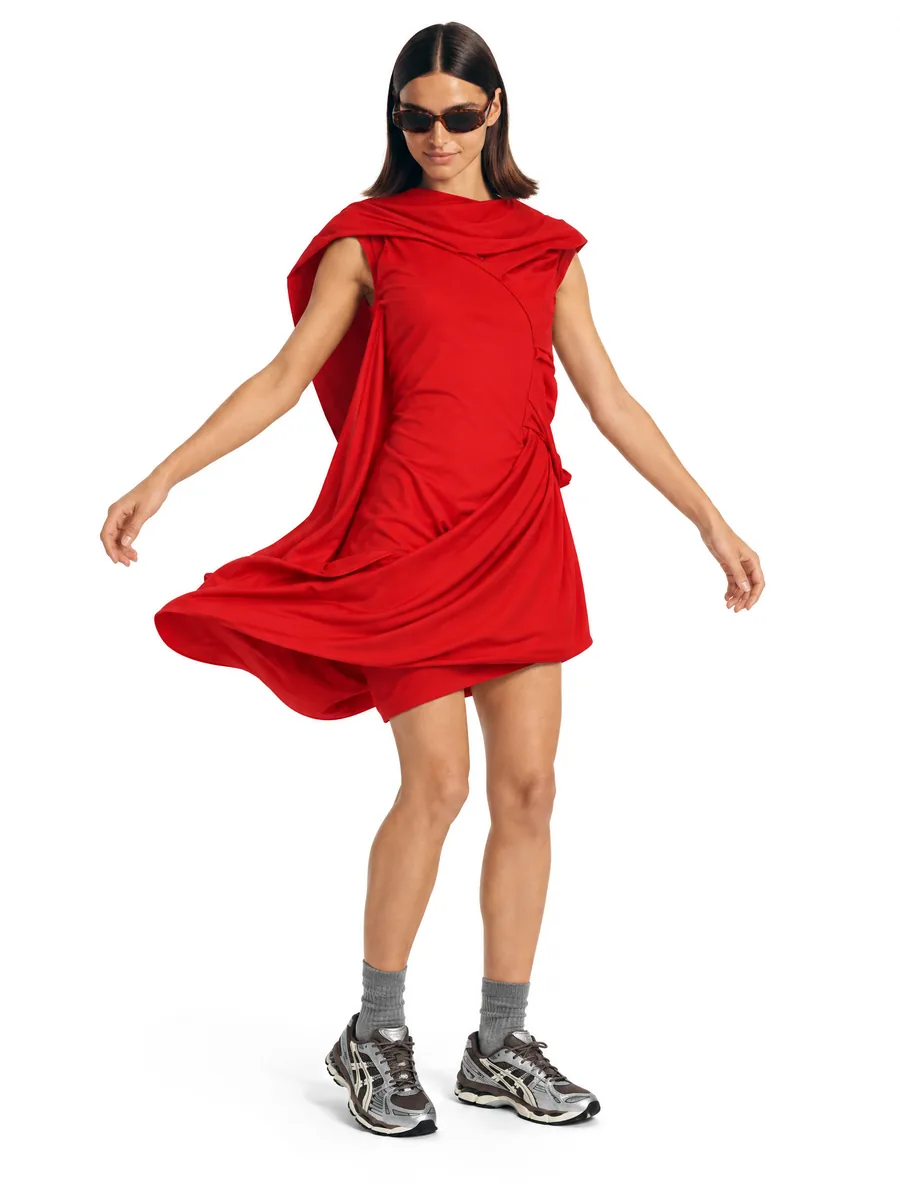
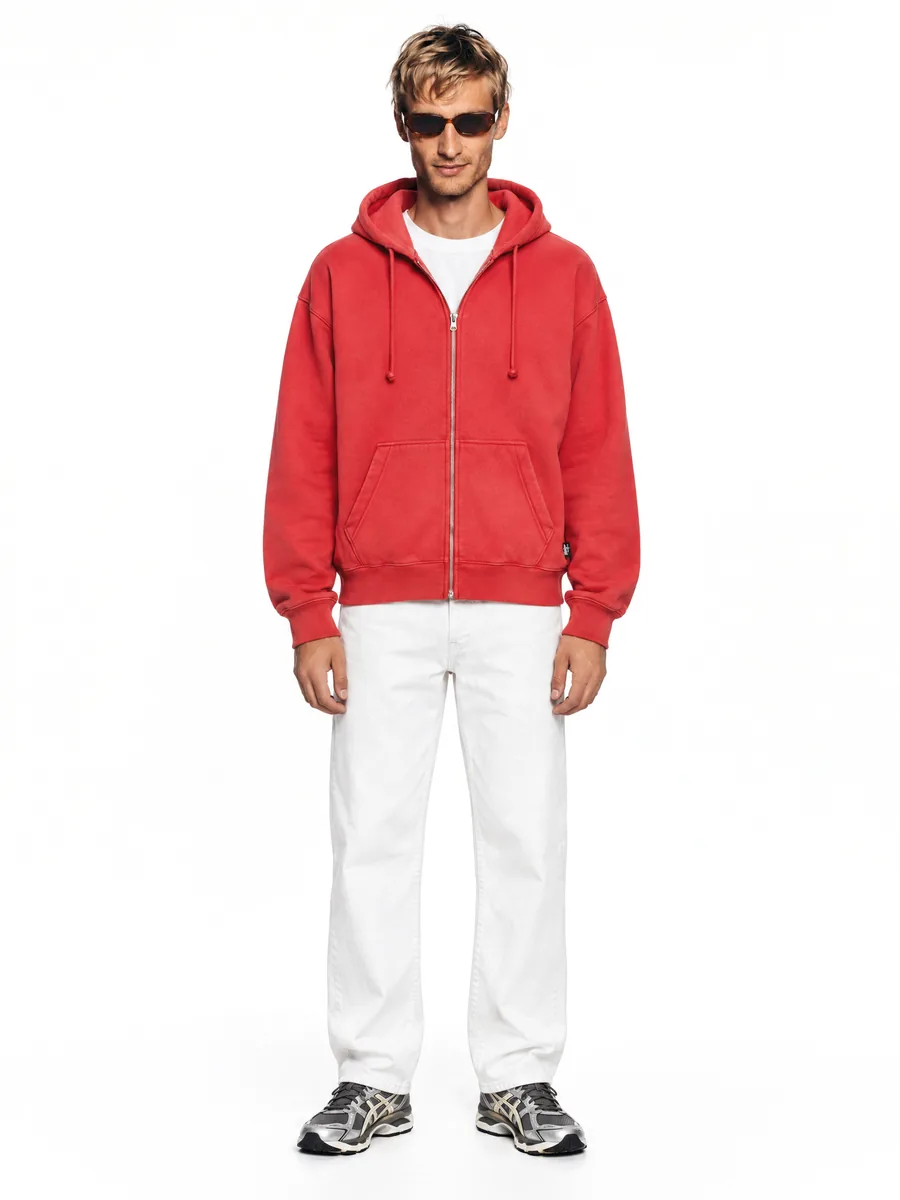
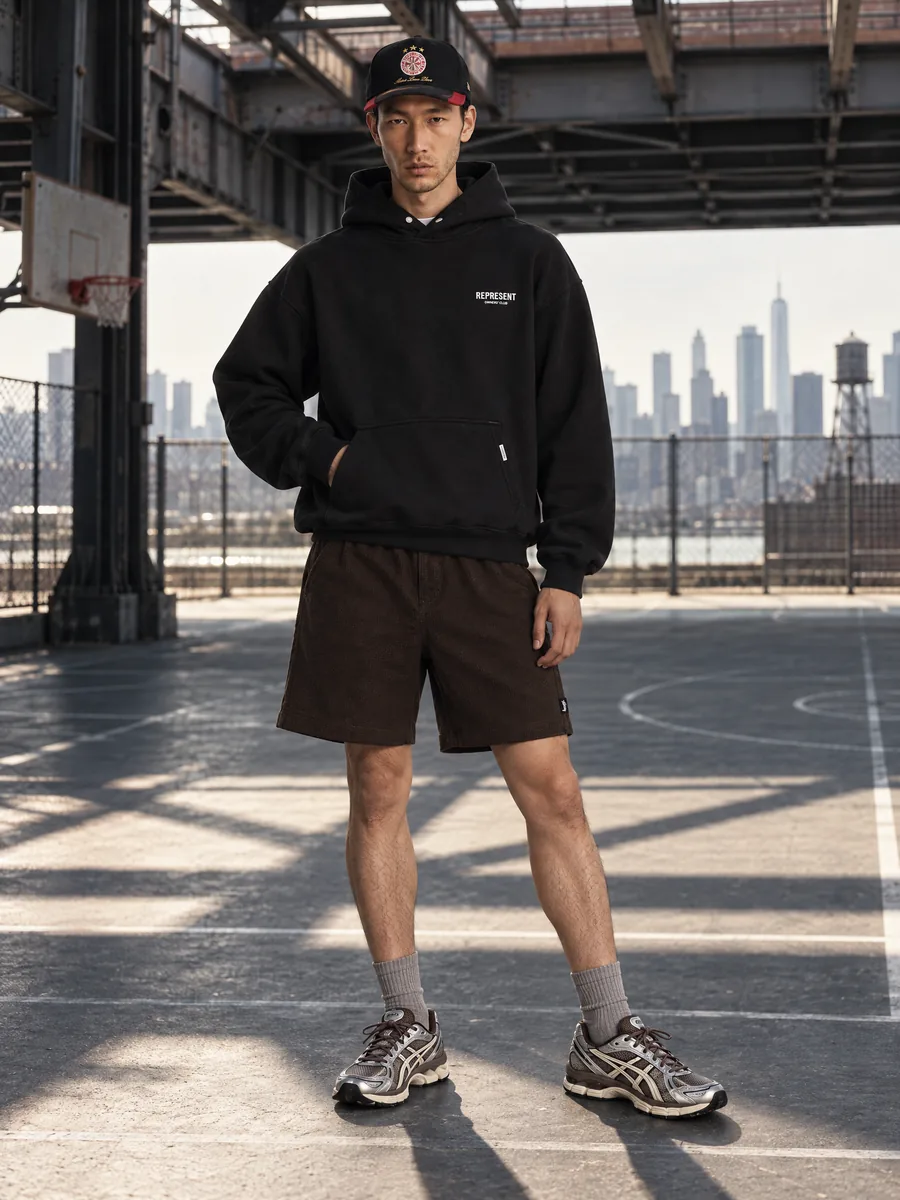
Turn product photos into a full seasonal lookbook on one consistent model, in the city, in an interior or in the studio.
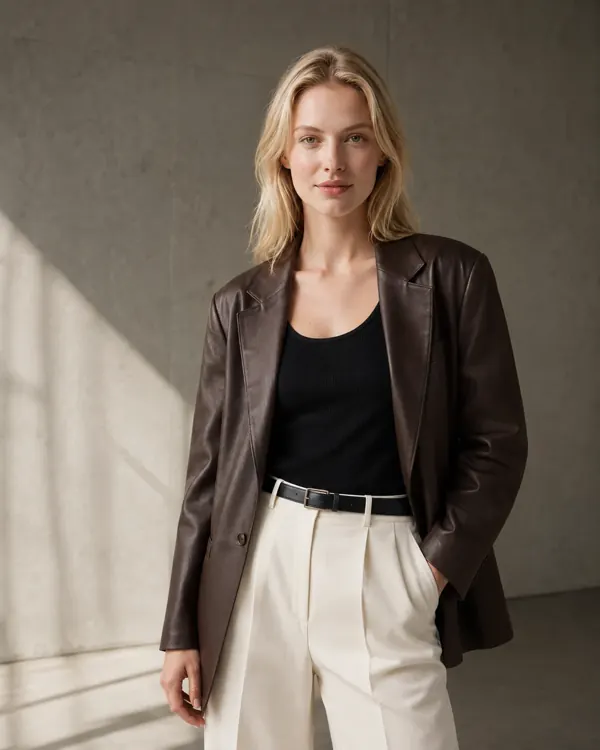
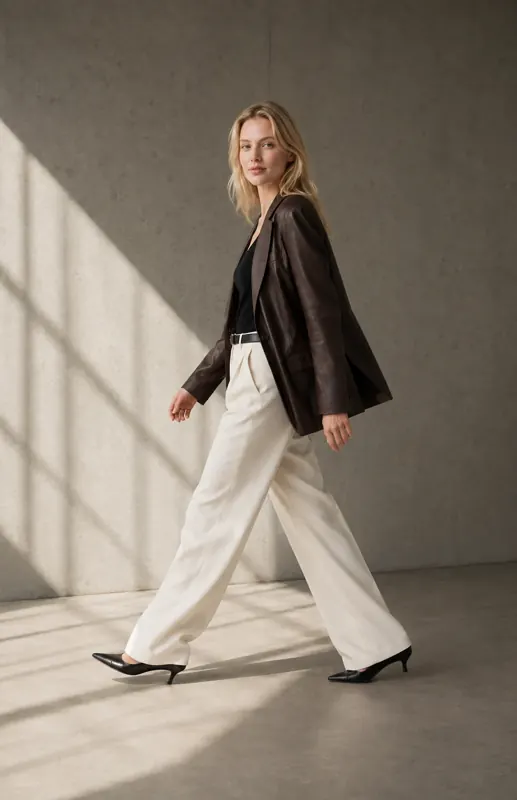
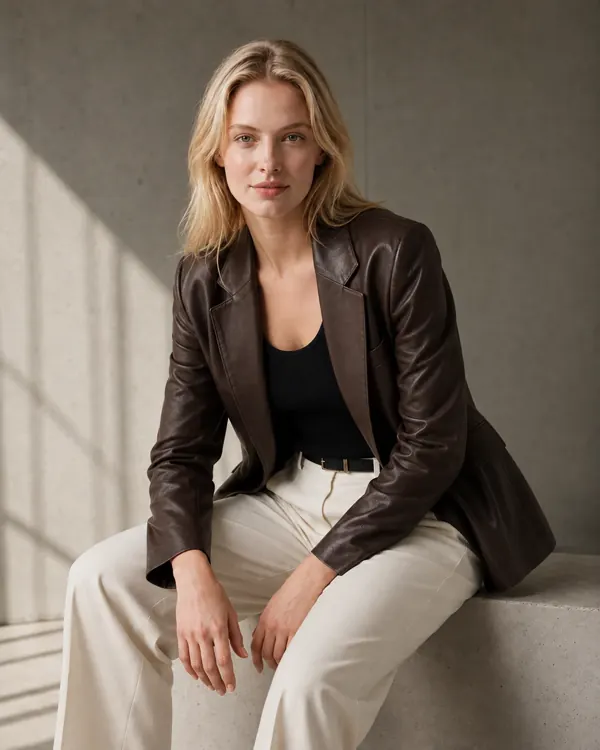
- 1:1garment kept: color, texture, details
- ~1 minper frame, 2K or 4K
- 10 000frames a day per account
- 100%of frames checked by quality control
Key facts
- AISKU keeps the model's face, body and styling the same across every lookbook frame.
- Scenes include street and city, interiors and galleries, nature and seaside, and a clean studio.
- Several items can be styled together into one outfit on the model.
- Lookbook frames are available in 2K and 4K, sharp enough for print.
How does the lookbook stay on one model?
A lookbook only works when it feels like one shoot. AISKU keeps the model's face, body and styling across every frame, so the story holds from the first page to the last.
A season in six frames
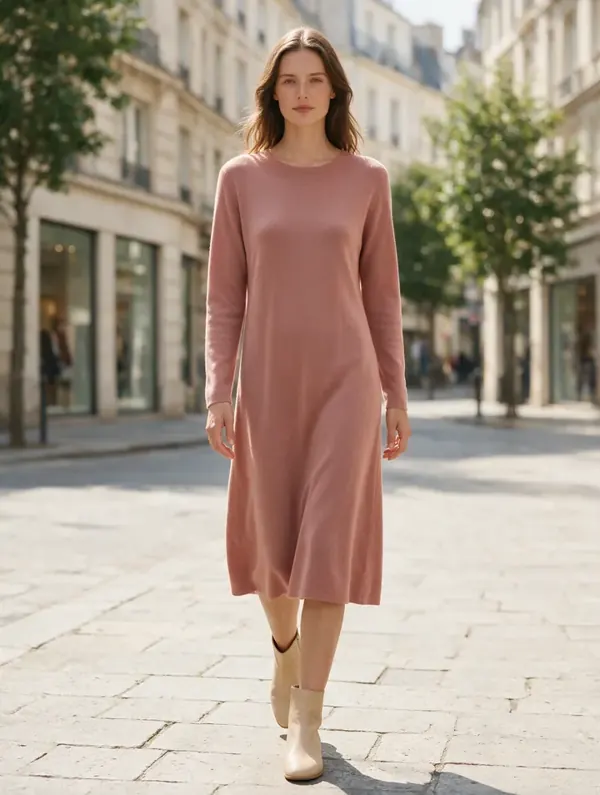
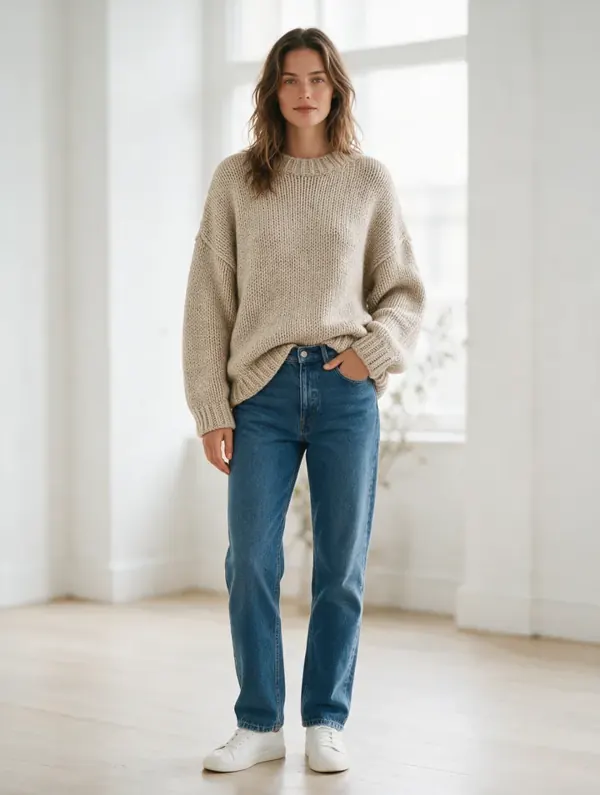
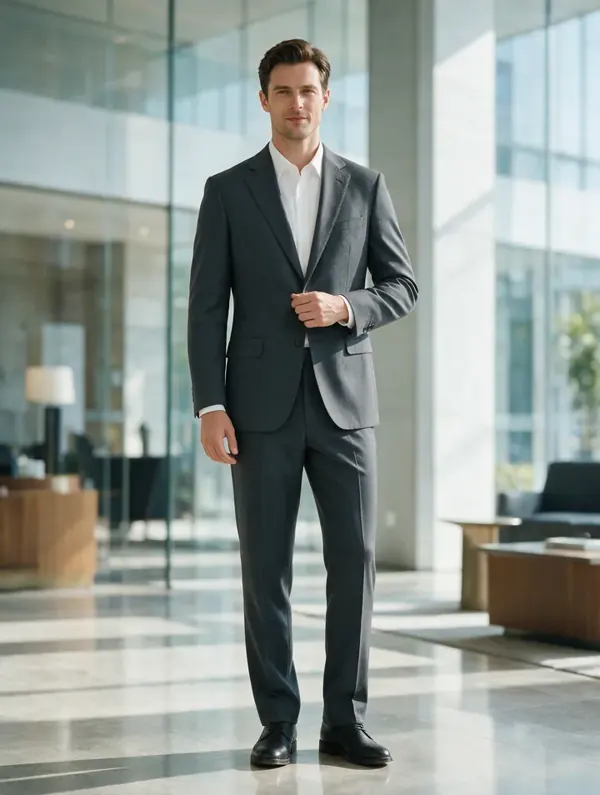
Editorial frames seated, in motion, on the street and indoors, all generated from product photos. A lookbook needs variety of pose and place but one recognisable model, and the series is built that way. A frame that repeats a view already in the series is rejected.
Which scenes are available for a lookbook?
Street, interiors, nature and a clean studio. Pick a location and a mood, and every outfit in the collection is shot there.
- Street and city
- Interiors and galleries
- Nature and seaside
- Clean studio with editorial poses
Pick the location
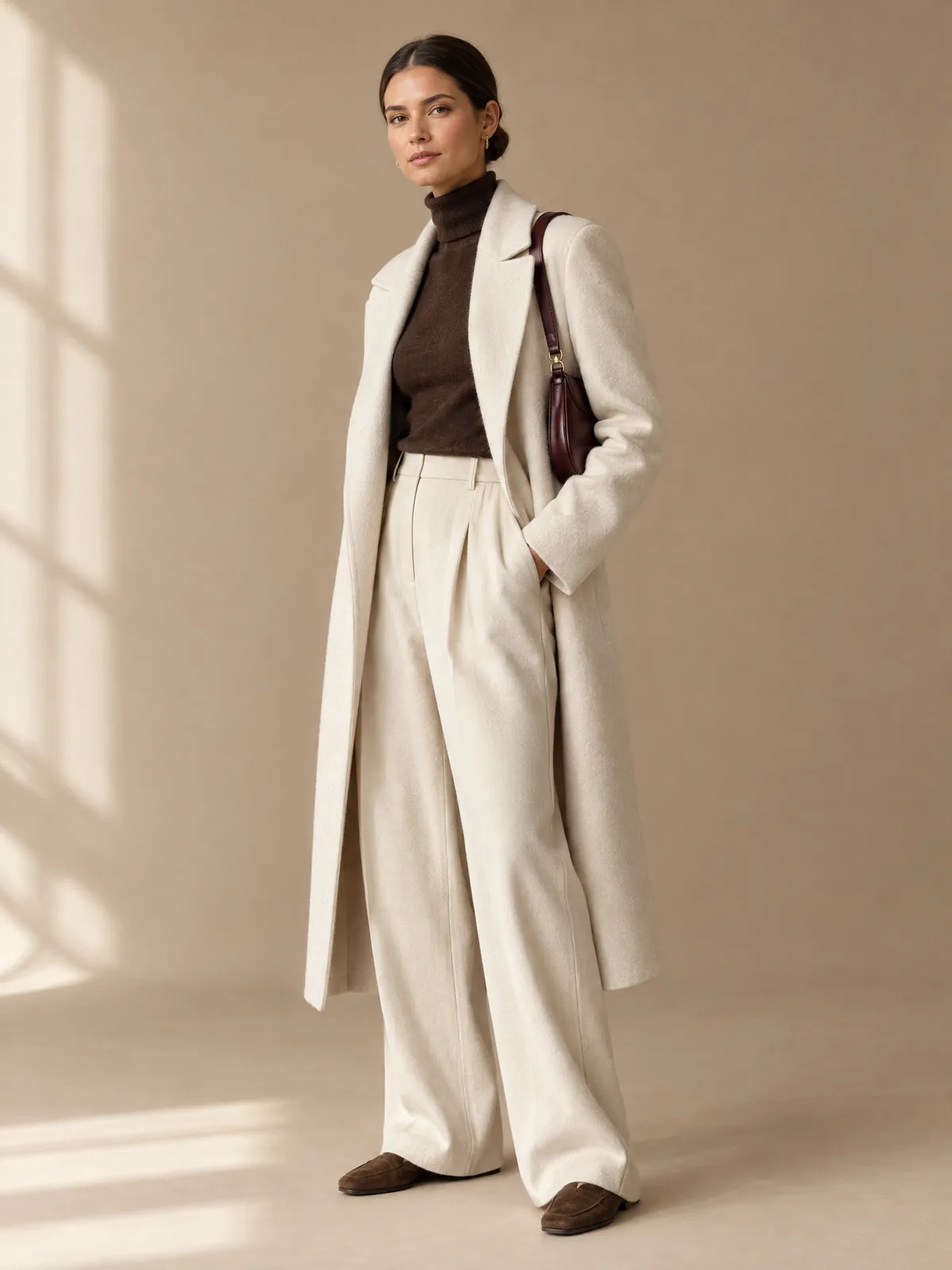
The same model and outfit moved between sets: studio, boulevard, gallery, terrace, arcade and night city. No travel and no location booking: the scenes come from one product photo. Each frame is checked against the chosen set and against your garment.
 Studio
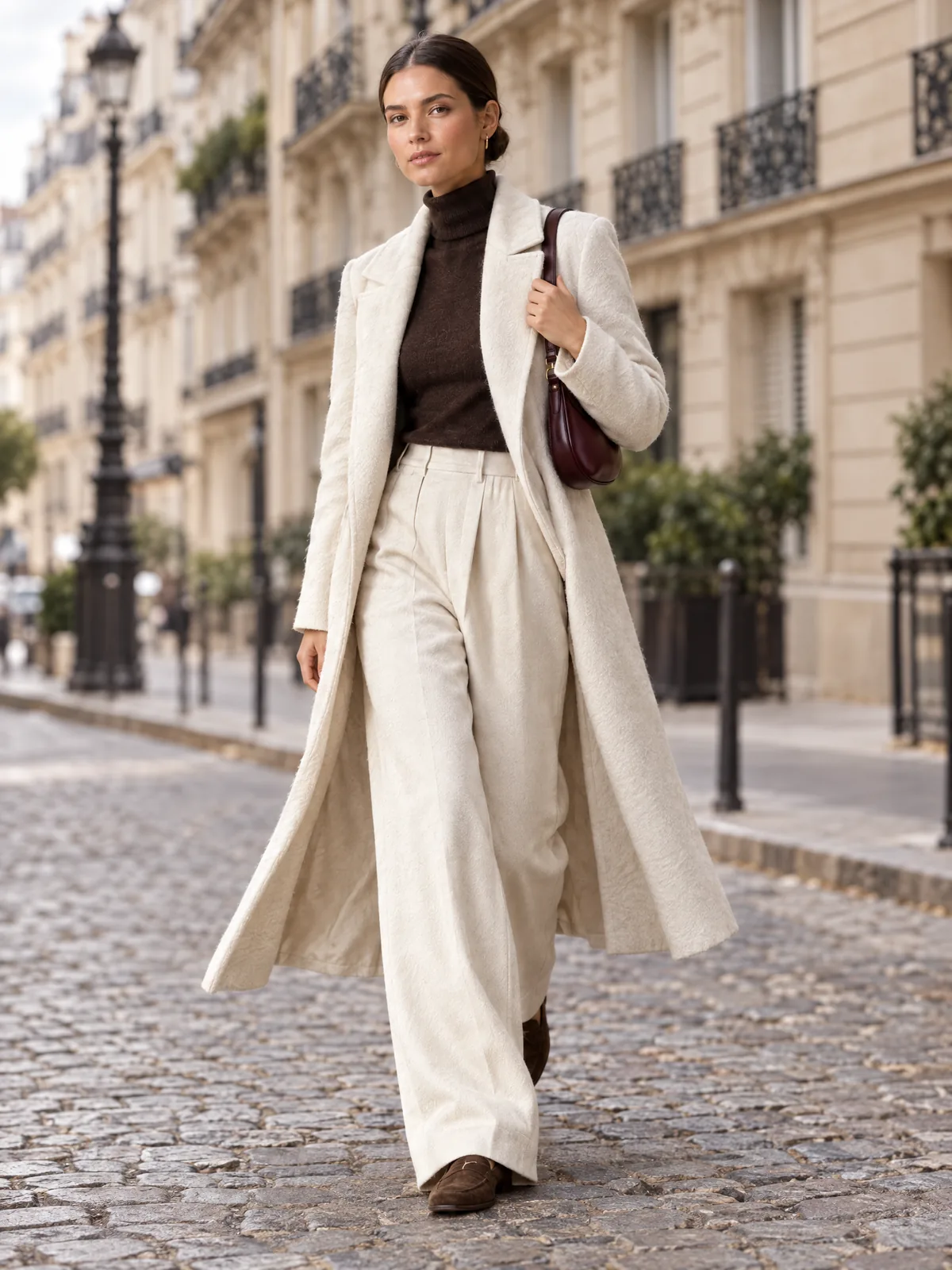 Boulevard
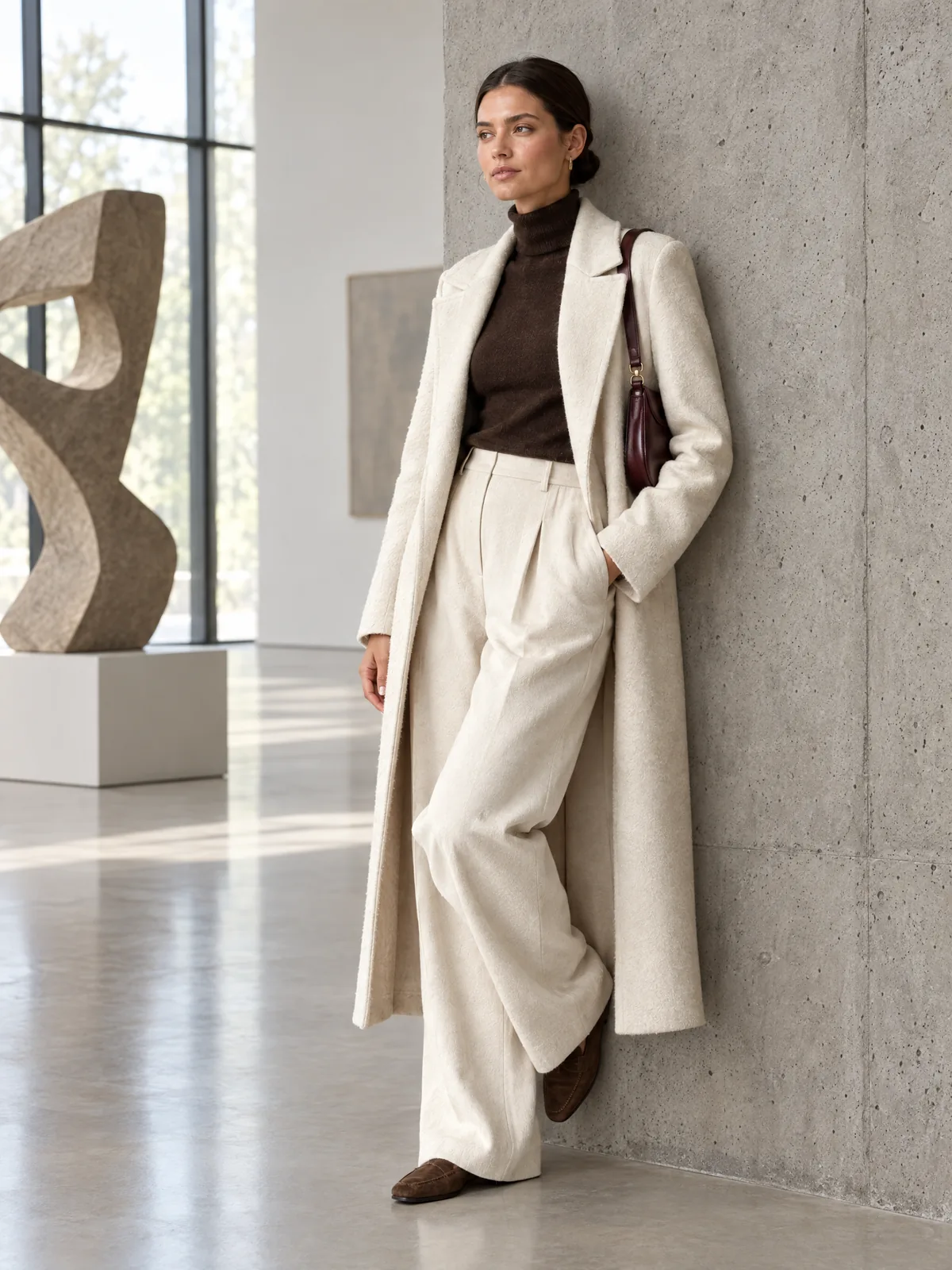 Gallery
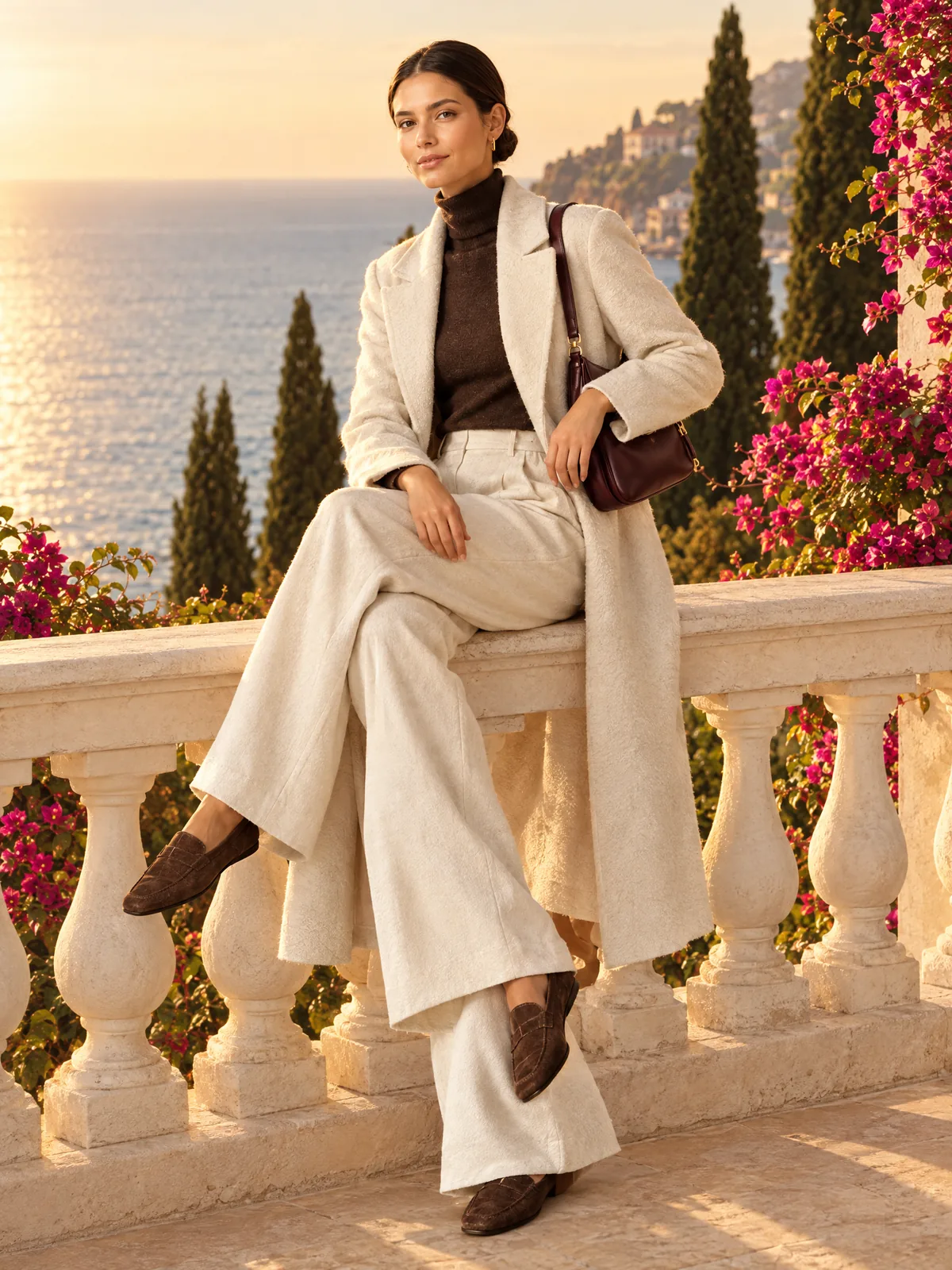 Terrace
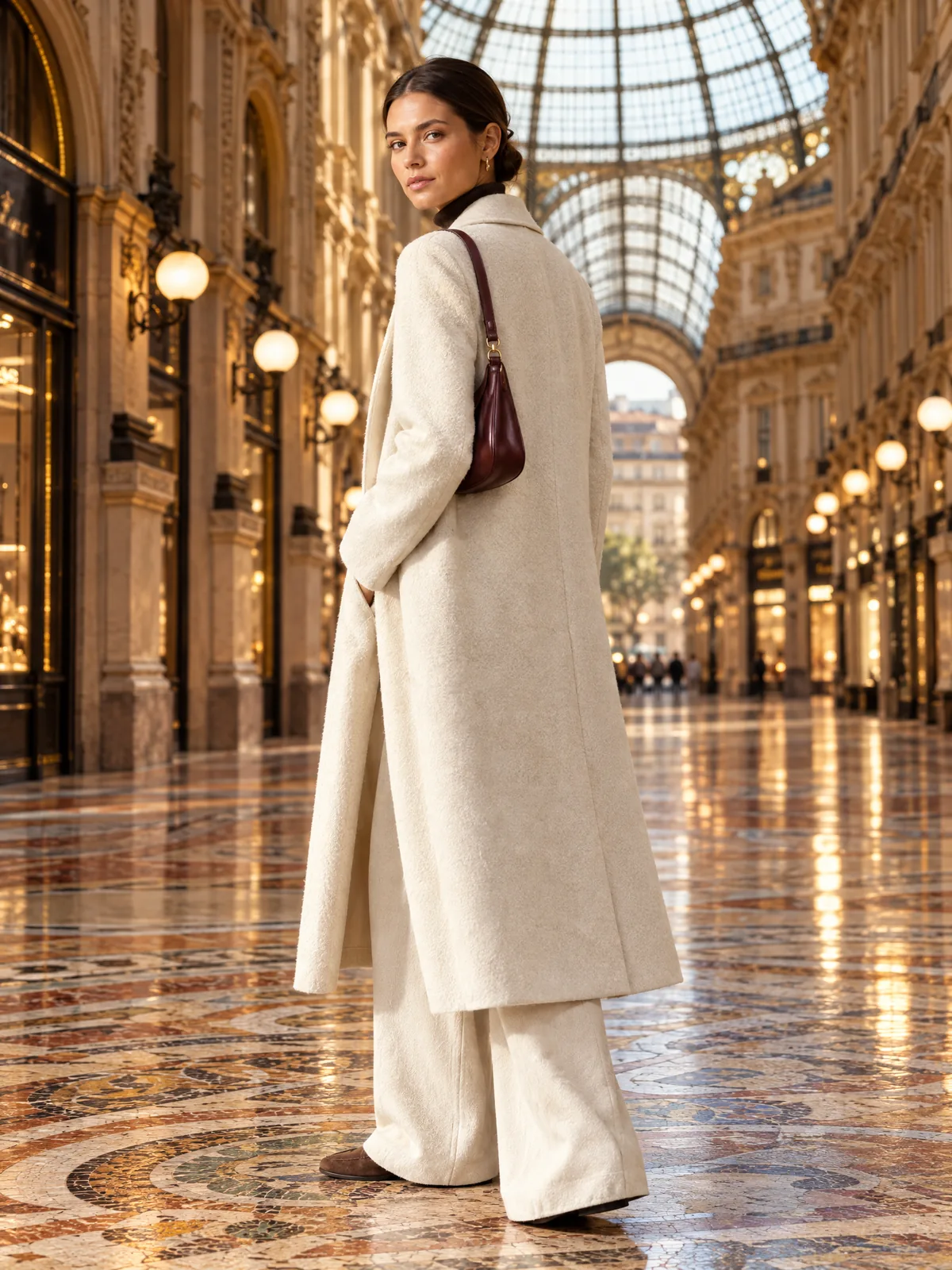 Arcade
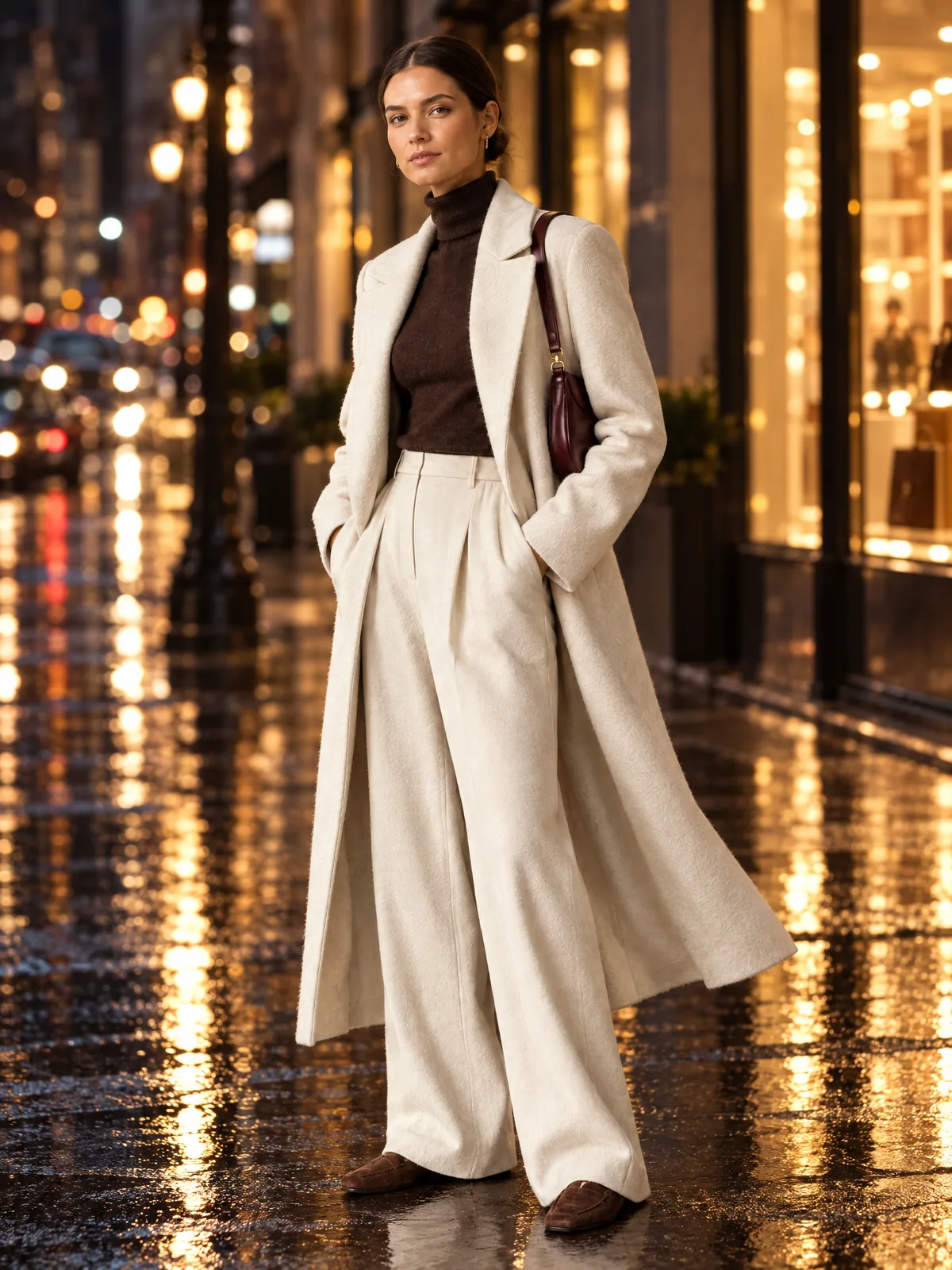 Night city
Where can I use lookbook frames?
Use the frames in a PDF lookbook for buyers, on campaign landing pages, in social and in ads. 4K export keeps them sharp in print.
Capabilities
Everything you need to sell a product
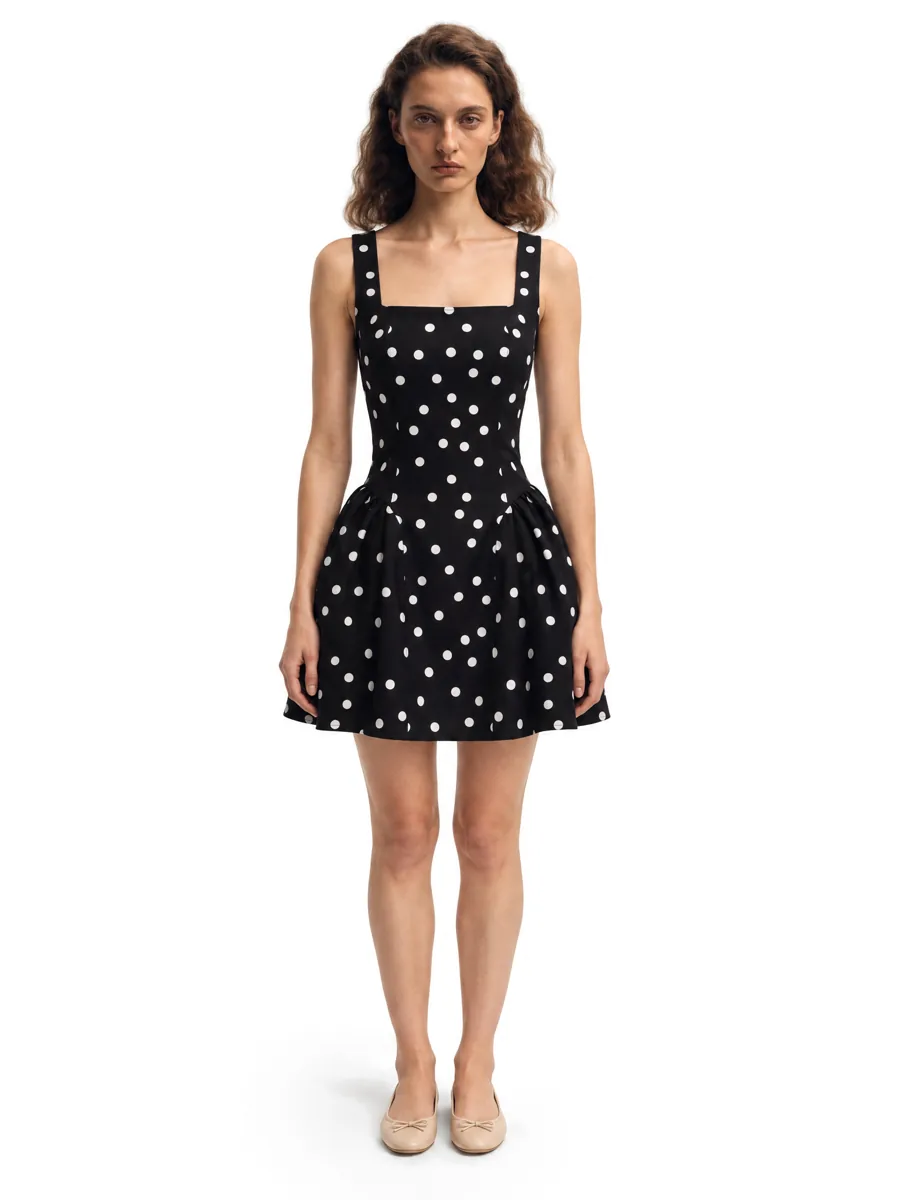 01On-model photosA full on-model set from one garment photo.Learn more →
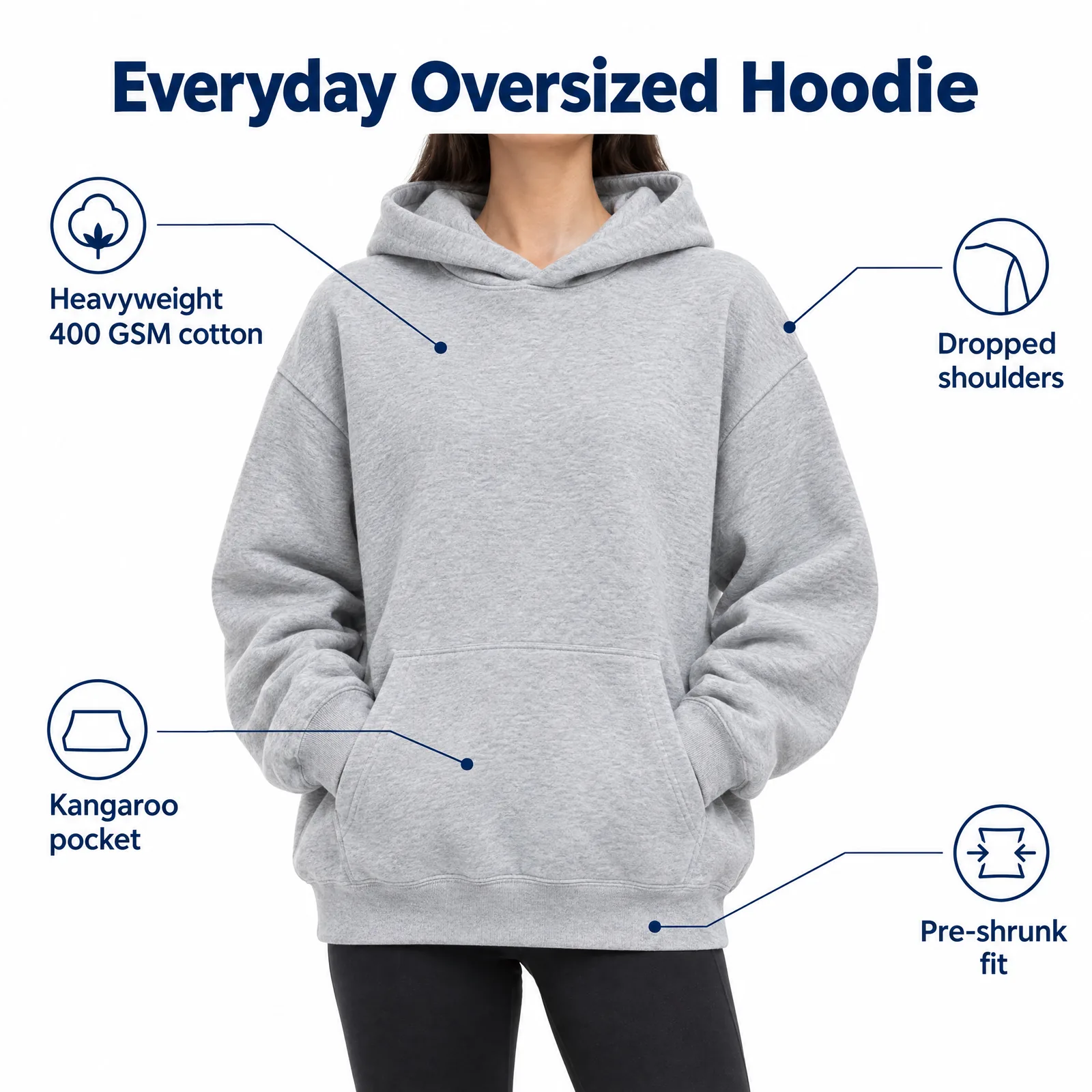 02Listing images with infographicsFeature, size and comparison images for Amazon.Learn more →
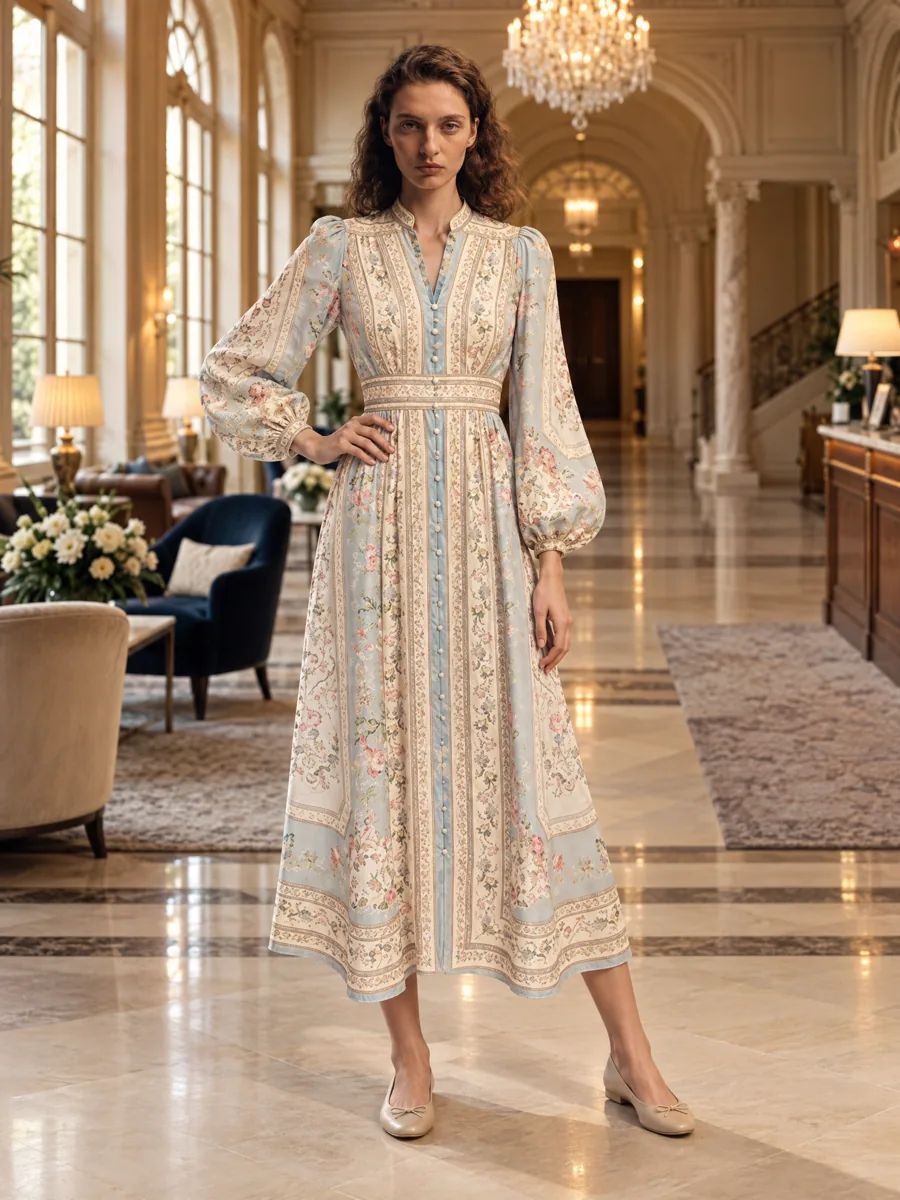 03Locations and lookbooksOne model, one outfit, any set.
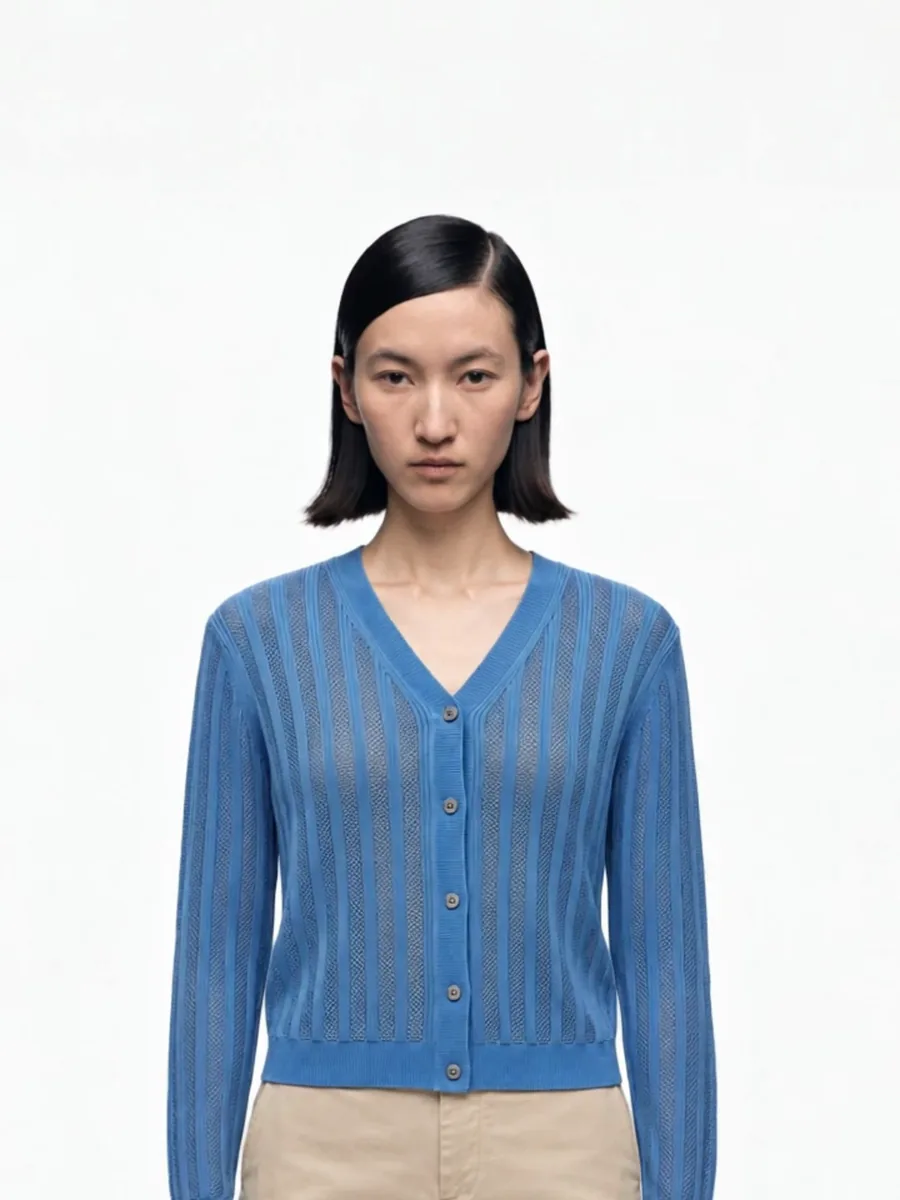 04Video from a photoShort clips for listings and ads.
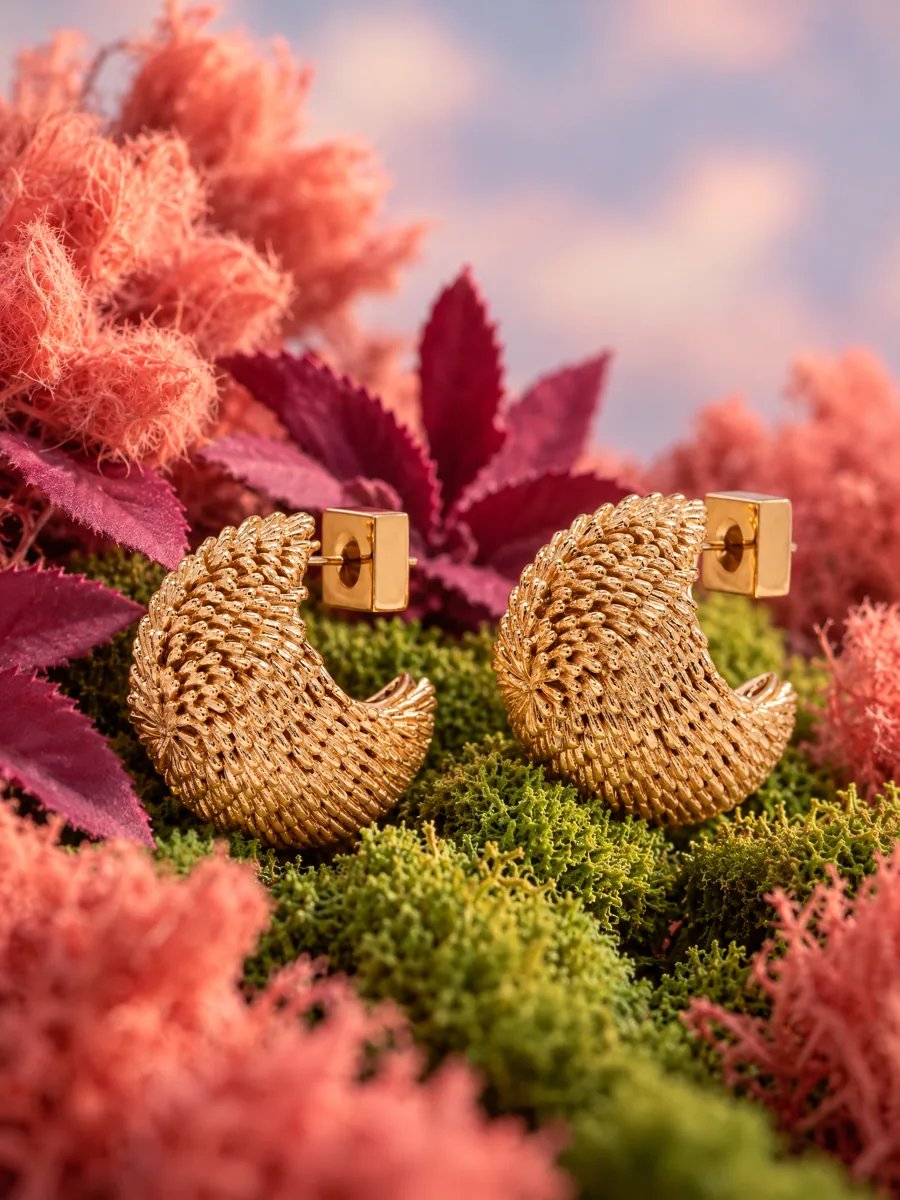 05Product stillsStyled scenes for beauty, jewelry, food and home.Learn more →
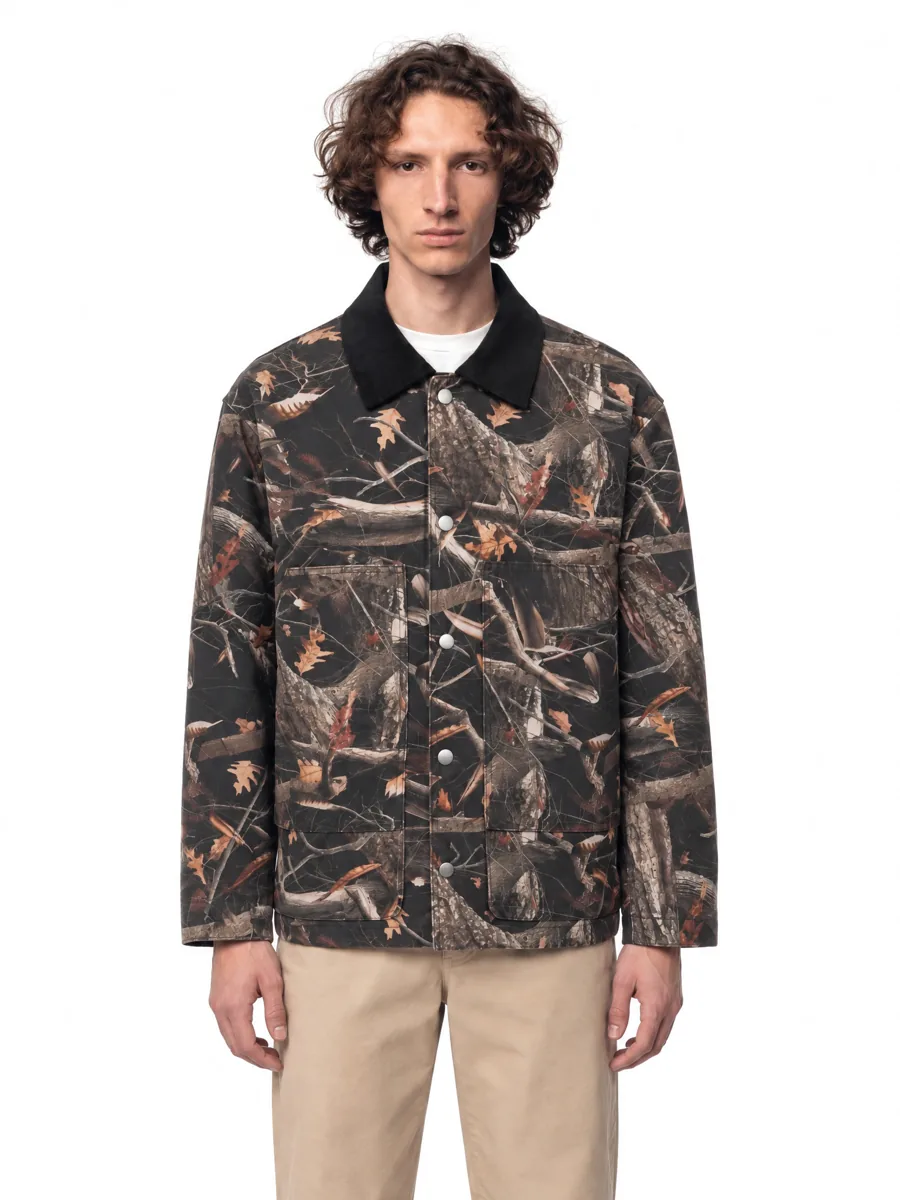 06Angles and detailsFront, three-quarter, back and close-up.Learn more →
How it works

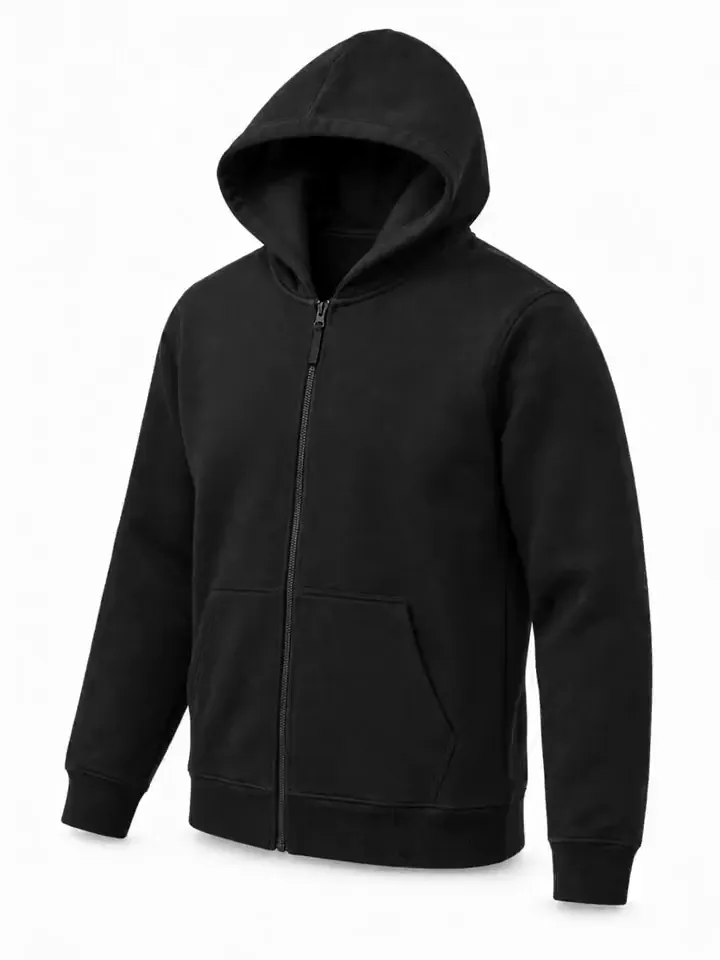
- 01Upload a product photoFlat lay, hanger, mannequin or a phone shot. One clear photo per item is enough.
- 02Pick a model and a sceneStudio, street or interior. Keep the same model for the whole catalog.
- 03Get checked framesQuality control compares every frame with your photo before you see it, so it is right the first time.
Questions
How do I make a lookbook with AI?
Upload product photos for each outfit, choose one model and a scene, and generate. The same model is used for every look.
Can I combine several items in one look?
Yes. Add the items of the outfit and they are styled together on the model.
Are lookbook images high resolution?
Yes. Frames are available in 2K and 4K.