For Shopify stores
On-model product photos for Shopify clothing stores
Make your collection pages look like one professional shoot. Same model, same light, every product, in the size your theme expects.
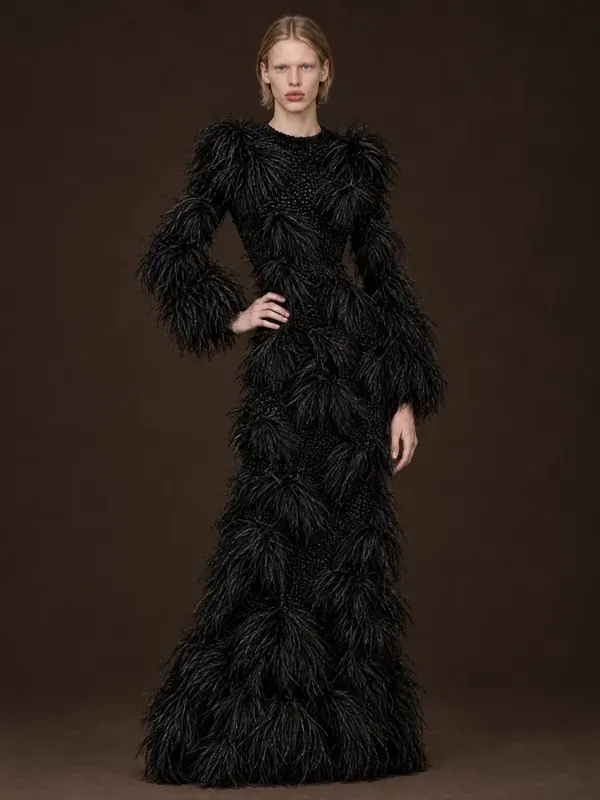
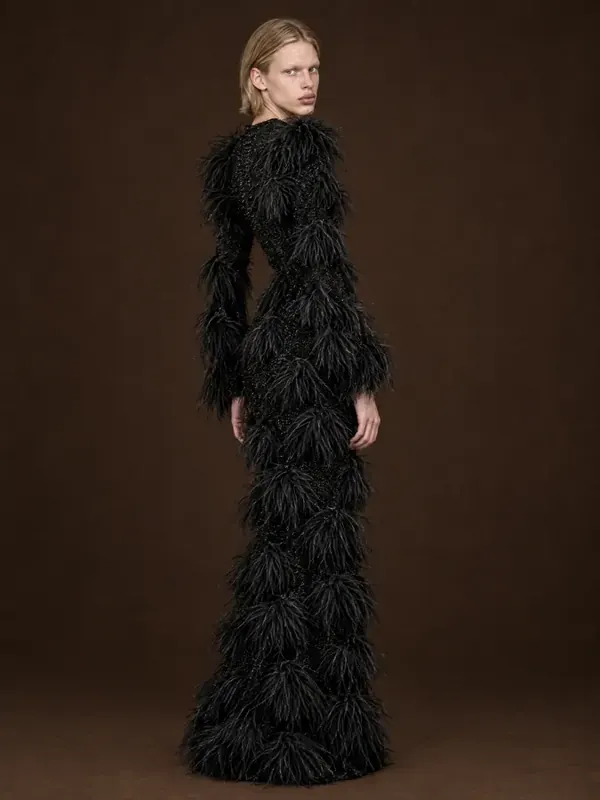
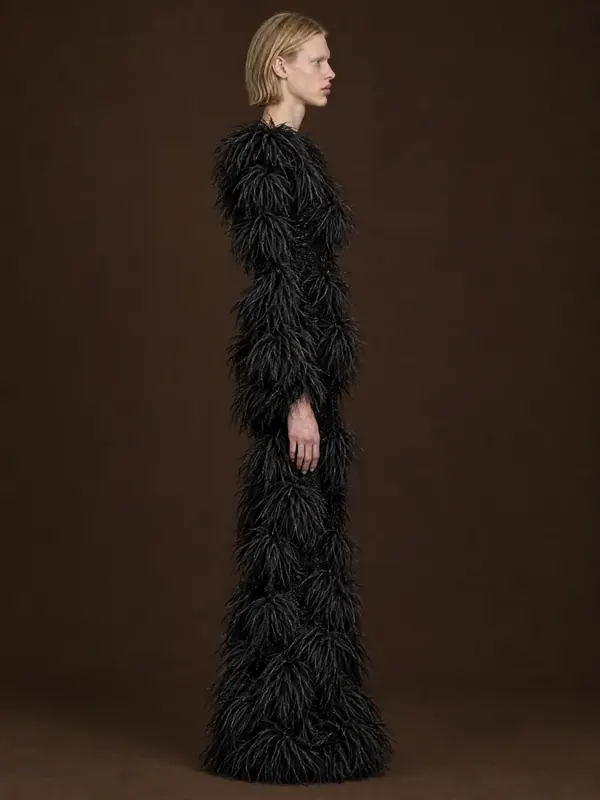
- 1:1garment kept: color, texture, details
- ~1 minper frame, 2K or 4K
- 10 000frames a day per account
- 100%of frames checked by quality control
Key facts
- Shopify recommends square product images of about 2048 × 2048 px; above 800 px supports zoom.
- AISKU exports 2K and 4K frames that can be cropped square or kept in 3:4 portrait.
- One model and one light setup can be kept for the whole store or for each collection.
- No separate Shopify app is needed: images upload like any other photo.
- A new arrival can go from a flat photo to a full on-model set the same day.
What image size does a Shopify theme need?
Shopify recommends square images around 2048 × 2048 px; anything above 800 px supports zoom. AISKU exports 2K and 4K frames you can crop square or keep in the 3:4 portrait format many fashion themes use.
A collection grid that looks like one shoot
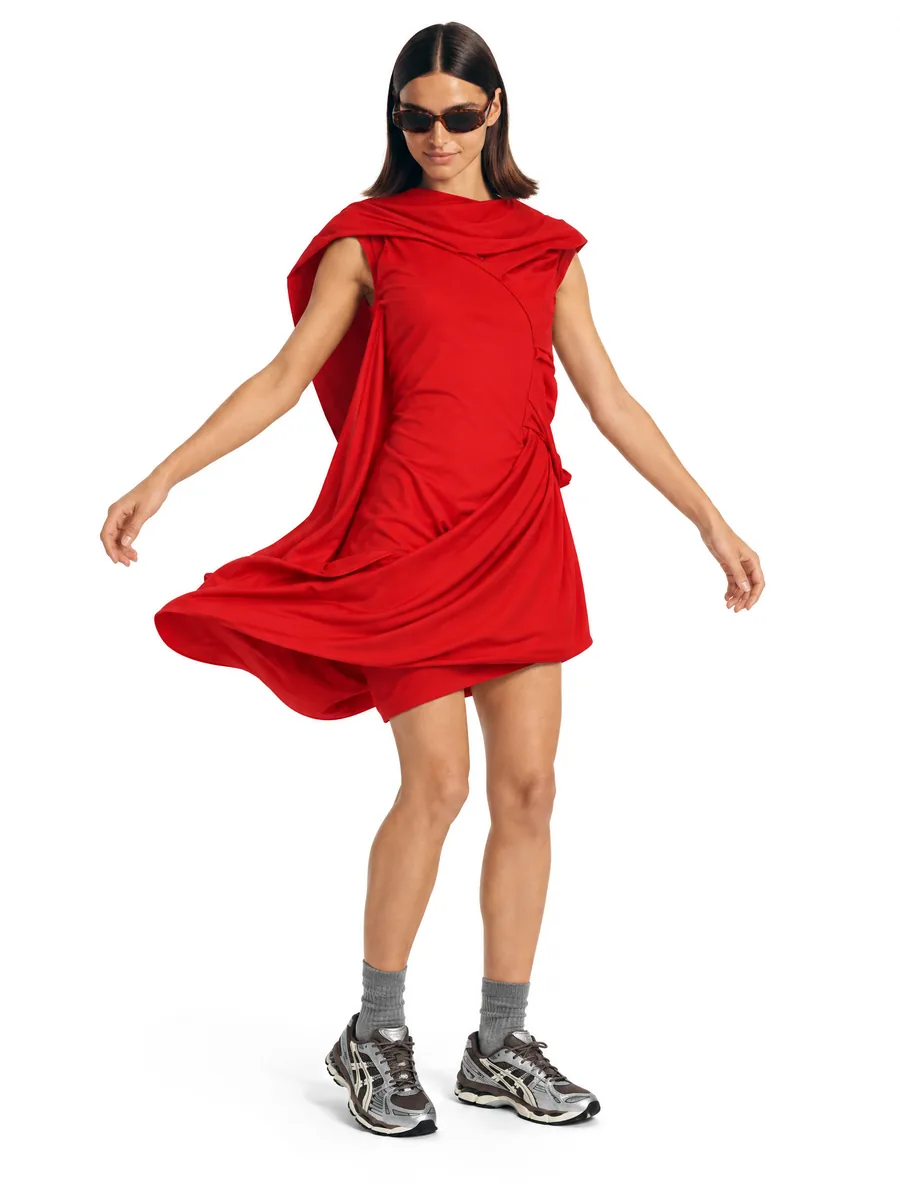
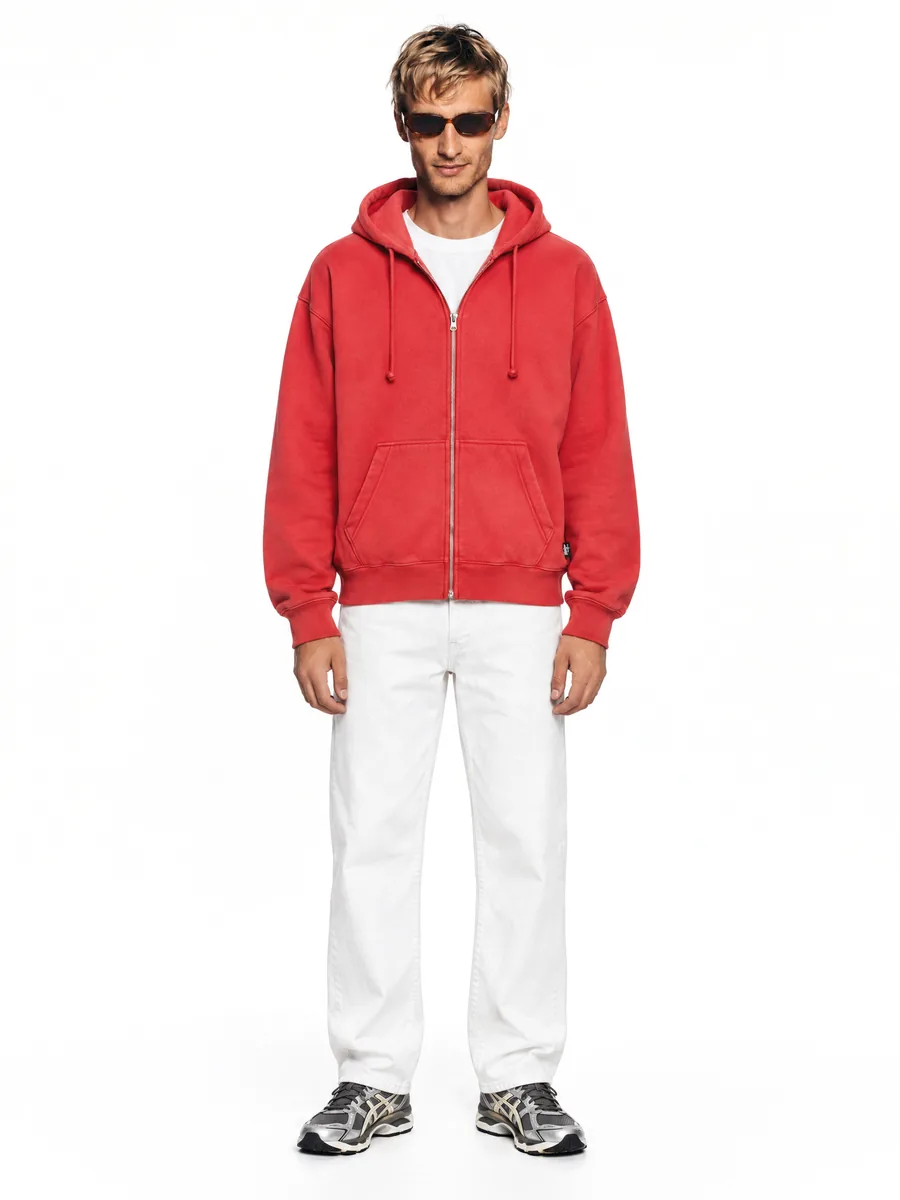
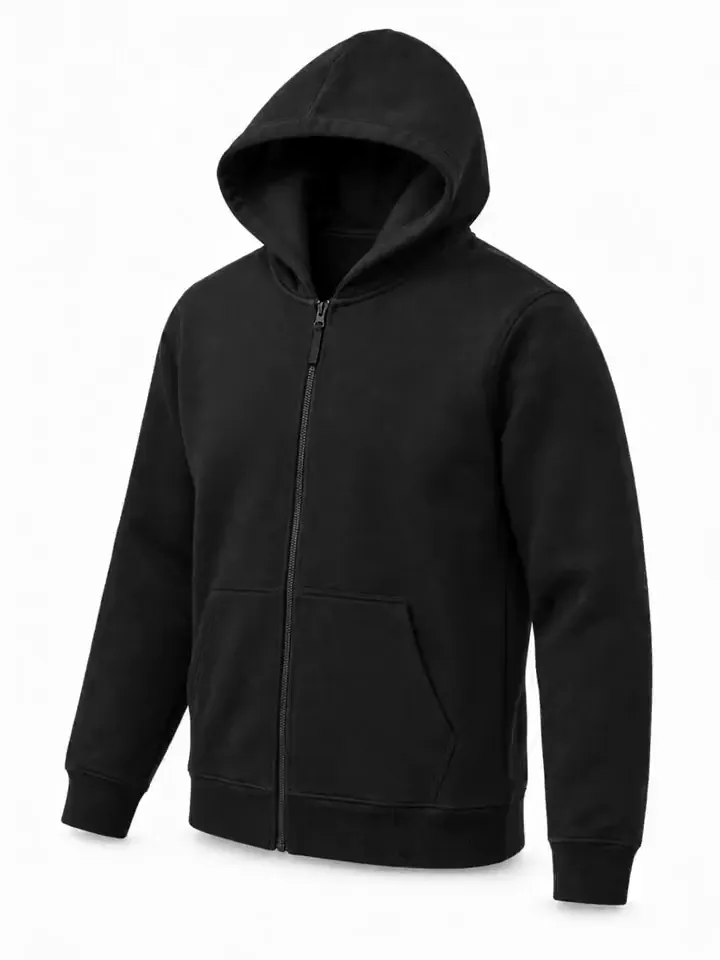
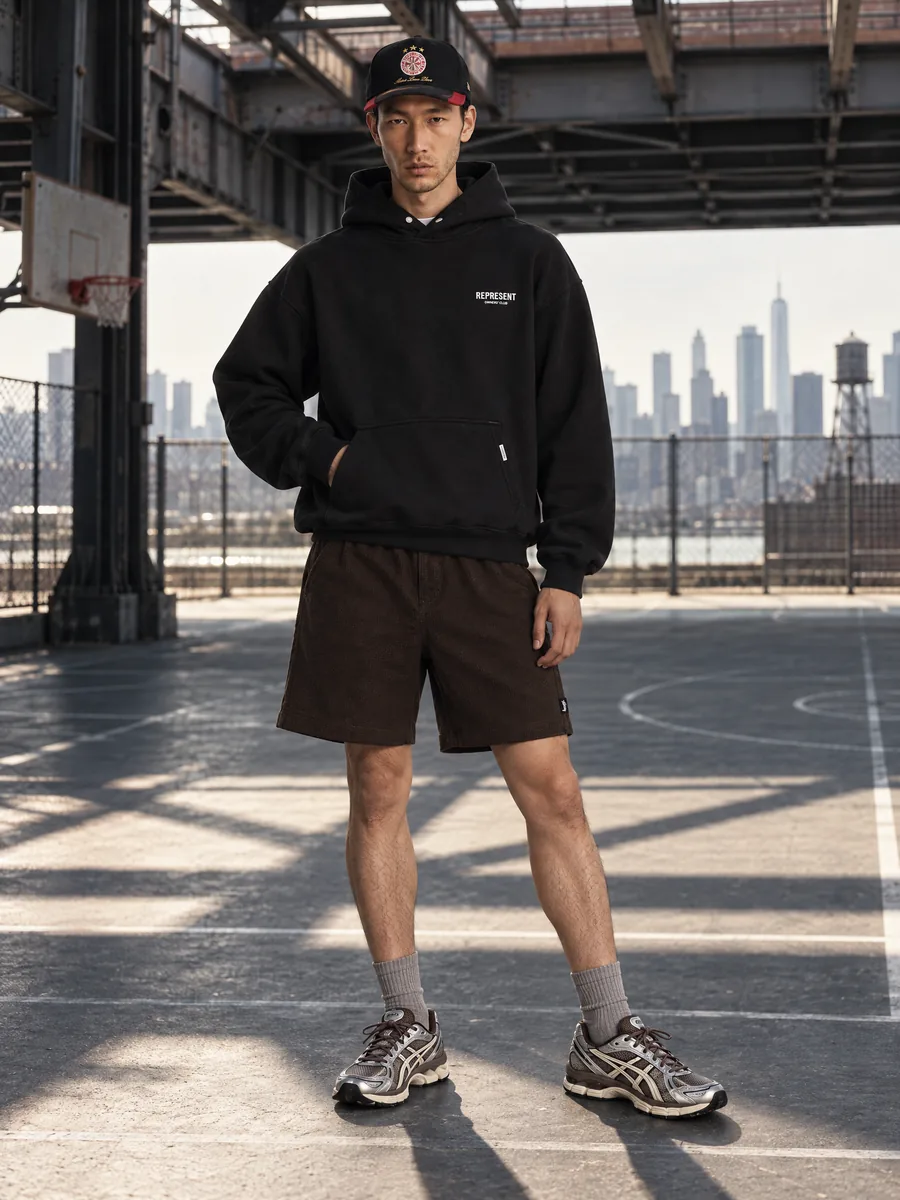
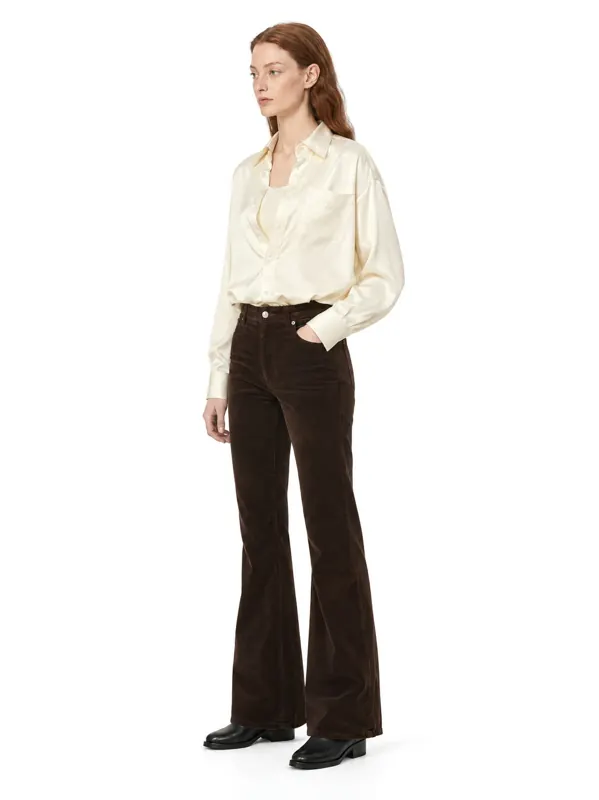
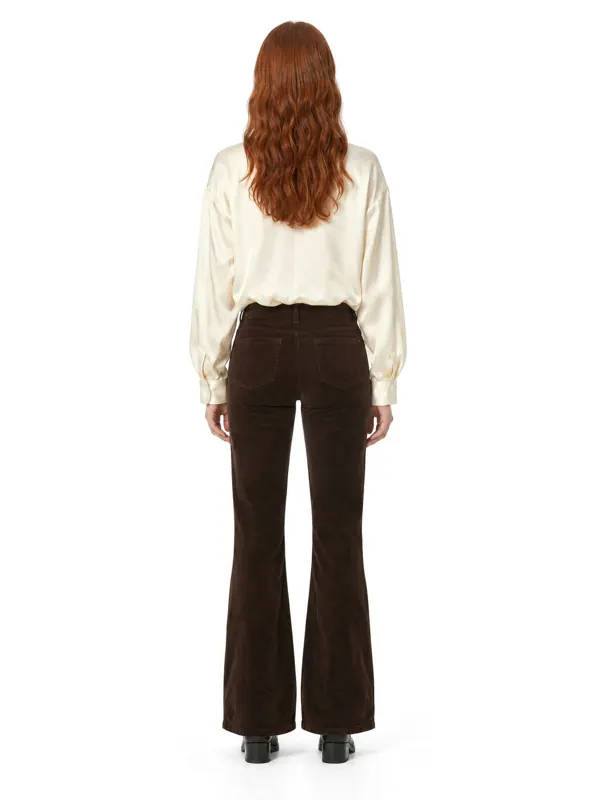
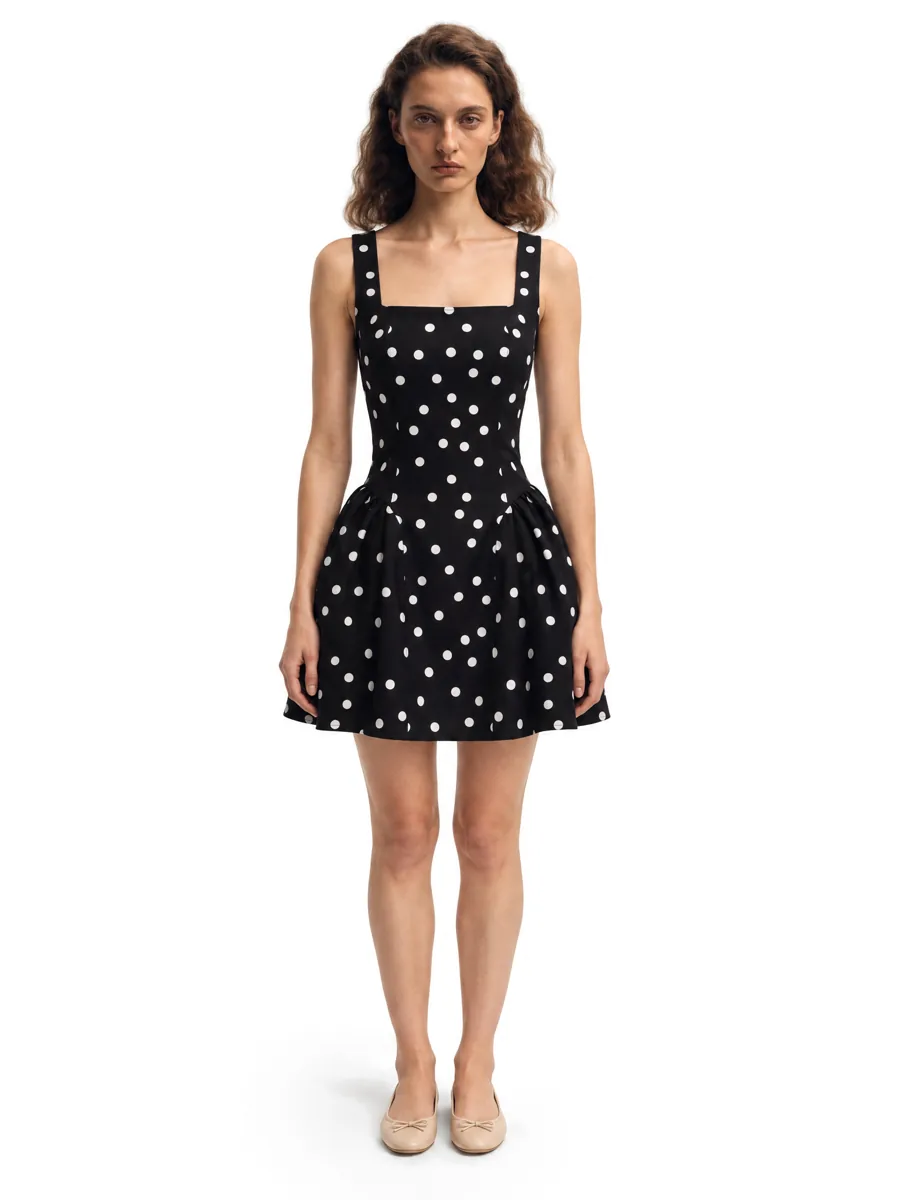
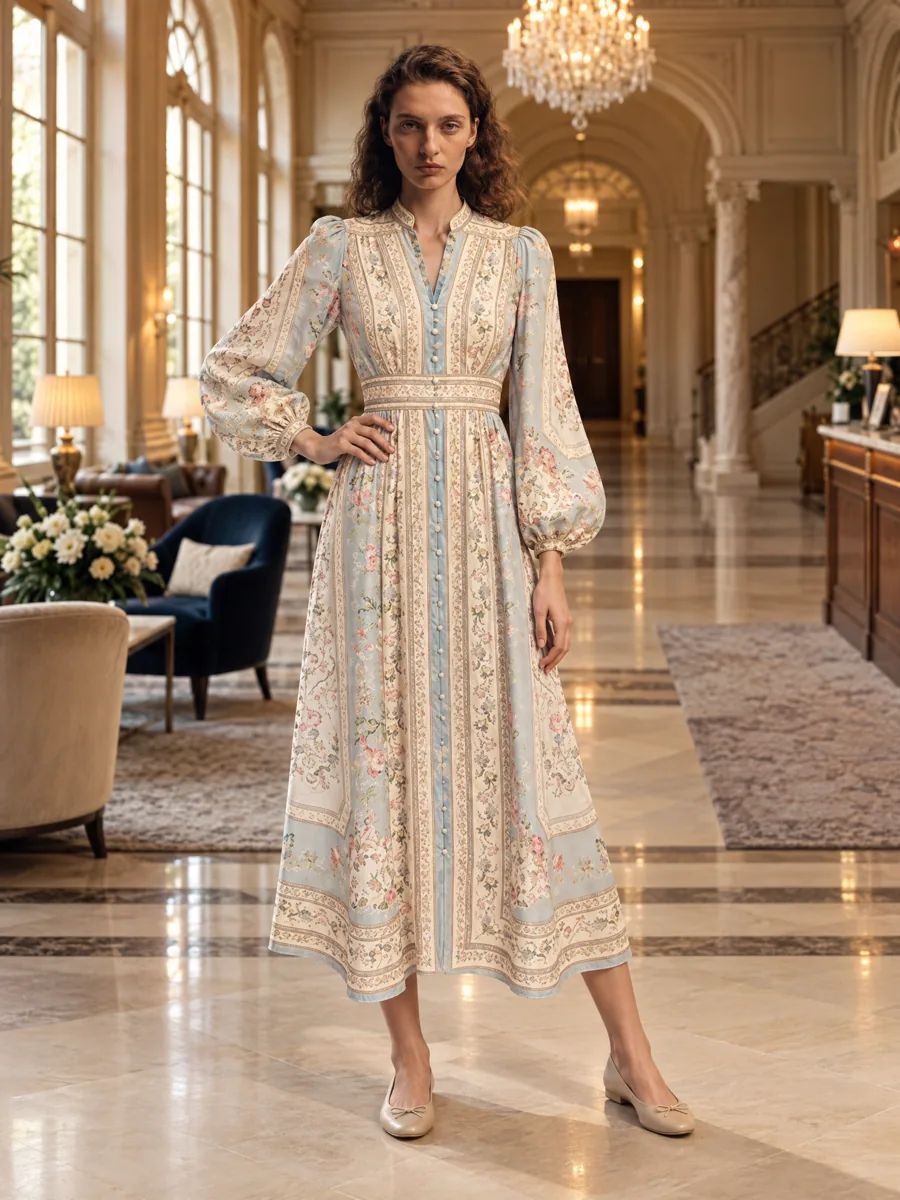
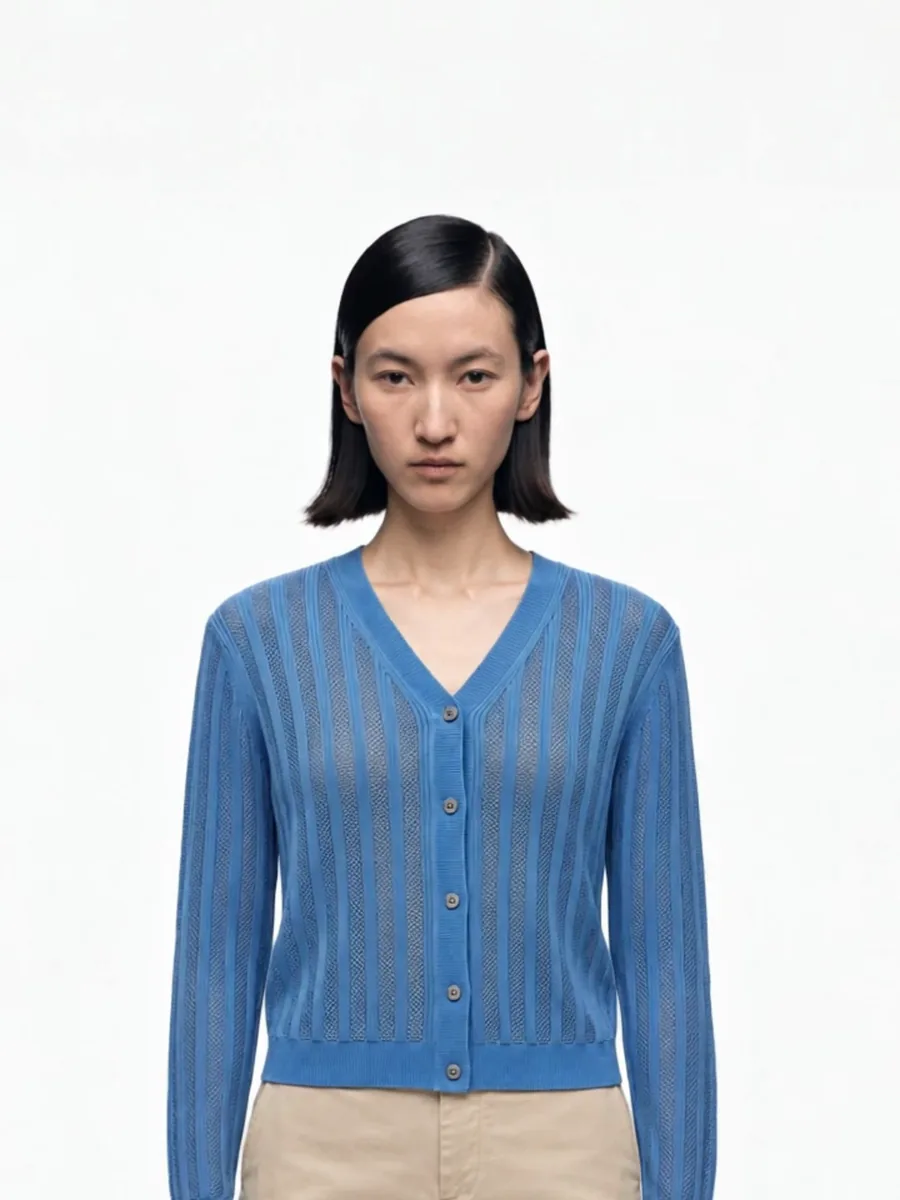
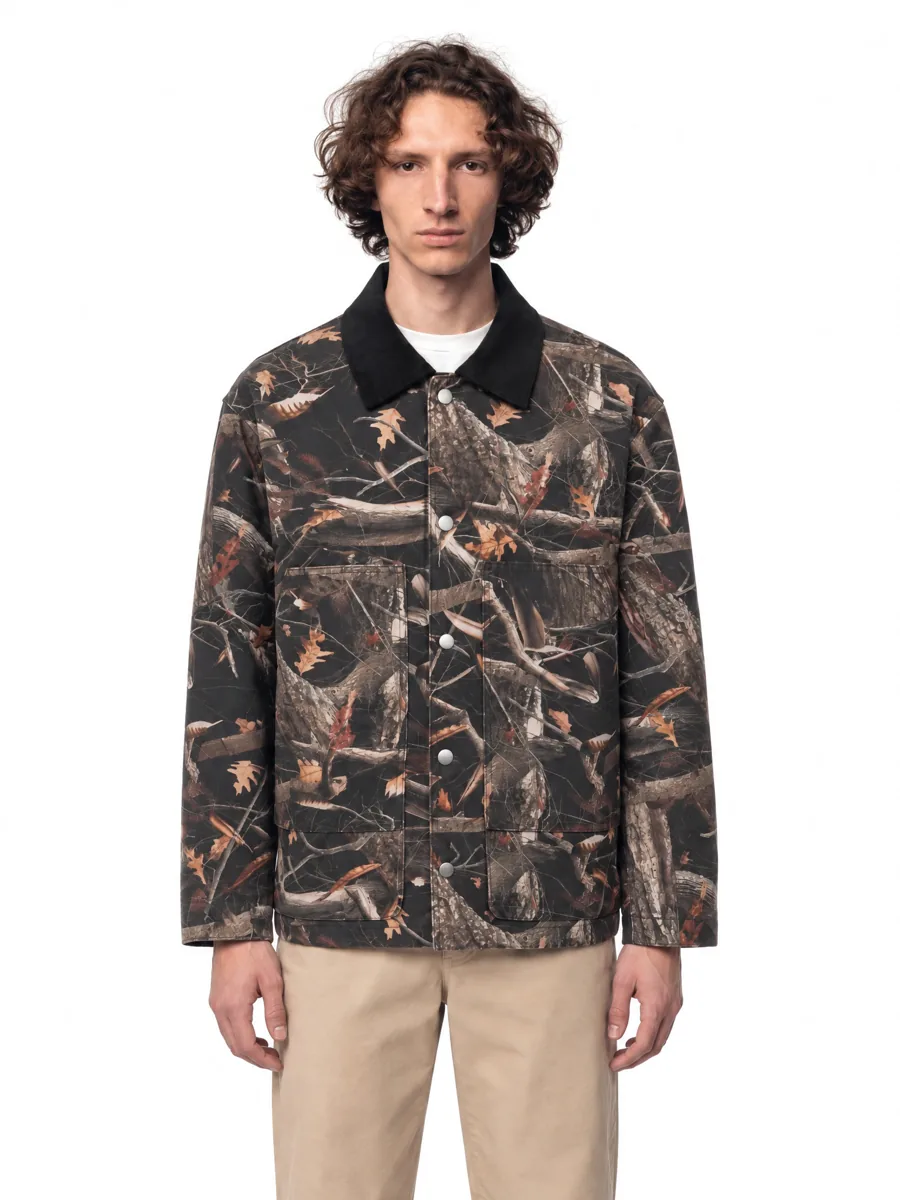
Four different products, one model, one light. A collection grid looks like one shoot when every product is on the same face and under the same light. Pick the model once: it stays fixed for the batch, with a face check on every frame.
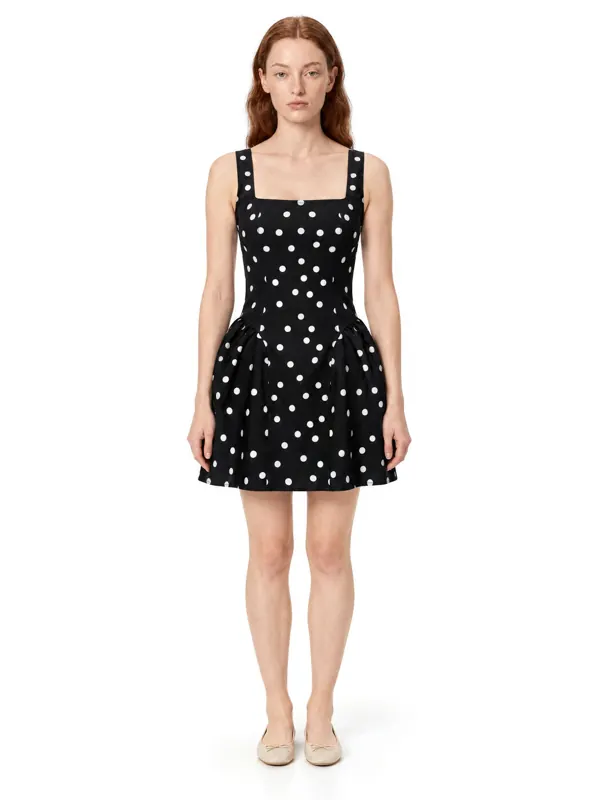 Dresses
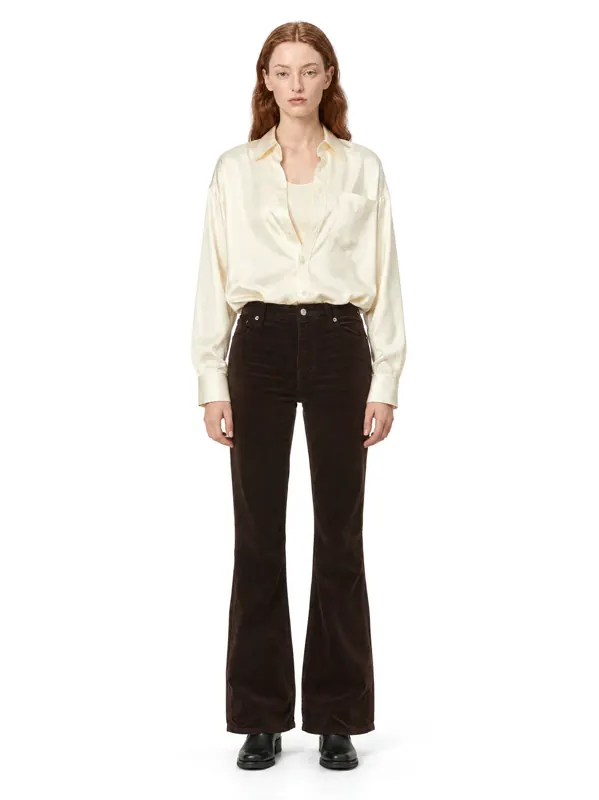 Shirts
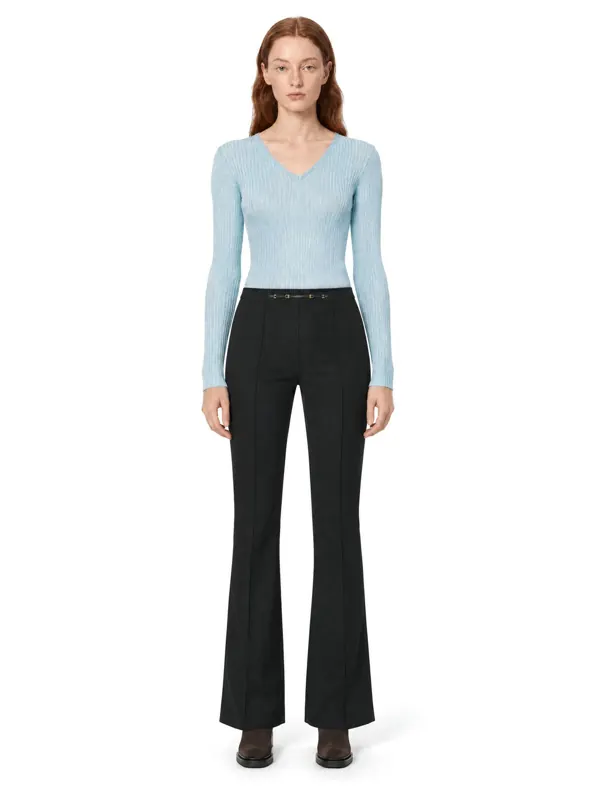 Knitwear
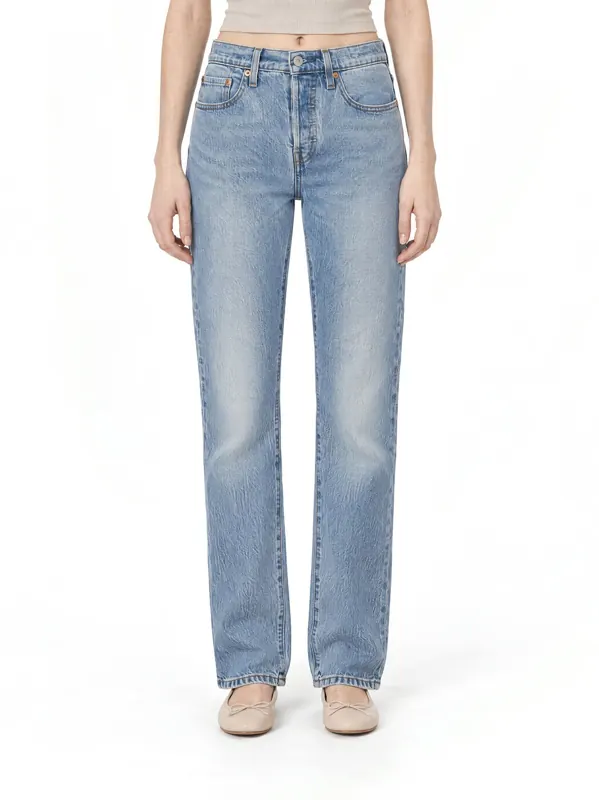 Denim
Denim
Why do consistent photos sell better?
Mixed supplier photos make a store look cheap. When every product is shot on the same model in the same scene, collection grids look premium and customers compare products more easily.
- One model for the whole store or one per collection
- Matching light and background on every product
- Lifestyle shots for banners and social
Sized for your theme
Pick one ratio for the whole store so the collection grid stays even. Frames are exported in 2K and 4K and can be cropped square without losing the product. Check your theme's image settings before a bulk upload.
- Recommended
- 2048 × 2048 px, square
- Zoom
- 800 px and up
- Export
- 2K and 4K
- Consistency
- One ratio for the whole store
How fast can new arrivals go live?
New arrivals go live the day they land: photograph the item flat, generate the set and upload. No studio booking, no sample shipping.
Capabilities
Everything you need to sell a product
 01On-model photosA full on-model set from one garment photo.Learn more →
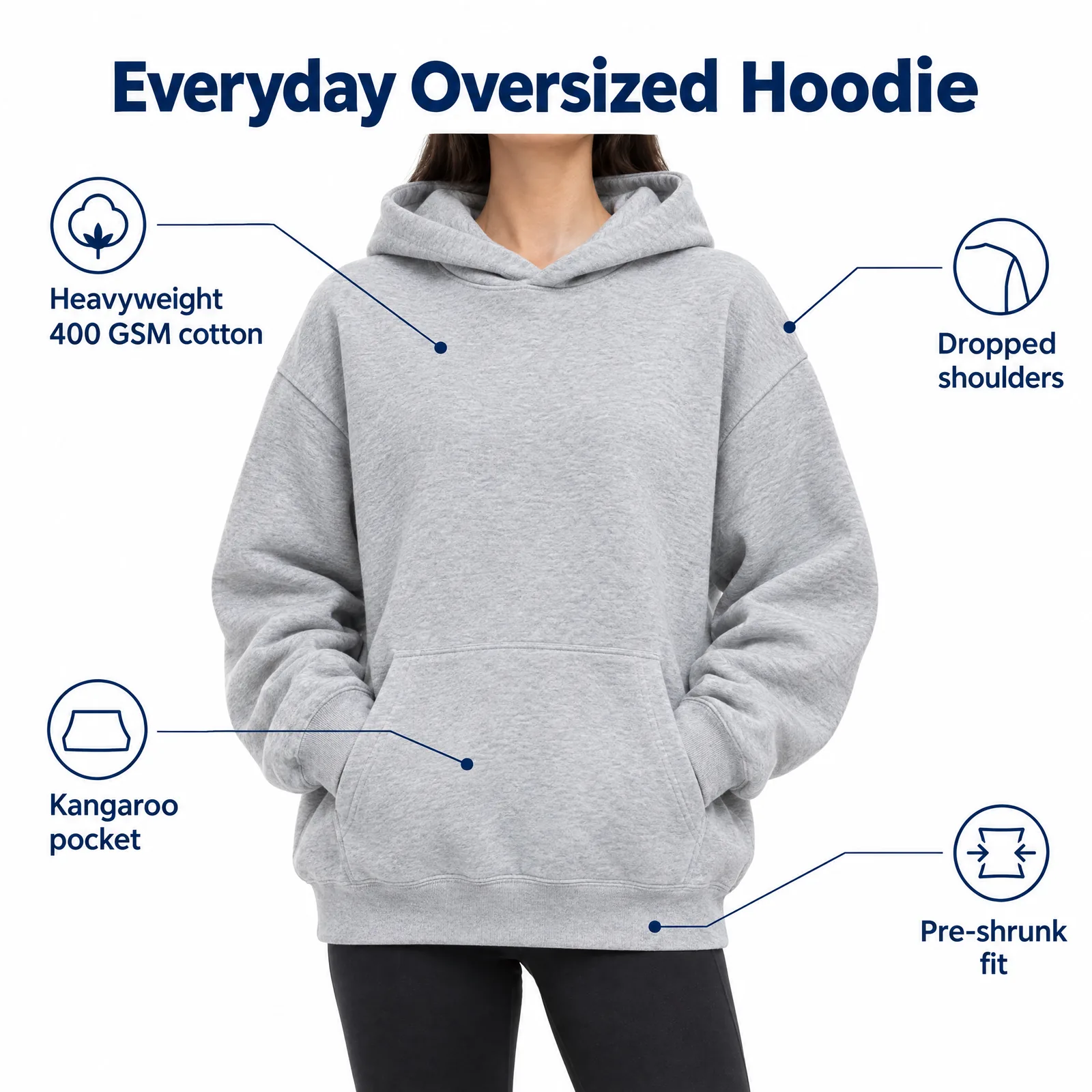 02Listing images with infographicsFeature, size and comparison images for Amazon.Learn more →
 03Locations and lookbooksOne model, one outfit, any set.Learn more →
 04Video from a photoShort clips for listings and ads.
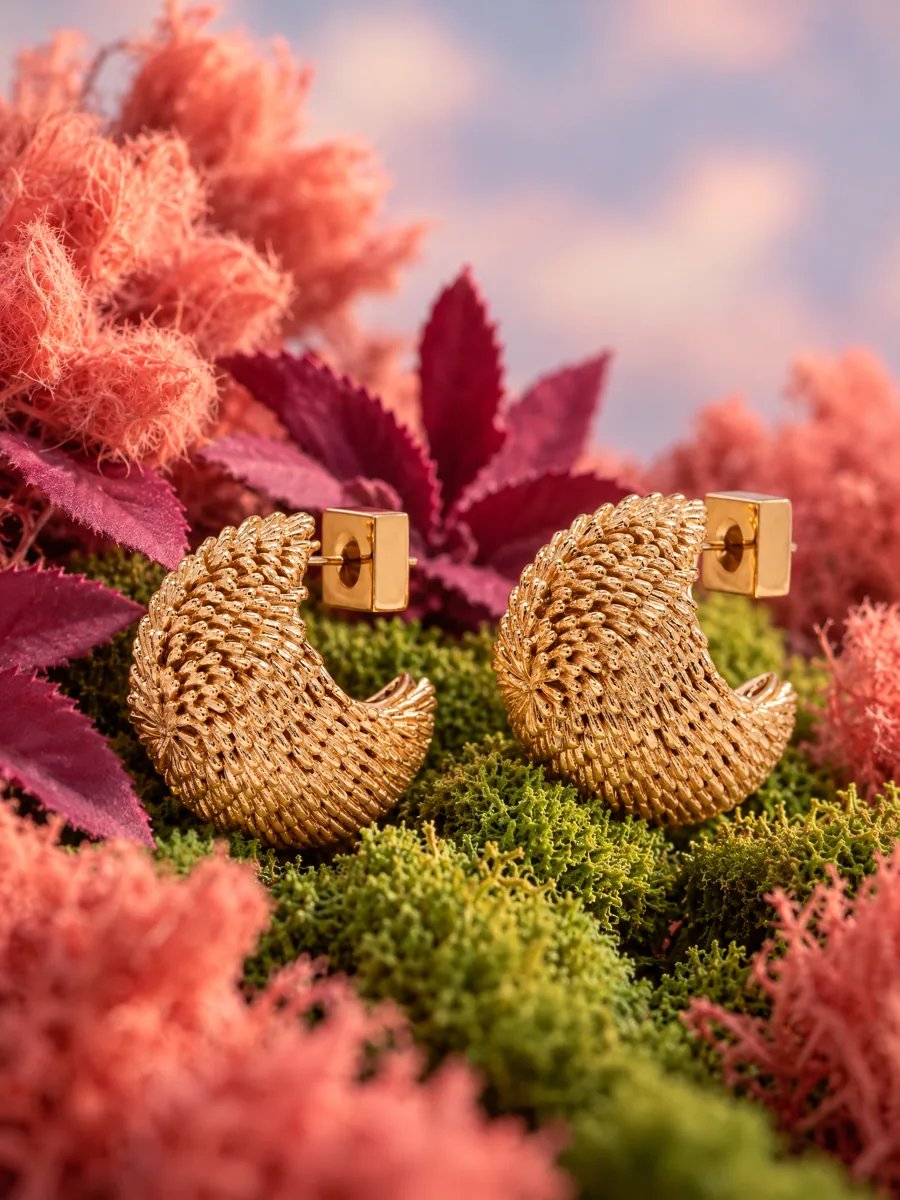 05Product stillsStyled scenes for beauty, jewelry, food and home.Learn more →
 06Angles and detailsFront, three-quarter, back and close-up.Learn more →
How it works

- 01Upload a product photoFlat lay, hanger, mannequin or a phone shot. One clear photo per item is enough.
- 02Pick a model and a sceneStudio, street or interior. Keep the same model for the whole catalog.
- 03Get checked framesQuality control compares every frame with your photo before you see it, so it is right the first time.
Questions
What is the best image size for Shopify products?
Square 2048 × 2048 px is the common recommendation. Keep all product images in the same aspect ratio for a clean grid.
Do I need a separate app?
No. Generate images in the AISKU studio and upload them to Shopify like any other photo.
Can I use one model for my whole store?
Yes. Pick a model once and use it for every product and collection.