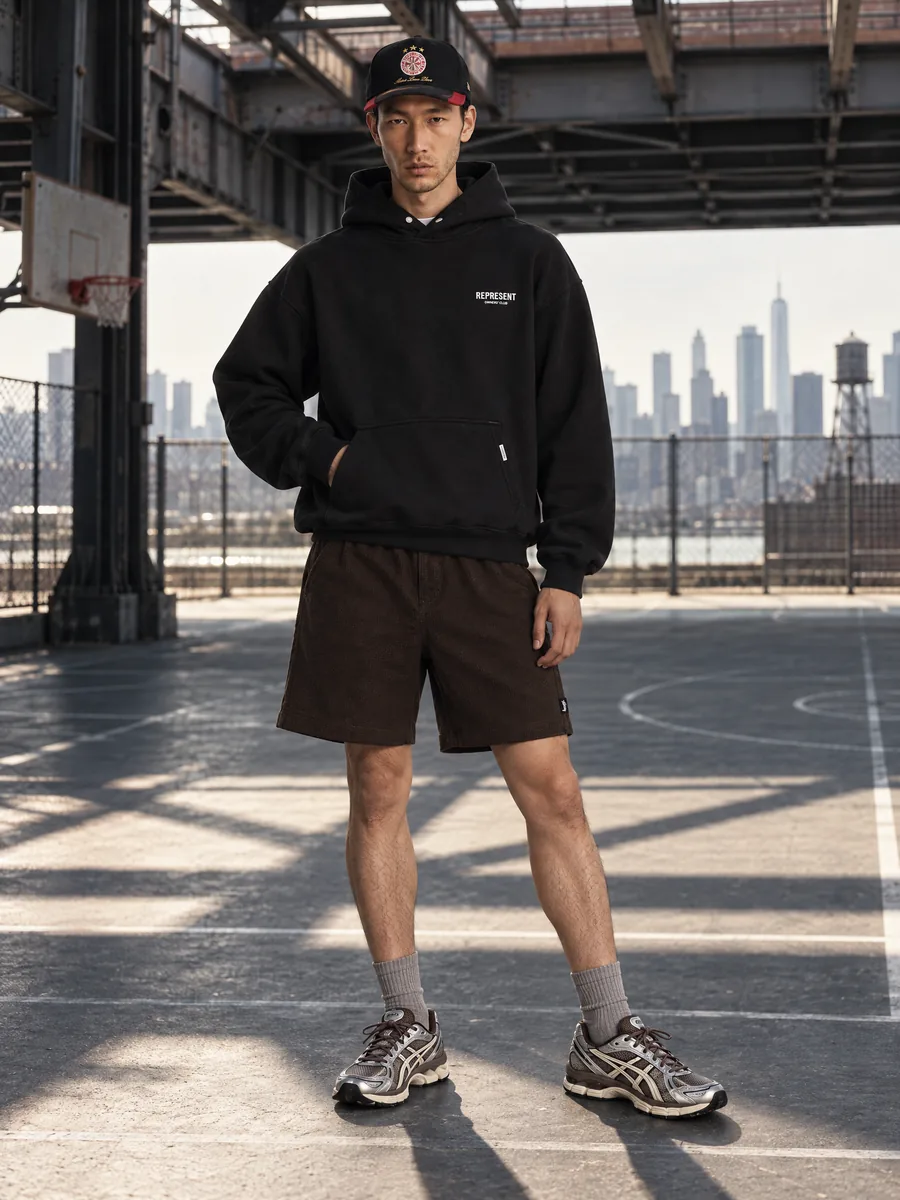
Virtual try-on for catalogs
Virtual try-on for fashion product photos
Try every item on the right model before it goes live. Show the same piece on different body types and looks, from one product photo.
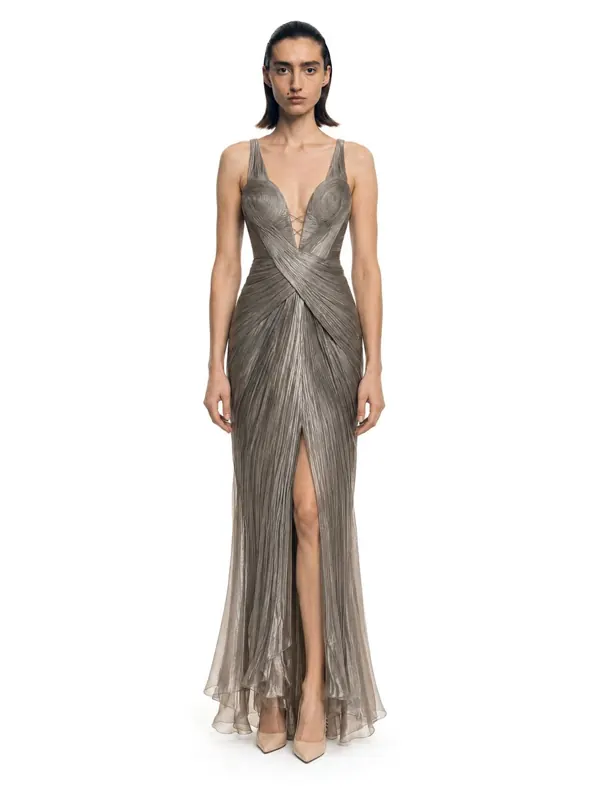
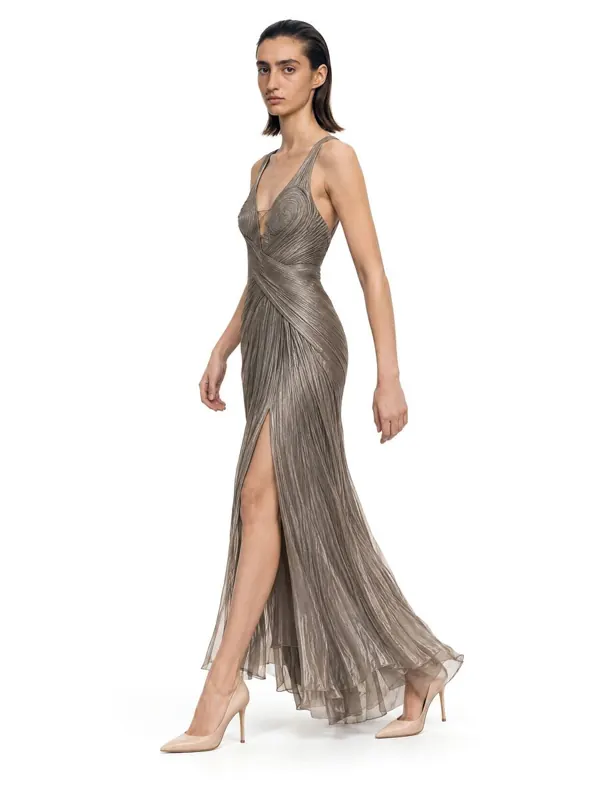
- 1:1garment kept: color, texture, details
- ~1 minper frame, 2K or 4K
- 10 000frames a day per account
- 100%of frames checked by quality control
Key facts
- AISKU's virtual try-on is for brands and sellers creating product images, not a fitting-room widget for shoppers.
- One garment can be shown on models of different ages, skin tones and body types, including plus size.
- Menswear and womenswear are supported.
- Each frame passes quality control against the product photo.
What is virtual try-on for a catalog?
AISKU is a virtual try-on for brands and sellers: you put your garments on AI models to create product and marketing images. It is not a fitting-room widget for shoppers.
Same garment, your customers
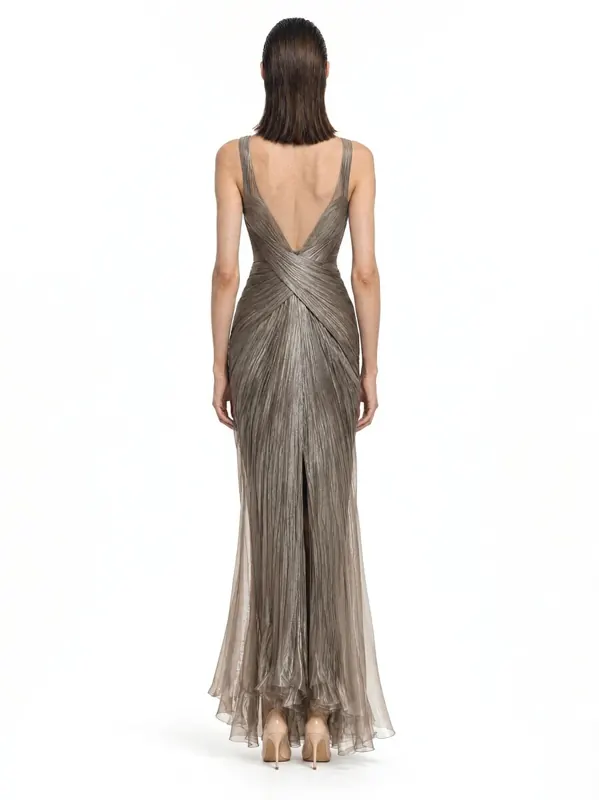
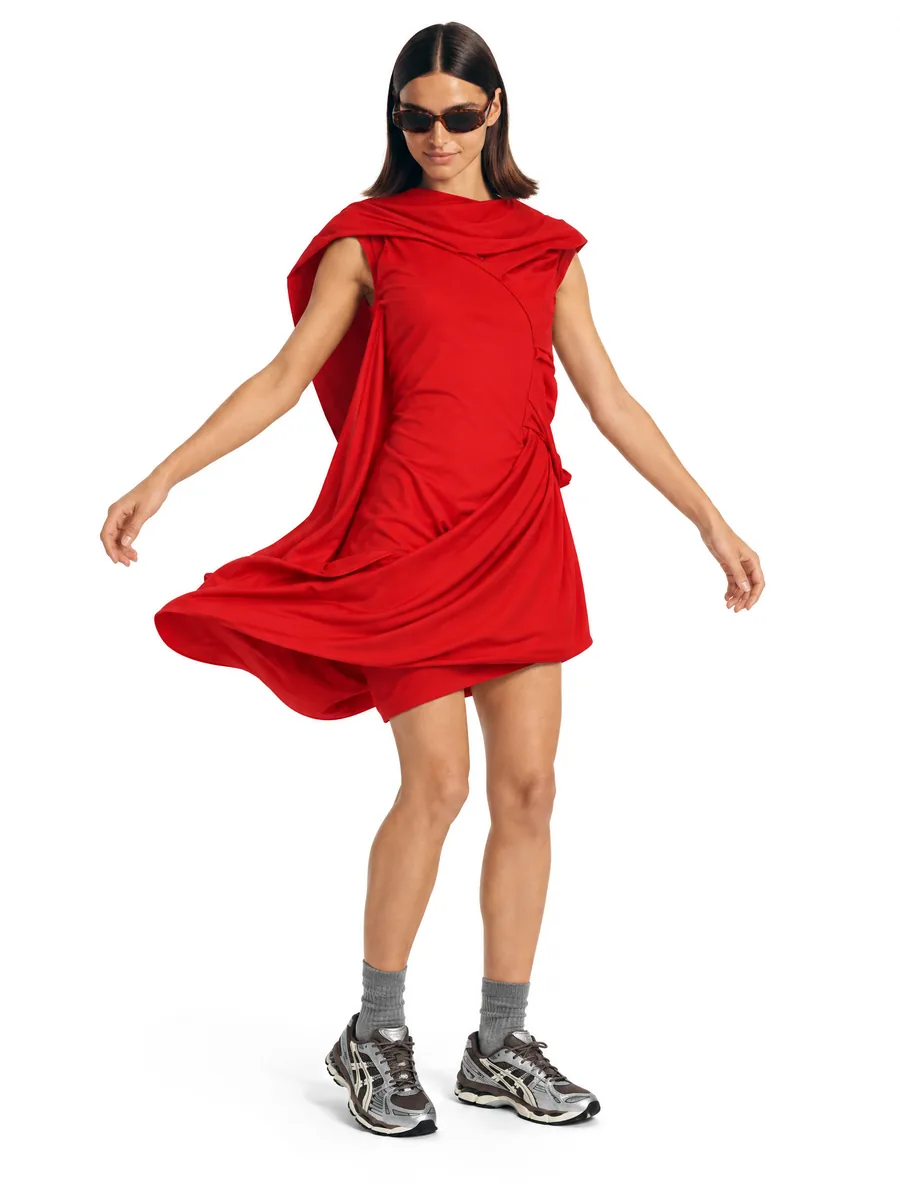
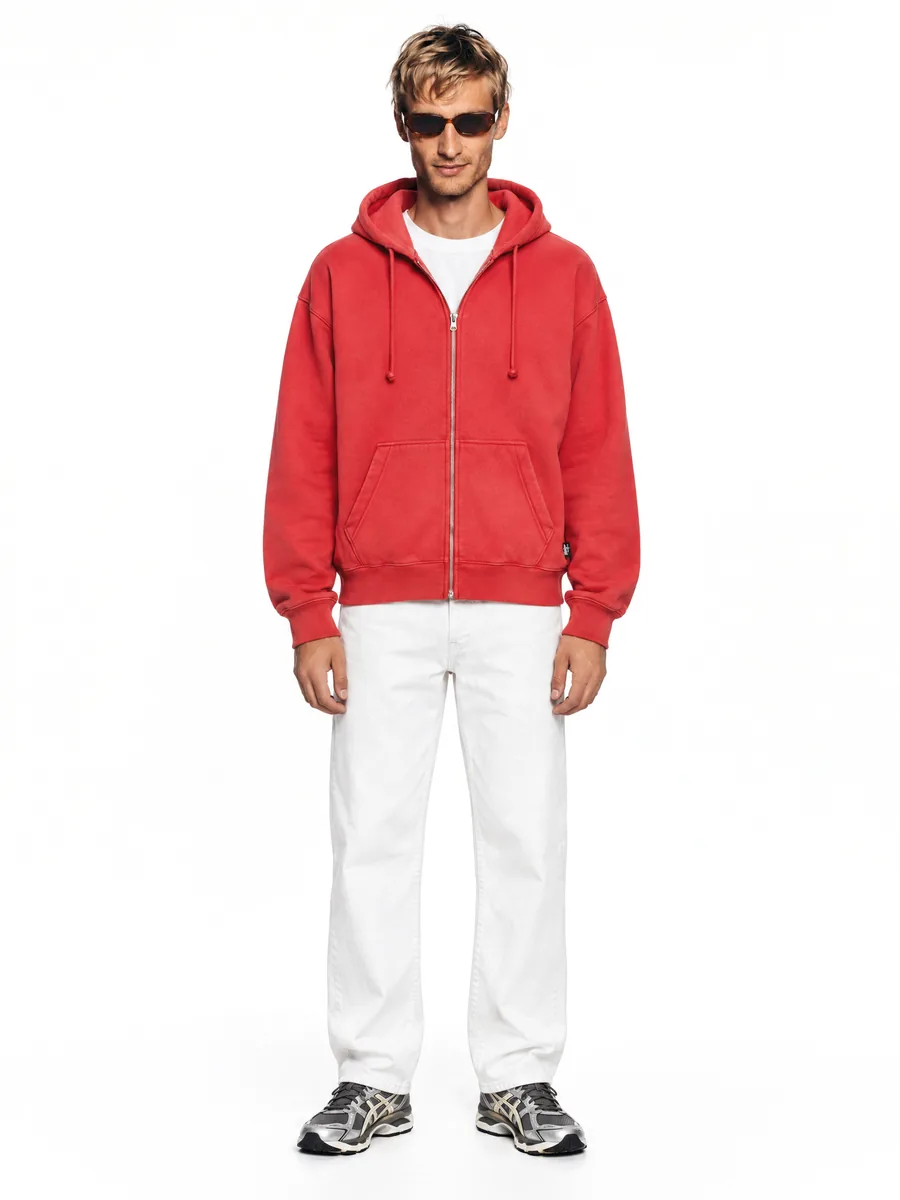
Show each piece on the people who buy it. Pick models by age, skin tone and body type from the catalog and put the same garment on each of them. The garment stays the same on every model, and the face check keeps each model consistent across the series.
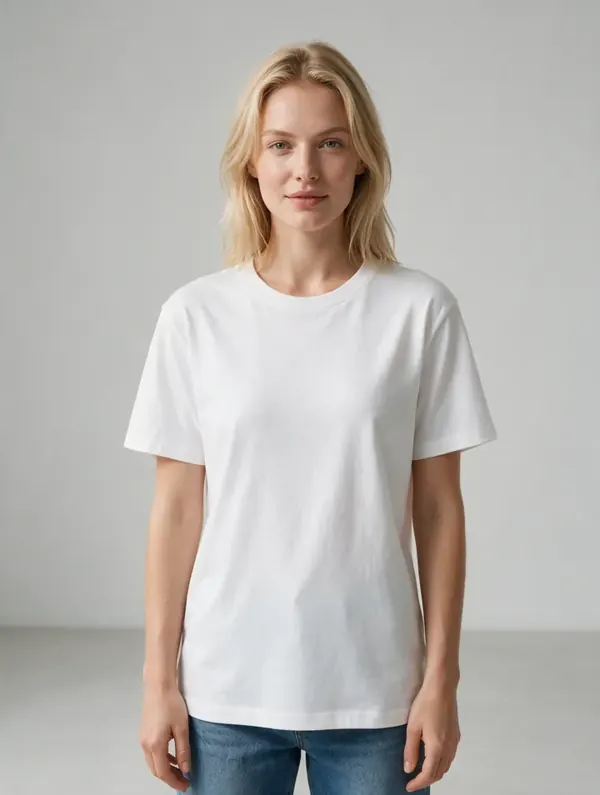
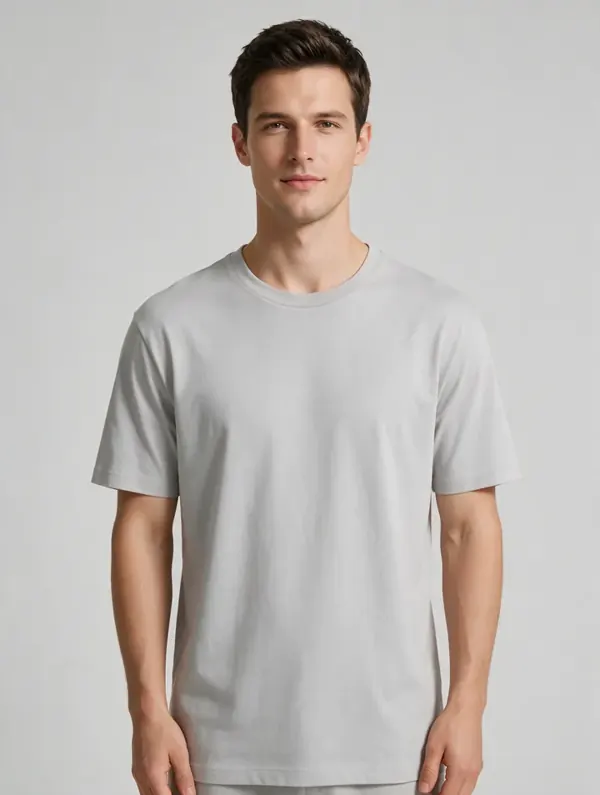
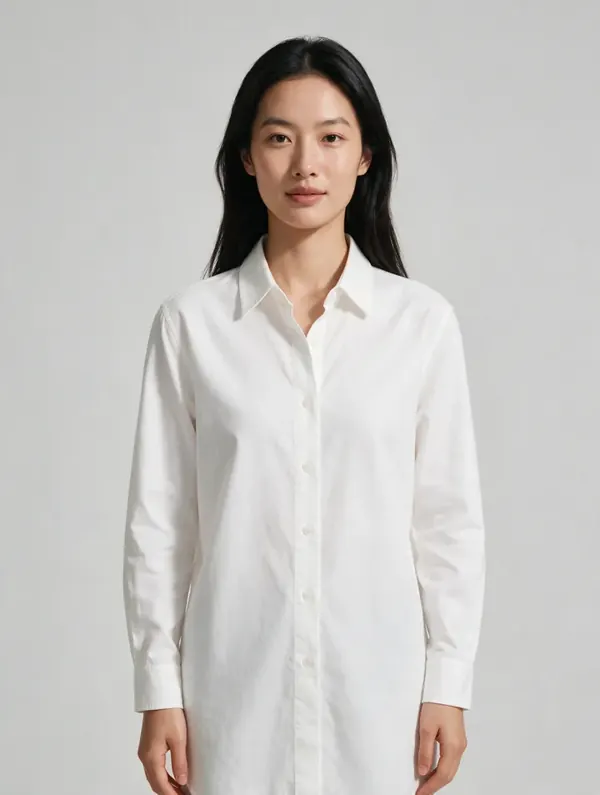
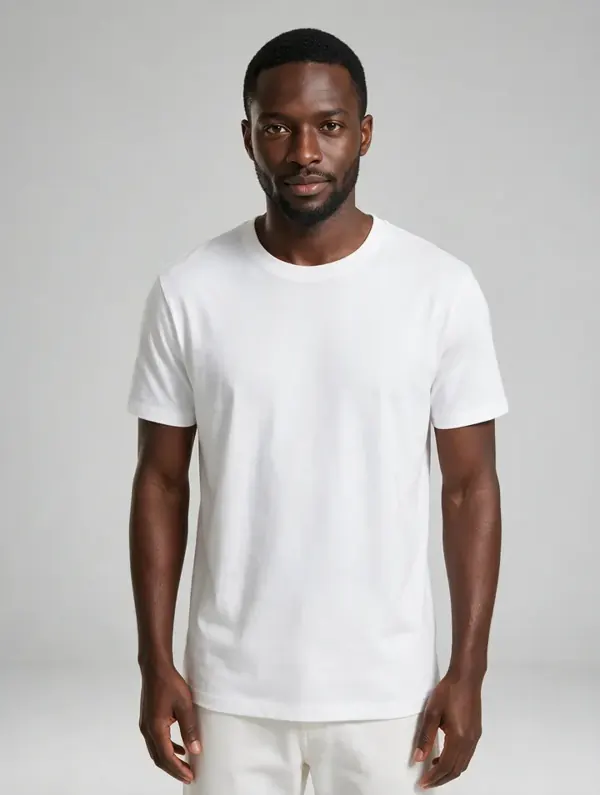
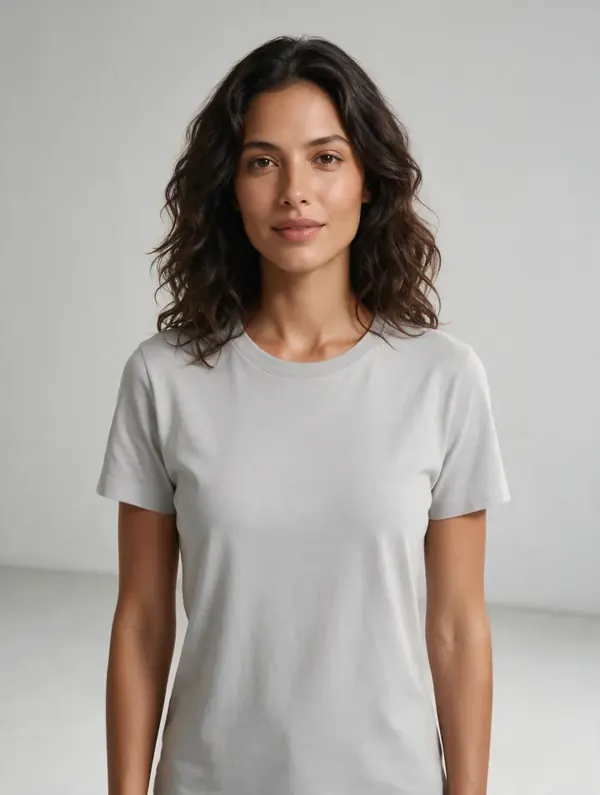
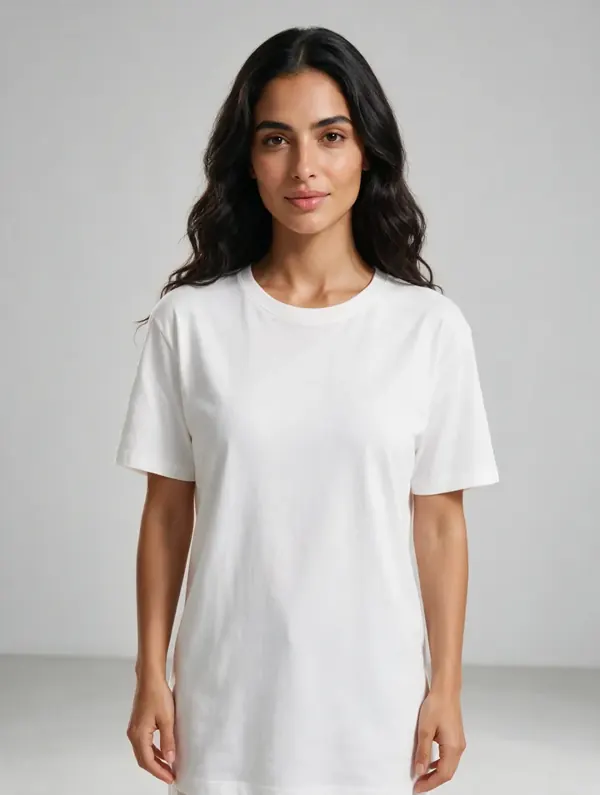
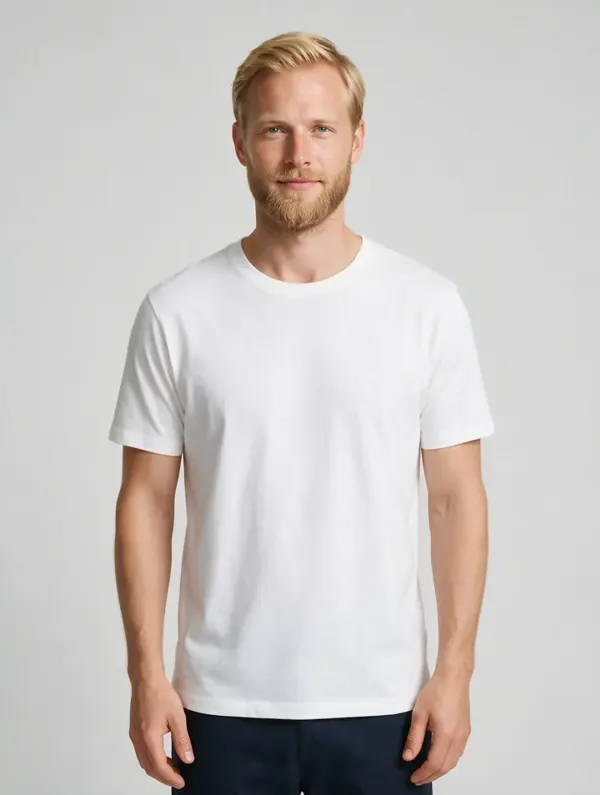
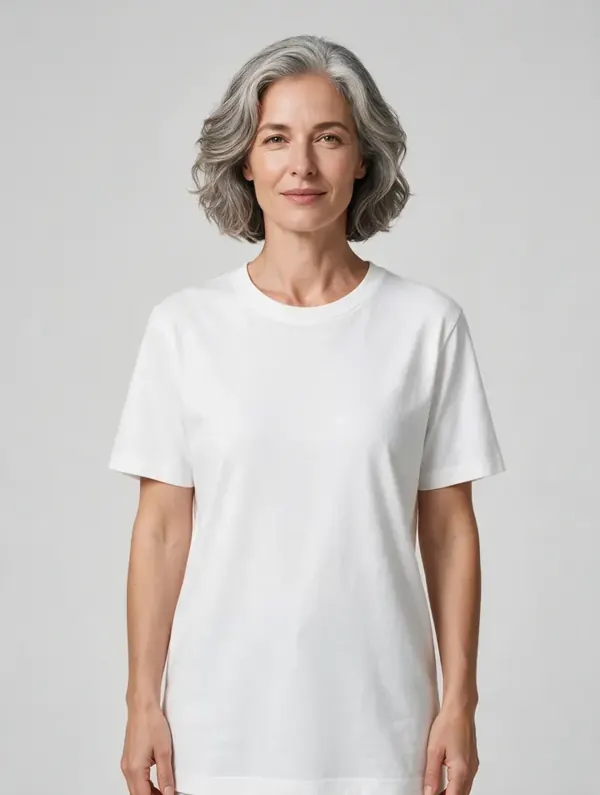
Pick any face · keep it for the series
Can I show one item on different body types?
Yes: the same garment can be generated on models of different ages, skin tones and body types. Show customers someone who looks like them, and test which model sells better.
- Different ages and skin tones
- Regular and plus size bodies
- Menswear and womenswear
- Different styling and scenes for each market
Day to evening
One outfit across daytime and evening scenes, generated from a product photo. The scene changes, the garment does not: color and details are checked against the source in every frame.
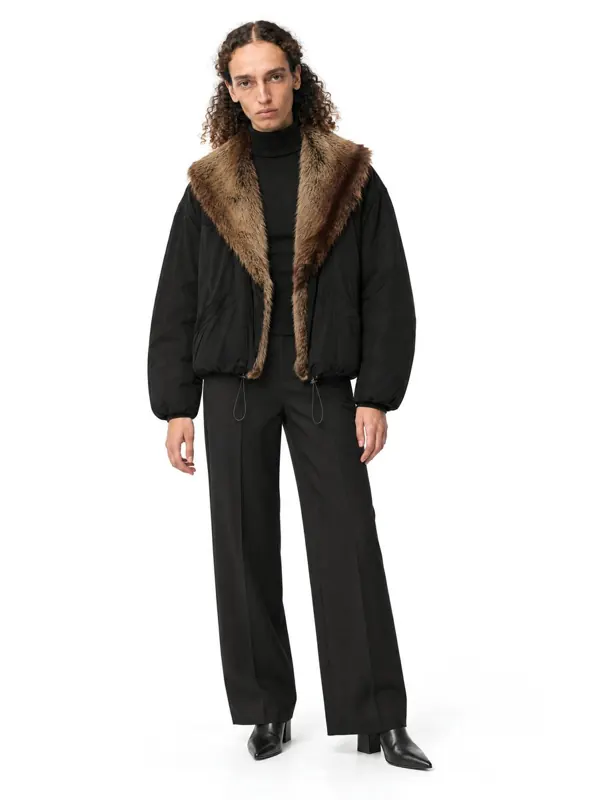 Outerwear
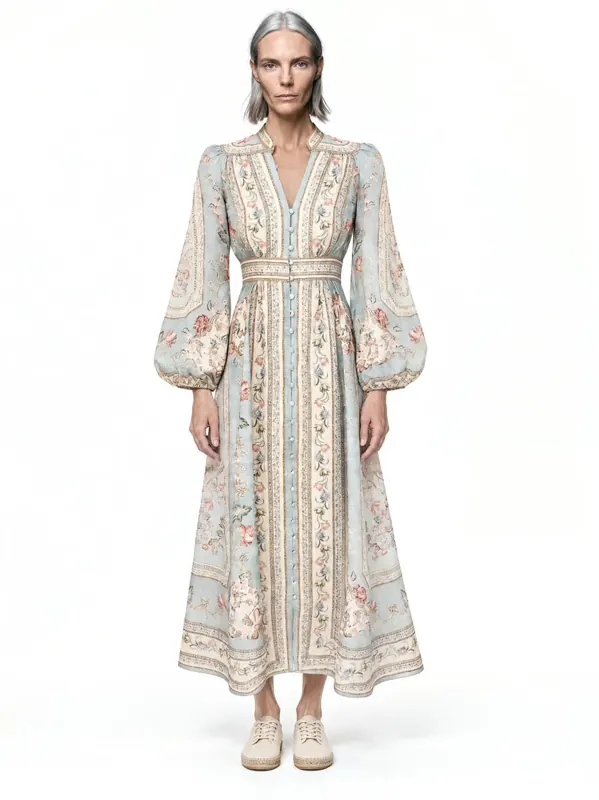 Day
Day- Evening
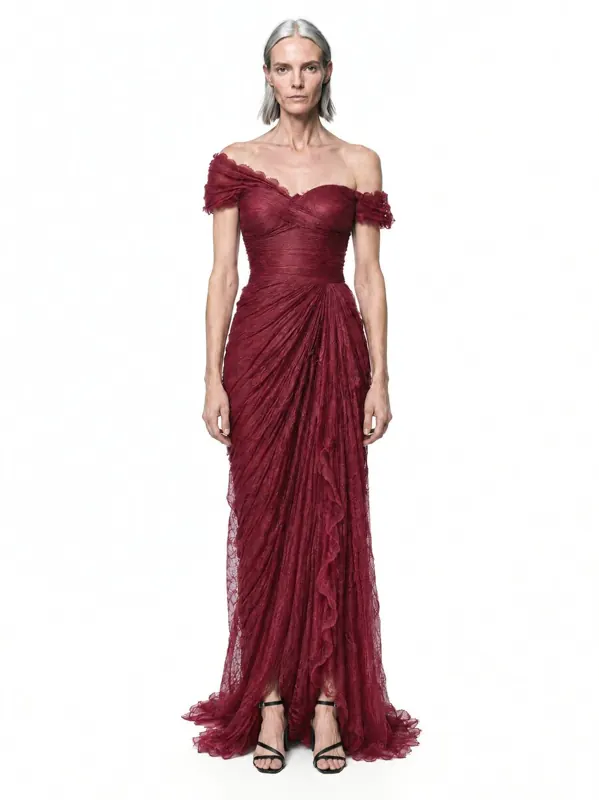 Occasion
Capabilities
Everything you need to sell a product
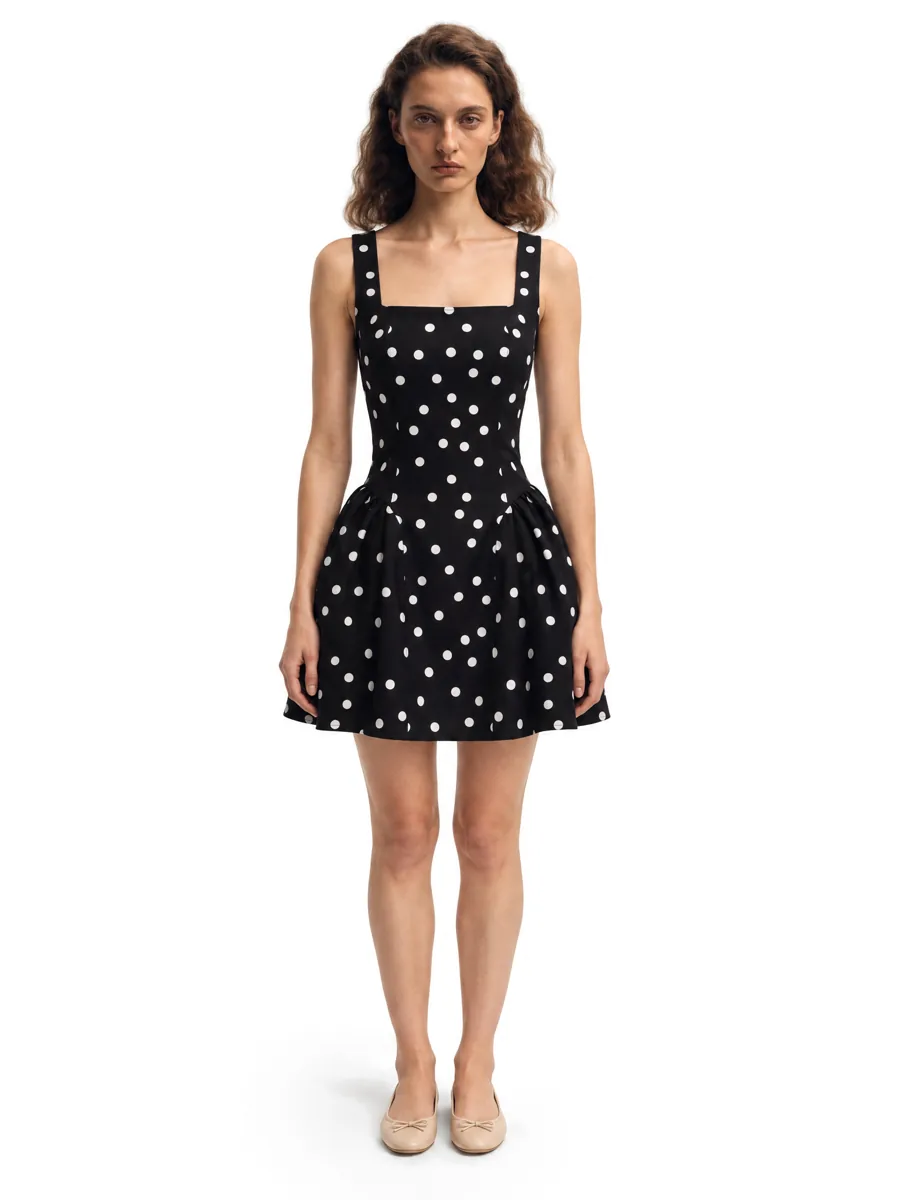 01On-model photosA full on-model set from one garment photo.Learn more →
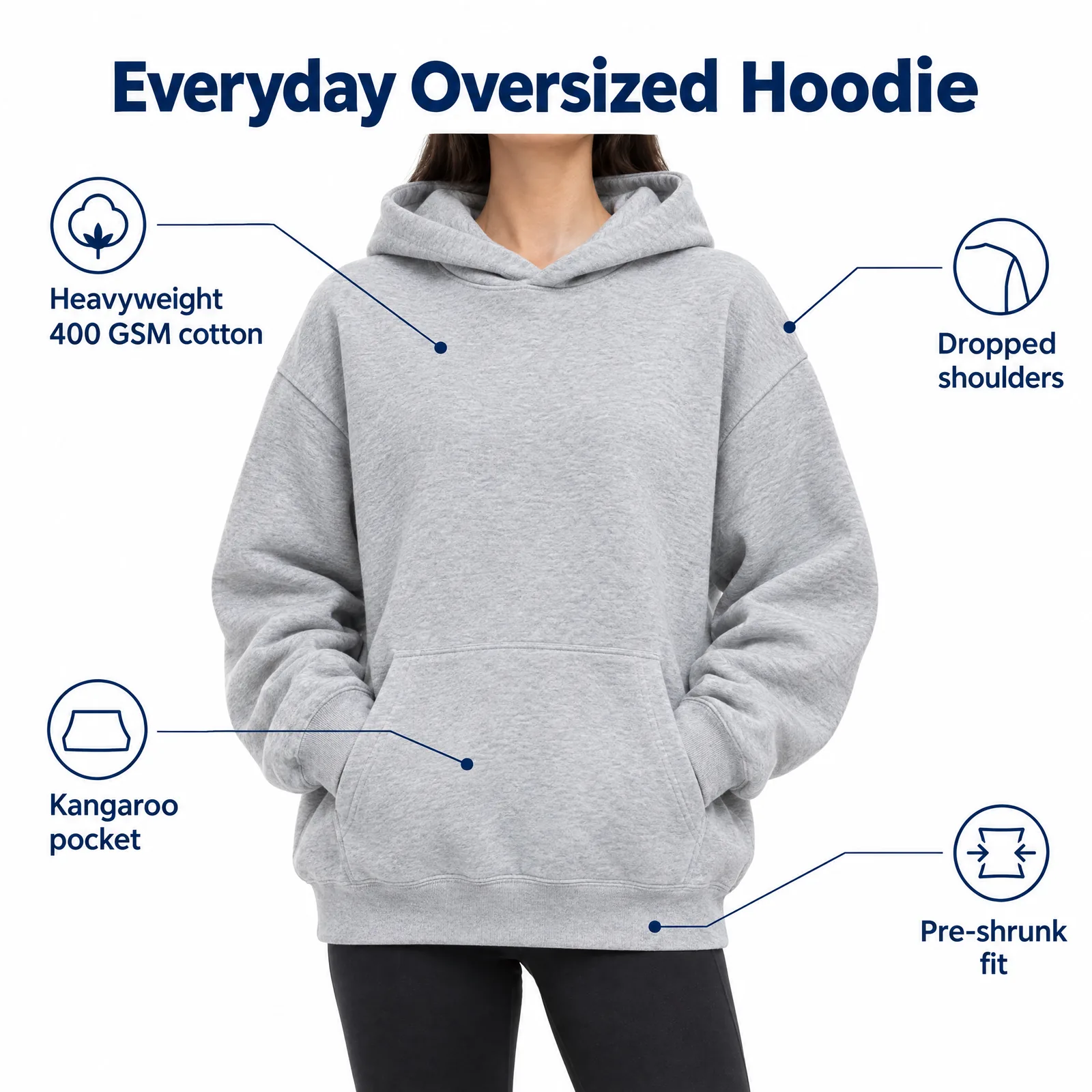 02Listing images with infographicsFeature, size and comparison images for Amazon.Learn more →
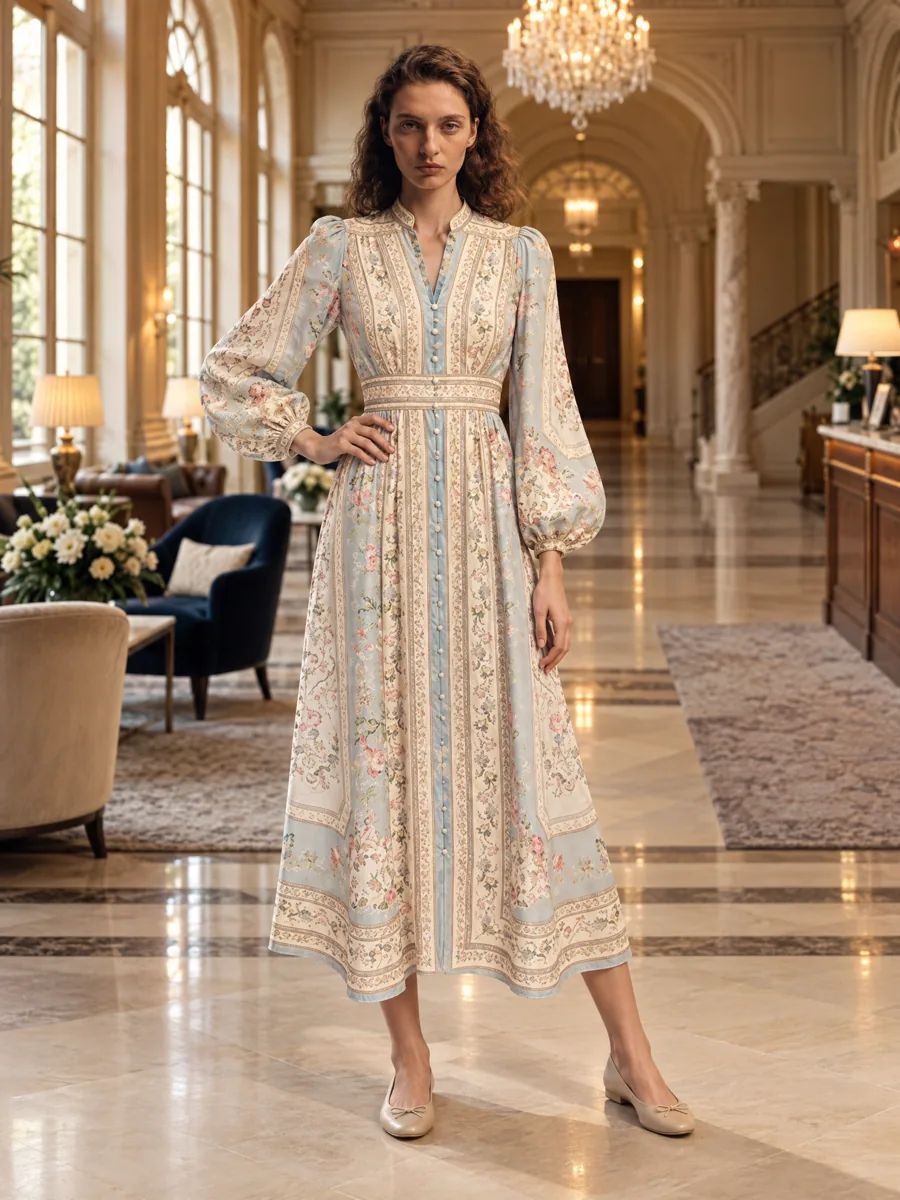 03Locations and lookbooksOne model, one outfit, any set.Learn more →
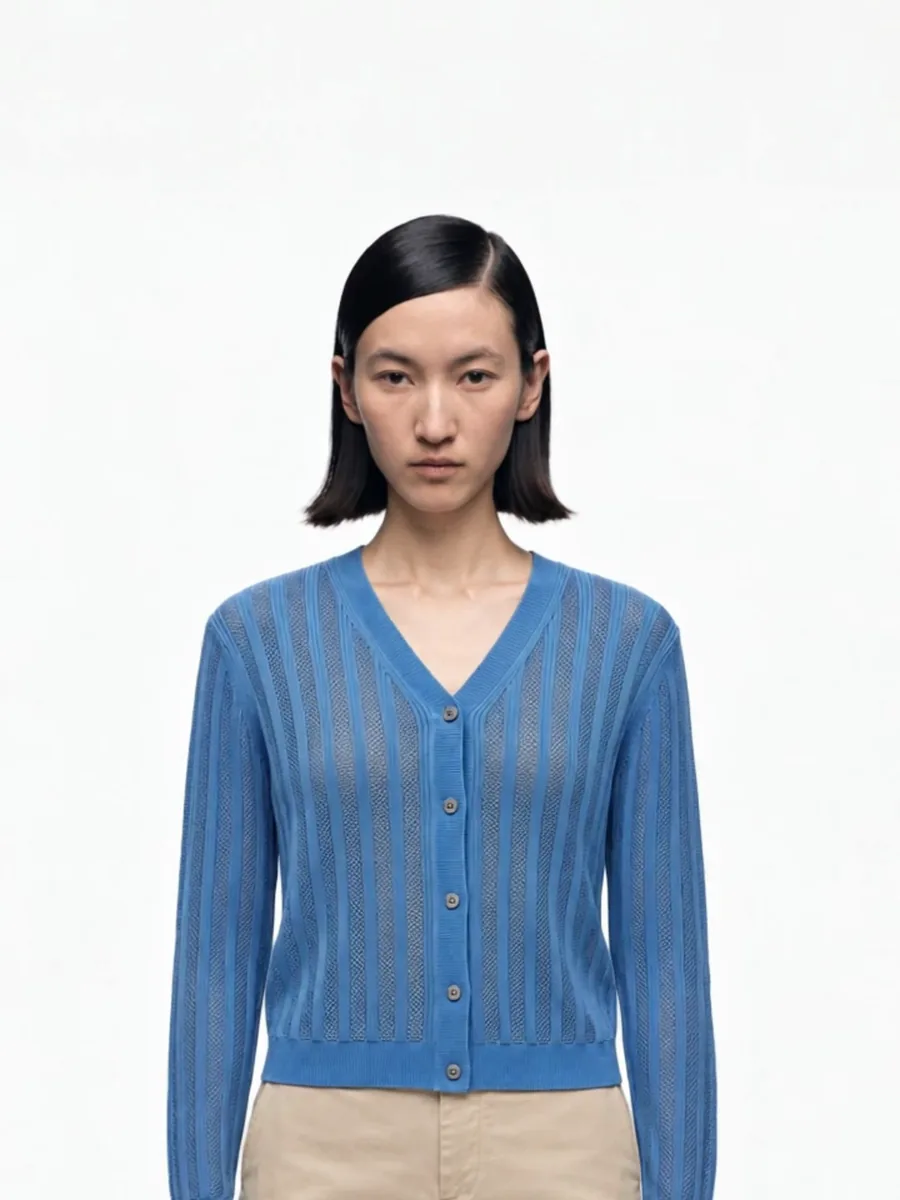 04Video from a photoShort clips for listings and ads.
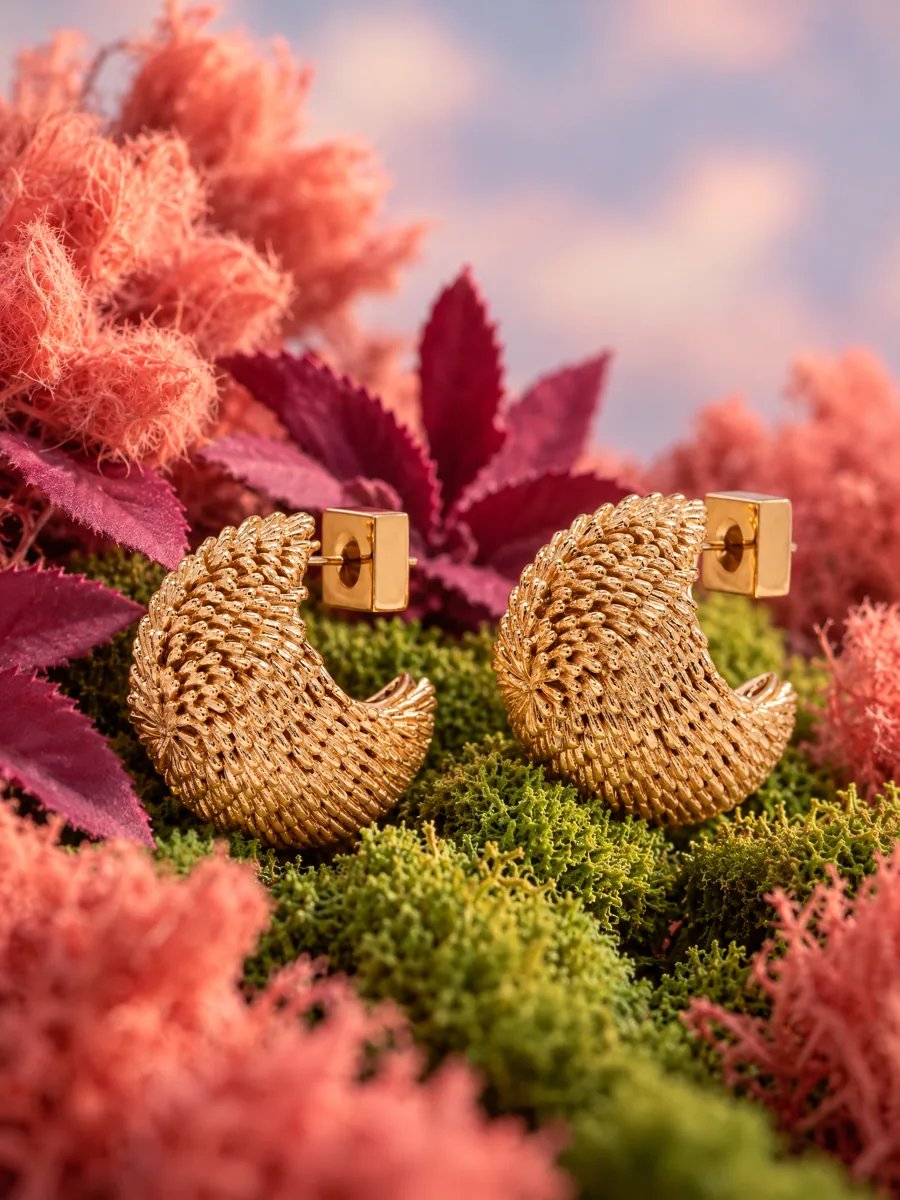 05Product stillsStyled scenes for beauty, jewelry, food and home.Learn more →
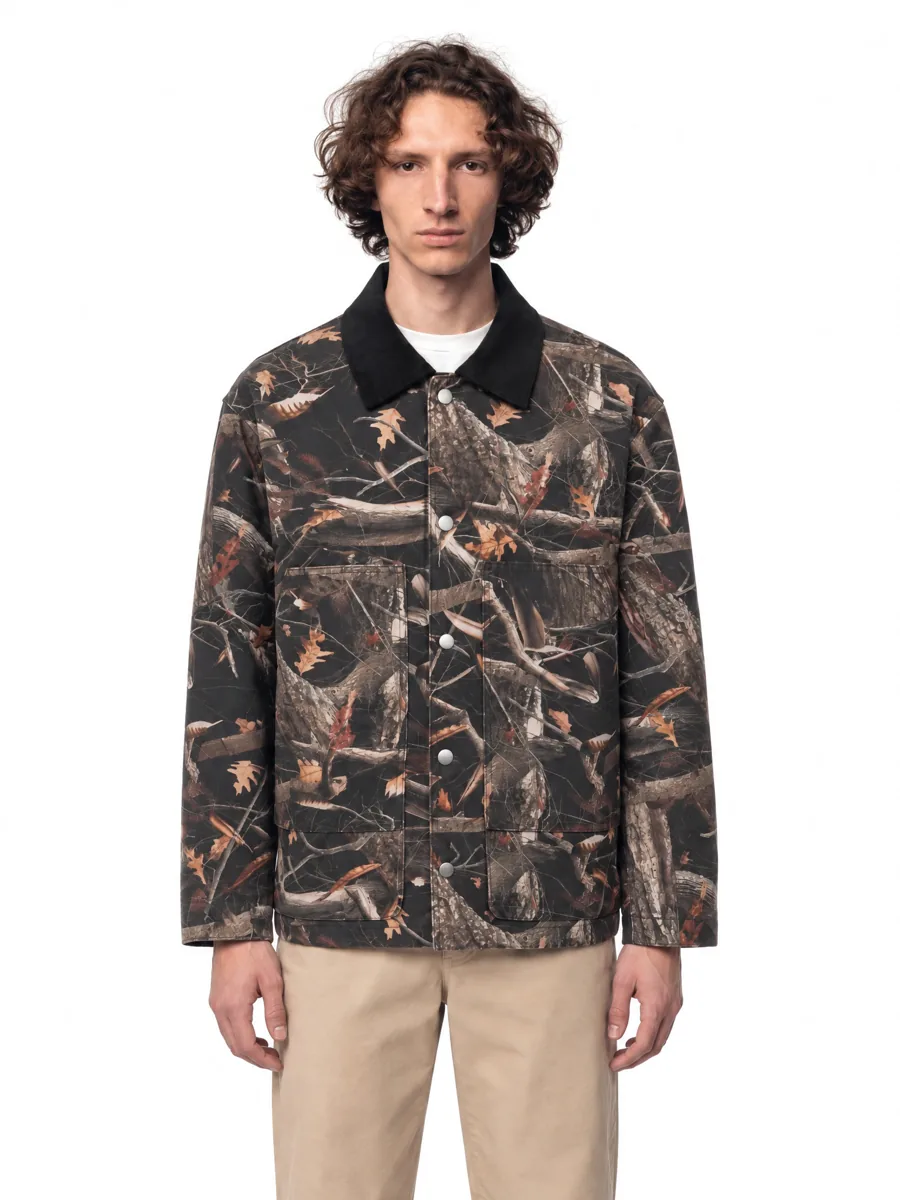 06Angles and detailsFront, three-quarter, back and close-up.Learn more →
How it works

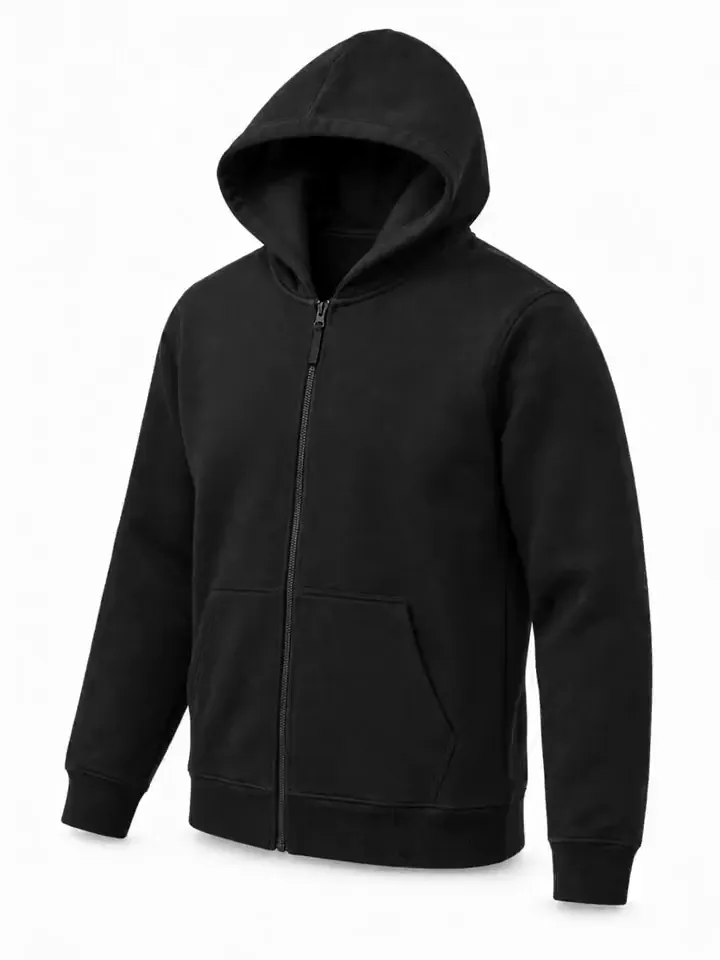
- 01Upload a product photoFlat lay, hanger, mannequin or a phone shot. One clear photo per item is enough.
- 02Pick a model and a sceneStudio, street or interior. Keep the same model for the whole catalog.
- 03Get checked framesQuality control compares every frame with your photo before you see it, so it is right the first time.
Questions
Can I try my clothes on different models?
Yes. Generate the same garment on as many models as you need.
Is this a try-on for shoppers?
No. AISKU creates catalog and marketing images for brands and sellers.